Most people don't go looking for a CroxyProxy alternative because they dislike CroxyProxy. They go looking because the page stopped loading.
That's the normal life cycle of a free web proxy. It gets popular, it gets written about, it lands in the "proxy/anonymizer" category of whatever filter sits on the network, and one Tuesday morning the box you've typed URLs into for a year returns a block page instead. The other complaints are duller: ads stacked around the frame, a crowded server at 4pm, a video that buffers for ninety seconds and then quits.
I write about proxies for a living, mostly the boring industrial kind used for scraping, so I spend a lot of time reading the fine print on services like these. For this list I went through the free web proxies people actually name in 2026 and checked what each one publishes about session length, server locations, and logging, plus what independent reviewers found when they poked at them. Eight made it. Two of those eight you run yourself, which is the part every other roundup skips.
One disclosure before the picks: this site sells proxies. Not these, and none of the eight below pay me anything, but you should know the bias exists and read accordingly.
The best CroxyProxy alternatives
- Ternproxy for a clean one-tab unblock with published limits
- BlockAway for picking a European or American exit
- ProxySite for sending a proxied page to someone else
- hide.me proxy for a session from a company with a real privacy policy
- KProxy for covering the whole browser instead of one tab
- browser.lol for opening a link you don't trust
- Scramjet for running the proxy yourself
- An SSH SOCKS tunnel for when you already have a server
What CroxyProxy is, and why people leave it
CroxyProxy is a web proxy: a website that fetches another website for you and renders it inside your tab, on CroxyProxy's address instead of the target's. Nothing installs, nothing needs admin rights, and your network sees a connection to croxyproxy.com rather than to whatever you're actually reading.
It's genuinely good at the hard part. Video is where most free proxies fall over, and CroxyProxy plays YouTube with fewer errors than nearly anything else in this category.
The reasons people leave cluster into four: the domain itself gets filtered, the free servers slow to a crawl at peak hours, the ad load gets heavy, and the server choice is thin. None of that is a scandal. It's what happens when one operator pays for bandwidth that thousands of strangers use for free.
What makes a good CroxyProxy alternative
It survives the filter. A proxy that's been on every blocklist since 2019 is worth less than an obscure one that works today. Smaller and newer often beats famous here, which inverts the usual advice.
It tells you its limits. Session caps, cool-downs, and server locations should be written down somewhere. A service that publishes "60 minutes, then 15 minutes off" is being more honest with you than one that silently drops you back to the homepage.
It handles the sites you care about. Text and images are easy. JavaScript-heavy apps, video, and anything behind a login are where these tools separate.
Its privacy policy matches its marketing. Several popular free proxies advertise anonymity and then log your IP, browser, time zone, and the sites you visited. Read the policy, not the homepage.
You can leave. No account, no card, no extension that stays installed after you're done.
I excluded VPN apps, since needing to install something defeats the point of a web proxy, and I excluded the paid residential proxy networks that fill most "CroxyProxy alternatives" articles. Those are a different product sold to a different buyer, and pointing someone who wants to read a blocked news site toward a $1/GB scraping plan is a bait and switch. My method was documentary rather than hands-on: I read each service's own FAQ, pricing page, and privacy policy, cross-checked server locations and session limits against independent reviews from TechRadar, Cloudwards, and Geekflare, and read the source for the two self-hosted options.
At a glance
| Tool | Best for | Standout detail | Pricing |
|---|---|---|---|
| Dibbleway | A clean one-tab unblock | Publishes its 60-minute session cap | Free, no account |
| BlockAway | Choosing your exit region | Pick an EU or US server at connect time | Free with ads; paid ad-free tier |
| ProxySite | Sharing a proxied page | Permalinks let someone else load the same view | Free, ad-supported |
| hide.me proxy | A privacy policy you can read | Run by a VPN company, three EU locations | Free, no account |
| KProxy | Whole-browser coverage | Extensions for Chrome, Firefox, Edge | Free (Canada, France); Pro adds locations |
| browser.lol | Links you don't trust | Six browsers including Tor, run on remote VMs | Free with ads; two paid plans |
| Scramjet | Full control | Open source, actively maintained, you host it | Free (MIT) plus server cost |
| SSH SOCKS tunnel | Servers you already own | One command, no software to install | Free if you have a box |
Best CroxyProxy alternative overall: Dibbleway
Pros
- No account, no card, no extension
- Publishes its session limits instead of hiding them
- A reset page that clears whatever it stored
Cons
- Sessions cut off at 60 minutes with a 15-minute cool-down
- JavaScript-heavy pages render incompletely
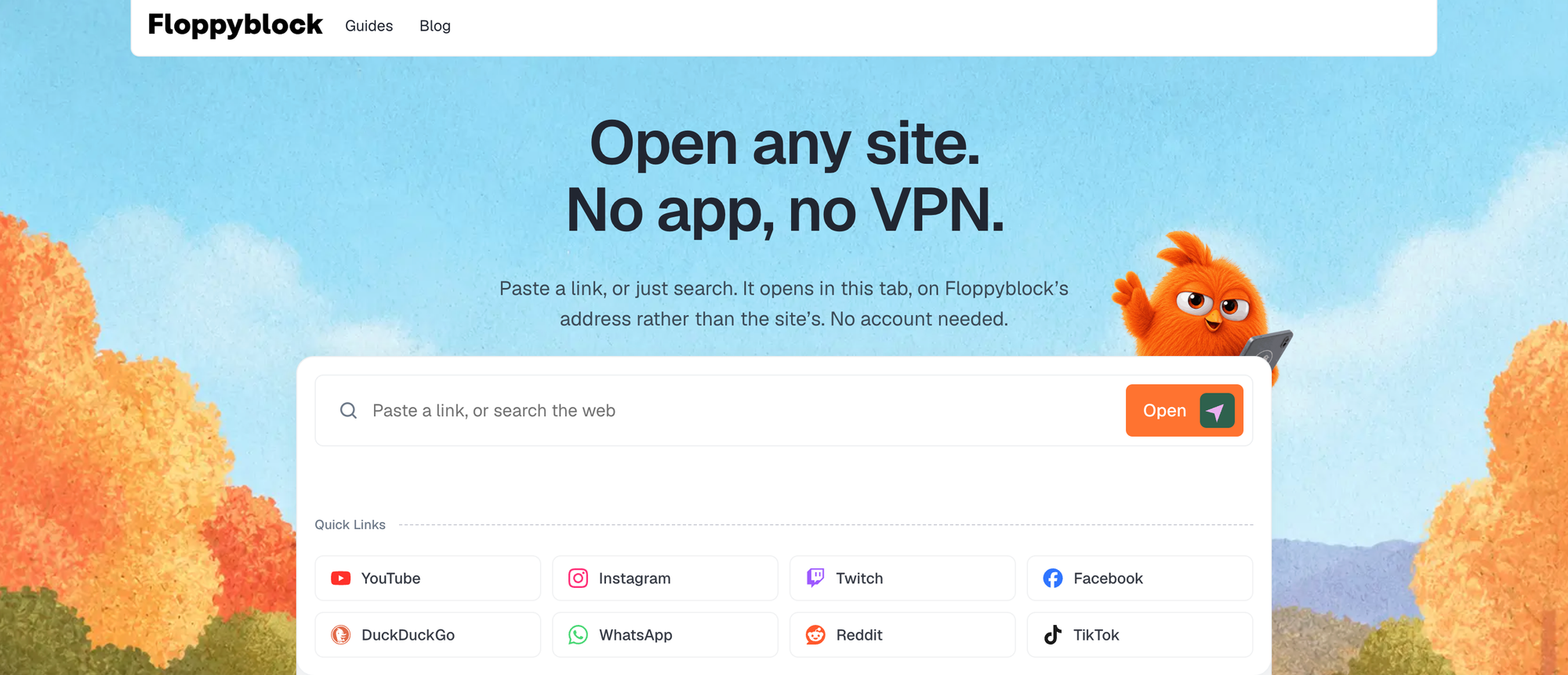
Dibbleway does the same thing CroxyProxy does and gets out of the way. You paste a link or type a search, the site opens in the tab you're already in, and the address bar shows Dibbleway's domain with the target encoded into it. There are quick links along the top for YouTube, Instagram, Reddit, TikTok, Twitch, Facebook, WhatsApp Web, and DuckDuckGo, which covers most of why anyone opens a web proxy.
What earns it the top spot is the FAQ. Dibbleway states that a session runs 60 minutes, that the tab returns to the homepage when it ends, and that a 15-minute cool-down follows before you can start another one. The stated reason is that one browser shouldn't be able to hold a relay open all day. Nobody else on this list volunteers that kind of detail, and knowing the rule in advance is worth more than a slightly longer session you didn't know was rationed.
It also says plainly which sites fail: pages leaning hard on JavaScript, video, logins, and anything behind a paywall. That's an accurate description of every proxy in this category, and Dibbleway is the only one I found that writes it down instead of letting you discover it.
The privacy claims are the usual ones, no logging and no sign-up, with a /reset page that clears stored cookies. Treat those claims the way you'd treat any free service's claims about itself: unverifiable from the outside. But the design supports them, since there's no account to attach a history to.
Be warned that the 60-minute cap is real and it will interrupt you mid-article. If you want to sit inside one long session, KProxy or a tunnel of your own fits better. For the common case, opening a blocked page, reading it, and closing the tab, the cap never comes up.
Dibbleway pricing: Free. No payment step, no card, no account.
Best for picking your exit region: BlockAway
Pros
- Choose between European and American servers before you connect
- Handles video on YouTube and the big social platforms
- Nothing to configure in the browser or OS
Cons
- The free tier carries ads, and the ad-free version costs money
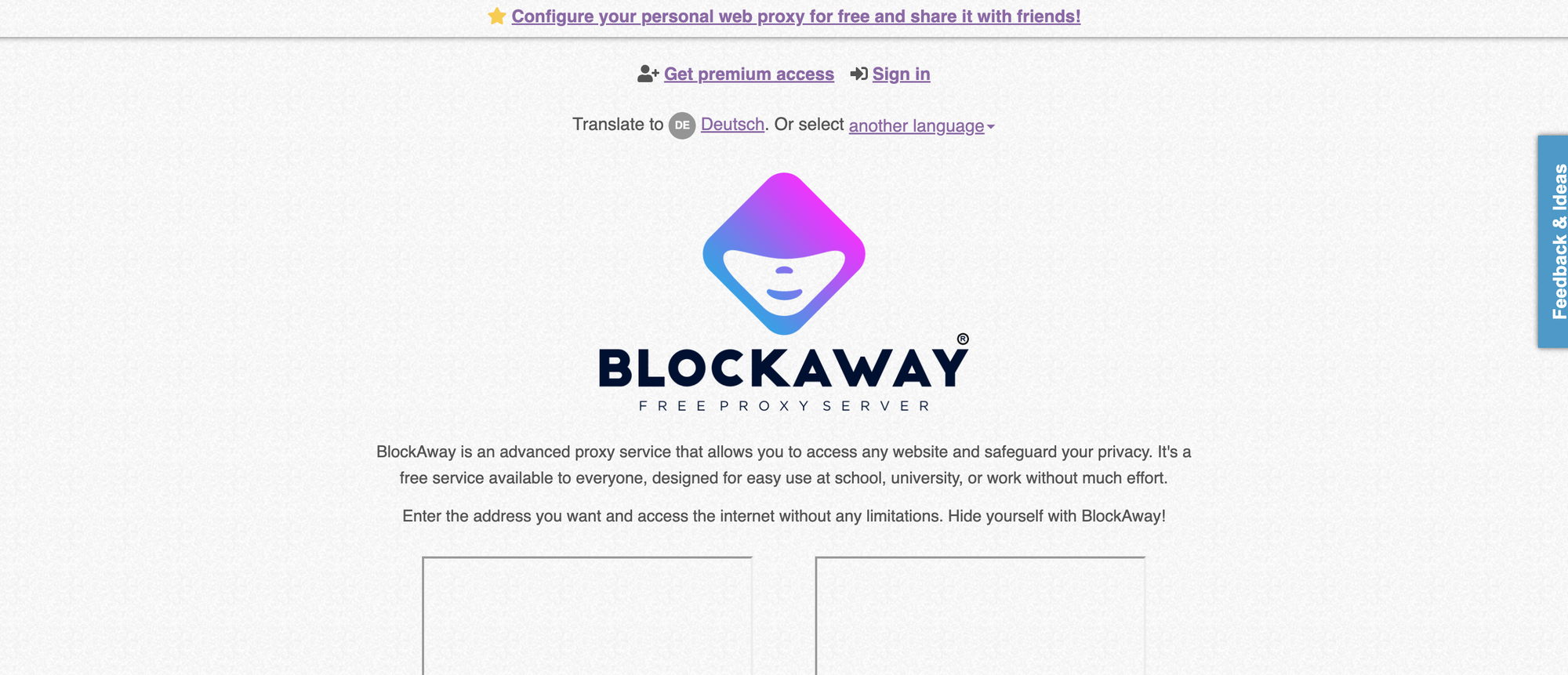
Region matters more than people expect. Plenty of pages aren't blocked by your network at all, they're geo-restricted by the site, and a proxy exiting in the wrong continent moves you sideways instead of forward. BlockAway lets you pick between European and American servers at connect time, which solves that in one click.
It's built for the school, university, and office case, so there's no browser or OS configuration, and it advertises unlimited video on YouTube and the major social networks. In practice "unlimited" on a free proxy means "until the server gets busy," and BlockAway sells a premium ad-free tier precisely because the free one is paid for with ads.
If you want to compare it against its own neighbours, I wrote up the BlockAway alternatives separately.
BlockAway pricing: Free with ads. A premium ad-free tier exists; check the current price on their site, since it's changed more than once.
Best for sharing a proxied page: ProxySite
Pros
- Permalinks let someone else open the exact page you loaded
- Caches popular pages, so common sites feel faster
- Server list you can actually pick from
Cons
- The ad load is heavy enough to ruin the reading experience
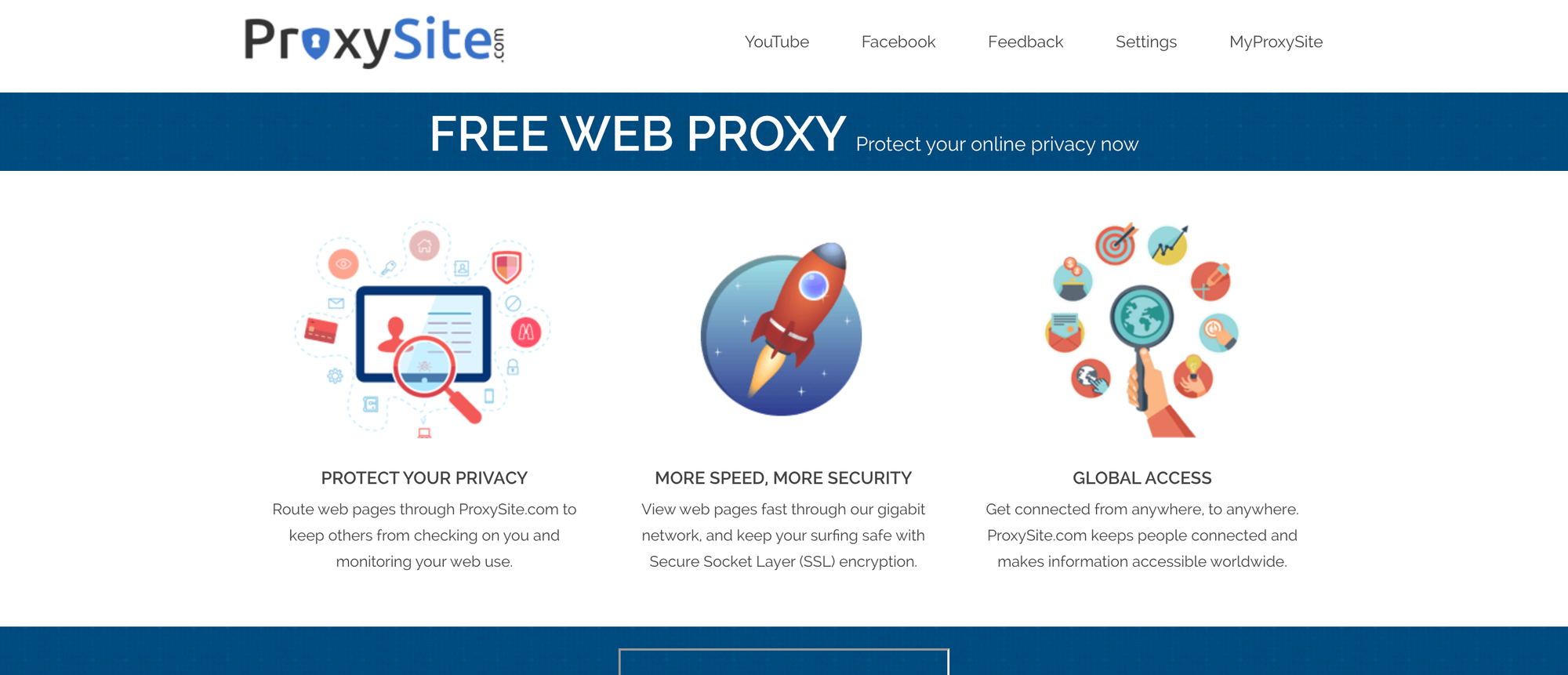
ProxySite has been around long enough to be one of CroxyProxy's closest competitors by traffic. You paste a URL, choose a US or EU node, and the page loads with SSL added on top if the target doesn't have it.
The feature nobody else offers is the permalink. Load a page through ProxySite and you can hand the resulting link to someone else, and they get the same proxied view without walking through the form themselves. If you're helping a colleague reach something their network eats, that saves an explanation.
It claims 20 US and 18 European servers. Cloudwards checked and found the real spread is narrower, roughly ten in the US, nine in Canada, and the European ones sitting in France and Belgium. Not a lie exactly, but worth knowing if you picked a node for a specific country.
The ads are the problem. Cloudwards called the service ad-laden and I'd agree from looking at it. Still the right pick when you need the permalink, and fine for a quick text page you'll close in two minutes.
ProxySite pricing: Free, ad-supported.
Best for a privacy policy you can read: hide.me proxy
Pros
- Run by an established VPN company with a published no-logs position
- Per-session toggles for cookies, scripts, and URL encryption
- Blocks WebRTC IP leaks
Cons
- Three locations only, and slow
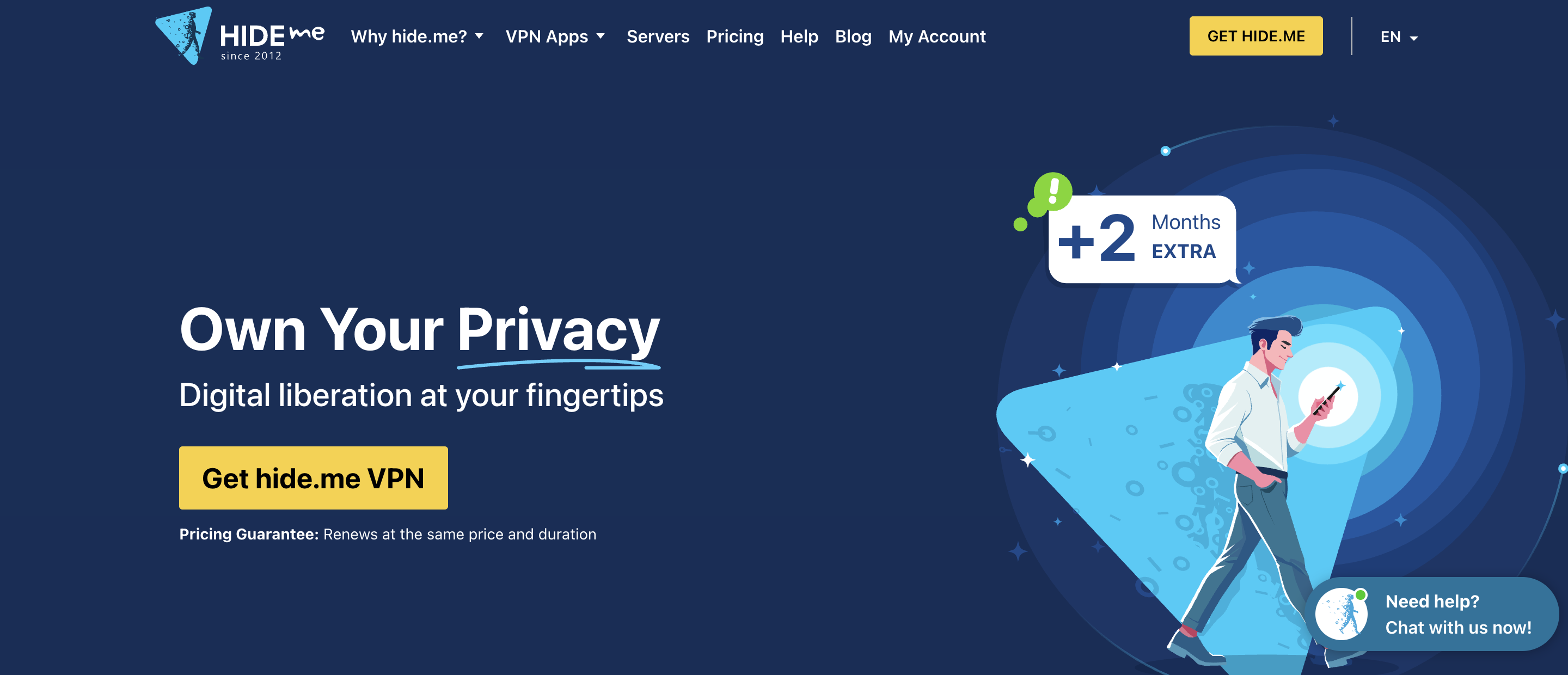
Most free web proxies are run by someone you can't identify. hide.me's is run by a VPN business with a name, a policy, and a reputation it would rather keep. For anyone whose reason for using a proxy is privacy rather than access, that changes the calculation.
The form gives you options the others don't: allow or block cookies, strip scripts, encrypt the page and the URL. TechRadar noted it prevents WebRTC leaks, which matters because WebRTC is the classic way a browser hands over your real IP while you think you're covered. If you're not sure what that means, the WebRTC leaks explainer covers the mechanism.
The limits are real and TechRadar was blunt about them. You get Finland, Germany, and the Netherlands, and that's it. It didn't unblock Netflix or Prime Video for them, and speeds run below average. Anyone outside Europe is looking at a long round trip.
Use it for one-off visits where you care who's watching. For anything geo-locked to the US, pick BlockAway or ProxySite instead.
hide.me proxy pricing: Free, no account. Chrome and Firefox extensions are also free.
Best for whole-browser coverage: KProxy
Pros
- Extensions for Chrome, Firefox, and Edge, plus a portable Firefox build
- Running since 2005, which is a long time for this category
- Free tier has no ads in the extension
Cons
- The privacy policy logs a great deal, despite the marketing
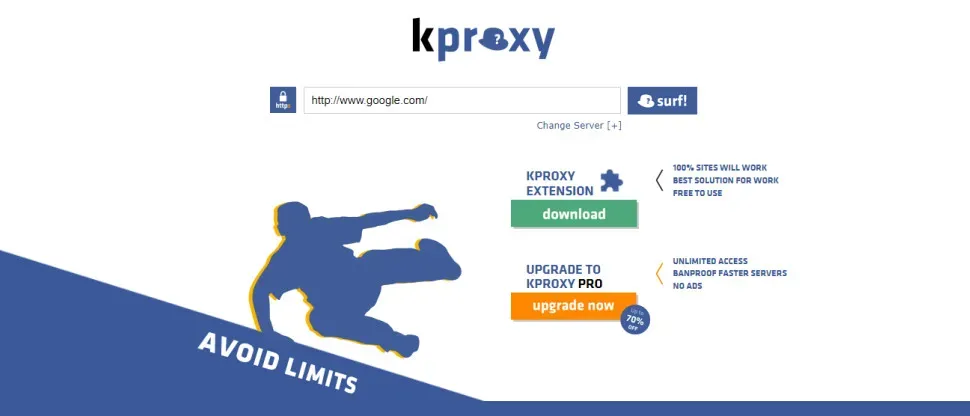
Everything above proxies one tab. KProxy proxies your browser. Install the extension and all browser traffic routes through a KProxy server, which fixes the most annoying limitation of web proxies: links that open outside the proxied frame and immediately hit the block page again. There's also a portable Windows build, which is PortableApps' Firefox with KProxy preinstalled, useful on a machine where you can't install anything.
The free tier gives you Canada and France. Pro adds Germany and the US, removes ads, and lifts the session limits. Free servers get crowded at peak hours and downloads are throttled hard enough that video is usually a write-off.
Then the part the marketing doesn't lead with. TechRadar read KProxy's privacy policy and found it lists a long inventory of logged data: IP address, browser type and version, time zone, connection type, Wi-Fi network name, plus usage activity including clicks per page, time on page, and the identity of third-party sites accessed through the service. It does not claim to be a zero-log service. So KProxy is an access tool, not a privacy tool, and it's more honest about that in its policy than most competitors are anywhere.
Pick it anyway if your goal is reaching things and you're not hiding from the proxy operator. Skip it if your threat model includes the proxy operator.
KProxy pricing: Free with two locations. Pro adds two more locations and removes ads and limits; pricing is on their site and I haven't verified the current figure.
Best for links you don't trust: browser.lol
Pros
- Six browsers to launch, including Tor
- The page renders on their hardware, so nothing executes on yours
- No account needed for basic sessions
Cons
- Nothing persists, and sites see browser.lol's IP rather than a location you chose
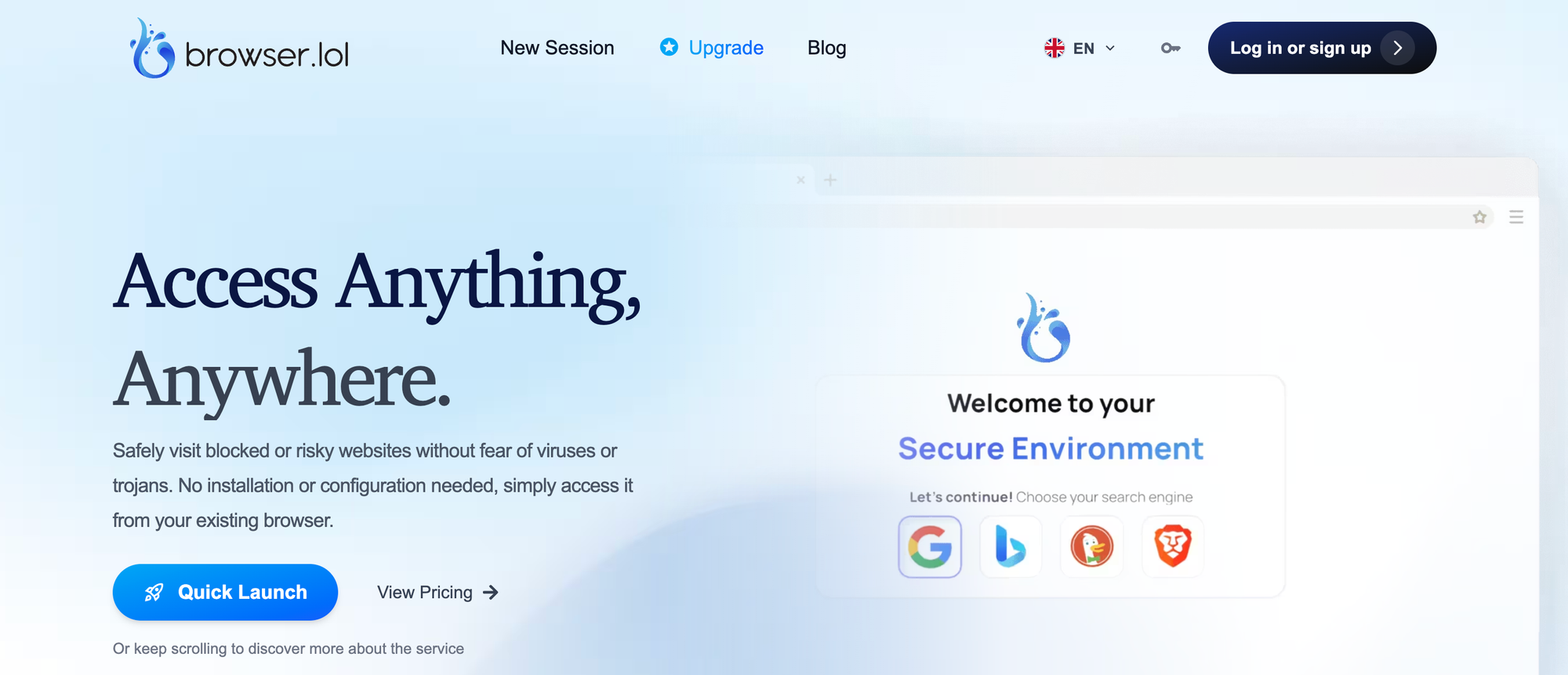
browser.lol is a different animal. Instead of fetching a page and rewriting it into your tab, it boots a real browser inside an isolated container on a remote VM and streams the picture to you. You click, it clicks. Nothing from the site touches your machine.
You pick from Chrome, Edge, Firefox, Brave, Opera, and Tor. Sessions are ephemeral by design: cookies, cache, and history die when the session does, and files you download inside a session can't be pulled out afterward. The infrastructure is Linux only, so Windows software testing is out.
The catch worth stating clearly is that this is isolation, not location. Sites see browser.lol's IP address. If your goal is appearing to browse from Germany, this is the wrong tool. If your goal is opening a sketchy link from an email without giving it a shot at your laptop, it's the best one here.
Free sessions are funded by ads. A review in February 2026 put the free session cap at around two hours of activity, and browser.lol lists two flat paid plans that remove the ads and extend sessions.
browser.lol pricing: Free tier, ad-supported, no card. Two paid plans above it; check the site for current figures.
Best for full control: Scramjet
Pros
- Open source, MIT licensed, and actively maintained
- Supports YouTube, Discord, Reddit, and CAPTCHAs
- Your traffic goes through your server and nobody else's
Cons
- Still labelled experimental, and you need somewhere to host it
Every hosted proxy above asks you to trust an operator you can't see. Scramjet removes that question by making you the operator.
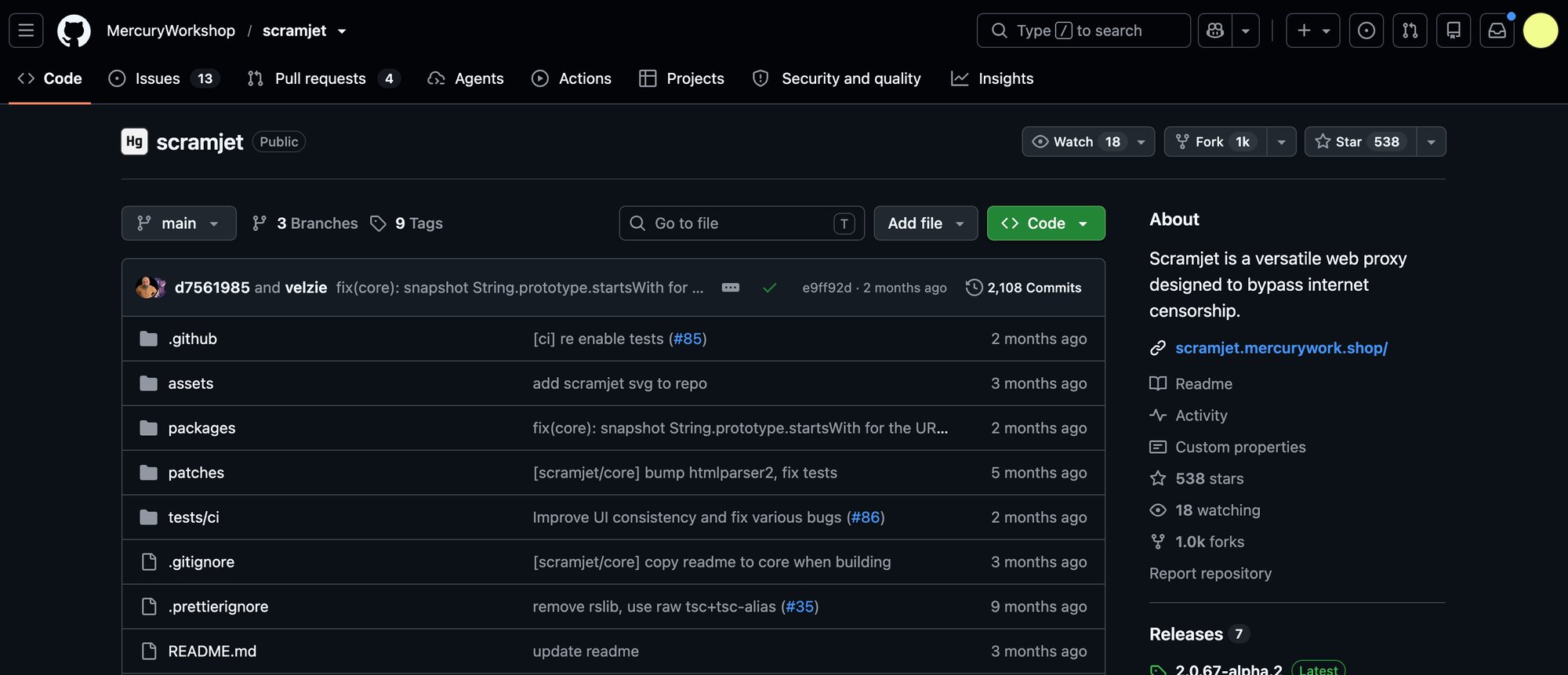
Scramjet is Mercury Workshop's interception-based web proxy, the official successor to Ultraviolet, which is now unmaintained and has noticeably worse site support. It works by intercepting requests with a service worker and rewriting HTML, JS, and CSS on the fly so the page behaves as though it loaded from the original domain. That's the same technique the polished hosted proxies use, which is the point: you're running the engine instead of renting a seat.
Getting a local copy up takes four commands.
The repo builds with pnpm and ships a dev server, so you can see it working before you think about hosting:
git clone https://github.com/MercuryWorkshop/scramjet
cd scramjet
pnpm install
pnpm dev          # builds, then serves on http://localhost:1337
That UI is a test harness and it looks like one. For something you'd actually deploy, use Scramjet-App, the mass-deployable example built on the same library and modelled on the old Ultraviolet-App layout.
Two gotchas the docs call out and no roundup mentions. Don't host it on a datacenter IP if you want CAPTCHAs and YouTube to work, because those IP ranges are flagged before a request even arrives. And heavy traffic through a single IP will break sites, so the docs suggest rotating IPs or routing the exit through WireGuard using something like wireproxy. This is the one place where the kind of proxies we sell are relevant: a residential or ISP exit fixes the datacenter flagging that a cheap VPS will hand you.
Also worth knowing: Scramjet is explicitly experimental, and it's a censorship-circumvention tool. Check what your jurisdiction and your network's acceptable use policy say before you point it anywhere.
If you'd rather start with something simpler, Node Unblocker is an older and much smaller Node library that does basic URL rewriting in about thirty lines of setup. It breaks on modern single-page apps, but it's a good afternoon.
Scramjet pricing: Free, MIT licensed. Your cost is the server, from a few dollars a month on a small VPS.
Best when you already have a server: an SSH SOCKS tunnel
Pros
- One command, nothing to install, encrypted end to end
- Covers every browser tab, not just a proxied frame
- You control both ends
Cons
- Needs a server, and it shows up as an SSH connection on the network
If you already rent a VPS, or you have a box at home and a way in, you don't need a web proxy at all. OpenSSH has a SOCKS5 proxy built into it and it's been there for decades.
This opens a local SOCKS5 listener on port 1080 and forwards everything through your server:
ssh -D 1080 -C -N -q [email protected]
-D starts the dynamic port forward, -C compresses the traffic, -N says don't run a remote command, and -q keeps it quiet. Leave the terminal open while you browse.
Then point the browser at it. In Firefox: Settings, search "proxy", click Network Settings, choose Manual proxy configuration, set SOCKS Host to 127.0.0.1 with port 1080, select SOCKS v5, and tick "Proxy DNS when using SOCKS v5". That last checkbox matters. Without it your browser leaks every domain you visit to the local DNS resolver, which is often exactly what's doing the blocking.
The honest limitation: a filter that's watching for outbound SSH will see outbound SSH. Many corporate networks block port 22 outright. Running your SSH daemon on 443 gets around most of that, though anything doing real protocol inspection will still spot it.
Nothing here is exotic, and it beats every hosted option on trust, because the only party who sees your traffic is you.
SSH tunnel pricing: Free with a server you already have.
Other options worth a look
- Proxyium is a straightforward form-and-go web proxy in the same mould as CroxyProxy, and I've covered the Proxyium alternatives separately.
- Rammerhead takes a different approach from Scramjet, doing session-based proxying with server-side URL rewriting, which suits some filter setups better.
- Ultraviolet is the project Scramjet replaced. Plenty of live sites still run it, but it's unmaintained and supports fewer sites, so don't start a new deployment on it.
- 4everproxy and FilterBypass both still work and both come up in these lists. Neither does anything the eight above don't do better.
- HideMyAss offers six free proxy locations, more than hide.me, but TechRadar found its web form has poor JavaScript support and many sites break.
More free options, with the same caveats, live in the free proxy sites roundup.
Where none of these help
Three jobs no web proxy on this list will do, including CroxyProxy.
Scraping. Every tool here renders one page into one human's tab. There's no API, no concurrency, no IP rotation, and the shared exit IP is already burned on any site worth scraping. If that's what you came for, you want actual proxies for scraping and a script, not a website with a URL box.
Streaming services with DRM. Netflix, Prime Video, and their peers detect and block these within hours of anyone noticing them. TechRadar's testing of hide.me confirmed the obvious. Free proxies lose that fight permanently.
Anything with a serious login. Third-party sign-in flows through Google, Apple, or Microsoft break in proxied frames, and aggressive bot detection from Cloudflare and Akamai treats a rewritten page as exactly what it is.
And the thing that gets people into trouble: a web proxy hides the destination from your network, and shows the destination a different IP. That's it. The proxy operator sees everything, your ISP sees a connection to the proxy, and browser fingerprinting works fine through all of it. None of these is anonymity.
Which CroxyProxy alternative should you use?
Start with Dibbleway. It's the closest replacement, it costs nothing, and the published limits mean you know what you're getting before you're mid-article.
If the page you want is geo-locked rather than network-blocked, go to BlockAway and pick the right continent. If you're handing the link to somebody else, ProxySite's permalink is the only feature of its kind. If you're opening something that smells like malware, browser.lol keeps it off your machine entirely.
If the proxy domain itself keeps getting filtered, stop chasing new ones and host Scramjet. You'll never be on a blocklist, because you'll be the only user.
And if you already have a server, use the SSH tunnel. Thirty seconds of setup beats every free service on this page.
FAQ
Is CroxyProxy safe to use?
It's as safe as any free web proxy, which means the operator can see every page you load through it. Encrypted sites stay encrypted between the proxy and the site, but the proxy sits in the middle by design. Don't enter passwords or payment details through any web proxy, CroxyProxy included.
Why did CroxyProxy stop working on my network?
Almost always because the domain was added to a filter's blocklist, either by name or by the "anonymizer" category most filtering products ship with. That's a property of the proxy's popularity rather than anything you did. A less well-known alternative usually works until it gets popular too.
Are CroxyProxy alternatives legal?
Reaching a public website your network blocks is usually a question of your employer's or school's policy rather than the law, and breaking that policy can still cost you your account or your job. A few countries do restrict circumvention tools specifically. This isn't legal advice, so check both your local law and the acceptable use policy of whatever network you're on.
Can I use a CroxyProxy alternative for web scraping?
No. These tools render one page at a time into a browser tab, with no API and a shared exit IP that's already blocked on most targets. Scraping needs a proxy pool you can rotate, called from your code.
What's the difference between a web proxy and a VPN?
A web proxy handles one tab or one browser and changes what the destination sees. A VPN handles every application on the device and encrypts the link between your machine and the VPN server. A proxy needs nothing installed, which is the entire reason to use one on a locked-down device.
![Decodo vs. Bright Data: Which is the better provider? [2026]](https://roundproxies.com/blog/content/images/2026/10/decodo-vs-bright-data-1.png)
![IPRoyal vs. Webshare: Which provider is cheaper? [2026]](https://roundproxies.com/blog/content/images/2026/10/iproyal-vs-webshare-1.png)







![IPRoyal vs Oxylabs: Which provider is better? [2026]](https://cdn.roundproxies.com/blog-images/2026/02/iproyal-vs-oxylabs-1.webp)