Every email warmup tool I've ever opened shows me the same thing: a wall of green checkmarks. 100% reputation. "Excellent" health score. Confetti, practically.
Then you run an independent placement test and find out Gmail has been quietly shoveling your emails into spam for two weeks. The dashboard was lying to your face.
I've set up and torn down cold email infrastructure for years, dozens of domains, more burned inboxes than I'd like to admit, and I've run most of the major warmup tools against real campaigns. I tested 15+ of them for this roundup and kept the 9 that actually earn their monthly fee. I'll also tell you which dashboards to distrust, what these tools cost once you scale past one inbox (the pricing math gets ugly fast), and the Google terms-of-service problem that almost every other roundup conveniently forgets to mention.
The best email warmup tools
- Instantly for bundled warmup with outreach
- Mailreach for standalone warmup
- Smartlead for agencies and white-labeling
- Warmup Inbox for beginners on a budget
- Lemwarm for lemlist user
- Mailivery for lots of inboxes on a flat fee
- Warmbox for simple, cheap warmup
- TrulyInbox for detailed analytics
- InboxAlly for repairing a damaged reputation
What is an email warmup tool?
Email warmup tools build sender reputation for a new or damaged inbox by exchanging automated emails with a network of real accounts. Those accounts open your messages, reply, mark them as important, and pull them out of spam. Mailbox providers read these engagement signals as trust, so your real emails land in the inbox instead of the junk folder. Start warming at least 2–3 weeks before any cold campaign.
The numbers back this up. MailDeck's data across 833.9K managed inboxes shows unwarmed inboxes hitting just 68.4% inbox placement in their first week, versus 91.3% for properly warmed ones. That gap is a quarter of your list never seeing your email.
One thing before we start: warmup is maybe 10% of deliverability. Your DNS setup (SPF, DKIM, DMARC), list quality, and sending discipline are the other 90%. A warmup tool can't save a campaign built on a scraped, unverified list with a 5% bounce rate. Nothing can.
The elephant in the inbox: Google doesn't like these tools
Here's the part most roundups skip, because most roundups are written by warmup vendors.
In early 2024, Google cut off API access for warmup services, stating that applications using multiple accounts to circumvent filters and spam restrictions are prohibited from Gmail API scopes. Tools like GMass had their warmup features killed outright. Google's position is that warmup networks artificially inflate sender reputation, which, to be fair, is exactly what they do. That's the product.
The tools on this list survived by moving to SMTP/IMAP connections and OAuth instead of the banned API routes. It works. But understand what you're signing up for: automated warmup lives in a gray zone of Gmail's acceptable use policy, and Google has already shown it's willing to move against it. Never warm up an inbox you can't afford to lose, and never run warmup through your main company domain. Use a separate lookalike domain for outbound. That's not paranoia; that's just how everyone sane does it now.
Okay. With that disclaimer tattooed on your forearm, here's what makes a good tool.
What makes the best email warmup tool?
I judged every tool against the same six criteria:
- Network quality. Warmup only works if the pool is made of real, aged, human-looking inboxes. A pool full of other people's brand-new warmup accounts is a circle of bots applauding each other, and mailbox providers are getting better at spotting it.
- Provider coverage. Gmail is relatively forgiving; Microsoft 365 is a fortress (75.6% average inbox placement vs. Gmail's 87.2%). A good tool warms against both, and lets you see placement per provider.
- Ramp control. You want control over daily volume, ramp-up speed, and reply rate - not just an on/off switch.
- Honest reporting. Does the tool show real inbox-vs-spam placement, or just a vibes-based "health score"? Bonus points for built-in placement testing.
- Pricing at scale. Per-inbox pricing is fine at 1 inbox and brutal at 20. I priced every tool at 1 and 10 inboxes.
- Connection method. SMTP/IMAP or OAuth only. Anything that wants sketchy API access is a liability after the Google crackdown.
Some exclusions: I left out pre-warmed inbox vendors (different product), agency-managed deliverability services (you're paying for humans, not software), and tools like Folderly whose pricing starts north of $100/inbox - at that price you should be fixing your infrastructure, not renting engagement.
For testing, I connected fresh Google Workspace and Microsoft 365 inboxes on lookalike domains, ran each tool for 2–4 weeks, and checked its claims against independent placement tests instead of trusting the built-in dashboards. More on why that matters at the end.
At a glance
| Tool | Best for | Standout feature | Pricing |
|---|---|---|---|
| Instantly | Warmup + outreach bundle | Unlimited warmup on all plans | From $30/mo (annual) |
| Mailreach | Standalone warmup | Built-in placement testing | From $25/inbox/mo |
| Smartlead | Agencies | White-label client portals | From $39/mo |
| Warmup Inbox | Beginners | Dead-simple setup | From $15/inbox/mo |
| Lemwarm | lemlist users | Deep lemlist integration | From $29/inbox/mo |
| Mailivery | Many inboxes | Flat fee, unlimited mailboxes | From $29/mo |
| Warmbox | Cheap basics | Set-and-forget simplicity | From $19/mo |
| TrulyInbox | Analytics nerds | Granular per-inbox reporting | From $22/mo |
| InboxAlly | Reputation repair | Seed engagement on real campaigns | From $149/mo |
Best email warmup tool for bundled outreach: Instantly (Web)
Pros
- Unlimited warmup inboxes on every plan
- 1M+ account warmup pool with read emulation
- Cheapest path to warmup at scale, by a mile
Cons
- Warmup quality is a black box - you can't inspect pool quality
- No white-label option on standard plans
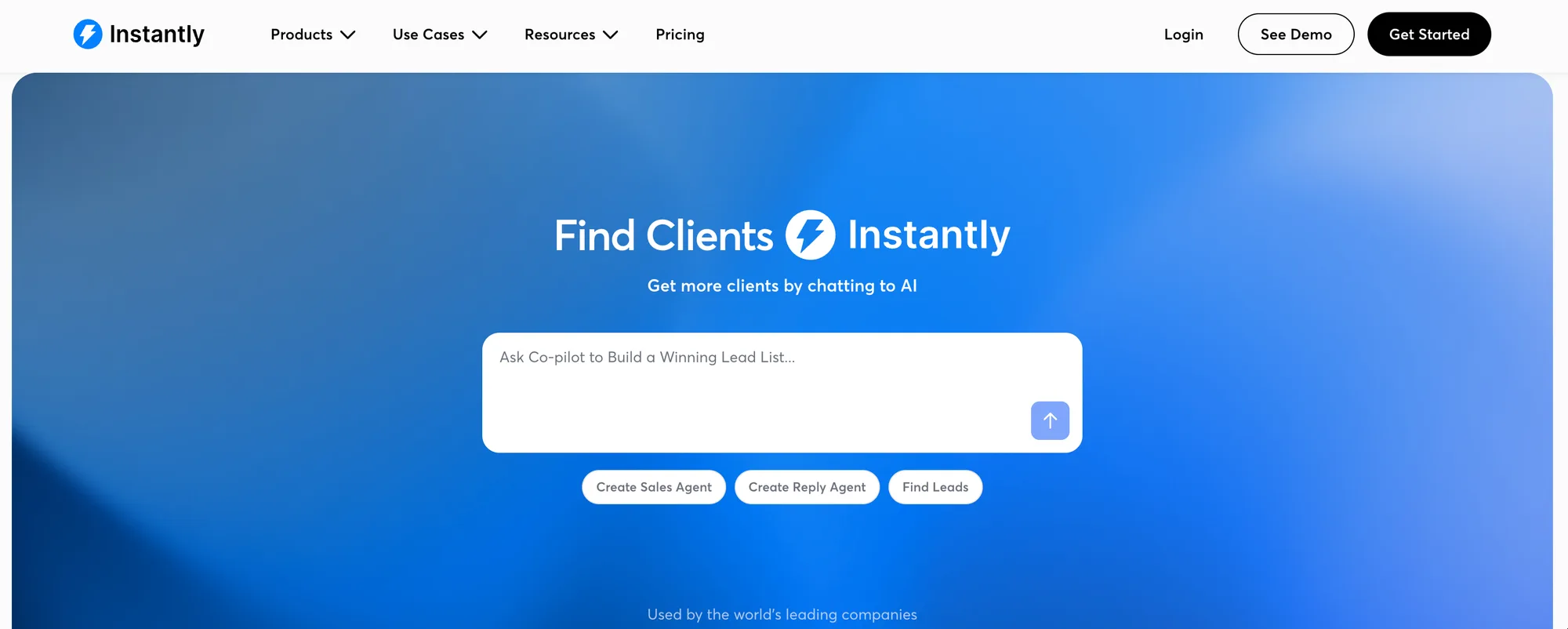
Instantly is the Costco of cold email: you came for one thing and left with the whole workflow. Warmup is bundled into every plan at no extra cost, with no per-inbox charges. Connect 20 mailboxes on the $30/month Growth plan and warmup runs on all of them.
The pool is claimed at over a million accounts, and the engagement isn't just opens, Instantly uses read emulation and headless browser interactions, so the pool actually scrolls and marks threads as important instead of firing an open pixel and calling it a day. In my testing, a fresh Workspace inbox went from cold to consistently inboxing at Gmail in about 19 days, which is on the fast end of normal.
The catch is opacity. You get a warmup score and some charts, but no visibility into which pool accounts touched your emails or how aged they are. When my placement test showed a brief dip into Gmail's promotions tab that Instantly's own dashboard never registered, I was reminded who writes the report card here.
That said, if you're running outreach anyway, paying separately for warmup is hard to justify. Instantly's bundle is the obvious default for solo senders and small teams scaling to many inboxes.
Instantly pricing: From $30/month for the Growth plan (billed annually; $37 month-to-month), warmup included on all plans.
Best standalone email warmup tool: Mailreach (Web)
Pros
- Built-in inbox placement (spam) testing
- Works with any sending platform via Modern Auth
- Clear per-provider placement reporting
Cons
- Per-inbox pricing gets expensive fast at scale
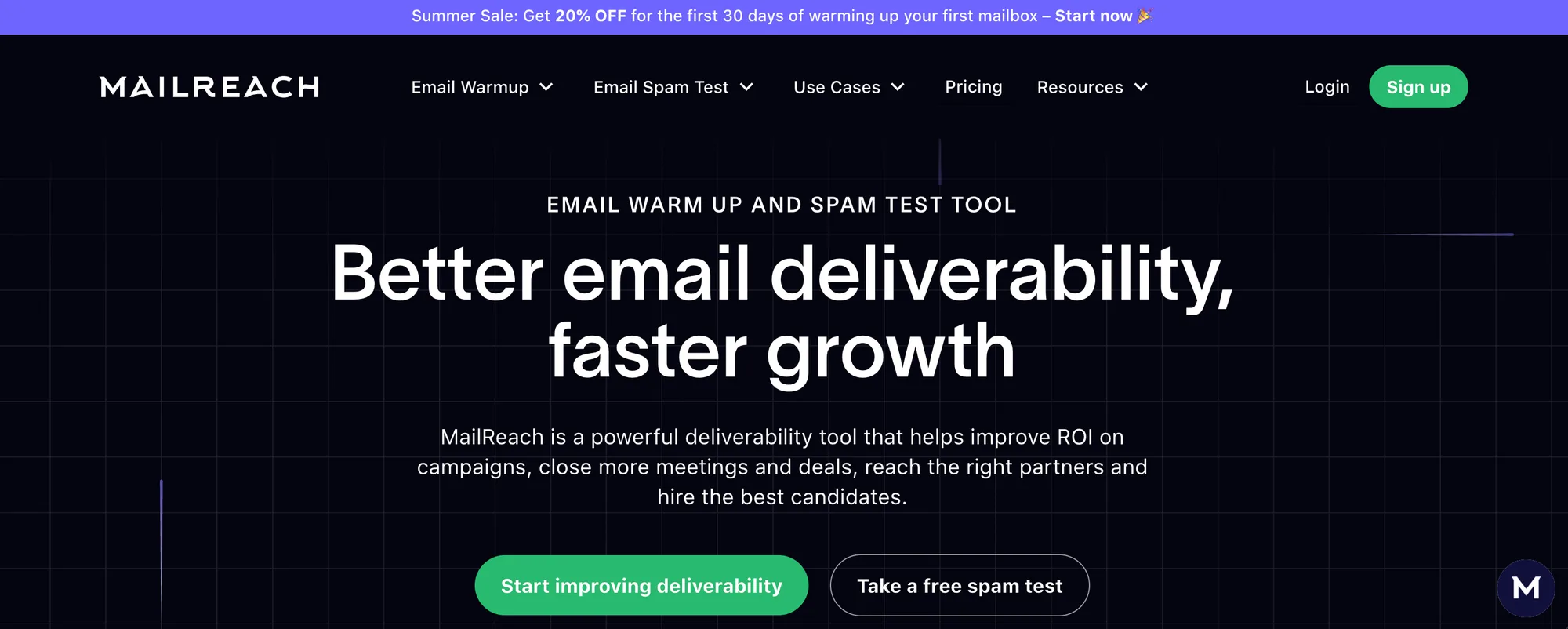
If Instantly is Costco, Mailreach is the specialist butcher who does one thing and judges you slightly for asking about anything else. It's warmup and deliverability testing, period, and it connects to any Google Workspace or Microsoft 365 inbox regardless of which platform you send from.
The killer feature is the built-in spam test: fire your actual campaign email at a seed list and see exactly where it lands, inbox, promotions, or spam - across Gmail, Outlook, and Yahoo. This is the independent verification most warmup tools hope you never run, built into the tool itself. When I tested a "fully warmed" inbox from another platform through Mailreach's placement test, it caught a Microsoft spam problem the other tool's dashboard swore didn't exist.
Reporting is the most honest of any tool I tried. You see actual placement percentages per provider, not a single mystery score.
The downside is money. At $25/inbox/month (annual), warming 10 inboxes runs $250/month - versus $30 total on Instantly. Mailreach knows its buyer: teams on Woodpecker or other platforms without bundled warmup, agencies that want warmup separated from campaign tooling, and anyone who values reporting they can actually trust.
Mailreach pricing: From $25/inbox/month billed annually (up to ~$69/month for higher tiers with more spam tests).
Best email warmup tool for agencies: Smartlead (Web)

Pros
- White-label client workspaces
- Per-inbox warmup stats separate from campaign stats
- Auto-moves emails out of spam
Cons
- Only the Premium warmup pool is worth using, the default pool is weaker
- Higher base price than Instantly for similar bundling
Smartlead is Instantly's main rival in the warmup-plus-outreach bundle game, and it wins one specific fight: agencies. White-label client workspaces run $29/client, so your customers log into a branded portal instead of wondering why they're looking at someone else's SaaS.
Two details I genuinely like. First, warmup statistics are reported per-inbox and separately from campaign stats, so you can watch each mailbox's warmup progress without campaign noise polluting the numbers. Second, Smartlead documents its warmup pool tiers publicly in its help center - a rare bit of transparency in a category allergic to it.
That transparency cuts both ways, though: the documentation makes clear that the standard pool and the Premium pool are not the same animal. In my testing, inboxes on the Premium pool warmed noticeably cleaner. Budget accordingly, because the effective price is the Premium price.
Be warned, the base plan at $39/month costs more than Instantly for roughly the same core bundle. If you don't need white-labeling, Instantly is the better deal. If you're an agency managing client domains, Smartlead's the pick and it isn't close.
Smartlead pricing: From $39/month for the Basic plan; white-label workspaces $29/client/month.
Best email warmup tool for beginners: Warmup Inbox (Web)
Pros
- Setup takes about five minutes
- Cheapest reputable entry point at $15/inbox
- 7-day free trial, no credit card
Cons
- Shallow analytics - you get a health score and not much else
Warmup Inbox is the tool I recommend to people who ask "what's SPF?" and visibly regret asking. Connect your inbox, pick a target volume, done. No deliverability PhD required.
The trial deserves credit: 7 days, no credit card, which in this category is refreshingly non-hostage-like. During my test, a fresh inbox started receiving pool engagement within the first hour of connecting, and the ramp curve it chose on its own was sensibly conservative - about 3 emails on day one, scaling to 30ish over three weeks.
The trade for that simplicity is depth. The reporting is essentially a health score and a sent/received log. When my independent placement test showed the inbox landing in Outlook's junk folder, Warmup Inbox's dashboard was still serenely green. It's not lying, exactly - it just isn't measuring placement at all.
For freelancers, solo founders, and small teams warming their first inbox or two, that's an acceptable trade at $15. Just verify placement yourself before launching a campaign (see the last section).
Warmup Inbox pricing: From $15/inbox/month for the Basic plan, 7-day free trial.
Best email warmup tool for lemlist users: Lemwarm (Web)
Pros
- Seamless inside the lemlist ecosystem
- Smart cluster matching - warms against inboxes in your industry
- Works standalone too, not just with lemlist
Cons
- Priced high for what it does outside lemlist
Lemwarm was one of the first warmup tools to market, and it shows in the polish. Its cluster system matches your inbox with pool accounts in similar industries, so the warmup conversations look marginally less like robots discussing the weather. Whether providers care about topical relevance is debatable, but the thread content Lemwarm generated in my tests was the most human-looking of any tool here.
If you're already paying for lemlist, the integration is genuinely nice: warmup and campaigns share one dashboard, and Lemwarm auto-adjusts warmup volume as your real sending scales. That auto-balancing saved me from the classic mistake of warmup volume flatlining while campaign volume spikes.
Outside lemlist, the math wobbles. At $29/inbox for the Essential plan, you're paying more than Mailreach and getting weaker placement reporting. At least twice during testing I went hunting for a per-provider placement breakdown that just isn't there.
Lemlist users: use it, obviously. Everyone else: Mailreach does standalone better for less.
Lemwarm pricing: From $29/inbox/month for the Essential plan; Smart plan at $49/inbox adds advanced features. Included with some lemlist bundles.
Best email warmup tool for many inboxes: Mailivery (Web)
Pros
- Flat fee, unlimited connected mailboxes
- Blacklist monitoring across 70+ lists included
- Every feature on every plan, no gated tiers
Cons
- Warmup volume is shared across all your inboxes, so heavy scaling needs higher tiers
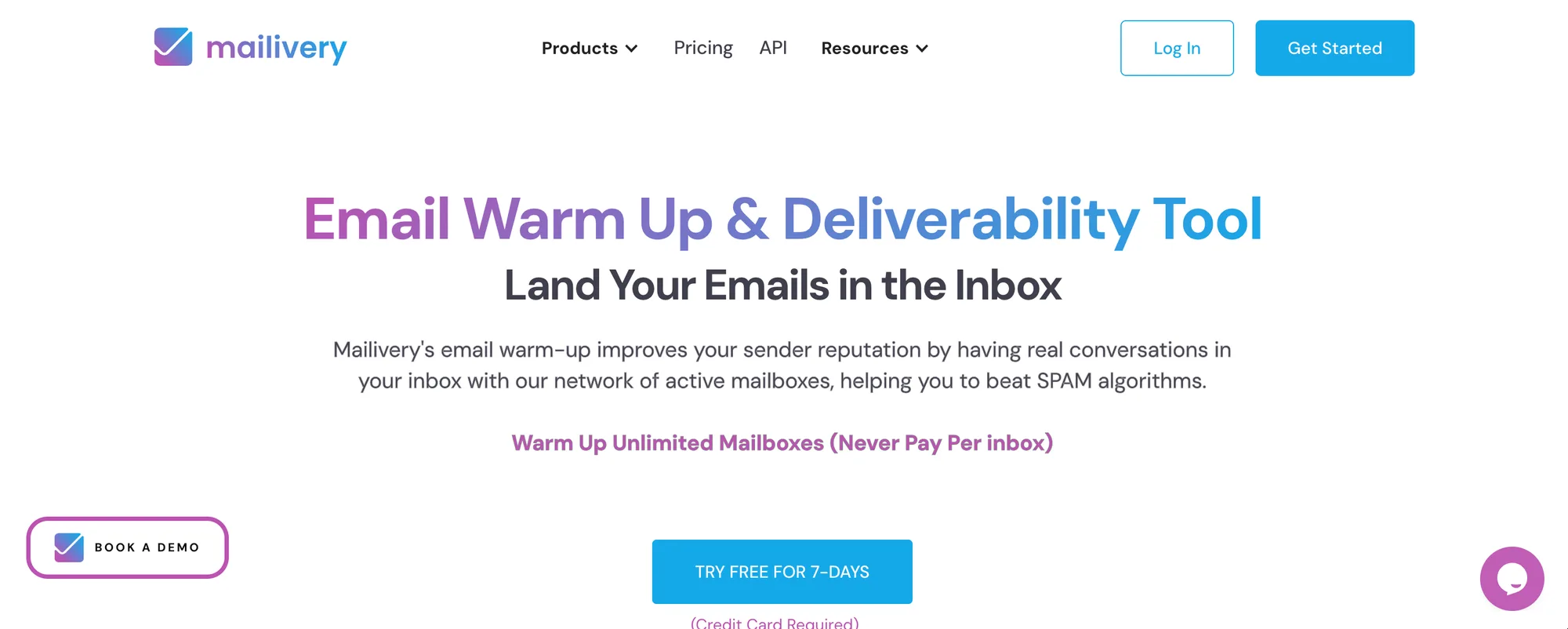
Mailivery's pitch is one sentence: you shouldn't get punished for adding inboxes. Plans allow unlimited mailboxes, with warmup volume limits shared across your whole account instead of billed per seat.
For anyone running the modern cold email playbook - many domains, 2–3 inboxes each, low volume per inbox, this pricing model is the sane one. Ten inboxes on Mailivery costs what two cost on Mailreach. The bundled extras are real, too: blacklist monitoring across 70+ lists and email verification credits come with every plan, no upsell.
The shared-volume model is also the gotcha. Your plan caps total daily warmup emails across all inboxes, so 20 inboxes on a small plan means each one gets a trickle. Do the division before you buy: a warming inbox needs roughly 20–40 pool emails a day to build reputation at a useful pace, so size your tier to inbox count × 30 as a rule of thumb.
For agencies and multi-domain senders who don't need a full outreach platform attached, this is the best pricing structure in the category.
Mailivery pricing: From $29/month (billed annually) with unlimited mailboxes; higher tiers raise the shared warmup volume. 7-day free trial.
Best cheap email warmup tool: Warmbox (Web)
Pros
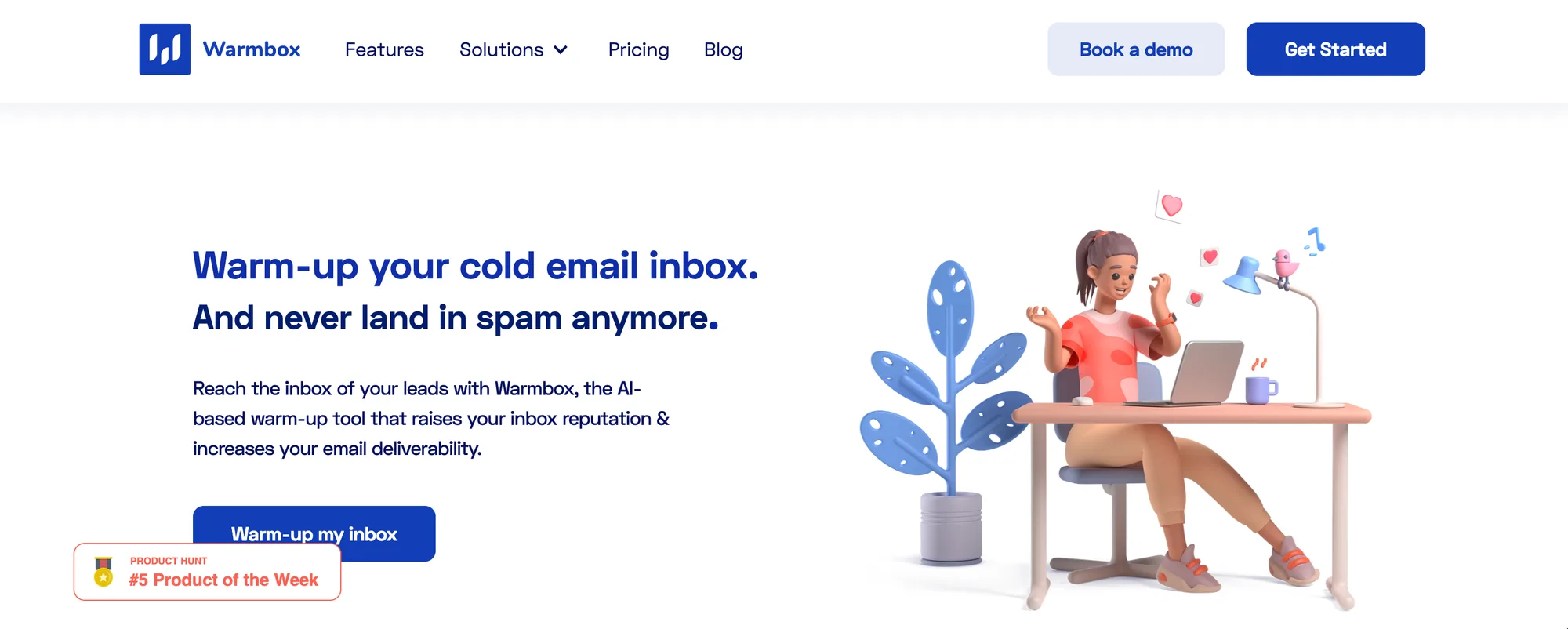
- Solid basics at $19/month
- Clean, uncluttered interface
- Multiple warmup "recipes" (steady, aggressive, recovery)
Cons
- Smaller pool than the big players, and no placement testing
Warmbox is the reliable Toyota Corolla of this list. Nobody brags about it, everybody who owns one is quietly fine.
The recipe system is its one clever trick: pre-built warmup curves for different situations, a slow steady ramp for new inboxes, a gentler recovery curve for damaged ones. In practice this is just volume scheduling with a friendly name, but the defaults are well-chosen, and defaults matter for a tool aimed at people who don't want to think about ramp math.
In my three-week test, a fresh inbox on the "new inbox" recipe warmed without incident and inboxed reliably at Gmail. Microsoft was shakier, placement tests showed intermittent junk-folder hits into week three, which tracks with Warmbox's pool skewing Gmail-heavy.
There's no built-in placement testing and the analytics are basic, so pair it with an external spam test before launch. But if your outreach targets Gmail-hosted companies and your budget is a sandwich per week, Warmbox does the job.
Warmbox pricing: From $19/month for the Solo plan (1 inbox); Team plans from $79/month.
Best email warmup tool for analytics: TrulyInbox (Web)
Pros
- Granular per-inbox, per-day reporting
- Good Outlook/Microsoft 365 support
- Free plan exists (limited, but real)
Cons
- Interface feels a generation behind the top tools
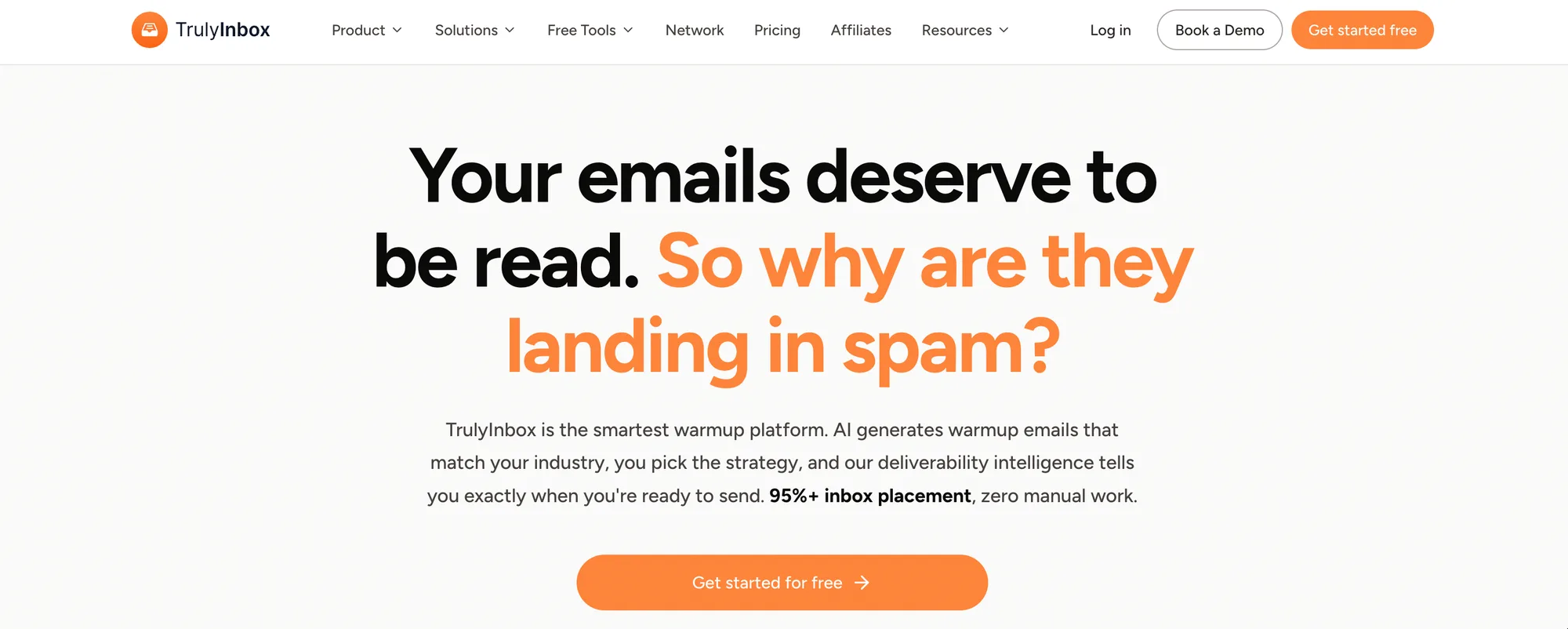
TrulyInbox (from the Saleshandy team) is for people who read dashboards for fun. Where Warmup Inbox gives you a single score, TrulyInbox breaks out sent, received, replied, and spam-rescued counts per inbox per day, with deliverability trends over time.
Its Microsoft coverage earned its spot here. The tool explicitly supports Outlook tenant setups, and in testing it was one of the more consistent performers on my Microsoft 365 inbox, the environment where most warmup tools quietly underperform while their Gmail numbers do the talking. If your prospect list is heavy on Microsoft-hosted companies (most of corporate America), that matters more than any other feature.
The free plan is genuinely free, with tight limits, fine for warming a single low-stakes inbox, mostly a trial in disguise. And I'll be honest: the UI feels like 2021. Functional, not delightful.
For data-driven senders targeting Microsoft-hosted domains, TrulyInbox punches above its price.
TrulyInbox pricing: Free plan available; paid plans from $22/month.
Best email warmup tool for reputation repair: InboxAlly (Web)
Pros
- Seed engagement on your real campaigns, not simulated threads
- Browser-level interactions that mimic actual humans
- Works when standard warmup has already failed
Cons
- Expensive - this is a fire extinguisher, not a smoke detector
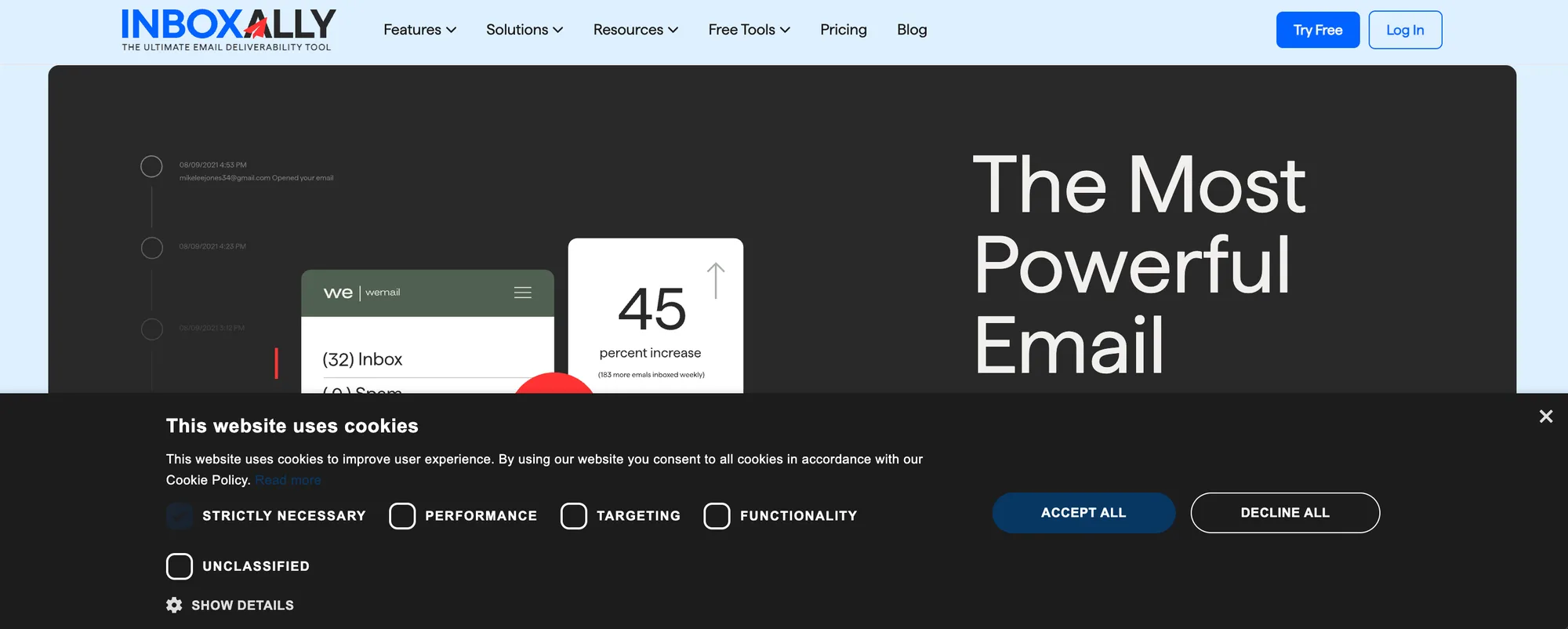
InboxAlly works differently from everything above. Instead of exchanging fake conversations in a closed pool, you add its seed addresses to your actual campaigns. Those seeds then open, read, reply to, and rescue your real emails from spam, at the browser level, so the engagement looks like humans because it's mechanically identical to humans.
This makes it the tool for a specific, miserable situation: your domain reputation is already torched, standard warmup isn't pulling you out, and rebuilding on a new domain isn't an option. In a recovery test on a deliberately damaged inbox, InboxAlly's approach moved the needle where pool-based warmup had plateaued - roughly ten days to get back to consistent Gmail inboxing.
The price reflects the desperation of its market. At $149/month for the entry plan, it costs 5–10x the standard tools. Don't buy it as prevention; buy Warmup Inbox as prevention. Buy this when the building is already on fire, or don't buy it at all.
InboxAlly pricing: From $149/month for the Starter plan; higher tiers scale seed volume.
Never trust the dashboard: verify your warmup
This is the section that made me write this article, so lean in.
Every warmup tool grades its own homework. The pool sends you emails, the pool engages with them, and the dashboard reports how well the pool engaged with the pool. A perfect score tells you the tool is working - not that Gmail trusts you.
Before launching any campaign on a "warmed" inbox, verify independently:
- Run a placement test with a different vendor than your warmup tool. Send your actual campaign email (real copy, real links) to a seed list and see where it lands per provider. Mailreach's spam test works even if you warm elsewhere; GlockApps is another option.
- Check Google Postmaster Tools. Free, direct from Google, shows your actual domain and IP reputation with Gmail. If Postmaster says "Low" while your warmup dashboard says 100%, believe Postmaster. It's not a debate.
- Send 10 manual test emails to friends or spare accounts across Gmail, Outlook, and Yahoo. Crude, free, surprisingly diagnostic.
Two of the tools I tested showed green dashboards while independent tests caught spam placement. I'm not naming them as villains - the discrepancy is structural, not fraudulent. But it's the single most common way people torch a campaign: trusting the report card written by the student.
Which email warmup tool should you use?
If you're sending outreach and don't have a platform yet, get Instantly and stop thinking about it, the bundled warmup is free-ish and good. Already on lemlist? Lemwarm. Running an agency with client-facing dashboards? Smartlead.
If you send from a platform without warmup and want the most trustworthy standalone option, Mailreach. Managing 5+ inboxes without an outreach platform, Mailivery's flat fee wins the math. First inbox ever and a tight budget: Warmup Inbox or Warmbox. Microsoft-heavy prospect list: TrulyInbox. Reputation already in the toilet: InboxAlly, and my condolences.
Whatever you pick, start it 2–3 weeks before your campaign, keep it running after launch, and verify with an outside placement test. And pick what fits how you send today - every tool here connects over standard SMTP/OAuth, so switching later is a 10-minute job, not a divorce.
FAQ
How long does email warmup take?
Plan on 2–4 weeks for a new inbox before sending cold campaigns, starting at 2–5 warmup emails daily and ramping to 30–40. Damaged inboxes take longer, sometimes 6+ weeks. Keep a maintenance level of 15–20 warmup emails per day running even after your campaigns start.
Is email warmup against Google's policies?
It's a gray area leaning gray-dark. Google banned API-based warmup services in 2024 for circumventing spam filters, and current tools work around this via SMTP/IMAP and OAuth. Google hasn't moved against those methods so far, but never warm your primary company domain, use separate outbound domains you can afford to lose.
Can I warm up an email inbox for free?
Sort of. TrulyInbox has a limited free plan, most tools offer 7–14 day trials, and you can warm manually by emailing colleagues and replying to everything. Manual warmup works but takes discipline and doesn't scale past one or two inboxes.
Do I still need warmup after my campaign starts?
Yes. Reputation decays without positive engagement, and cold campaigns generate mostly silence (negative signal). Keep warmup running at a reduced volume alongside campaigns indefinitely, roughly 15–20 warmup sends per inbox per day.
How many cold emails can I send after warming up?
Stay conservative: 20–50 cold emails per inbox per day, even fully warmed. The modern playbook is more inboxes at low volume, not one inbox at high volume. Gmail's bulk-sender rules and Microsoft's filters both punish volume spikes from a single address.






![IPRoyal vs Oxylabs: Which provider is better? [2026]](https://cdn.roundproxies.com/blog-images/2026/02/iproyal-vs-oxylabs-1.webp)