





Most articles ranking CAPTCHA solving services skip the question they should answer first: do you actually need one?
For a lot of scraping work, the answer is no. The paid services exist for real reasons, but the affiliate-driven listicles that flood the search results never tell you when to skip them.
This is the honest version. Eight services worth knowing, what they actually cost, and the self-hosted setup that replaces them for most use cases.
What Is a CAPTCHA Solving Service?
A CAPTCHA solving service is a paid API that returns a valid token or click coordinates for a CAPTCHA challenge. You send the site key and challenge data, the service solves it (with humans, AI, or both), and you submit the response to the target site. Most services charge $0.50–$3.00 per 1,000 solves, depending on CAPTCHA type.
Quick Comparison
| Service | Best For | Method | Pricing (reCAPTCHA v2) |
|---|---|---|---|
| 2Captcha | Hardest custom CAPTCHAs | Human + AI | ~$2.99/1k |
| Anti-Captcha | Reliable human solving | Human + ML | ~$2.00/1k |
| CapSolver | High-volume reCAPTCHA/Turnstile | AI-first | ~$0.80/1k |
| CapMonster Cloud | Large-scale automation | Pure AI | ~$0.60/1k |
| NextCaptcha | reCAPTCHA v2/v3 specialist | AI | ~$0.90/1k |
| DeathByCaptcha | Mission-critical reliability | Hybrid | ~$1.39/1k |
| EndCaptcha | SLA-backed enterprise use | Human-led | ~$2.50/1k |
| ImageTyperz | Cheapest image CAPTCHAs | Human | ~$1.50/1k |
Read the service breakdowns first if you're shopping. Skip to the self-hosted alternative if you'd rather build than buy.
The 8 Best CAPTCHA Solving Services in 2026
1. 2Captcha — Best for Anything Weird
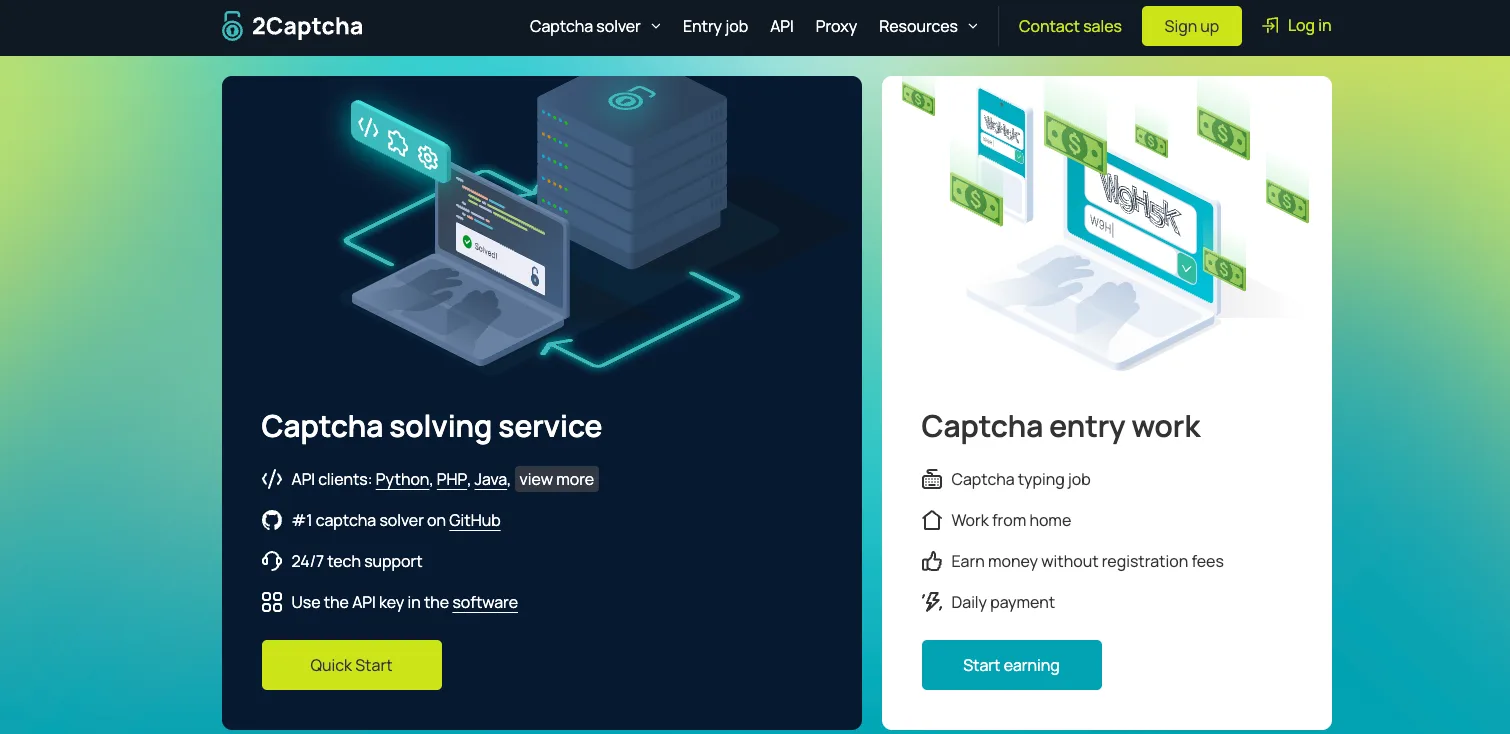
2Captcha runs the largest pool of human solvers in the market. That matters when you hit a CAPTCHA type nobody's bothered to train an AI model on yet.
Method: Crowdsourced humans, with AI assist for high-volume types like reCAPTCHA.
Pricing: $0.59/1k for image CAPTCHAs, up to $2.99/1k for reCAPTCHA v2. FunCaptcha runs $2.99–$50/1k depending on variant.
Speed: 10–30 seconds for reCAPTCHA. Slower than AI-only services.
The catch: You're paying for response latency you don't need 90% of the time. A human takes 12 seconds to recognize a stoplight; a Whisper model on your laptop transcribes the audio version in under 2 seconds.
2. Anti-Captcha — The Old Guard
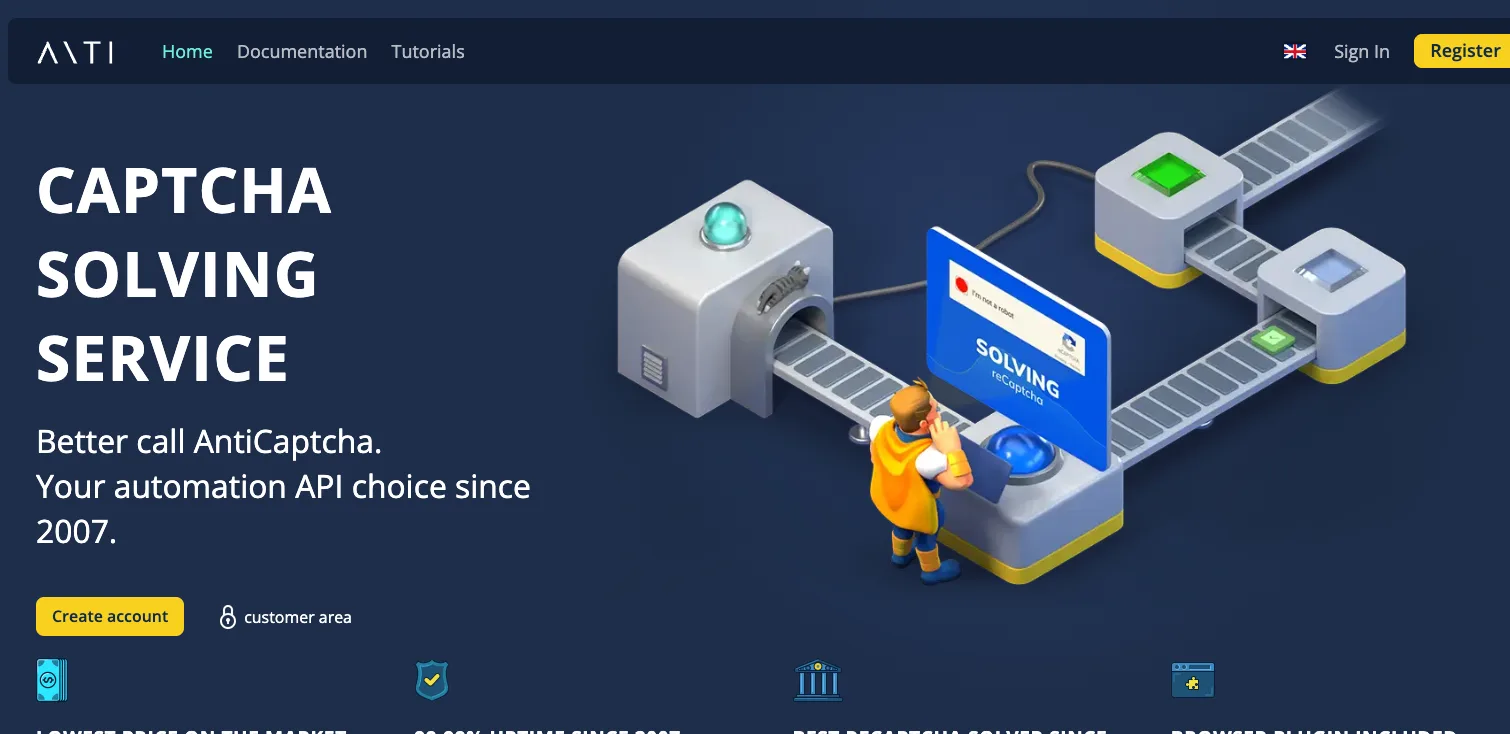
Anti-Captcha has been running since 2014 and has the institutional knowledge that comes with it. Their docs are clean. Their SDKs work. Their API is stable.
Method: Primarily human, with ML for routing and pre-processing.
Pricing: ~$2/1k for reCAPTCHA v2, $0.50/1k for image CAPTCHAs.
The catch: Same as 2Captcha - you're paying for capacity you mostly don't need. Use it when you've decided self-hosted isn't worth your time.
3. CapSolver — AI-First, Volume-Friendly
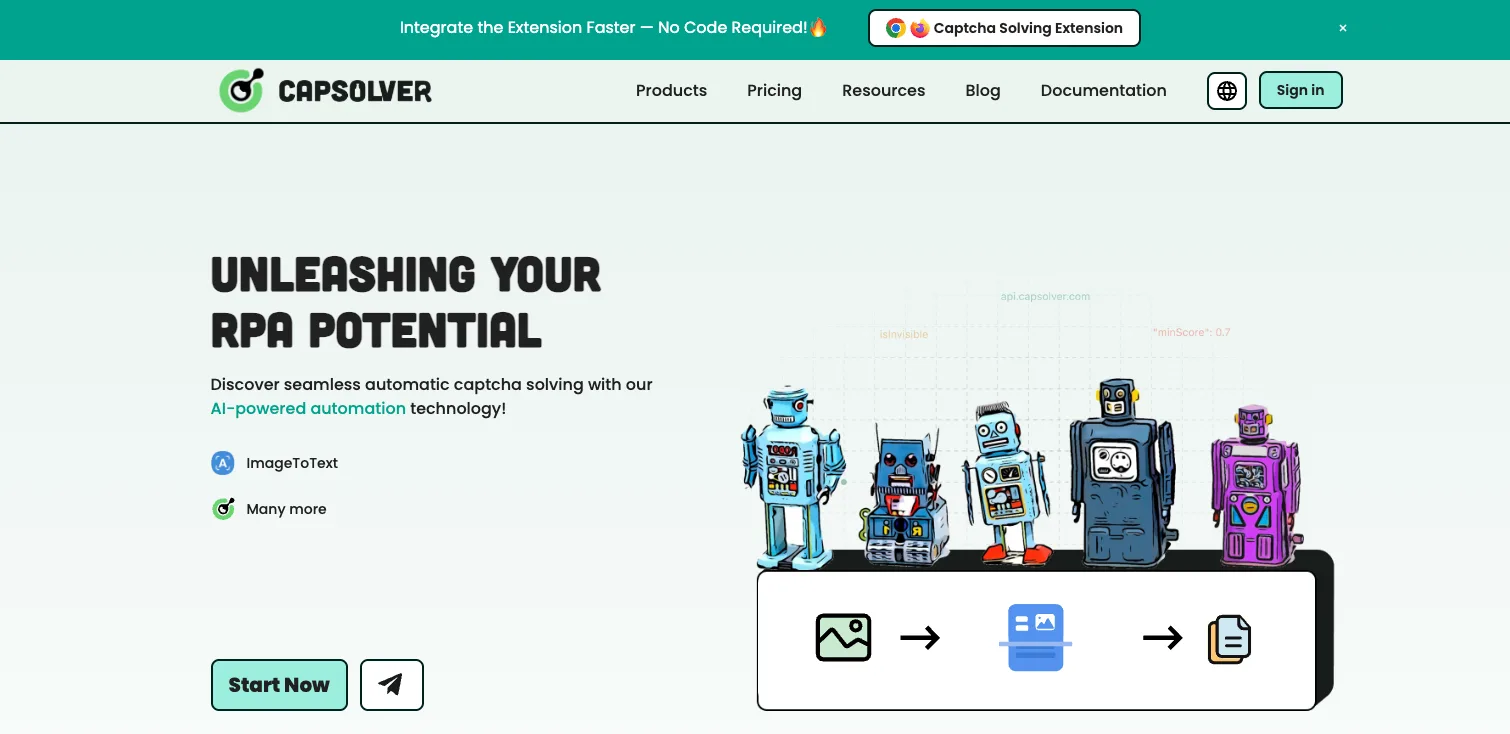
CapSolver focuses on AI solving for the modern CAPTCHA stack: reCAPTCHA v2/v3, hCaptcha, Cloudflare Turnstile, GeeTest. Speeds are good (3–8 seconds), prices are low.
Pricing: ~$0.80/1k for reCAPTCHA v2.
The catch: AI-first means it falls down on novel CAPTCHA types. When sites switch to FunCaptcha or custom puzzles, accuracy drops fast.
4. CapMonster Cloud — Cheapest at Scale
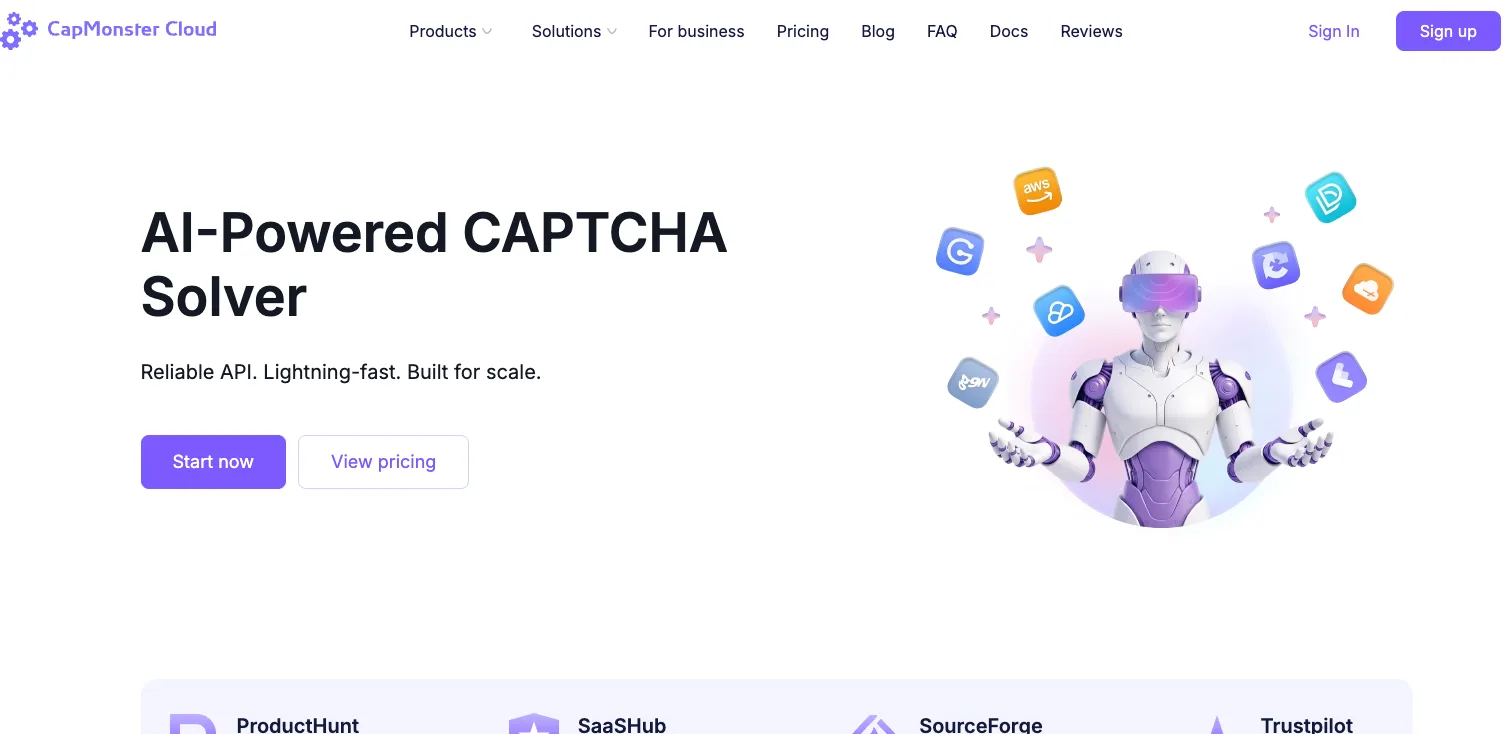
CapMonster comes from ZennoLab, a long-time anti-bot vendor. The cloud product is pure AI, with some of the most competitive reCAPTCHA pricing available.
Pricing: ~$0.60/1k for reCAPTCHA v2. Volume discounts kick in fast.
The catch: No human fallback, it's a fully automated service, so it's best suited to standard, high-volume CAPTCHA types.
5. NextCaptcha — Specialist for reCAPTCHA
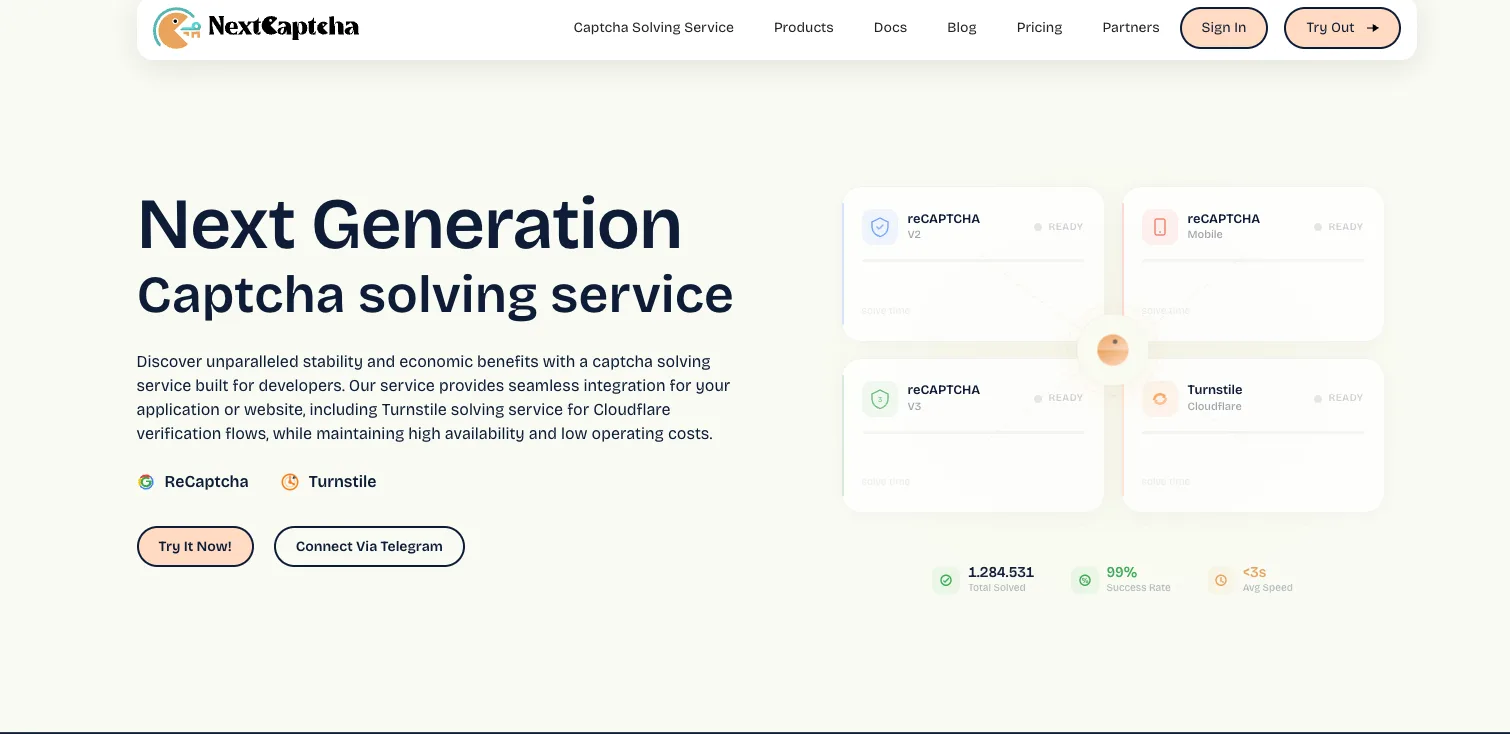
NextCaptcha narrowed its focus to Google's reCAPTCHA v2 and v3, plus a few common siblings. Solve times are fast and prices are competitive.
Pricing: ~$0.90/1k for reCAPTCHA v2.
The catch: Narrow specialization. If your scraper hits anything outside their supported list, you need a backup service.
6. DeathByCaptcha — Hybrid Reliability
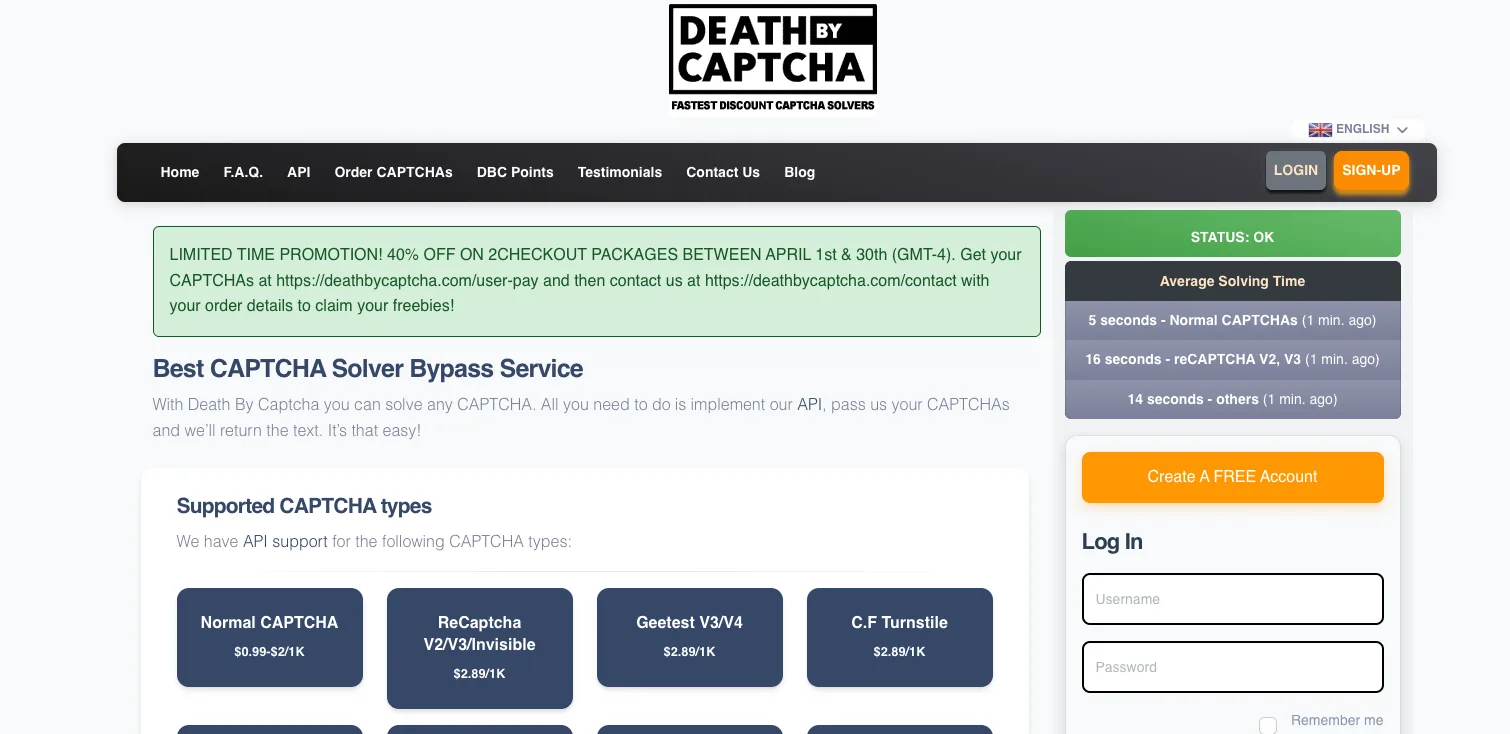
DeathByCaptcha takes a hybrid approach: OCR for what AI can solve, humans for everything else. The service has been around since 2009 and has the operational maturity to show for it.
Pricing: ~$1.39/1k for reCAPTCHA v2.
The catch: Average across the board. Not the fastest, not the cheapest, not the most flexible. Reasonable backup option.
7. EndCaptcha — SLA-Backed for Enterprise
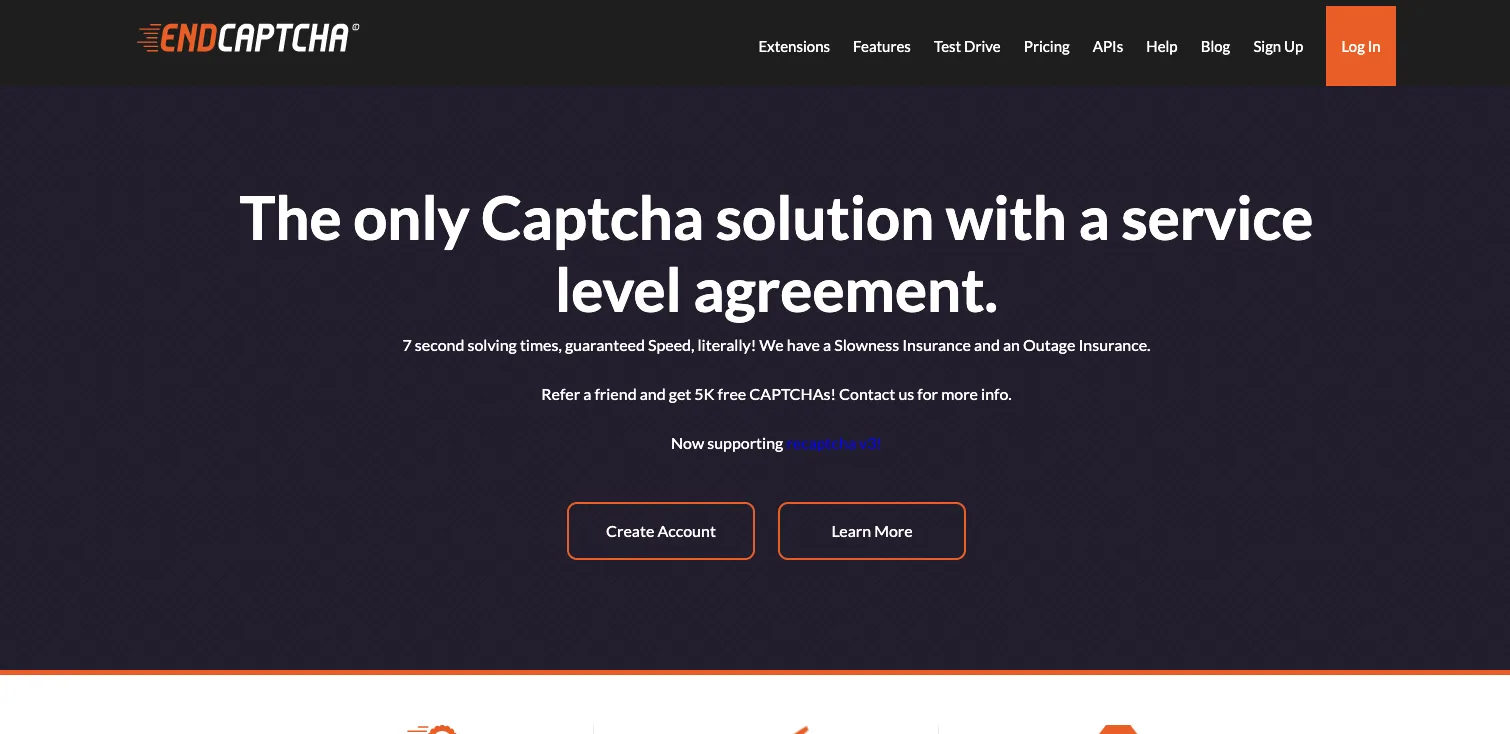
EndCaptcha sells against the rest of this list with formal SLAs and uptime guarantees. Pricing reflects that positioning.
Pricing: ~$2.50/1k for reCAPTCHA v2.
The catch: You're paying enterprise prices for what is essentially the same crowdsourced human pool as cheaper services. The SLA is the product.
8. ImageTyperz — Cheap Image CAPTCHAs
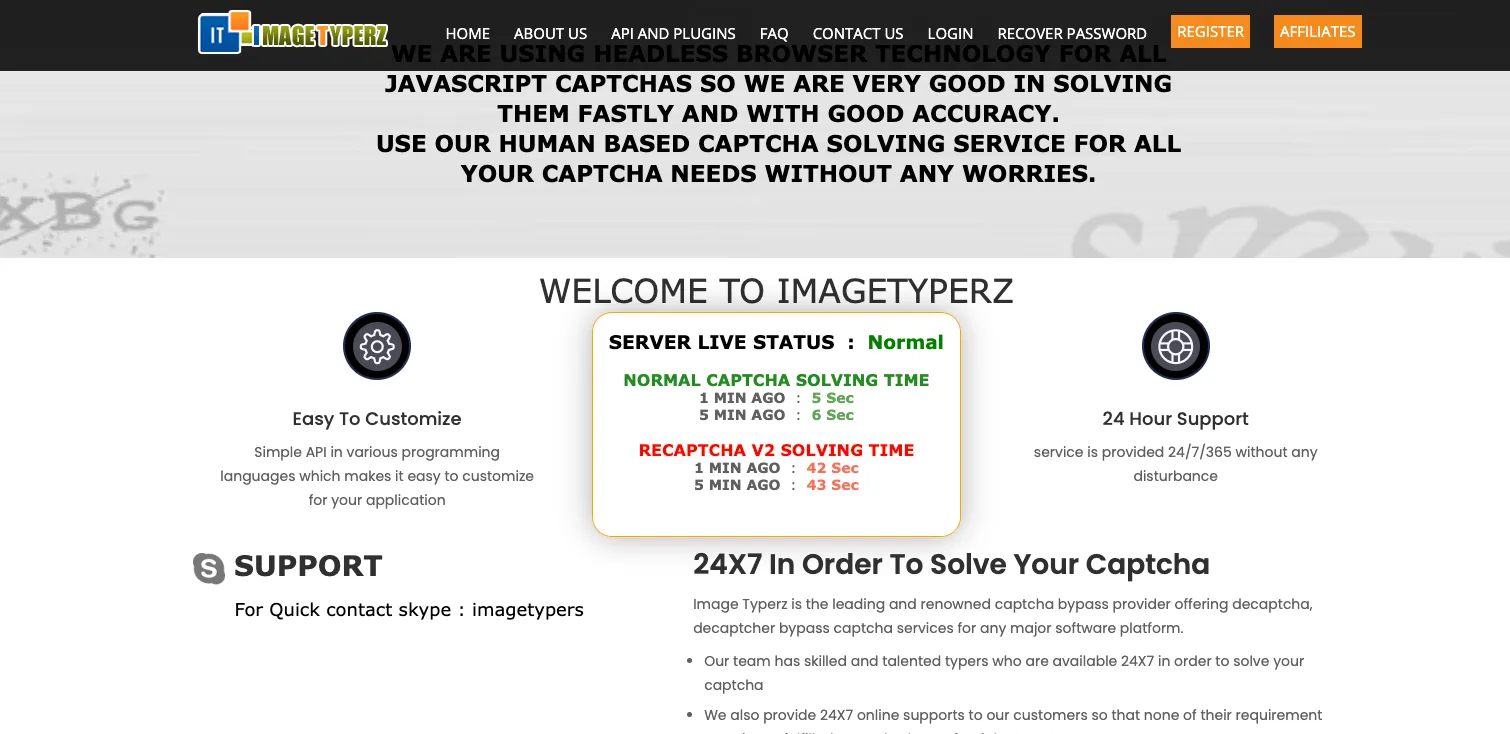
ImageTyperz wins on price for the simplest CAPTCHA type: classic distorted-text images. Pricing starts under $1/1k.
Pricing: ~$1.50/1k for reCAPTCHA v2 (not their strength), under $1/1k for basic images.
The catch: Limited support outside basic image CAPTCHAs. Not a serious option for reCAPTCHA, hCaptcha, or anything modern.
The Honest Take: Most Teams Don't Need These
Here's what nobody mentions in those affiliate-stuffed roundups: paid CAPTCHA solvers add latency, cost, and a dependency you can't audit. They're a tax on every page request that hits a challenge.
The math gets ugly fast. At $2/1k for reCAPTCHA v2, scraping 10 million pages where 5% trigger a CAPTCHA costs $1,000. That's before retries, before you factor in the 5–15% failure rate, before you account for the 10–30 seconds per solve that destroys your throughput.
Worse, you're outsourcing your bypass logic to a third party that may go down, raise prices, or get blocked by your target site.
I've watched a scraper rack up $400 in a weekend because the target started serving CAPTCHAs on every request and the developer hadn't configured a budget cap.
There's a better default for most teams.
The Self-Hosted Alternative Most Teams Should Build
You don't need a paid API to solve the CAPTCHAs you're most likely to hit. The three approaches below cover roughly 90% of real-world cases at zero per-solve cost.
Approach 1: Audio CAPTCHA Solving with Whisper
reCAPTCHA v2 ships with an accessibility feature: an audio challenge. Click the headphones icon, get an MP3 of someone reading a few words. OpenAI's Whisper model transcribes it in under 2 seconds with about 95% accuracy on the small variant.
Install the dependencies first:
pip install playwright faster-whisper requests pydub
playwright install chromium
# Linux: apt install ffmpeg | macOS: brew install ffmpeg
faster-whisper is the production-ready Whisper port - about 4x faster than the reference implementation with the same accuracy. The int8 quantization keeps memory under 500MB.
Now the solver itself. This downloads the audio challenge, transcribes it locally, and submits the answer:
import requests
from io import BytesIO
from faster_whisper import WhisperModel
from pydub import AudioSegment

# Load once, reuse forever — model lives in RAM after first call
model = WhisperModel("small.en", device="cpu", compute_type="int8")

def solve_audio_challenge(page):
    # Click the audio button on the reCAPTCHA challenge iframe
    challenge_frame = page.frame_locator(
        "iframe[title='recaptcha challenge expires in two minutes']"
    )
    challenge_frame.locator("#recaptcha-audio-button").click()

    # Grab the MP3 URL from the download link
    audio_url = challenge_frame.locator(
        ".rc-audiochallenge-tdownload-link"
    ).get_attribute("href")
    mp3_data = requests.get(audio_url).content

    # Convert MP3 → WAV (Whisper wants WAV input)
    audio = AudioSegment.from_mp3(BytesIO(mp3_data))
    audio.export("/tmp/captcha.wav", format="wav")

    # Transcribe locally — no API call, no per-solve cost
    segments, _ = model.transcribe("/tmp/captcha.wav", language="en")
    answer = " ".join(seg.text for seg in segments).strip().lower()

    # Submit and verify
    challenge_frame.locator("#audio-response").fill(answer)
    challenge_frame.locator("#recaptcha-verify-button").click()
    return answer
Two gotchas worth knowing. Whisper occasionally inserts punctuation that reCAPTCHA rejects - strip it with .replace(",", "").replace(".", "") before submitting. And the small.en model uses about 500MB RAM; bump to tiny.en if you're memory-constrained, or medium.en if accuracy slips on noisy audio.
One operational note: don't loop indefinitely on failed audio challenges. After three retries, Google starts serving image-only challenges that this approach can't handle. Back off, rotate IPs, and try again.
Approach 2: Image CAPTCHA Solving with Tesseract or TrOCR
For the classic distorted-text CAPTCHA still found on legacy sites and government portals, Tesseract OCR is free, runs locally, and handles most variants with light preprocessing.
import pytesseract
from PIL import Image, ImageFilter

def solve_image_captcha(image_path):
    img = Image.open(image_path).convert("L")  # grayscale
    img = img.filter(ImageFilter.MedianFilter())  # denoise
    img = img.point(lambda p: 0 if p < 140 else 255)  # binarize

    # whitelist limits Tesseract to expected characters
    # PSM 8 = treat image as a single word
    text = pytesseract.image_to_string(
        img,
        config="--psm 8 -c tessedit_char_whitelist=ABCDEFGHIJKLMNOPQRSTUVWXYZ0123456789"
    )
    return text.strip()
The preprocessing matters more than the model. Most CAPTCHAs that defeat Tesseract get killed by the right combination of grayscale conversion, denoise, and binary threshold tuned to the specific site. Spend an hour tuning these for your target and accuracy jumps from 40% to 90%.
For modern image CAPTCHAs that Tesseract can't handle, use Microsoft's TrOCR - a transformer-based OCR that ships pre-trained weights on Hugging Face:
from transformers import TrOCRProcessor, VisionEncoderDecoderModel
from PIL import Image

processor = TrOCRProcessor.from_pretrained("microsoft/trocr-base-printed")
model = VisionEncoderDecoderModel.from_pretrained("microsoft/trocr-base-printed")

def solve_with_trocr(image_path):
    image = Image.open(image_path).convert("RGB")
    pixel_values = processor(images=image, return_tensors="pt").pixel_values
    generated_ids = model.generate(pixel_values)
    return processor.batch_decode(generated_ids, skip_special_tokens=True)[0]
TrOCR runs on CPU but it's slow - about 3 seconds per image. Move it to GPU and you'll see sub-second solves. Either way, you're not paying per request.
For grid-style "select all images with traffic lights" challenges, the open-source YOLOv8 object detection model handles common categories (traffic lights, crosswalks, bicycles, buses) out of the box. Train a fine-tune on a few hundred labeled CAPTCHA tiles and it generalizes to the full reCAPTCHA image set.
Approach 3: Avoidance — The CAPTCHA You Never Trigger
The fastest CAPTCHA solver is the one that never gets called. Most CAPTCHA challenges fire because your scraper is showing one of three obvious bot signals: a flagged IP, a default browser fingerprint, or non-human request timing.
Fix those three things and your CAPTCHA hit rate drops by an order of magnitude.
For IP rotation, use residential proxies that pool IPs from real consumer ISPs - providers that cover this without the markup of solver-bundled offerings. Datacenter IPs trigger reCAPTCHA scoring penalties almost immediately on hardened sites.
For browser fingerprinting, use a stealth-patched browser. The two leading options as of 2026 are Patchright (a maintained fork of Playwright with anti-detection patches) and nodriver (the successor to undetected-chromedriver). For deeper coverage of stealth setup, see our guide on scraping without getting blocked.
from patchright.sync_api import sync_playwright

with sync_playwright() as p:
    browser = p.chromium.launch(
        headless=False,  # headless mode is detectable
        channel="chrome",  # use real Chrome, not bundled Chromium
    )
    context = browser.new_context(
        viewport={"width": 1920, "height": 1080},
        user_agent=(
            "Mozilla/5.0 (X11; Linux x86_64) AppleWebKit/537.36 "
            "(KHTML, like Gecko) Chrome/132.0.0.0 Safari/537.36"
        ),
    )
    page = context.new_page()
    page.goto("https://target-site.com")
Note the explicit user agent and viewport. Patchright handles the deeper fingerprint patches (navigator.webdriver, WebGL, audio context) automatically.
Pair this with reasonable request pacing - 2–5 second waits between actions, randomized, and most sites won't show a CAPTCHA at all.
For request timing, mimic real user patterns. Real users don't click a button 50ms after the page loads. They don't scroll at constant velocity. Add jitter to everything, including mouse movements if you're driving a real browser.
How CAPTCHA Detection Actually Works
Before picking a solver, understand what triggers the CAPTCHA in the first place. Modern systems run a continuous risk score on every request, and the visible challenge only fires when that score crosses a threshold.
The score gets built from three signal categories:
- Network signals - IP reputation, ASN type (datacenter vs residential), TLS fingerprint, HTTP/2 frame ordering.
- Browser signals - JavaScript execution traces, canvas fingerprint, WebGL renderer, audio context, the presence of
navigator.webdriver. - Behavioral signals - mouse movement entropy, scroll velocity, time between actions, focus events.
Get any one category obviously wrong and you'll see a CAPTCHA on every request. Get all three subtly wrong and you'll see one occasionally. Get them all right and you'll mostly never see one.
This is why CAPTCHA-avoidance beats CAPTCHA-solving for any sustained scraping operation. You're not trying to defeat the puzzle - you're trying to keep your risk score low enough that the puzzle never appears.
When You Actually Need a Paid Service
Self-hosted isn't always the answer. Three cases where paying for a service genuinely makes sense:
Novel or proprietary CAPTCHAs. If your target uses a custom puzzle CAPTCHA that nobody's published a model for, training one yourself takes weeks. 2Captcha's human pool will solve it tomorrow.
FunCaptcha (Arkose Labs) and complex 3D puzzles. These are designed to be hard for AI. Self-hosted vision models struggle. Paid services route them to humans who blow through them in 15 seconds.
Compliance-sensitive scraping at scale. If you need an SLA, an audit trail, and someone to call when things break, a service like EndCaptcha gives you that. Self-hosted gives you a Slack channel and your own logs.
For everything else - reCAPTCHA v2, hCaptcha, basic image CAPTCHAs, the CAPTCHAs that show up in 90% of scraping work, self-hosted wins on cost, latency, and control.
Decision Framework
| Your Situation | Use This |
|---|---|
| Scraping reCAPTCHA v2 sites at any volume | Self-hosted Whisper audio solver |
| Hitting old-school image CAPTCHAs | Tesseract or TrOCR locally |
| Triggering CAPTCHAs frequently | Fix your fingerprint and proxies first |
| Custom or novel CAPTCHA types | 2Captcha or Anti-Captcha |
| FunCaptcha / Arkose Labs | 2Captcha (human pool) |
| Need an SLA and someone to call | EndCaptcha or DeathByCaptcha |
| High-volume Turnstile / hCaptcha | CapSolver, or self-hosted Patchright |
| One-off scraping job, hate yak-shaving | Anti-Captcha (cheap, reliable, done) |
The pattern: paid services for the edge cases, self-hosted for the default. The opposite of what most listicles will tell you.
Common Errors and Fixes
These are the failures you'll actually run into, in order of how often I've seen them in production.
"ERROR_CAPTCHA_UNSOLVABLE" from a paid service
Why: The service couldn't solve the challenge - usually because the site key changed, the proxy you specified is dead, or the CAPTCHA expired before submission.
Fix: Verify the data-sitekey you're sending matches what's on the page right now (sites rotate keys). Check that your proxy responds within 30 seconds. Submit the response token within 120 seconds of receiving it.
Whisper transcribes the audio but reCAPTCHA rejects the answer
Why: Whisper is adding punctuation or numbers as words ("two" instead of "2"). reCAPTCHA does loose matching but has limits.
Fix: Strip punctuation and convert spelled-out digits before submission:
import re

def clean_whisper_output(text):
    # Remove punctuation
    text = re.sub(r"[^\w\s]", "", text)
    # Convert common spelled digits
    digit_map = {"zero": "0", "one": "1", "two": "2", "three": "3",
                 "four": "4", "five": "5", "six": "6", "seven": "7",
                 "eight": "8", "nine": "9"}
    for word, digit in digit_map.items():
        text = text.replace(word, digit)
    return text.strip().lower()
"Multiple correct solutions required" loop
Why: reCAPTCHA's risk score for your session is too low. Solving one challenge correctly isn't enough - it wants you to solve 2–3 in a row.
Fix: Don't fight the loop. Solve each one, then back off entirely. Rotate to a fresh IP and a fresh browser context for the next request.
If you're hitting this on every session, your fingerprint or IP reputation is the actual problem.
Patchright still triggers CAPTCHA challenges
Why: Three usual suspects: you're running headless, your IP is on a blocklist, or your residential proxy is shared with abusive traffic.
Fix: Set headless=False (or use Xvfb on a server). Switch to a different residential proxy provider. Verify your IP isn't on Spamhaus or AbuseIPDB before blaming the browser.
Tesseract returns garbage on a CAPTCHA you can read by eye
Why: Preprocessing is wrong for that specific CAPTCHA's noise profile.
Fix: Save the preprocessed image and look at it. If it looks unreadable to you, Tesseract has no chance. Tune the binarization threshold - try values from 100 to 180 in steps of 10 and pick what works.
A Note on Responsible Use
CAPTCHAs exist for reasons that aren't always adversarial. Sites use them to limit fraud, prevent credential stuffing, and protect resources from abuse.
Before automating around them, check robots.txt. Respect rate limits. Don't scrape sites that have explicitly asked you not to. If you're collecting personal data, comply with GDPR, CCPA, and whatever local equivalents apply to you.
The technical capability to bypass a CAPTCHA doesn't grant the legal or ethical right to do so.
Wrapping Up
The CAPTCHA solving market sells convenience, and convenience is real. If you're a one-person team that needs a working scraper by Friday, paying $50 for the month to never think about it is rational.
But if you're running scrapers in production, the per-request cost compounds. The latency hurts. The vendor dependency adds risk. The self-hosted approach takes one afternoon to set up and pays for itself in a week.
Start with Patchright plus residential proxies to cut your CAPTCHA trigger rate. Add the Whisper audio solver as your primary fallback. Keep a paid service in reserve for the weird stuff. That's the stack most teams should be running in 2026.
![Decodo vs. Bright Data: Which is the better provider? [2026]](https://roundproxies.com/blog/content/images/2026/10/decodo-vs-bright-data-1.png)
![IPRoyal vs. Webshare: Which provider is cheaper? [2026]](https://roundproxies.com/blog/content/images/2026/10/iproyal-vs-webshare-1.png)








![IPRoyal vs Oxylabs: Which provider is better? [2026]](https://cdn.roundproxies.com/blog-images/2026/02/iproyal-vs-oxylabs-1.webp)