Nothing teaches you the value of a credit meter like watching one drain.
I crawled a 500-page documentation site last spring, ran extract on every page, and burned through 3,500 credits before lunch. On the Hobby plan that's more than a month's allowance, gone on one domain. The credits don't roll over either, so the leftovers from a slow month don't save you during a busy one.
That was the week I stopped looking for a cheaper API and started taking the pipeline apart.
I've spent the last few months rebuilding what Firecrawl does out of open source parts, running each of these against the same 40-site test set: news, docs, e-commerce, a couple of React SPAs, and three sites behind Cloudflare. These are the seven Firecrawl alternatives that survived. Every one of them runs on your own hardware, costs nothing to license, and never sends your target list to somebody else's server.
The best Firecrawl alternatives
- Crawl4AI for the closest drop-in replacement
- Trafilatura for turning HTML into clean markdown, fast
- Crawlee for full-site crawls with anti-blocking built in
- Scrapling for sites that fight back
- Katana for URL discovery and site mapping
- Docling for PDFs and documents
- Playwright + Readability for total control over weird pages
What is Firecrawl?
Firecrawl is a hosted API that takes a URL and hands back clean markdown or JSON. You POST an endpoint, it runs a headless browser somewhere in its cloud, strips the navigation and ads, and returns something you can drop straight into a vector store.
It's genuinely good at that. The open source core has a huge following on GitHub, the SDKs cover Python, Node, Go, and Rust, and the LangChain and LlamaIndex integrations work without glue code.
The catch is that the hosted product and the self-hosted one are not the same thing. Proxies, rendering infrastructure, and anti-bot handling live in the cloud version. Run the AGPL-licensed core yourself and all of that becomes your problem again - which is a strange place to end up if self-hosting was the whole point.
Why people go looking for Firecrawl alternatives
Four complaints come up over and over, and I've hit all of them.
Credit math gets weird fast. A plain scrape is 1 credit per page, which is honest. But the typical workflow is crawl-then-extract, and structured extraction stacks credits on top. Seven credits per page is a realistic number for a crawl-plus-JSON job. Multiply by a mid-size site and the "sub-penny per page" headline stops describing your bill.
Credits expire. Unused monthly credits don't roll over on standard plans. Bursty workloads pay for capacity they never touch.
Protected sites are hit or miss. In Proxyway's late-2025 benchmark across 12 providers and 15 protected sites, Firecrawl returned a 33.69% success rate at 2 requests per second, dropping to 26.69% at 10 req/s. The top performer in that test hit 93.14%. If your targets are soft, you'll never notice. If they aren't, you'll notice on day one.
Self-hosting doesn't get you the product you tried. The GitHub issues are full of it: job status errors, custom user-agent headers not reaching Playwright, no mobile proxy support. The license is AGPL-3.0, which some legal teams won't touch for a commercial product.
None of that makes Firecrawl bad. It makes it a managed service, with all the tradeoffs managed services have.
Firecrawl is four tools in a trench coat
Here's the reframe that made my rebuild work, and the thing every other list of Firecrawl alternatives skips.
Firecrawl isn't one product. It's four jobs bundled behind one endpoint. Most people only need two of them.
| The job | Firecrawl's name for it | What replaces it |
|---|---|---|
| Find every URL on a domain | /map |
Katana |
| Fetch the page without getting blocked | (built into every call) | Scrapling, Crawlee, your own proxies |
| Walk the site, queue, retry, dedupe | /crawl |
Crawlee, Crawl4AI |
| Turn HTML into clean markdown | /scrape |
Trafilatura, Crawl4AI |
| Parse PDFs and office docs | /scrape on file URLs |
Docling |
Once you see it this way, "what's the best Firecrawl alternative" becomes the wrong question. You're not shopping for a clone. You're deciding which two or three of those boxes you actually need to fill.
Most teams need markdown extraction and a fetch layer. That's Trafilatura plus a proxy pool, and it's about 30 lines of code.
The best Firecrawl alternatives at a glance
| Tool | Best for | Standout feature | License & real cost |
|---|---|---|---|
| Crawl4AI | Closest drop-in | Adaptive crawling, LLM extraction via LiteLLM | Apache 2.0; ~$20–40/mo VPS |
| Trafilatura | HTML → markdown at scale | Highest F1 in the standard benchmark | Apache 2.0; runs on a $5 box |
| Crawlee | Full-site crawls | Session pool that retires blocked proxies | Apache 2.0; ~$20/mo + proxies |
| Scrapling | Protected sites | Selectors that survive redesigns | BSD-3; ~$40/mo (RAM-hungry) |
| Katana | URL discovery | Maps endpoints buried in JS files | MIT; free, single Go binary |
| Docling | PDFs and documents | Layout model trained on 81k labeled pages | MIT; needs 2GB disk for weights |
| Playwright + Readability | Full control | You own every line | Apache 2.0 / MIT; ~$20/mo VPS |
The best Firecrawl alternative overall
Crawl4AI
Pros
- Apache 2.0, so no AGPL headaches for commercial products
- Markdown output that's genuinely close to Firecrawl's
- Docker image with a browser playground on port 11235
Cons
- Async Python only, and you'll write real code, not curl commands
- "Bring your own LLM key" means the AI extraction isn't actually free
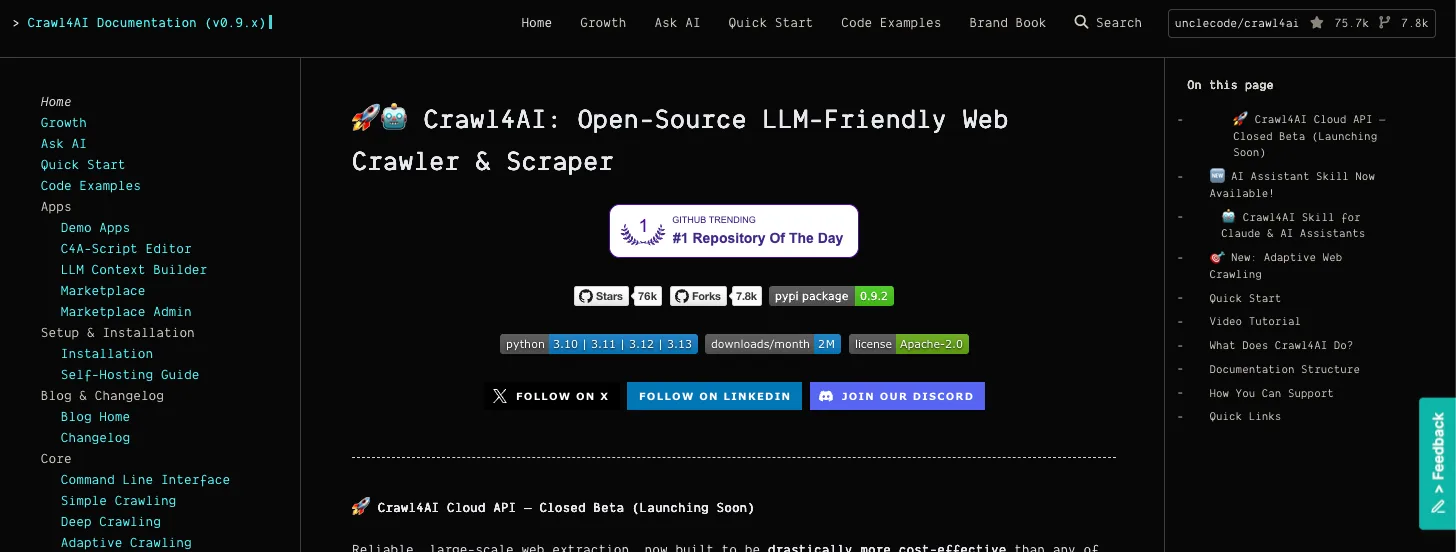
Crawl4AI is what you reach for when you want the Firecrawl experience without the meter. Same job, same output shape, different owner. You give it a URL, it drives Playwright, strips the boilerplate, and hands back markdown ready for chunking.
The licensing difference matters more than people expect. Firecrawl's core is AGPL-3.0; Crawl4AI is Apache 2.0. If you're shipping a commercial product, one of those requires a conversation with legal and the other doesn't.
Its best feature is adaptive crawling. The crawler learns which selectors are reliable on a domain over time and flags layout changes instead of silently returning empty strings. On structured sites in third-party testing, that cut crawl times by roughly 40%.
Here's the whole thing. Note fit_markdown, which applies content filtering rather than dumping the full page:
import asyncio
from crawl4ai import AsyncWebCrawler, CrawlerRunConfig

async def main():
    config = CrawlerRunConfig(
        word_count_threshold=20,              # drop nav-sized text blocks
        excluded_tags=["nav", "footer", "aside"],
    )
    async with AsyncWebCrawler() as crawler:
        result = await crawler.arun(url="https://example.com", config=config)
        print(result.markdown.fit_markdown)   # filtered, LLM-ready

asyncio.run(main())
The gotcha: fit_markdown and raw_markdown are different fields, and the raw one includes cookie banners. I lost an afternoon to that before reading the source.
That said, Crawl4AI is heavier than it looks. Docker plus Playwright plus Chromium wants at least 4GB of RAM, and the LLM extraction path bills your own OpenAI or Anthropic tokens unless you point LiteLLM at a local Ollama model. If you want structured JSON from a thousand pages a day, price that out before you commit.
Still the right pick for anyone who liked what Firecrawl did and just wants to own it.
Crawl4AI cost: Free under Apache 2.0. Budget $20–40/month for a VPS that won't choke on Chromium, plus proxies and LLM tokens if you use schema extraction.
A Firecrawl alternative for clean markdown at scale
Trafilatura
Pros
- Best accuracy in the standard extraction benchmark
- No browser, no GPU, roughly 15–20ms per page
- Pulls metadata and publish dates alongside the text
Cons
- Doesn't fetch JavaScript-rendered pages on its own
- Weak on images
This is the one that surprised me, and it's the pick I'd defend hardest.
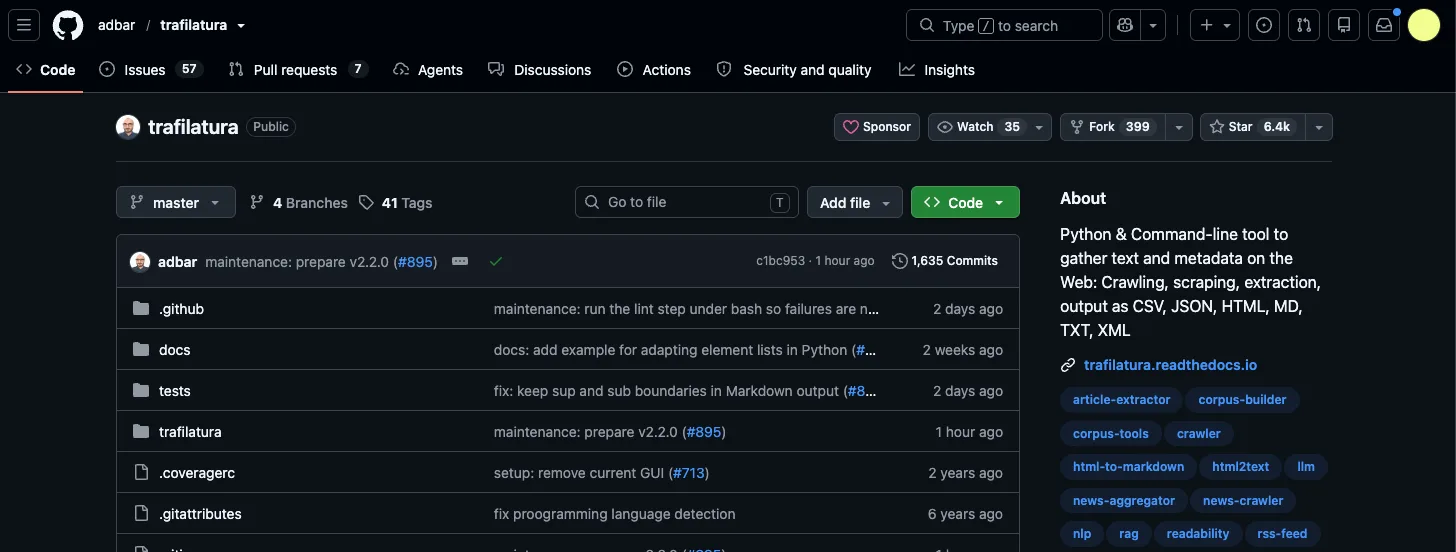
Trafilatura does exactly one job: HTML in, clean text or markdown out. No headless browser, no model weights, no Docker. It's a heuristic pipeline written by Adrien Barbaresi at the Berlin-Brandenburg Academy of Sciences, and it's been quietly running inside data pipelines at HuggingFace and Microsoft Research for years.
On the ScrapingHub article extraction benchmark - 181 pages with hand-labeled ground truth, the closest thing this space has to a standard test - Trafilatura posts an F1 of 0.945, ahead of go-readability at 0.943 and readability.js at 0.887. Beautiful Soup, for reference, sits at 0.665, because dumping all the text is not the same as extracting the content.
Speed is the other half of the argument. Fifteen milliseconds a page on CPU means a single cheap box chews through a hundred thousand pages while a browser-based tool is still launching Chromium.
import trafilatura

html = trafilatura.fetch_url("https://example.com/article")
md = trafilatura.extract(
    html,
    output_format="markdown",
    include_links=True,
    include_tables=True,
    with_metadata=True,      # author, date, sitename
)
print(md)
Swap fetch_url for your own requests session when you need proxies or custom headers - the extraction and the fetching are cleanly separated, which is exactly what you want.
Be warned: hand it a React SPA and you'll get an empty string, because there's nothing in the initial HTML to extract. The fix is to render with Playwright first and pass the resulting HTML to trafilatura.extract(). That combination covers most of the web for about a tenth of Firecrawl's per-page cost.
Trafilatura cost: Free under Apache 2.0. It runs comfortably on a $5/month VPS.
A Firecrawl alternative for full-site crawls
Crawlee
Pros
- Session pool automatically retires proxies that start getting blocked
- Adaptive crawler decides per-page whether JS rendering is needed
- Persistent queue survives restarts
Cons
- Heavier learning curve than a scrape-one-URL library
- Python version still trails the Node version on some features
Crawl4AI replaces /scrape. Crawlee replaces /crawl.
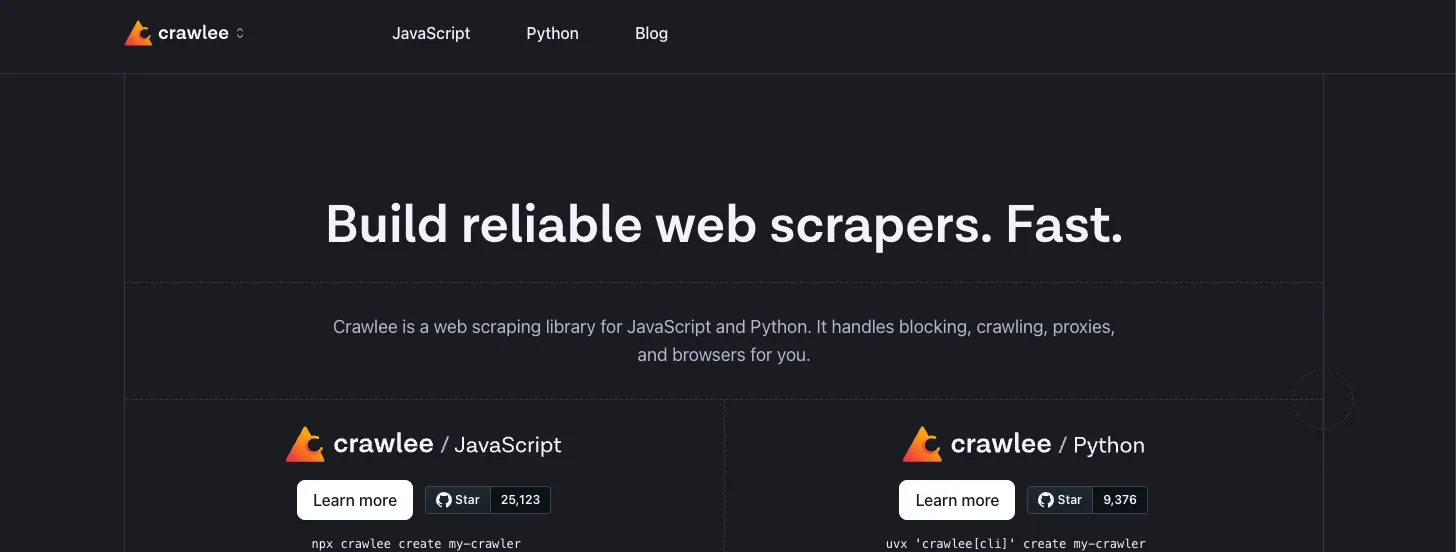
It's the crawling framework from the Apify team, available for both Node and Python, and its anti-blocking is the reason to pick it. Crawlee maintains a pool of sessions mapped to different proxies, tracks which ones are getting flagged, and drops them from rotation automatically. Building that yourself is a week you don't get back.
The AdaptivePlaywrightCrawler is the clever bit: it tries a static HTTP fetch first and only escalates to a full browser when the static parse comes back thin. On a mixed site, that's the difference between 200 browser launches and 20.
import asyncio
from crawlee.crawlers import PlaywrightCrawler, PlaywrightCrawlingContext

crawler = PlaywrightCrawler(max_requests_per_crawl=200)

@crawler.router.default_handler
async def handler(ctx: PlaywrightCrawlingContext) -> None:
    await ctx.push_data({
        "url": ctx.request.url,
        "title": await ctx.page.title(),
    })
    await ctx.enqueue_links()      # follow same-domain links automatically

asyncio.run(crawler.run(["https://example.com"]))
enqueue_links() respects the crawler's scope by default, so it won't wander off onto Twitter. Pair it with residential proxies - this is the layer where Roundproxies or any rotating pool actually earns its keep - and you have the unblocking half of Firecrawl running on your own terms.
One honest limitation: Crawlee gives you crawling, not extraction. You still need Trafilatura or your own selectors to turn what it fetches into markdown. That's a feature if you like clean separation and an annoyance if you wanted one import.
Crawlee cost: Free under Apache 2.0. Around $20/month for the box, plus whatever your proxy pool costs.
A Firecrawl alternative for sites that fight back
Scrapling
Pros
- Selectors that relocate themselves after a site redesign
- StealthyFetcher handles Cloudflare Turnstile without a paid solver
- Three fetcher tiers so you only pay the RAM you need
Cons
- Stealth mode eats ~800MB per concurrent session
- Adaptive matching depends on a local SQLite file that containers love to delete
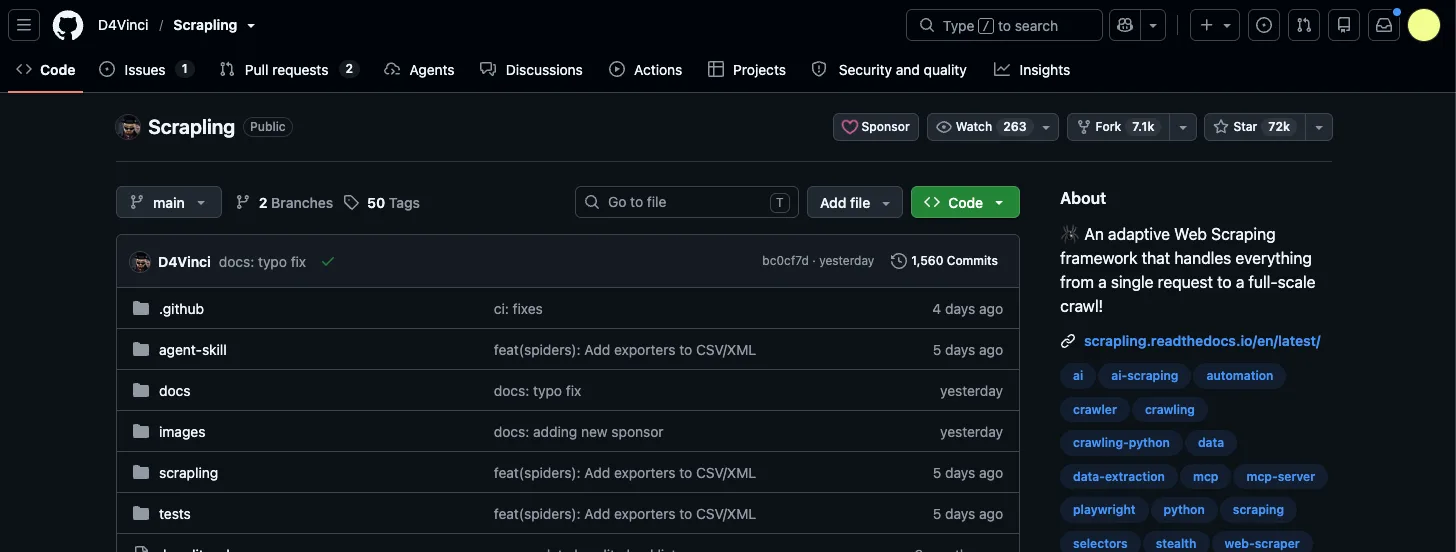
Scrapling came out of nowhere in late 2024 and has been picking up steam since. It's BSD-3 licensed, written by Karim Shoair, and built around a problem the other tools ignore: your scrapers don't usually die from blocking, they die from a designer renaming a CSS class.
Pass auto_save=True and adaptive=True to a selector and Scrapling fingerprints the element. When the site ships a redesign, it runs a local similarity algorithm to find the same element in the new DOM. No LLM call, no API credits, just a deterministic match against a cached fingerprint.
The fetcher tiers are the other reason it's here. Plain Fetcher is a ~40MB HTTP request with realistic TLS fingerprints. StealthyFetcher spins up a headless Chromium with WebGL and canvas spoofing plus non-linear mouse movement.
from scrapling.fetchers import StealthyFetcher

page = StealthyFetcher.fetch(
    "https://example.com/products",
    headless=True,
    network_idle=True,           # wait for XHR to settle
)
titles = page.css(".product-title::text", auto_save=True, adaptive=True)
print(titles)
That auto_save flag writes to a local SQLite database. Deploy this to Lambda or a stateless container without mounting a persistent volume and your fingerprints vanish on every cold start, which quietly turns the adaptive feature off. Mount the volume.
The other trap is RAM. StealthyFetcher runs full Playwright, so memory goes from about 40MB to well over 800MB per session. More than ten concurrent stealth requests on an 8GB VPS and the worker dies. Use the plain Fetcher for everything that doesn't need the disguise.
Scrapling cost: Free under BSD-3-Clause. Realistically $40/month for a box with enough RAM to run stealth sessions concurrently.
A Firecrawl alternative for site mapping
Katana
Pros
- Single Go binary, no runtime to install
- Pulls endpoints out of JavaScript files
- Output pipes straight into other tools as JSONL
Cons
- Discovers URLs, extracts nothing
- Defaults are tuned for security recon, not polite crawling
Katana is the odd one out here, and it's the direct replacement for Firecrawl's /map.
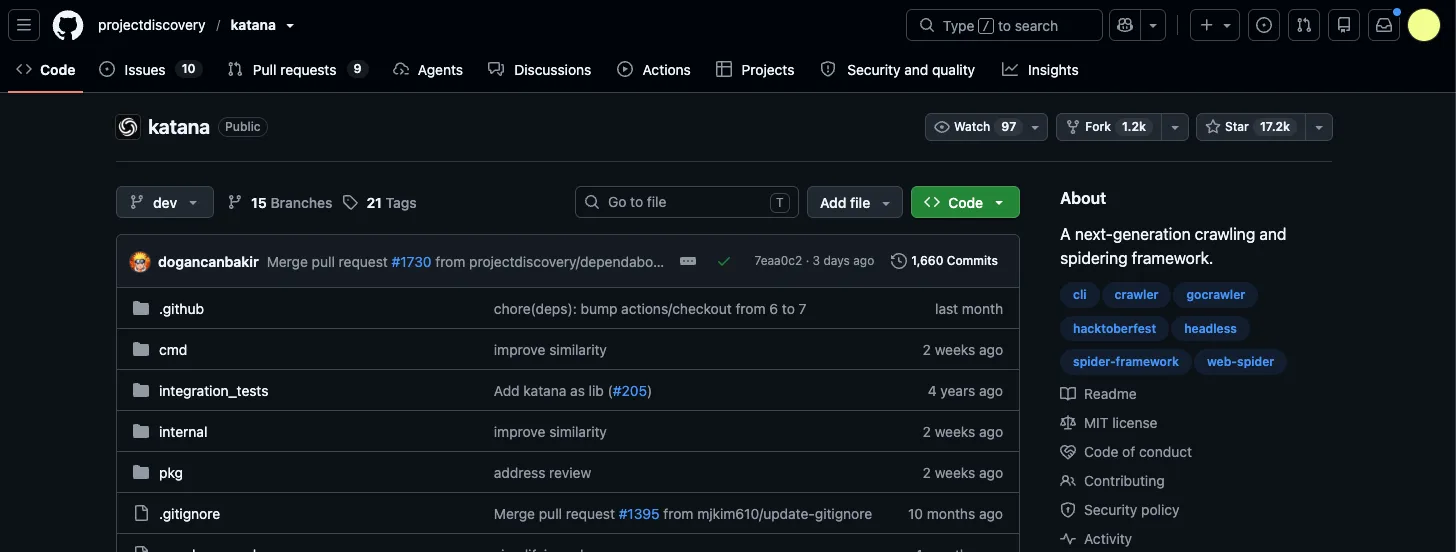
It comes from ProjectDiscovery, the team behind nuclei, and it was built for attack-surface mapping rather than data pipelines. Point it at a domain and it enumerates every URL, endpoint, form, and JavaScript path it can reach. Add -headless and it captures XHR and fetch calls too, which is how you find the API a single-page app is actually talking to.
For scraping work that's a gift. Knowing every URL before you decide what to fetch means you crawl 800 pages instead of 8,000.
katana -u https://example.com \
  -d 3 \                       # crawl depth
  -jc \                        # parse endpoints out of JS files
  -kf robotstxt,sitemapxml \   # seed from known files
  -silent -jsonl -o urls.jsonl
Pipe urls.jsonl through jq to filter by path, then hand the survivors to Trafilatura. That two-step is faster and cheaper than any crawl endpoint I've metered.
Set -rl for rate limiting before you run this against anything you don't own. The defaults are aggressive because the tool was designed for targets you have written permission to hammer.
Katana cost: Free under MIT. Needs Go 1.24+ or the Docker image.
A Firecrawl alternative for PDFs and documents
Docling
Pros
- Handles PDF, DOCX, PPTX, XLSX, HTML, and images through one API
- MIT licensed and donated to the Linux Foundation
- Runs fully offline, which matters for regulated data
Cons
- Downloads 1–2GB of model weights on first run
- Slower than PyMuPDF4LLM on simple text PDFs
If a meaningful slice of your corpus is PDFs, this is the gap Firecrawl charges credits to fill and Docling fills for free.
IBM Research built it, then donated it to the Linux Foundation under an MIT license. The layout model is an RT-DETR architecture trained on DocLayNet - 81,000 manually labeled pages of patents, manuals, and 10-K filings - and IBM reports it lands within five percentage points of human accuracy on page element classification.
Everything flows through a DoclingDocument representation that preserves reading order, table cell boundaries, and formula positions, then exports to markdown, HTML, or JSON. That structure is what makes chunking work properly instead of shredding tables mid-row.
from docling.document_converter import DocumentConverter

converter = DocumentConverter()
result = converter.convert("https://arxiv.org/pdf/2408.09869")
print(result.document.export_to_markdown())
Three lines, and it accepts local paths as happily as URLs.
Honest caveat: Docling isn't universally better. On plain text-layer PDFs it's slower than PyMuPDF4LLM for output that's often no cleaner, and I've seen it produce garbage on a badly generated ebook where a dumber parser did fine. Test it on your actual documents before standardizing. For scanned pages, complex tables, and academic PDFs, nothing else open source comes close.
Docling cost: Free under MIT. Budget 2GB of disk for weights and a GPU if you're processing at volume.
A Firecrawl alternative for total control
Playwright + Readability
Pros
- No abstraction between you and the page
- Every dependency is one you already understand
- Debuggable at 2am
Cons
- You maintain it
- No crawling, queueing, or retry logic unless you write it
Sometimes the right answer to "which Firecrawl alternative should I use" is none of them.
Render with Playwright, strip boilerplate with Readability, convert with html2text. Sixty lines total, and the version below is the working core of it:
import asyncio, html2text
from playwright.async_api import async_playwright
from readability import Document

async def scrape(url: str) -> str:
    async with async_playwright() as p:
        browser = await p.chromium.launch()
        page = await browser.new_page()
        await page.goto(url, wait_until="networkidle")
        raw = await page.content()
        await browser.close()
    article = Document(raw).summary()      # strip nav, ads, sidebars
    return html2text.html2text(article)    # HTML -> markdown

print(asyncio.run(scrape("https://example.com/post")))
Reuse the browser instance across URLs instead of launching per page or you'll spend all your time in Chromium startup. That one change took my throughput from 3 pages/second to about 25.
The reason to pick this over the libraries above is the long tail. Sites with login walls, infinite scroll that needs three specific clicks, or a modal that has to be dismissed before content loads - that's where a general-purpose tool's abstractions get in your way and raw Playwright doesn't.
The reason not to pick it is everything Crawlee gives you for free. Retries, proxy rotation, a persistent queue, concurrency limits. If you find yourself writing those, stop and install Crawlee.
Worth noting: readability-lxml, the Python port, scores lower than the original readability.js in every benchmark I've seen - it's based on an older version of the algorithm. If Node is available, the JS implementation is measurably better.
Playwright + Readability cost: Free. About $20/month for a VPS, plus proxies.
Other Firecrawl alternatives worth knowing
- Scrapy is still the most mature Python crawling framework if you're doing high-volume static crawls and don't need a browser.
- Colly is the Go equivalent, and it's fast enough that the benchmarks look like typos.
- Marker is the best general-purpose PDF converter if Docling is too heavy, with an optional LLM pass for messy layouts.
- MinerU is the only thing I'd trust on Chinese, Japanese, or Korean document layouts.
- Resiliparse trades a little precision for recall, which is the right call when missing content costs more than including boilerplate.
- Microsoft's markitdown handles office formats to markdown with no model weights at all.
Which Firecrawl alternative should you use?
Don't pick one. Pick the two that cover your actual jobs.
If you're building a RAG pipeline over mostly-static content, Trafilatura plus your own fetch layer will do 90% of it for a rounding error of what you're paying now. Add Playwright rendering for the SPAs.
If you want the Firecrawl feel with none of the metering, Crawl4AI is the closest thing and the Apache 2.0 license makes it safe for commercial work.
If your targets are protected, start with Scrapling for the stealth fetchers and adaptive selectors, and put real residential proxies behind it. No library beats a bad IP pool.
If you're crawling whole domains, Katana to map, Crawlee to fetch, Trafilatura to extract. That's the stack I ended up on, and it costs about $60 a month to run at a volume that was quoting me $333.
And if you're scraping under 1,000 pages a month? Keep using Firecrawl's free tier. Self-hosting is a real cost in hours, and at that volume the math doesn't work in your favor. I'd rather tell you that than sell you a migration you don't need.
FAQ
Is Crawl4AI actually free?
The software is, under Apache 2.0. Your costs are compute and proxies, typically $50–300/month depending on volume and how hostile your targets are. If you use LLM-based extraction, add your own token spend, or point LiteLLM at a local Ollama model to zero that line out.
Can I self-host Firecrawl instead of switching?
You can, but you won't get the product you signed up for. The open source core is AGPL-3.0 and ships without the proxy rotation and rendering infrastructure that makes the hosted version work. If you're doing that engineering anyway, you may as well use tools that were designed to be self-hosted.
What's the fastest Firecrawl alternative?
Trafilatura, by a wide margin, at roughly 15–20ms per page on CPU. Anything browser-based is 50–100x slower because Chromium has to boot. The right question is whether your targets need JavaScript rendering - if they don't, skip the browser entirely.
Do any of these handle CAPTCHAs?
Scrapling's StealthyFetcher gets through Cloudflare Turnstile fairly reliably. Nothing here solves image CAPTCHAs, and honestly, if a site is throwing those at you, that's a signal about how welcome your traffic is.
Which one is best for RAG pipelines?
Docling if your sources are documents, Trafilatura if they're web pages, Crawl4AI if you want both behind one interface. Docling's structured output preserves table boundaries and reading order, which matters more for chunk quality than most people realize.
Wrapping up
The useful thing about taking Firecrawl apart is discovering how few of its pieces you actually needed.
Start with the smallest one that fixes your specific pain. If markdown quality is the problem, that's Trafilatura and an afternoon. If you're getting blocked, that's a proxy layer, not a new library. Rebuilding the whole pipeline because one endpoint got expensive is how you turn a $300 bill into three weeks of work.
![Decodo vs. Bright Data: Which is the better provider? [2026]](https://roundproxies.com/blog/content/images/2026/10/decodo-vs-bright-data-1.png)
![IPRoyal vs. Webshare: Which provider is cheaper? [2026]](https://roundproxies.com/blog/content/images/2026/10/iproyal-vs-webshare-1.png)





![IPRoyal vs Oxylabs: Which provider is better? [2026]](https://cdn.roundproxies.com/blog-images/2026/02/iproyal-vs-oxylabs-1.webp)