

Your bot is configured. Your tasks are loaded. The drop starts in 90 seconds - and every task is running through your home IP address. You already know how this ends: banned before checkout.
Sneaker proxies fix that. But the wrong ones waste your money and cost you the drop. I've tested dozens of providers across Nike SNKRS, Shopify, and Footlocker releases over the past two years. Here are the six that actually perform when it matters.
What Are Sneaker Proxies?
Sneaker proxies are proxy servers optimized for purchasing limited-edition sneakers from online retailers. They mask your real IP address and assign a unique IP to each bot task, letting you run multiple checkout attempts without triggering anti-bot detection. The best sneaker proxies use residential or ISP-grade IPs that mimic real consumer traffic. Use them when running any sneaker bot - from Cyber AIO to Wrath - against sites that limit one purchase per IP address.
Quick Comparison
| Provider | Best For | Proxy Types | Pool Size | Starting Price | Sticky Sessions |
|---|---|---|---|---|---|
| Roundproxies | Overall performance | Residential, ISP, DC, Mobile | 110M+ IPs | $3.50/GB | Rotating + sticky |
| Decodo | Price-to-speed ratio | Residential, ISP | 65M+ IPs | $12/2GB | Up to 30 min |
| Oxylabs | Large-scale ops | Residential, ISP, DC | 100M+ IPs | $15/GB | Up to 30 min |
| IPRoyal | Budget setups | Residential, ISP, DC | 34M+ IPs | $1.75/GB | Up to 24 hrs |
| SOAX | Targeting precision | Residential, ISP, Mobile | 191M+ IPs | $3.60/GB | Up to 30 min |
| MarsProxies | Sneaker-specific | ISP, Residential, DC | Curated pool | $1.50/proxy | Unlimited |
Why Proxy Type Matters More Than Brand
Before picking a provider, you need to understand which proxy type matches your target site. Choosing the right sneaker proxies starts with this decision - it matters more than which company you buy from.
ISP proxies are the current meta for sneaker drops in 2026. They sit in data centers but are registered under consumer ISPs like Verizon or Comcast. That gives you datacenter speed with residential-level trust scores. Most experienced botters now use ISP proxies as their primary choice for Shopify and Supreme drops.
Residential proxies route through real home connections. They're slower, but sneaker sites are extremely reluctant to block them because they risk banning real customers. For raffle-based systems like SNKRS, residential IPs are still the safest bet.
Mobile proxies use IPs from 4G/5G carriers. Multiple real users share the same IP through carrier-grade NAT, so these carry the highest trust scores of any proxy type. They're the most expensive option per GB, but they're nearly unblockable.
Datacenter proxies are fast and cheap, but most major sneaker sites flag them on sight in 2026. Use them only for CAPTCHA harvesting, not for the actual checkout flow. No matter how cheap they are, datacenter IPs alone won't work as your primary sneaker proxies.
Which Proxy Type for Which Retailer
This is the part most guides skip entirely. Different sneaker sites use different anti-bot stacks, and the optimal proxy type varies accordingly.
| Retailer | Anti-Bot Stack | Best Proxy Type | Session Strategy |
|---|---|---|---|
| Nike SNKRS | Akamai + custom | Residential or Mobile | Sticky 10–30 min |
| Shopify (Kith, Bodega, etc.) | Cloudflare / Queue-it | ISP (speed wins here) | Sticky per task |
| Footlocker / Footsites | PerimeterX | ISP or Residential | Sticky 5–10 min |
| Adidas Confirmed | Akamai | Residential | Sticky 10+ min |
| Supreme | Custom / Ticket system | ISP | One IP per task |
| YeezySupply (when active) | Cloudflare | ISP | Sticky per task |
For SNKRS raffles, speed doesn't matter - you need volume and trust. Load up on residential IPs.
For Shopify first-come-first-served drops, speed is everything. ISP proxies give you the sub-second response times that win carts.
1. Roundproxies — Best Overall Performance
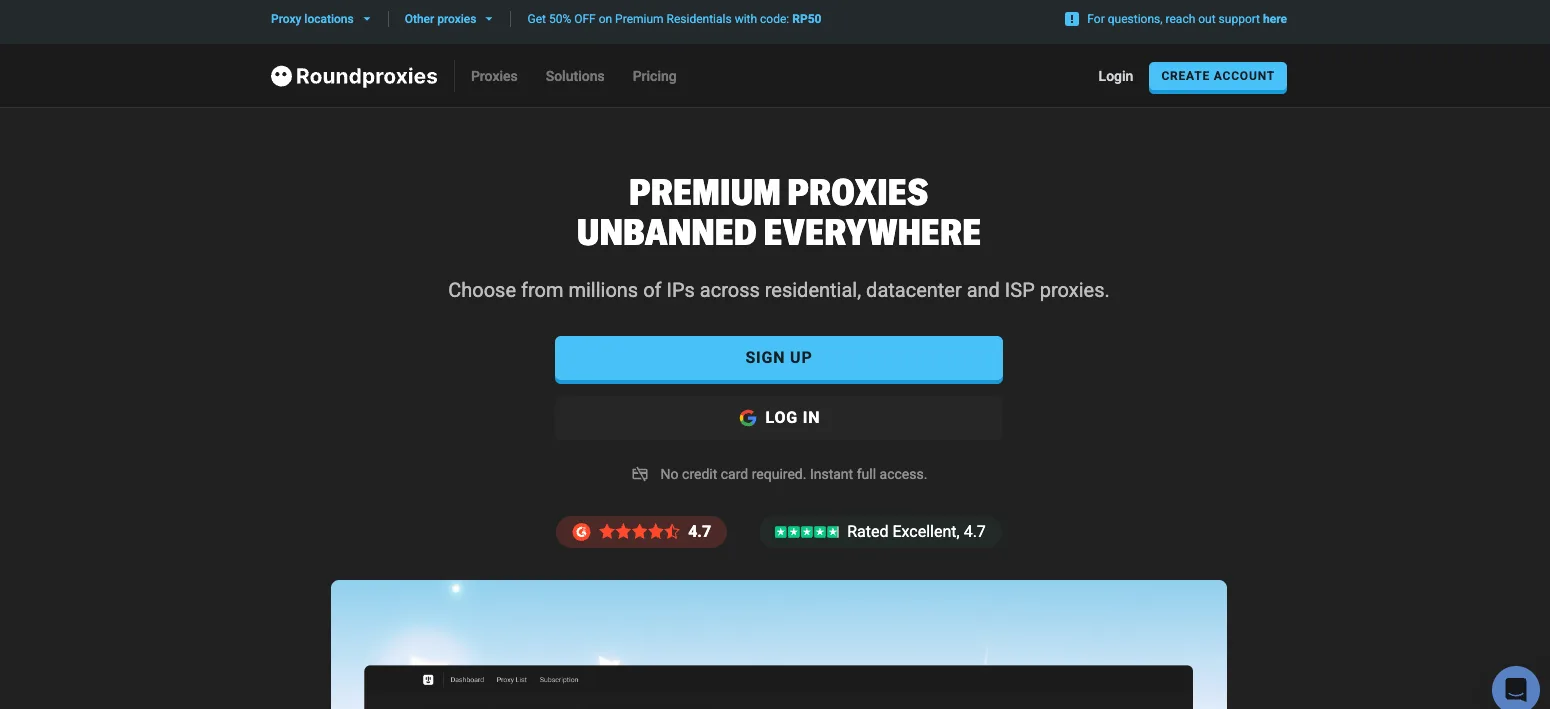
Roundproxies covers every proxy type you'd need for sneaker drops - residential, ISP, datacenter, and mobile - under one roof with city-level targeting across 195+ countries.
What it does: Roundproxies provides 110+ million residential IPs with rotating and sticky session options, ISP proxies starting at $1.00/IP, and datacenter proxies from $0.30/IP. All proxy types support unlimited concurrent sessions and SOCKS5.
Why it stands out: Having every proxy type available from one provider is a real advantage for sneaker copping. You can run ISP proxies for your Shopify checkout tasks and residential IPs for your SNKRS raffle entries without juggling multiple dashboards and billing cycles.
The ISP proxies are registered under real consumer ISPs with full ASN transparency - not relabeled datacenter IPs, which is a common bait-and-switch in this market. City-level targeting lets you pin IPs to New York, Virginia, or Chicago for the lowest latency to US-based retailer servers.
In independent testing, their residential proxies maintained a 99.9% success rate against heavily protected e-commerce targets. The sneaker community has picked up on this - Sole Radar's 2026 review specifically highlights their sneaker-optimized proxy tiers for handling drops on Nike and Shopify.
Limitations: The starter residential plan (5GB for $75) isn't cheap for casual users. If you're only running 10–15 tasks per drop, you'll burn through that slowly. The 3-day refund window is also tight - test aggressively during that period.
Pricing: Residential from $3.50/GB (pay-as-you-go). ISP proxies from $1.00/IP. Datacenter proxies from $0.30/IP with unlimited bandwidth. 3-day money-back guarantee on all plans.
2. Decodo — Best Price-to-Speed Ratio
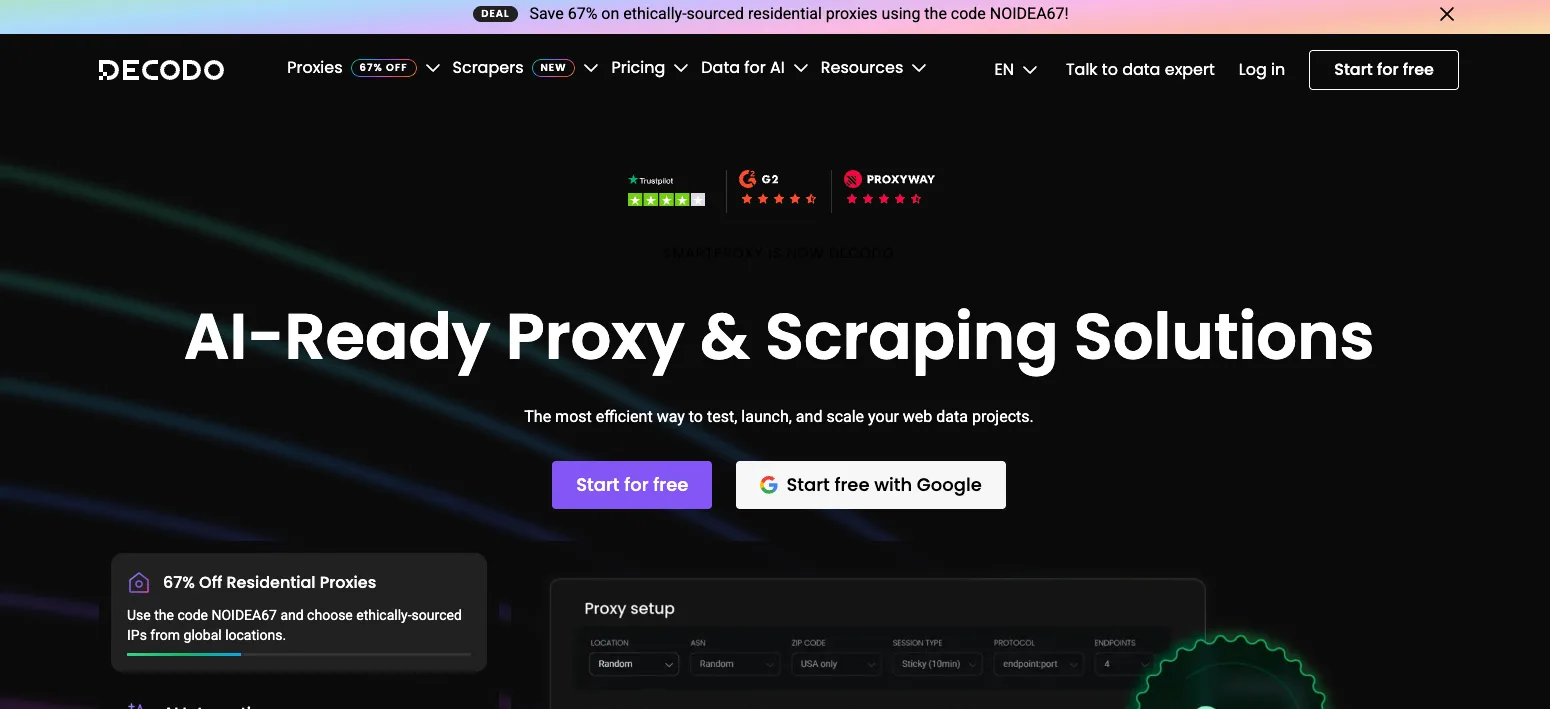
Formerly Smartproxy, Decodo has built a strong reputation in the sneaker community for balancing price and performance.
What it does: Decodo provides residential and ISP proxies across 195+ locations with both rotating and sticky session support.
Why it stands out: In independent testing by Proxyway and Cybernews, Decodo hit a 100% success rate across 100 requests - the highest of any provider tested. Average response time was just over 3 seconds, which is fast enough for competitive Shopify drops.
The sticky session support is what matters for sneaker copping. You can hold the same IP for up to 30 minutes, which covers the full cart-add-to-checkout flow on queue-based sites. Their ISP proxies cost around $0.27 per IP, making them some of the most affordable ISP proxies available from a legitimate provider.
Limitations: You can't specify a city or ISP for their ISP proxy tier. If you need Virginia-specific IPs for East Coast Nike servers, you're limited to state-level targeting at best.
Pricing: Residential proxies start at $12 for 2GB ($6/GB). Pay-as-you-go residential traffic starts at $3.50/GB with no expiration. ISP proxies are priced per IP.
3. Oxylabs — Best for Large-Scale Operations
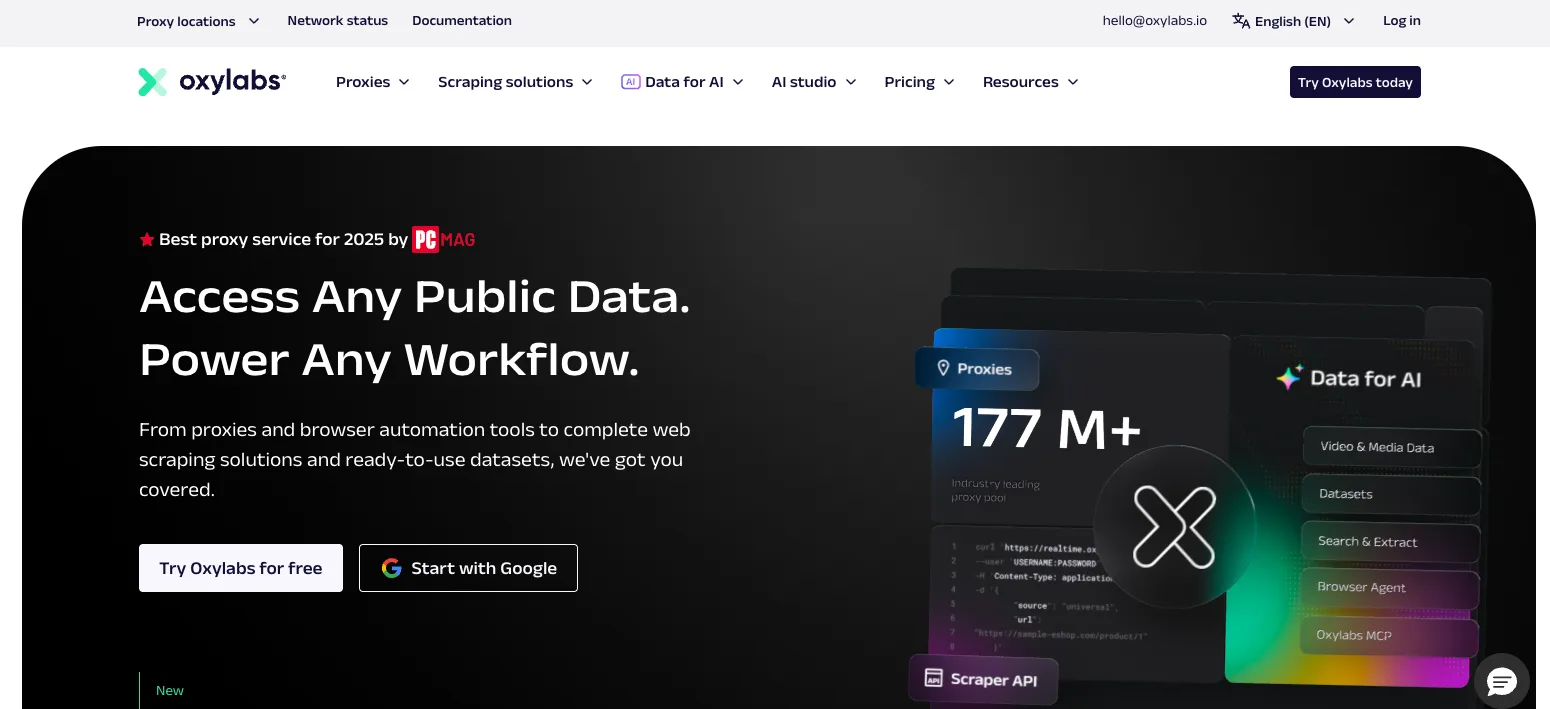
If you're running hundreds of tasks per drop and reselling is your business, Oxylabs is built for that scale.
What it does: Oxylabs offers dedicated ISP proxies with zero shared usage, plus one of the largest residential pools in the market at over 100 million IPs.
Why it stands out: "Dedicated" means your ISP proxies haven't been touched by other botters. Clean IP history is the single biggest factor for success on anti-bot-heavy sites like SNKRS. No contamination from someone else's failed tasks flagging the subnet.
Their residential pool provides backup capacity when ISP proxies get exhausted during high-demand drops. The geo-targeting is precise - country, city, state, ZIP code, or ASN level - which lets you dial in IPs close to specific retailer servers.
Limitations: The price. Oxylabs is the premium tier. Their ISP proxies start higher than competitors, and residential bandwidth isn't cheap. This makes sense at scale but is overkill for someone running 10–20 tasks.
Pricing: Residential proxies from $15/GB. ISP proxies by custom quote. They offer a dedicated account manager, which is useful for managing large proxy operations.
4. IPRoyal — Best Budget Option
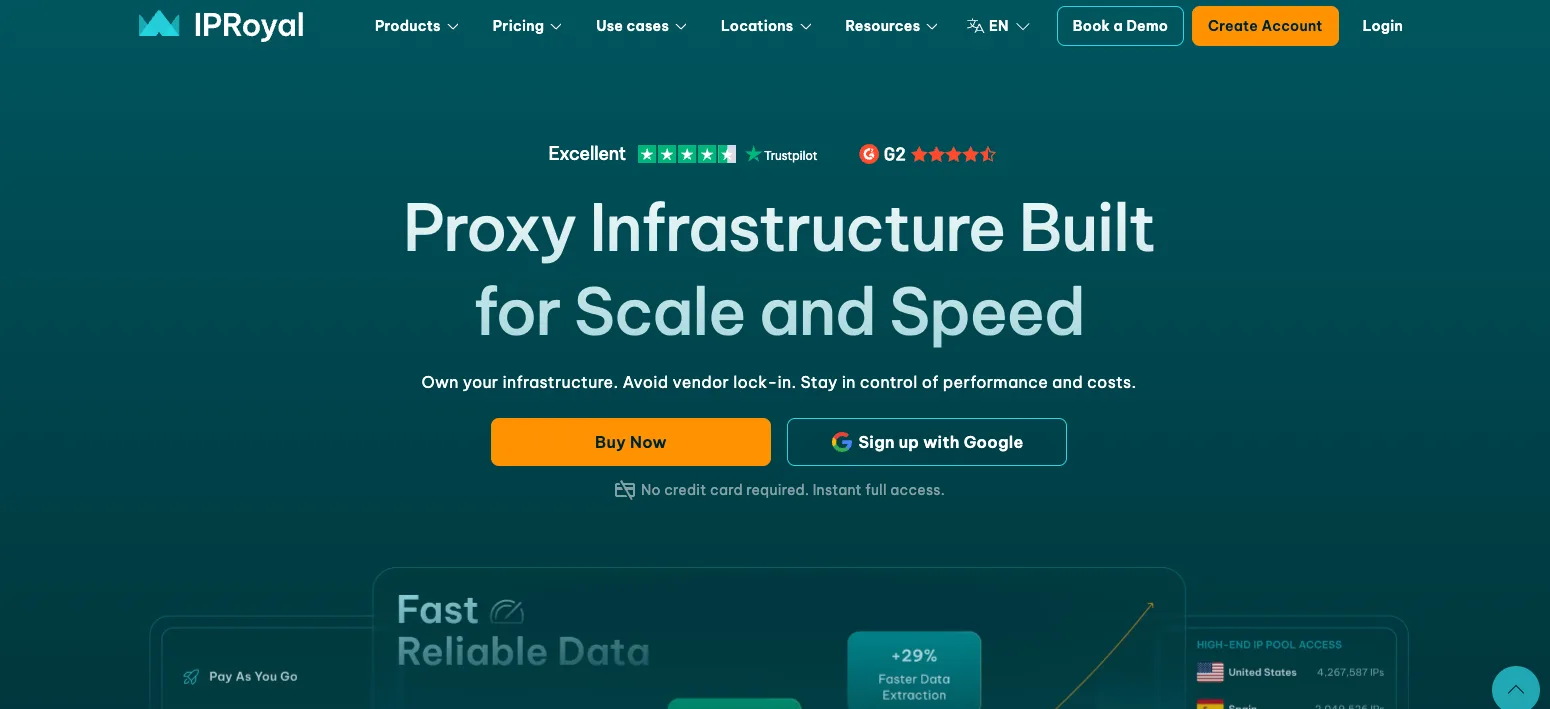
Not everyone is running 500 tasks on drop day. If you're starting out or copping casually, IPRoyal keeps costs reasonable without sacrificing too much.
What it does: IPRoyal offers residential, ISP, and datacenter proxies with non-expiring traffic - meaning unused bandwidth carries over indefinitely.
Why it stands out: The non-expiring traffic model is useful for sneaker copping. Drops happen on unpredictable schedules. With most providers, you buy monthly bandwidth and lose what you don't use. IPRoyal lets you stockpile.
Their residential pool is smaller at around 34 million IPs, but the IPs are effective for less aggressive drops. Their ISP proxies work well on Shopify sites specifically. Residential pricing starts at $1.75/GB, which is roughly half what the premium providers charge.
Limitations: Smaller IP pool means higher risk of subnet overlap with other users on high-demand drops. For Tier 1 releases (Travis Scott Jordans, major Nike collaborations), you may run into more blocks than you would with Decodo or Oxylabs.
Pricing: Residential from $1.75/GB. ISP proxies from $2.40/proxy/month. Non-expiring traffic on all residential plans.
5. SOAX — Best Targeting Precision
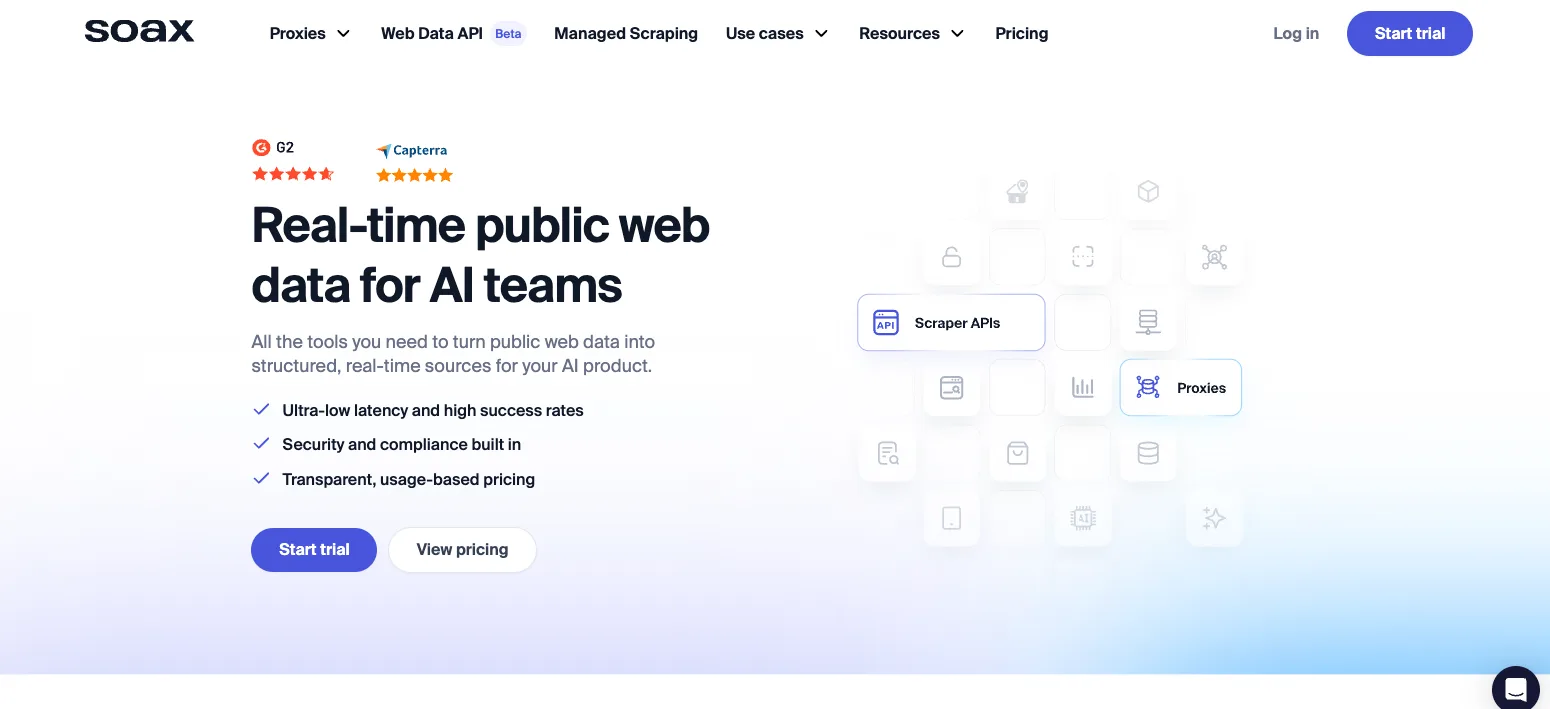
When you need to get surgical with your proxy setup - specific ASN, specific city, specific carrier - SOAX gives you the most control.
What it does: SOAX provides residential, ISP, and mobile proxies with fine-grained filtering by country, city, ASN, and carrier.
Why it stands out: The 191 million IP pool is among the largest available. But the real advantage is the targeting granularity. You can filter by ASN, which lets you specifically request IPs from ISPs known to have clean reputations with your target retailer.
Their US ISP proxy offering includes over 2.6 million IPs with extended session duration. In testing, SOAX hit a 98% success rate - not the absolute best, but extremely reliable. The flexible rotation options let you set custom rotation intervals, not just "sticky" or "rotating."
Limitations: The dashboard has a learning curve. Configuring ASN-level targeting isn't intuitive if you're new to proxy management. Pricing also requires monthly commitments, with no pay-as-you-go option on the cheaper tiers.
Pricing: Residential from $3.60/GB (minimum $90/month for 4GB). US ISP proxies from $3.00/GB ($90/month for 30GB).
6. MarsProxies — Best Sneaker-Specific Provider
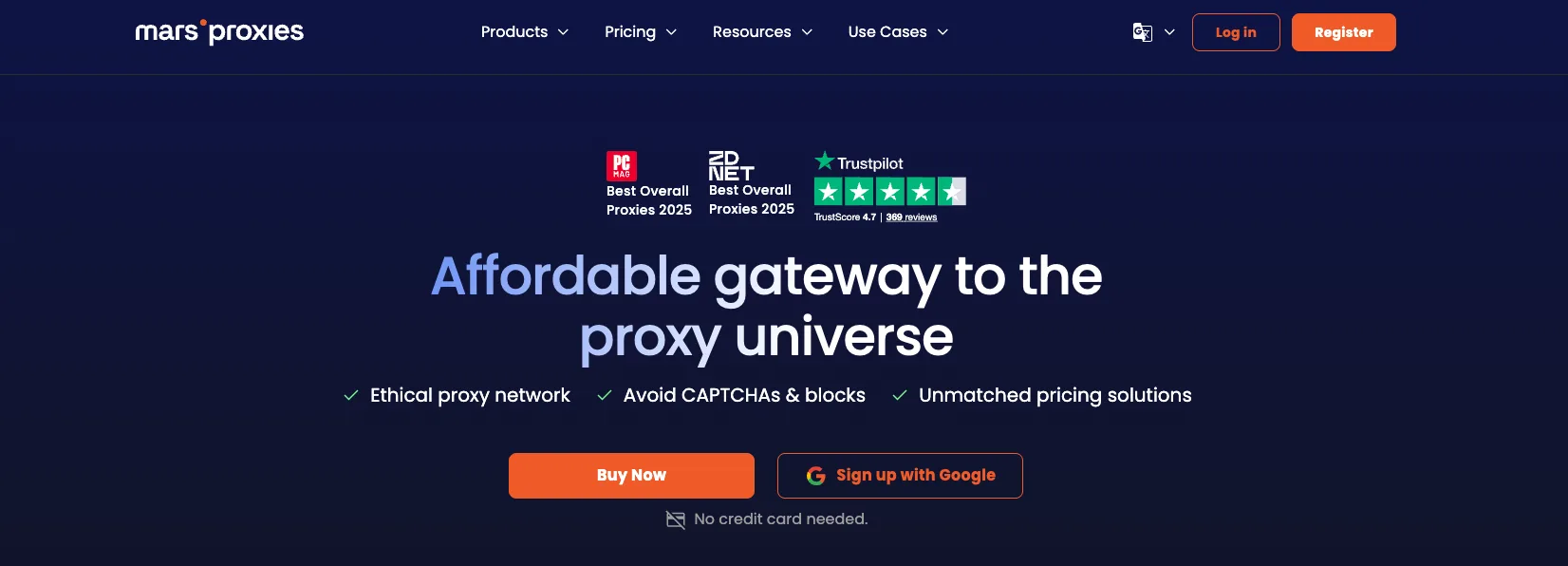
While the providers above are general-purpose proxy companies that work well for sneakers, MarsProxies was built specifically for the sneaker community.
What it does: MarsProxies provides curated ISP, residential, and datacenter proxies that are pre-tested for compatibility with major sneaker bots and retailer sites.
Why it stands out: Every IP in their pool is tested against sneaker sites before being added. That curation process means you're less likely to get a flagged or burned IP. Their proxies come with SOCKS5 support out of the box, and they support unlimited traffic and sessions on ISP plans.
The dedicated IP model means no sharing, period. Each proxy you purchase is exclusively yours. Integration with sneaker bots like Kodai, Cyber AIO, and Sole AIO is documented with per-bot setup guides.
Limitations: Smaller overall network compared to enterprise providers. You won't get the same geographic breadth as Oxylabs or SOAX. And because the pool is curated rather than massive, availability can be limited before major drops.
Pricing: ISP proxies from around $1.50/proxy. Residential traffic on pay-as-you-go plans. No traffic limits on ISP plans.
How to Set Up Sneaker Proxies With Your Bot
Every sneaker bot imports proxies in the same basic format. Here's the standard structure most sneaker proxy providers use:
ip:port:username:password
Most providers give you a proxy list generator in their dashboard. Export the list, then import it into your bot's proxy section.
Here's a quick Python script to test your proxy list before a drop - don't wait until release day to find out half your IPs are dead:
import requests
import concurrent.futures

def test_proxy(proxy_string):
    """Test a single proxy against a sneaker-adjacent target."""
    ip, port, user, pwd = proxy_string.strip().split(":")
    proxies = {
        "http": f"http://{user}:{pwd}@{ip}:{port}",
        "https": f"http://{user}:{pwd}@{ip}:{port}",
    }
    try:
        # Test against a site with similar anti-bot to sneaker retailers
        r = requests.get(
            "https://www.footlocker.com/",
            proxies=proxies,
            timeout=10
        )
        return proxy_string, r.status_code, r.elapsed.total_seconds()
    except Exception as e:
        return proxy_string, "FAILED", str(e)

# Load your proxy list
with open("proxies.txt", "r") as f:
    proxy_list = [line.strip() for line in f if line.strip()]

# Test all proxies concurrently
with concurrent.futures.ThreadPoolExecutor(max_workers=20) as executor:
    results = list(executor.map(test_proxy, proxy_list))

# Print results sorted by response time
for proxy, status, time_or_error in sorted(results, key=lambda x: x[2] if isinstance(x[2], float) else 999):
    print(f"{proxy[:30]}... | Status: {status} | Time: {time_or_error}")
Run this 24 hours before a drop. Remove any proxy that returns a non-200 status or takes longer than 5 seconds. Slow proxies during testing will be even slower under drop-day load.
Bot-Specific Configuration Tips
For Shopify bots (Cyber AIO, Kodai): Assign one proxy per task. Use ISP proxies. Set delay between 3,000–4,000ms to avoid triggering rate limits.
For SNKRS bots (Another Nike Bot, Nike-specific modules): Use residential proxies. Enable sticky sessions. One proxy per account, not per task.
For Footsites (NSB, Prism): Mix ISP and residential. Sticky sessions of 5–10 minutes. Separate your monitor tasks from checkout tasks - monitors can use cheaper residential, checkouts need ISP.
How to Choose the Right Sneaker Proxies
Picking the right provider depends on your setup and targets.
| If you need... | Go with... | Because... |
|---|---|---|
| Best all-around performance | Roundproxies | Every proxy type, city-level targeting, high success rates |
| Fastest response times | Decodo | Highest tested success rate, competitive pricing |
| Maximum scale for reselling | Oxylabs | Dedicated ISPs, massive pool, enterprise support |
| Budget-friendly entry point | IPRoyal | Non-expiring traffic, lowest per-GB cost |
| Precise geo/ASN targeting | SOAX | Most granular targeting controls available |
| Sneaker-optimized out of the box | MarsProxies | Pre-tested IPs, SOCKS5, bot-specific docs |
One proxy per task. That's the golden rule. If you're running 100 tasks, you need 100 unique IPs. Sharing proxies between tasks is the fastest way to get your entire subnet flagged.
Common Mistakes That Kill Your Cop Rate
Even with the best sneaker proxies, bad configuration will cost you pairs. These are the mistakes I see most often.
Using the same proxy for monitoring and checkout. Your monitor tasks hit the site constantly, which eventually flags the IP. If that same IP is also assigned to a checkout task, you've burned it before the drop even starts. Always separate monitor proxies from checkout proxies.
Skipping proxy testing before drops. Proxies degrade over time. An IP that worked last month may be banned today. Test every proxy 24 hours before a drop. Remove anything with response times over 5 seconds or non-200 status codes.
Running too many tasks per proxy. The 1:1 rule exists for a reason. One task per proxy. If you're running 50 tasks with 20 proxies, you're asking for a subnet ban. Either buy more or reduce your task count.
Ignoring proxy location. If you're targeting US-based retailers, your proxies should be US-based. Specifically, IPs from Virginia, New York, or Chicago give you the lowest latency to most major retailer servers. European IPs hitting a US server add 100+ milliseconds of latency - enough to lose a Shopify cart.
Using residential proxies where ISP proxies would win. Residential IPs are great for trust, but they're slow. On Shopify drops where checkout speed determines success, ISP proxies outperform every time. Match the proxy type to the drop type.
Frequently Asked Questions
Do I need different sneaker proxies for different sites?
Not necessarily different providers, but different proxy types. ISP proxies for speed-dependent Shopify drops, residential for trust-dependent SNKRS raffles. Most providers offer both types. Buy a mix rather than going all-in on one type.
Are free sneaker proxies worth trying?
No. Free proxies are shared, slow, and already blacklisted by every major retailer. They'll cost you more in missed drops than the money you save. Even budget providers like IPRoyal are a better investment.
How many sneaker proxies do I need?
One per task, minimum. If you plan to run 50 tasks across a Nike SNKRS drop, you need 50 proxies. For Shopify drops where speed matters more, 25–30 fast ISP proxies often outperform 100 slow residential ones.
Can I use a VPN instead of sneaker proxies?
A VPN gives you one IP address. You can't run multiple tasks through a single IP without getting banned immediately. VPNs are for privacy browsing, not for botting. Proxies give you hundreds or thousands of unique IPs - that's the entire point.
Should I use datacenter proxies for sneakers in 2026?
Only for CAPTCHA harvesting. Datacenter IPs get flagged almost instantly on Nike, Adidas, Footlocker, and most Shopify stores. Use them as support alongside your residential or ISP proxies, not for actual checkout tasks.
How often should I rotate my proxies?
It depends on the site. For queue-based systems (SNKRS, Footlocker), use sticky sessions - keep the same IP for 10–30 minutes. For raffle entries, rotate after each submission. For monitoring tasks, rotate every few minutes to avoid detection patterns.
Wrapping Up
The sneaker proxy market in 2026 rewards quality over quantity. ISP proxies are the current meta for speed-critical drops, residential proxies hold their ground for raffle-based releases, and mobile proxies are emerging as the highest-trust option.
Roundproxies is my top pick for most botters - the combination of residential, ISP, and datacenter proxies under one dashboard with city-level targeting covers every drop scenario. Decodo is a close second if raw speed is your priority. Scale up to Oxylabs if you're running a serious reselling operation. Start with IPRoyal or MarsProxies if you're testing the waters.
Whatever provider you choose, the fundamentals don't change: test your proxies before every drop, match your proxy type to the retailer's anti-bot stack, and never share IPs between tasks. Get those three things right and you'll out-cop most of the competition.
![Decodo vs. Bright Data: Which is the better provider? [2026]](https://roundproxies.com/blog/content/images/2026/10/decodo-vs-bright-data-1.png)
![IPRoyal vs. Webshare: Which provider is cheaper? [2026]](https://roundproxies.com/blog/content/images/2026/10/iproyal-vs-webshare-1.png)







![IPRoyal vs Oxylabs: Which provider is better? [2026]](https://cdn.roundproxies.com/blog-images/2026/02/iproyal-vs-oxylabs-1.webp)