Exa built something genuinely useful: a search engine that speaks embeddings instead of keywords. Feed it a natural language query and it returns semantically relevant results, structured for machines, not humans.
But after integrating Exa into a couple of production RAG pipelines, you start noticing the friction. Pricing gets opaque at scale. The credit system punishes you for requesting content snippets. And if you need deep extraction — not just search — you're bolting on another tool anyway.
Here are seven Exa.ai alternatives worth evaluating, ranked by what they actually do well.
What Is Exa.ai?
Exa.ai is an AI-native search API that uses embeddings-based semantic search to retrieve web content for LLMs, AI agents, and RAG systems. Unlike traditional search engines that match keywords, Exa understands query intent and returns structured results optimized for machine consumption. Pricing starts at $49/month for 8,000 credits on the Websets plan, with a pay-per-use API tier that begins with $10 in free credits.
Quick Comparison
| Alternative | Best For | Standout Feature | Free Tier |
|---|---|---|---|
| Tavily | RAG prototyping & AI agents | Native LangChain integration | 1,000 credits/month |
| Brave Search API | Independent search index | LLM Context API with 35B+ page index | 2,000 queries/month |
| Firecrawl | Extraction-first workflows | Open-source, self-hostable | 500 credits |
| Serper | Google SERP data on a budget | $1 per 1,000 queries | 2,500 queries |
| Perplexity Sonar | Cited AI answers in one call | Built-in source attribution | Pay-per-use |
| Linkup | EU compliance & flat pricing | GDPR-compliant, EU-hosted servers | €5 free credits |
| SearXNG | Full self-hosted control | Free, open-source, 247 search engines | Completely free |
Why Look Beyond Exa?
Exa's semantic search is strong. Its neural ranking genuinely outperforms keyword matching for discovery tasks, and the Websets product is clever for building entity lists.
The problems show up at scale.
How We Pick and Test What We Recommend
Every roundup you see on Roundproxies is put together by real people who live and breathe proxies, tools, and software. We don't just skim the surface, we roll up our sleeves and spend serious time digging into each product, putting it through real-world use, and measuring it against clear standards that actually matter for the category. No shortcuts, no guesswork. For more information on how we chose software, apps and tools, feel free to read the full article of how we pick the tools we recommend on Roundproxies blog.
Every roundup you see on Roundproxies is put together by real people who live and breathe proxies, tools, and software. We don't just skim the surface, we roll up our sleeves and spend serious time digging into each product, putting it through real-world use, and measuring it against clear standards that actually matter for the category. No shortcuts, no guesswork. For more information on how we chose software, apps and tools, feel free to read the full article of how we pick the tools we recommend on Roundproxies blog.
Exa's credit system charges 10 credits per Webset result — before you add enrichments, custom columns, or contact data. A 50-result query burns 500 credits. On the Starter plan at $49/month, that's 8,000 credits total.
Do the math on a lead enrichment workflow running daily and those credits evaporate fast.
The API pricing adds another layer. Requesting content snippets with search results costs more than basic search. The /answer endpoint layers on reasoning token charges at $5 per million. None of this is unreasonable, but it makes cost forecasting painful when your agent's query volume fluctuates.
Then there's the index itself. Exa crawls broadly but updates on its own schedule. If your application needs real-time news or freshly published pages, you may hit gaps that a larger index handles better.
1. Best for RAG Prototyping and AI Agents
Tavily
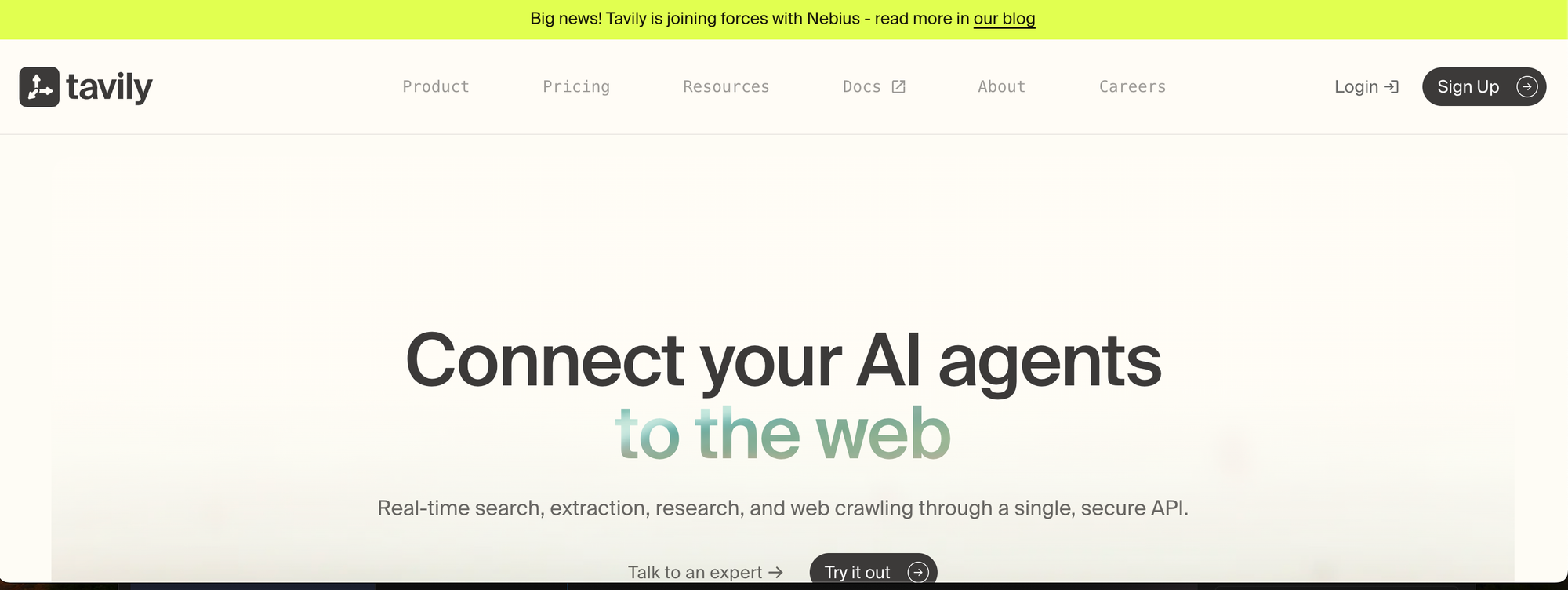
What it does: Tavily is a search API built specifically for feeding LLMs. You send a query, you get back structured JSON with summaries, citations, and content snippets — already trimmed for context windows.
Why it stands out: If you're building with LangChain or LlamaIndex, Tavily is the path of least resistance. It has native integrations with both frameworks, plus official support for CrewAI and AutoGen. The /research endpoint (now GA as of January 2026) runs a multi-step search-and-synthesize pipeline that produces structured reports with cited sources — essentially a managed research agent.
Tavily recently joined forces with Nebius, which should improve infrastructure scaling. They also shipped fast and ultra-fast search depth options for latency-sensitive workloads like voice assistants and trading agents.
The credit system is straightforward. Basic search costs 1 credit. Advanced search costs 2. You get 1,000 free credits monthly, no card required.
Limitations: Cost predictability degrades with the Research API, which can consume anywhere from 4 to 250 credits per request depending on complexity. You won't know the final cost until after the call completes. If you need deep extraction beyond search snippets, you're still combining Tavily with a separate crawling tool.
Pricing: Free tier (1,000 credits/month). Paid plans from $75/month (Bootstrap) to $500/month (Growth). Pay-as-you-go at $0.008/credit.
2. Best Independent Search Index
Brave Search API

What it does: Brave provides programmatic access to its own independently crawled web index — 35+ billion pages, updated with 100+ million changes daily. No Google wrapper. No Bing dependency.
Why it stands out: This is the big differentiator. Every other API on this list either wraps Google results (Serper), relies on its own limited crawl (Exa), or aggregates from multiple engines (SearXNG). Brave runs original infrastructure.
That matters now more than ever. Microsoft retired the Bing Search API in August 2025. Google's Programmable Search Engine has rigid constraints that block AI grounding use cases. Brave filled that gap immediately.
As of February 12, 2026, Brave launched the LLM Context API — a new endpoint that returns "smart chunks" instead of raw URLs. It performs real-time extraction, converts pages to clean markdown, preserves JSON-LD schemas, and delivers query-optimized snippets designed for LLM context injection. They report p90 latency under 600ms.
Brave published benchmark data showing their open-weight chatbot (running Qwen3 with the new API) outperforming ChatGPT and Google AI Mode in answer quality. The thesis: better grounding data matters more than bigger models.
The Goggles feature is unique. It lets you create custom re-ranking rules on top of the index — effectively giving you programmable search ranking without building your own crawler.
Limitations: The index skews toward English-language content. For non-English queries, results can be thinner than Google's. There's no built-in extraction or crawling endpoint — it's pure search, so you'll need a separate tool for deep page content.
Pricing: Free tier (2,000 queries/month, 1 QPS). Search plan at $5 per 1,000 requests. Answers plan at $4 per 1,000 searches + $5 per million tokens.
3. Best for Extraction-First Workflows
Firecrawl
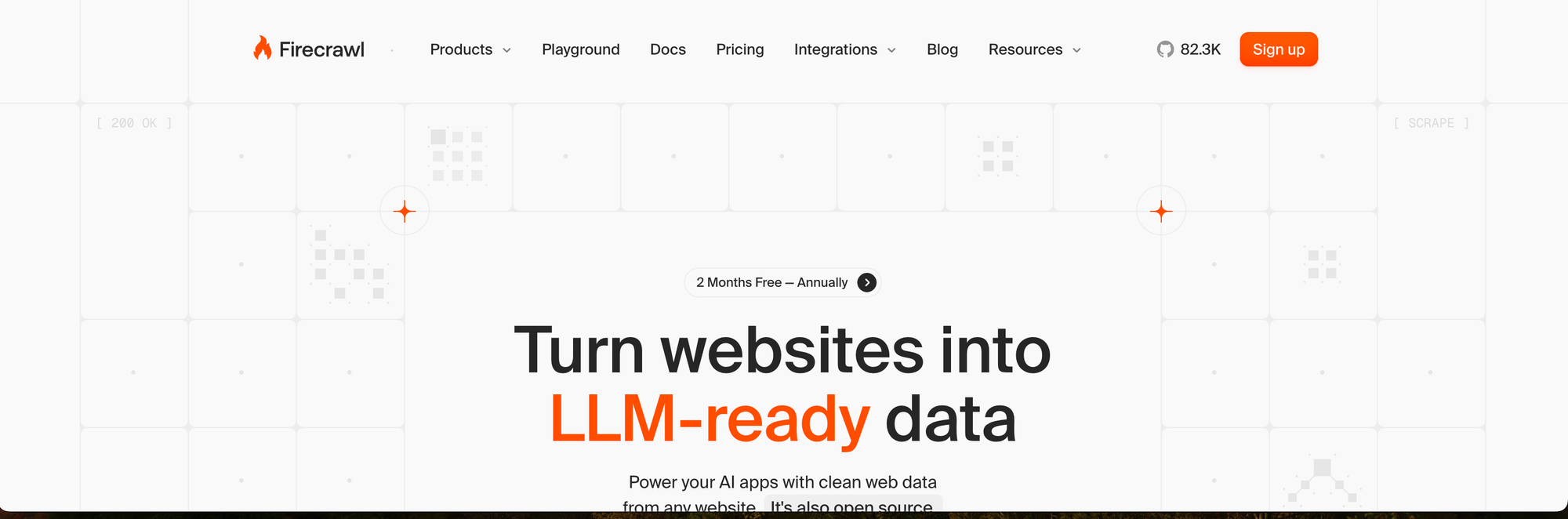
What it does: Firecrawl turns websites into LLM-ready markdown. Where Exa searches first and extracts second, Firecrawl leads with extraction, crawling, scraping, and structuring web content in a single API call.
Why it stands out: It's open-source. You can self-host Firecrawl for complete control over your data pipeline, which matters for teams with compliance requirements or unpredictable crawling volumes.
The unified workflow is the real selling point. With Exa, you search for pages, then make separate extraction calls. Firecrawl searches and extracts full page content in one call at a flat rate per page. Fewer API calls, simpler code, more predictable costs.
Firecrawl's extraction agent handles JavaScript rendering, pagination, and multi-page navigation automatically — no custom Puppeteer scripts needed. For structured data extraction (pulling specific fields from pages), you define a schema and Firecrawl returns clean JSON.
At 100,000 pages per month, Firecrawl's Standard plan costs $83. That's significantly cheaper than Exa or Tavily at equivalent volumes.
Limitations: Firecrawl's search capabilities are secondary to its extraction engine. If you need semantic discovery — "find me pages conceptually similar to X" — Exa's neural search is still superior. Firecrawl finds pages and extracts them; it doesn't understand what the content means the way Exa does.
Pricing: Free tier (500 credits). Starter at $19/month (3,000 credits). Standard at $83/month (100,000 credits). Growth at $333/month (500,000 credits).
4. Best for Google SERP Data on a Budget
Serper
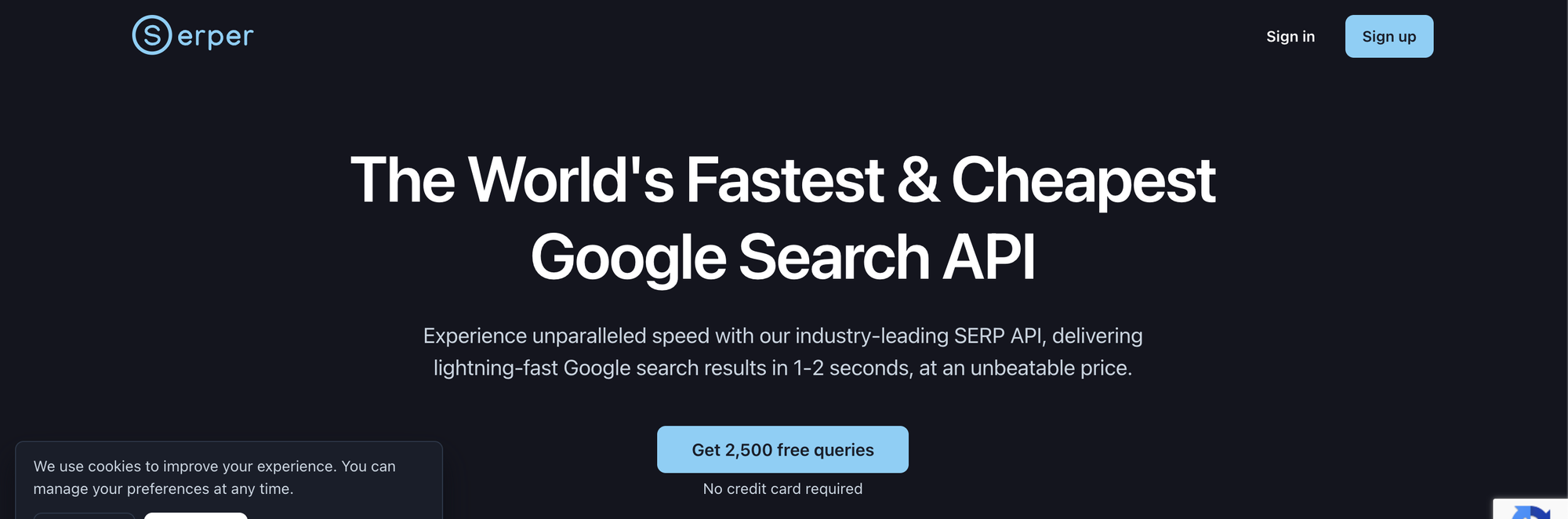
What it does: Serper is a Google Search API that returns parsed, structured SERP data in 1–2 seconds. Organic results, knowledge panels, People Also Ask, featured snippets — all in clean JSON.
Why it stands out: It's the cheapest way to get real Google results programmatically. Pricing starts at $1 per 1,000 queries at volume, with 2,500 free queries to start. No subscriptions required — it's pure pay-as-you-go.
For AI agents that need to ground responses in what Google actually returns (not what a separate index thinks is relevant), Serper gives you the real thing. It supports image search, news, shopping, and scholar endpoints.
The LangChain community has built integration tools for Serper, and it works well as the search layer in agent loops where you handle content extraction separately.
Limitations: Serper only covers Google. No Bing, no DuckDuckGo, no independent results. You're getting Google's ranking algorithm, which means SEO-optimized content may dominate over genuinely relevant pages. There's no semantic search — it's keyword matching through Google's infrastructure. And if you need more than 10 results per query, the credit cost doubles.
Tradeoff: You're trusting Google's index and ranking. For most use cases that's fine. For applications where you need diverse or independent results, Brave's index is a better fit.
Pricing: 2,500 free queries. Paid plans from $50 for 50,000 queries (~$1/1K). Volume discounts drop to ~$0.30/1K.
5. Best for Cited AI Answers
Perplexity Sonar API
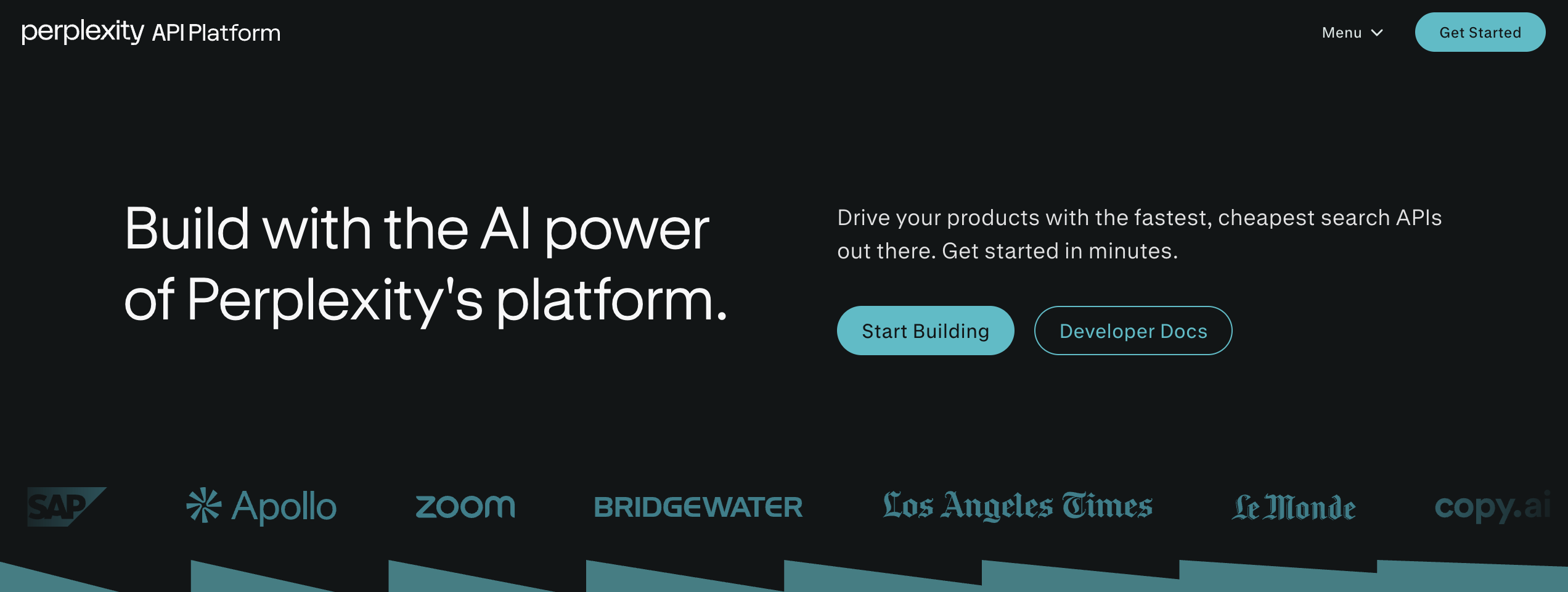
What it does: Sonar combines live web crawling with Perplexity's in-house LLM to return synthesized, cited answers in a single API call. You don't get a list of URLs, you get a researched response with source links.
Why it stands out: Every other option on this list gives you raw results that your application must process. Sonar does the processing for you. It searches, reads the pages, synthesizes the information, and returns a coherent answer with citations.
For applications where users need verified answers — legal research, financial analysis, healthcare queries, academic tools — the built-in provenance tracking saves significant pipeline complexity. You skip the entire "retrieve → rank → extract → summarize" pipeline.
Sonar Pro Search adds multi-step reasoning. It breaks complex queries into sub-questions, searches for each one, and assembles a thorough response. Think of it as a research agent that happens to be an API endpoint.
The API follows OpenAI-compatible formatting, so dropping it into an existing pipeline requires minimal refactoring.
Limitations: You sacrifice control. You can't influence which sources Sonar prioritizes or how it synthesizes information. The dual pricing model (per-request plus token costs) can make budgeting harder than flat-rate alternatives. And Sonar's answers are only as good as its search results — for niche or technical queries, it may miss domain-specific sources that a targeted Exa search would catch.
Pricing: Standard Sonar at $5 per 1,000 requests. Pro Search at higher per-request rates with reasoning token charges.
6. Best for EU Compliance and Flat Pricing
Linkup
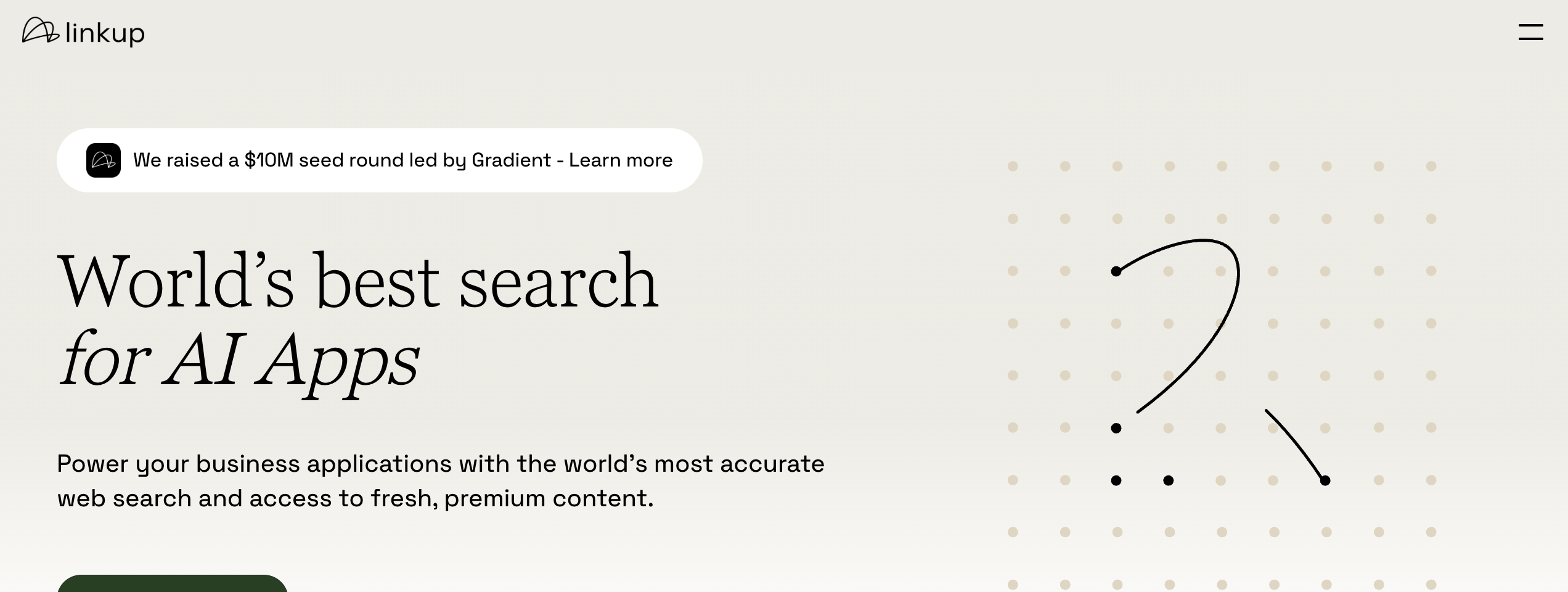
What it does: Linkup is an AI search API focused on sourcing data from trusted, authoritative sources. It ranks #1 on OpenAI's SimpleQA factuality benchmark.
Why it stands out: Two things separate Linkup from the pack — pricing transparency and compliance.
Linkup charges a flat rate per query regardless of output type or snippet count. No surprise multipliers. No variable costs based on result depth or number of snippets. When you're budgeting for a production application, you know exactly what each search costs before you make the call.
All data processing happens on EU servers. If your application serves European users or your organization falls under GDPR, Linkup removes the compliance headache that comes with sending query data to US-hosted services. This alone makes it the default choice for European startups and enterprises.
The company raised a $10M seed round from Gradient in early February 2026 and launched /fast — a sub-second search endpoint they describe as the most accurate sub-second web search API available. They also report a 3x reduction in hallucinated signals for one customer integration using their Deep API.
The Deep API uses chain-of-thought reasoning for complex queries — similar to Exa's /answer endpoint but with flat pricing instead of per-token charges.
Limitations: Linkup's index is smaller than Brave's or Google's. For broad web discovery, you'll get fewer results. The company is relatively young (founded 2023), so the ecosystem of integrations and community tools is thinner than Tavily or Serper.
Pricing: €5 in free credits. Pay-as-you-go with flat per-query pricing. Contact sales for volume rates.
7. Best Self-Hosted, Zero-Cost Option
SearXNG
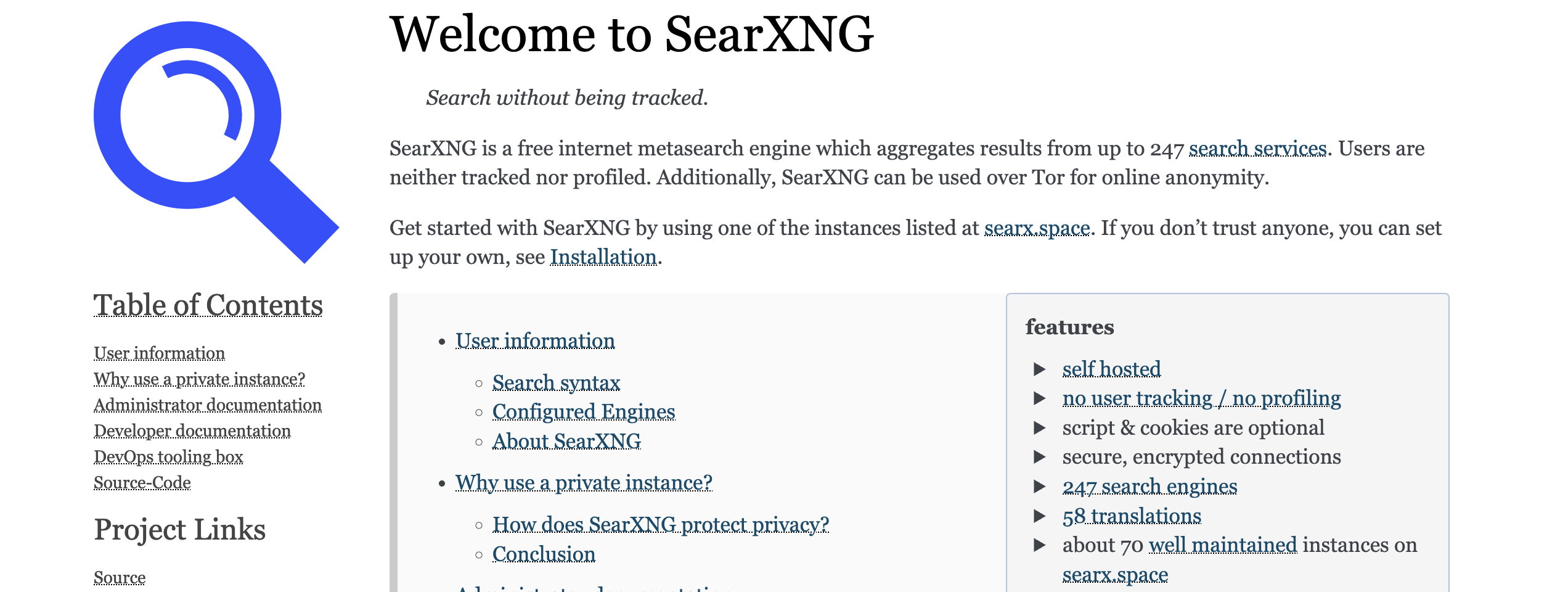
What it does: SearXNG is a free, open-source metasearch engine that aggregates results from up to 247 search engines simultaneously. You self-host it and query it via a JSON API.
Why it stands out: It costs nothing. Zero. You run it on a VPS, a Raspberry Pi, or a Docker container on your dev machine. The /search endpoint returns JSON results from Google, Bing, DuckDuckGo, and dozens of other engines — all in one query.
For teams that need search in their AI pipeline but can't justify API costs during prototyping, SearXNG is the answer. It also integrates directly with LangChain via the SearxSearchWrapper.
The privacy angle matters too. SearXNG strips tracking from all requests, doesn't log queries, and can be routed through Tor. If you're building search infrastructure for privacy-sensitive applications, there's nothing else like it.
Self-hosting takes under 10 minutes with Docker Compose:
# docker-compose.yml — minimal SearXNG setup
services:
  searxng:
    image: searxng/searxng:latest
    ports:
      - "8080:8080"
    volumes:
      - ./searxng:/etc/searxng
    environment:
      - SEARXNG_BASE_URL=http://localhost:8080/
After starting the container, enable JSON output in settings.yml and you can query it like any API:
curl 'http://localhost:8080/search?q=web+scraping+proxies&format=json'
Limitations: SearXNG depends on upstream search engines. If Google blocks your instance's IP, your Google results disappear. Rate limiting is aggressive on public instances. You need to manage infrastructure — updates, uptime, caching, and proxy rotation if you're making high volumes of requests through it.
The results aren't semantically ranked. You get what the underlying engines return, aggregated. No embeddings, no neural search, no AI-generated answers.
If you need reliable proxy infrastructure for high-volume requests through SearXNG, residential proxies help avoid blocks. Roundproxies offers rotating residential and datacenter proxies that work well for this use case.
Pricing: Free. Self-hosted. Your only cost is the server.
Switching from Exa: What the Migration Looks Like
One thing none of the competing guides show you is actual migration code. Here's how a basic search call translates across the top alternatives.
Exa (current):
from exa_py import Exa

exa = Exa(api_key="your-key")
results = exa.search(
    "best practices for rotating residential proxies",
    num_results=10,
    use_autoprompt=True
)
for r in results.results:
    print(r.title, r.url)
Tavily equivalent:
from tavily import TavilyClient

tavily = TavilyClient(api_key="your-key")
results = tavily.search(
    "best practices for rotating residential proxies",
    max_results=10,
    search_depth="advanced"  # costs 2 credits instead of 1
)
for r in results["results"]:
    print(r["title"], r["url"])
The structure is nearly identical. Tavily returns results with a content field containing a pre-extracted snippet — something Exa charges extra for.
Brave Search API equivalent:
import requests

resp = requests.get(
    "https://api.search.brave.com/res/v1/web/search",
    headers={"X-Subscription-Token": "your-key"},
    params={"q": "best practices for rotating residential proxies",
            "count": 10}
)
data = resp.json()
for r in data["web"]["results"]:
    print(r["title"], r["url"])
No SDK required. Brave uses a straightforward REST API with a single auth header. The new LLM Context endpoint follows the same pattern but returns extracted content optimized for model consumption.
SearXNG equivalent (self-hosted):
import requests

# Your SearXNG instance at localhost:8080
resp = requests.get(
    "http://localhost:8080/search",
    params={"q": "best practices for rotating residential proxies",
            "format": "json",
            "engines": "google,duckduckgo,brave"}
)
for r in resp.json()["results"]:
    print(r["title"], r["url"])
Same pattern, zero API cost. The engines parameter lets you pick which search backends to query — run all three simultaneously if you want.
The takeaway: migration is a 15-minute refactor in most codebases. The response shapes differ slightly, but any adapter pattern handles the translation.
How to Choose
| If you need... | Go with... | Because... |
|---|---|---|
| Fastest LangChain integration | Tavily | Native framework support, generous free tier |
| An independent, non-Google index | Brave Search API | 35B+ page index, no third-party dependency |
| Deep web extraction, not just search | Firecrawl | Open-source, extraction-first, self-hostable |
| Cheapest Google results | Serper | $1/1K queries, no subscription required |
| Pre-synthesized answers with citations | Perplexity Sonar | Answers, not URLs — saves pipeline complexity |
| EU data processing & flat pricing | Linkup | GDPR-compliant, predictable costs |
| Zero cost, total control | SearXNG | Free, self-hosted, aggregates 247 engines |
For most developers building RAG systems or AI agents, Tavily is the easiest starting point. The free tier and LangChain integrations get you to a working prototype in an afternoon. Once you outgrow the free credits, the pricing is transparent enough to budget against.
If you're building something that needs to scale and you want independence from Google's index, Brave Search API is the strongest long-term bet. The LLM Context API launched this week puts it in a different class for AI grounding. And unlike every Google-wrapper API, you're not one pricing change away from your economics breaking.
For extraction-heavy workflows — scraping product pages, pulling structured data from documentation, ingesting entire sites — Firecrawl is the obvious pick. The open-source option means you can self-host if your volumes justify the infrastructure.
And if your budget is zero but your ambition isn't, SearXNG + a VPS gives you a working search API in ten minutes for the cost of a $5/month server.
What About Building Your Own?
If none of these fit, there's always the DIY route. Combine a SERP API (Serper for Google data) with a headless browser (Playwright or Puppeteer) for extraction, add proxy rotation for reliability, and pipe the results through your own embedding model for semantic ranking.
It's more work upfront. But you own the entire pipeline, control every cost component, and never worry about a provider changing their pricing or deprecating an endpoint.
The tools exist. The question is whether building search infrastructure is the best use of your engineering time, or whether one of these seven alternatives lets you focus on the product you're actually building.
Wrapping Up
Exa pioneered the idea of search built for machines. These alternatives have each taken that idea in different directions — toward simpler pricing, larger indexes, deeper extraction, or complete self-hosting.
The right choice depends on three things: what you're building, how much control you need, and what you're willing to spend. Start with the free tiers. Test against your actual queries. The migration, as the code examples show, takes minutes.