If you've ever needed to bypass a content filter at school, work, or in a region with internet restrictions, you've probably stumbled across Blockaway. It's a free web proxy that lets you access blocked websites without downloading software or creating an account.
But Blockaway isn't perfect. Unclear privacy policies, intrusive ads, slow speeds during peak hours, and limited encryption make many users search for something better. Whether you need stronger security, faster performance, or better streaming support, there are solid alternatives worth exploring.
By the end of this guide, you'll know exactly which Blockaway alternative fits your needs—whether that's casual browsing, streaming video content, or maintaining genuine privacy online.
The 6 Best Blockaway Alternatives
- Roundproxies for professional-grade residential and datacenter proxies
- CroxyProxy for all-around web proxy use
- KProxy for browser extension convenience
- ProxySite for streaming and social media access
- Hide.me for VPN-level protection with a free plan
- Proxyium for fast, no-signup browsing
What Is Blockaway?
Blockaway is a free web proxy service that routes your internet traffic through its servers, hiding your real IP address from the websites you visit.
You simply visit the Blockaway website, enter the URL of the site you want to access, and it loads through their proxy. No downloads, no account creation, no configuration required.
The service gained popularity because it works instantly on any device with a browser. Students use it to bypass school network restrictions. Travelers rely on it to access content from back home. Office workers use it to check social media during breaks.
But free services always come with trade-offs. Here's why people look for alternatives:
Privacy concerns. Blockaway's logging policies aren't transparent. You don't know what data they collect or who might access it.
Intrusive advertising. The free service displays ads, and some users report encountering suspicious or potentially malicious ad content.
Limited encryption. While Blockaway offers basic SSL support, it doesn't provide the end-to-end encryption you'd get from a proper VPN.
Speed inconsistency. During peak usage times, Blockaway can become frustratingly slow, especially for video streaming.
Detection by websites. Many platforms actively block traffic from known proxy servers, including Blockaway's IPs.
If any of these issues sound familiar, you're in the right place. Let's look at what works better.
The Best Blockaway Alternatives at a Glance
| Alternative | Best For | Standout Feature | Pricing |
|---|---|---|---|
| Roundproxies | Professional-grade anonymity | Residential, Datacenter, ISP, and Mobile proxies | From $2/GB |
| CroxyProxy | All-around web proxy use | Full video streaming support with SSL encryption | Free; Premium from $3/month |
| KProxy | Browser extension convenience | Chrome/Firefox extensions with portable browser option | Free; Pro from $5/month |
| ProxySite | Streaming and social media | Optimized for YouTube, Facebook, Twitter access | Free; VPN upgrade $9.99/month |
| Hide.me | VPN-level protection | 10GB free data with no-logs policy | Free; Premium from $2.69/month |
| Proxyium | Fast, no-signup browsing | Multiple server locations (US, EU, Singapore) | Free |
Roundproxies: Best for Professional-Grade Anonymity
Roundproxies pros:
- Real residential IP addresses from actual home connections
- Multiple proxy types: Residential, Datacenter, ISP, and Mobile
- Nearly impossible to detect as proxy traffic
- Massive IP pool across hundreds of countries
Roundproxies cons:
- Paid service (no free tier)
- Requires basic technical configuration
- Overkill for simple casual browsing
Web proxies and basic VPNs share a fundamental weakness: their IP addresses come from datacenters, and sophisticated websites identify and block them constantly.
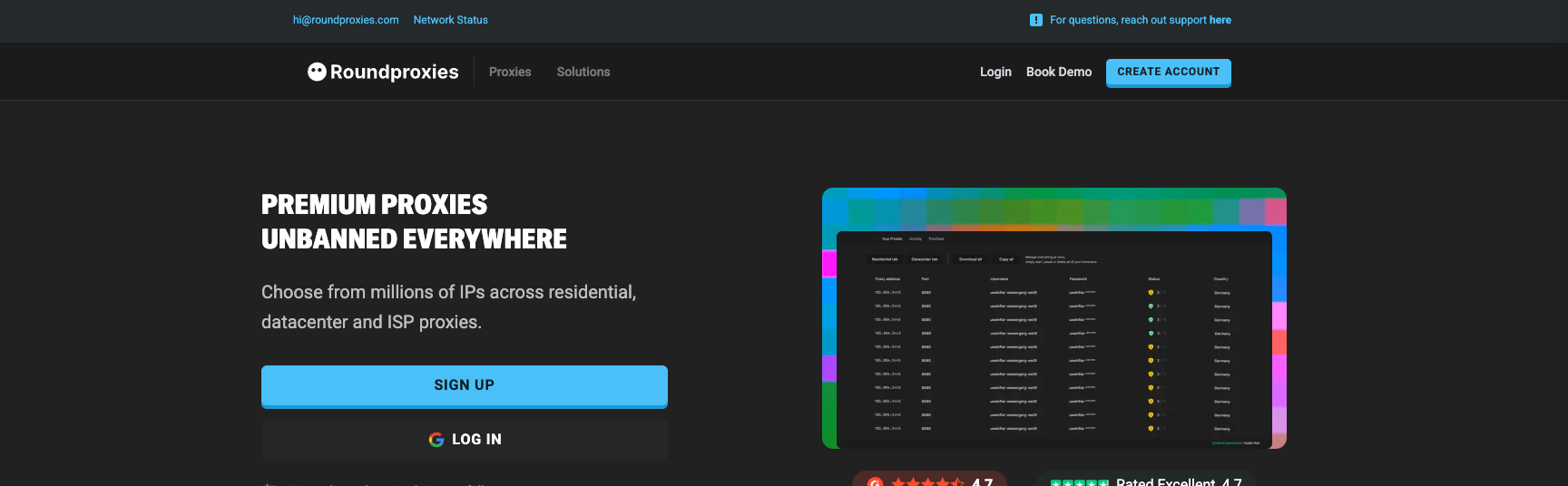
Roundproxies.com solves this by offering residential proxies that route your traffic through IP addresses assigned to real home internet connections. To any website, you look like a regular person browsing from their house.
The detection advantage is massive. While Blockaway's IPs get blocked constantly by streaming services, social platforms, and e-commerce sites, residential proxy IPs pass verification checks because they're indistinguishable from normal user traffic.
Roundproxies offers four distinct proxy types to match different use cases:
Residential Proxies work best when you need to appear as a genuine user. Perfect for accessing geo-restricted content, managing multiple accounts, or any situation where detection means failure.
Datacenter Proxies provide raw speed at lower cost. Use these when detection isn't critical but performance matters—bulk data collection, testing, or high-volume requests.
ISP Proxies combine residential-level trust with datacenter speeds. These IPs come from internet service providers but aren't tied to physical home locations.
Mobile Proxies route traffic through actual mobile carrier connections. Essential for mobile-specific applications, app testing, or platforms that treat mobile users differently.
Configuration requires more technical knowledge than visiting a web proxy site. You'll set up proxy credentials in your browser, application, or automation tool. The dashboard makes credential management straightforward once you're set up.
For casual browsing at school or work, Roundproxies is more than you need. For business applications, web scraping, ad verification, or any scenario where reliability and detection avoidance matter, it's the professional choice.
Roundproxies pricing: Residential from $2/GB; Datacenter and other options vary by volume
CroxyProxy: Best for All-Around Web Proxy Use

CroxyProxy pros:
- Full video and audio streaming support
- SSL encryption on all connections
- Works across Chrome, Firefox, Edge without extensions
- No registration required
CroxyProxy cons:
- Ads on free version
- Speed drops during peak hours
- Not suitable for sensitive data entry
CroxyProxy stands out because it actually handles video content properly. Most free web proxies break when you try to stream YouTube or access media-heavy sites, but CroxyProxy specifically optimized for this use case.
The service encrypts your connection using SSL, even when the destination site doesn't support HTTPS. This adds a meaningful layer of protection compared to Blockaway's basic approach.
Using CroxyProxy takes seconds. Visit the website, paste your target URL, and the page loads through their European servers. Your real IP stays hidden, and the destination site only sees CroxyProxy's server address.
The free version works well for casual browsing and occasional video streaming. Power users who want faster speeds and no advertisements can upgrade to the premium tier for around $3 monthly.
One important limitation: CroxyProxy isn't designed for logging into sensitive accounts or handling financial transactions. For banking or shopping, stick with a proper VPN.
CroxyProxy pricing: Free tier available; Premium starts around $3/month
KProxy: Best for Browser Extension Convenience
KProxy pros:
- Browser extensions for Chrome and Firefox
- Portable browser option for Windows
- Been operating since 2005 with solid reputation
- HTTPS toggle for secure vs. fast browsing
KProxy cons:
- Free version limited to Canada and France servers
- 30-minute session limits on free plan
- No encryption on basic connections
KProxy has been around since 2005, which in proxy years makes it practically ancient. That longevity speaks to reliability—the service has adapted and survived while countless competitors disappeared.
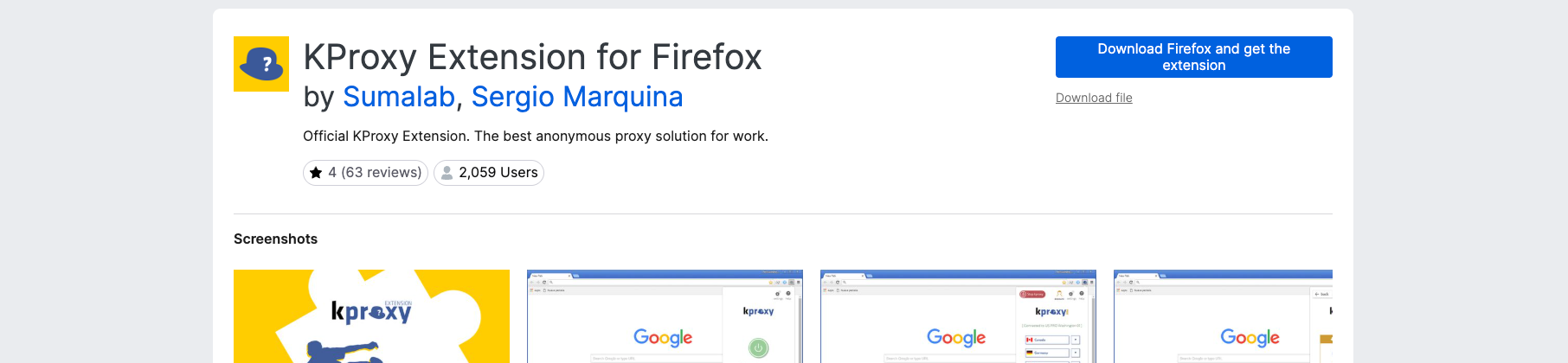
What sets KProxy apart is flexibility in how you access it. You can use their website directly, install browser extensions for Chrome or Firefox, or even download a portable browser that comes pre-configured for anonymous browsing.
The browser extension approach is particularly convenient. Once installed, you can toggle the proxy on and off without visiting any website. Switching servers takes one click, and the interface stays minimal and uncluttered.
Free users get access to servers in Canada and France. The Pro version adds Germany and US locations, removes advertising, and eliminates the session time limits that can interrupt browsing every 30 minutes.
One quirk: IP detection services often identify KProxy connections as coming from a router or firewall rather than a proxy. This can help bypass some basic proxy blocking systems.
KProxy pricing: Free tier with limitations; Pro from $5/month
ProxySite: Best for Streaming and Social Media
ProxySite pros:
- Optimized for YouTube, Facebook, Twitter, Reddit
- US and European server selection
- Caches popular pages for faster loading
- Shareable session permalinks
ProxySite cons:
- Ad-supported free version
- Not designed for sensitive transactions
- Speed varies by server load
ProxySite carved out its niche by focusing on what most people actually use web proxies for: accessing social media and streaming video content.
The service specifically optimizes for platforms like YouTube, Facebook, Twitter, and Reddit. While other proxies often break these sites or load them with missing features, ProxySite maintains full functionality including video playback and interactive elements.
Choosing between US and European servers lets you balance speed against geographic requirements. If you're trying to access US-only content, select an American server. For general browsing speed from Europe, their local servers perform better.
An interesting feature is the caching system. ProxySite stores copies of frequently accessed pages, which means popular content loads faster than fetching it fresh each time.
The permalink feature lets you share proxied pages with others instantly. Generate a link to a page you're viewing through the proxy, and anyone clicking it sees the same content without configuring anything themselves.
For users wanting stronger protection, ProxySite offers a premium VPN service upgrade at $9.99 monthly. This provides full encryption across your entire connection rather than just browser traffic.
ProxySite pricing: Free with ads; VPN upgrade $9.99/month
Hide.me: Best for VPN-Level Protection

Hide.me pros:
- 10GB monthly data on free plan
- Verified no-logs policy
- Full device encryption (not just browser)
- Kill switch and split tunneling features
Hide.me cons:
- Free plan limited to 5 server locations
- Slower speeds on free tier
- Requires software installation
Hide.me represents a step up from web proxies into genuine VPN territory. While it requires installing software rather than just visiting a website, the protection level jumps significantly.
The free plan offers 10GB of monthly data—enough for substantial browsing and some streaming. Unlike web proxies that only handle browser traffic, Hide.me encrypts your entire internet connection across all applications.
Their no-logs policy has been independently verified. The company explicitly doesn't track what you browse, when you connect, or which sites you visit. This matters if privacy is your actual concern rather than just bypassing a school filter.
Advanced features include a kill switch that cuts your internet if the VPN connection drops, preventing accidental exposure of your real IP. Split tunneling lets you choose which apps route through the VPN and which use your regular connection.
Five server locations on the free tier may feel limiting compared to paid VPNs, but it's generous for a free service. Premium subscribers get access to 2,600+ servers across 90+ locations.
For users serious about privacy rather than just convenience, Hide.me provides actual security that web proxies simply cannot match.
Hide.me pricing: Free (10GB/month); Premium from $2.69/month on long-term plans
Proxyium: Best for Fast, No-Signup Browsing
Proxyium pros:
- Multiple server locations (Poland, France, US, Singapore, Germany)
- No account or email required
- SSL encryption included
- Works on any device with a browser
Proxyium cons:
- Ad-supported
- Performance varies by server load
- Limited protection compared to VPNs
Proxyium delivers exactly what its name suggests: quick, anonymous proxy access with zero friction. No accounts, no emails, no signup forms—just instant access.
The server selection stands out for a free service. You can choose between Poland, France, United States, Singapore, and Germany, giving you options for both geographic bypass needs and speed optimization.
SSL encryption comes standard, protecting your data in transit even when target sites don't use HTTPS themselves. This puts Proxyium ahead of basic proxies that pass traffic unencrypted.
The interface stays refreshingly simple. Enter a URL, pick a server, and browse. Pages load with your IP hidden behind Proxyium's servers, and you can navigate normally from there.
Speed tends to be better than many free alternatives because Proxyium specifically optimizes for performance. Video streaming works reasonably well, though expect some buffering during peak hours.
Like all free proxies, advertising supports the service. The ads are present but not overwhelming. For quick access needs where you don't want to create yet another account somewhere, Proxyium hits the right balance.
Proxyium pricing: Free
What's the Best Blockaway Alternative?
The right choice depends entirely on what you're trying to accomplish.
For professional or business needs: Roundproxies delivers detection-proof anonymity with residential, datacenter, ISP, and mobile proxy options that basic proxies and VPNs cannot match.
For quick, casual access to blocked sites: Proxyium or CroxyProxy get the job done with zero setup. Just visit the site and start browsing.
For regular use with browser integration: KProxy's extensions make toggling proxy access convenient without visiting a separate website each time.
For streaming video content: ProxySite and CroxyProxy specifically optimize for media playback where other proxies fail.
For actual privacy protection: Hide.me provides real encryption and verified no-logs policies that web proxies cannot match. The free tier offers enough data for substantial use.
Blockaway serves a purpose for one-time quick access, but its limitations become obvious with regular use. Privacy concerns, advertising, and unreliable performance push serious users toward better alternatives.
The good news: you have options at every price point and technical level. Whether you want free simplicity or professional-grade anonymity, something on this list fits your needs.
Start with the free options to see what works for your typical use case. Upgrade when—and if—the limitations become problems.





![IPRoyal vs Oxylabs: Which provider is better? [2026]](https://cdn.roundproxies.com/blog-images/2026/02/iproyal-vs-oxylabs-1.png)