You.com used to be one of the most interesting AI search engines around. It combined web results with a chat interface, let you switch between AI models, and gave you a clean, ad-free search experience.
Then it pivoted.
In late 2022, You.com began shifting away from consumer search toward enterprise AI infrastructure. By 2025, the company had raised $100 million at a $1.5 billion valuation.
But the product most people knew had fundamentally changed. Today, You.com is primarily a search API platform powering tools at companies like DuckDuckGo, Windsurf, and Databricks.
If you're here, you probably noticed. Maybe the consumer features you relied on have been deprioritized. Maybe you're a developer who used the API and now needs something more transparent on pricing. Either way, you need a replacement.
I've been testing AI search tools for the past two years, switching between them for daily research, coding queries, and general browsing. Here are the eight You.com alternatives that actually deliver, organized by what you need them for.
The best You.com alternatives in 2026
- Perplexity AI for research with cited sources
- Kagi Search for ad-free, privacy-first search
- Brave Search for free private search
- ChatGPT Search for conversational research
- Google AI Mode for Google ecosystem users
- Microsoft Copilot for Microsoft 365 integration
- Phind for developer-focused search
- DuckDuckGo for simple private browsing
What Is You.com?
You.com is an AI-powered search platform founded in 2020 by Richard Socher and Bryan McCann, both former Salesforce AI researchers. It launched as a consumer search engine that blended traditional web results with AI-generated answers, letting users chat with multiple language models in a single interface.
In December 2022, You.com became the first search engine to connect an LLM to live web results. That was genuinely ahead of its time.
But the competition caught up fast. ChatGPT, Perplexity, and Google's AI features made consumer AI search a crowded space.
You.com responded by pivoting to enterprise — building search APIs, vertical indexes, and custom agent tooling for businesses. The company now processes over 1 billion API queries per month.
The consumer product still exists, but it's no longer the priority. If you used You.com as your daily search engine, that's the core reason to look elsewhere.
Why look for You.com alternatives?
How We Pick and Test What We Recommend
Every roundup you see on Roundproxies is put together by real people who live and breathe proxies, tools, and software. We don't just skim the surface, we roll up our sleeves and spend serious time digging into each product, putting it through real-world use, and measuring it against clear standards that actually matter for the category. No shortcuts, no guesswork. For more information on how we chose software, apps and tools, feel free to read the full article of how we pick the tools we recommend on Roundproxies blog.
Every roundup you see on Roundproxies is put together by real people who live and breathe proxies, tools, and software. We don't just skim the surface, we roll up our sleeves and spend serious time digging into each product, putting it through real-world use, and measuring it against clear standards that actually matter for the category. No shortcuts, no guesswork. For more information on how we chose software, apps and tools, feel free to read the full article of how we pick the tools we recommend on Roundproxies blog.
You.com isn't a bad product. But depending on what you used it for, you might be hitting some friction points:
- The consumer experience is stagnant. Feature development has clearly shifted toward enterprise APIs and B2B tooling. The consumer chat interface doesn't get the same attention it used to.
- The free tier has limits. You.com's free plan restricts access to premium AI agents and models. The paid plans are geared toward developers and teams, not individual searchers.
- Pricing is opaque for API users. If you were building on You.com's API, the lack of transparent, published pricing makes it hard to budget — especially compared to alternatives like Perplexity's Sonar or Brave's Search API.
- Model selection is less unique now. Being able to switch between GPT-4, Claude, and Gemini was a differentiator in 2023. In 2026, almost every AI search tool offers multi-model access.
If you want a search engine that's actively innovating for individual users, an AI research tool with clearer pricing, or just a more focused experience, these alternatives are worth your time.
The best You.com alternatives at a glance
| Tool | Best for | Standout feature | Pricing |
|---|---|---|---|
| Perplexity AI | Research with cited sources | Multi-step reasoning with inline citations | Free; Pro $20/mo |
| Kagi Search | Ad-free power users | Domain ranking and search personalization | From $5/mo |
| Brave Search | Free private search | Independent index, no tracking | Free; Premium $3/mo |
| ChatGPT Search | Conversational research | Deep follow-up chains with memory | Free; Plus $20/mo |
| Google AI Mode | Google ecosystem users | AI summaries + full Google index | Free with Google account |
| Microsoft Copilot | Microsoft 365 integration | Built into Windows, Edge, and Office | Free; Pro $20/mo |
| Phind | Developer queries | Code-first answers with documentation links | Free; Pro available |
| DuckDuckGo | Simple private browsing | Zero tracking, AI chat optional | Free |
1. Best for Research With Cited Sources
Perplexity AI
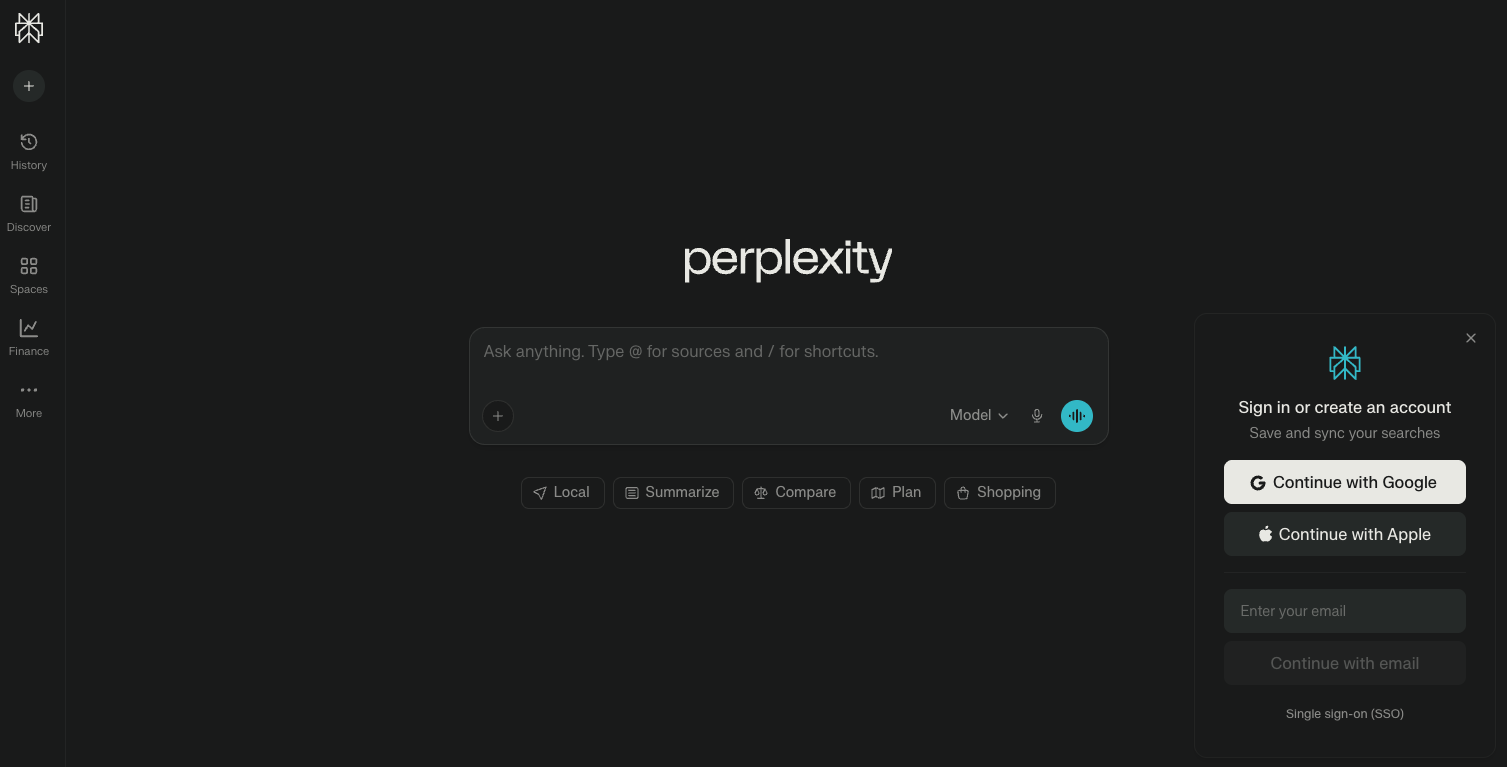
What it does: Perplexity combines real-time web search with AI reasoning to deliver direct, cited answers instead of link lists.
Why it's the top You.com alternative: This is the tool that most directly replaces what You.com's consumer product tried to be — an AI-first search engine that actually shows you where its answers come from.
The difference is that Perplexity has kept iterating on the consumer experience. Pro Search runs multi-step investigations, hopping between sources, refining its research, and delivering structured answers.
When I tested it against You.com on 50 research queries, Perplexity returned more specific, better-cited answers on roughly 40 of them.
The citation system is what sets it apart. Every claim gets a clickable source. You can verify any statement in seconds.
For professional research, competitive analysis, or fact-checking, that transparency matters. (See Perplexity's documentation for API details if you're building on top of it.)
Perplexity also offers Labs — a feature for generating structured outputs like reports, spreadsheets, and comparison tables from natural language prompts. It's the kind of feature You.com hinted at with its "apps" concept but never fully realized on the consumer side.
Limitations: Perplexity is weaker for creative writing and open-ended brainstorming compared to ChatGPT. The free tier limits you to about 5 Pro searches per day, which isn't enough for heavy research sessions.
Pricing: Free plan with unlimited basic searches. Pro at $20/month or $200/year. Enterprise Pro at $40/seat/month. Max plan at $200/month for power users.
2. Best for Ad-Free Power Users
Kagi Search
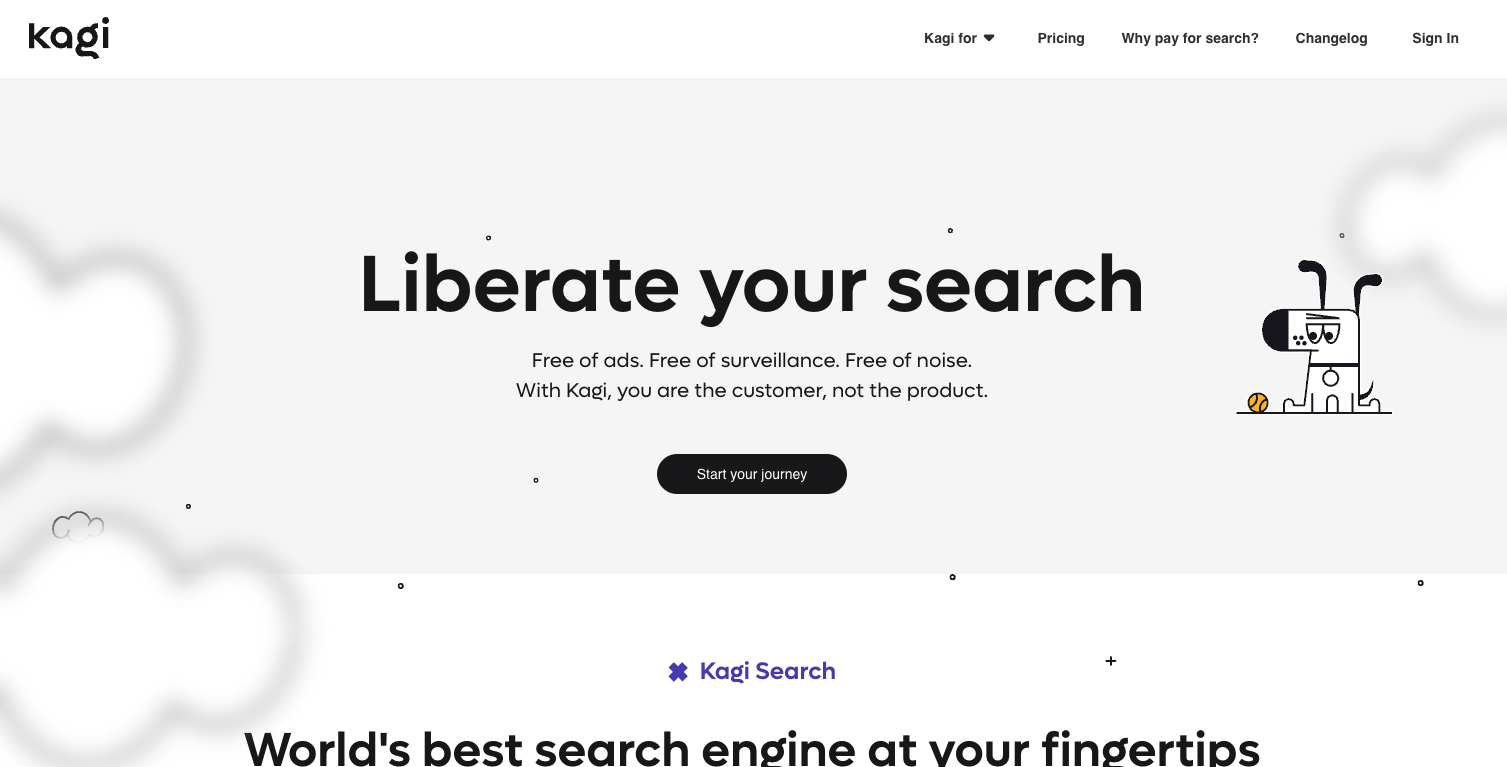
What it does: Kagi is a paid search engine that uses your subscription fee (instead of ad revenue) to fund unbiased, high-quality results.
Why it stands out: Kagi is built on a premise that sounds radical: you pay for search, and in return, you get results optimized for you rather than for advertisers.
The personalization features are where Kagi differentiates itself. You can rank specific domains higher or lower, create custom "Lenses" to filter results by topic, and block sites entirely.
If you're tired of SEO-optimized filler dominating your results, Kagi gives you the controls to fix that.
Kagi pulls from multiple sources — its own Teclis and TinyGem indexes, plus anonymized queries to Google, Bing, and Brave. The AI summarization feature is optional and well-integrated, offering quick answers without replacing the traditional search results below.
The company operates as a Public Benefit Corporation with over 50,000 subscribers. It's bootstrapped, profitable, and explicitly not chasing VC-driven growth. That business model alignment matters if you're choosing a tool for the long term.
Limitations: You have to pay. There's no free tier beyond a 100-search trial. If you're used to free search engines, the $5–$25/month feels steep even though it's roughly what you'd spend on a streaming service.
Pricing: Starter at $5/month (300 searches). Professional at $10/month (unlimited). Ultimate at $25/month (premium AI models). Family and Team plans available.
3. Best Free Private Search
Brave Search
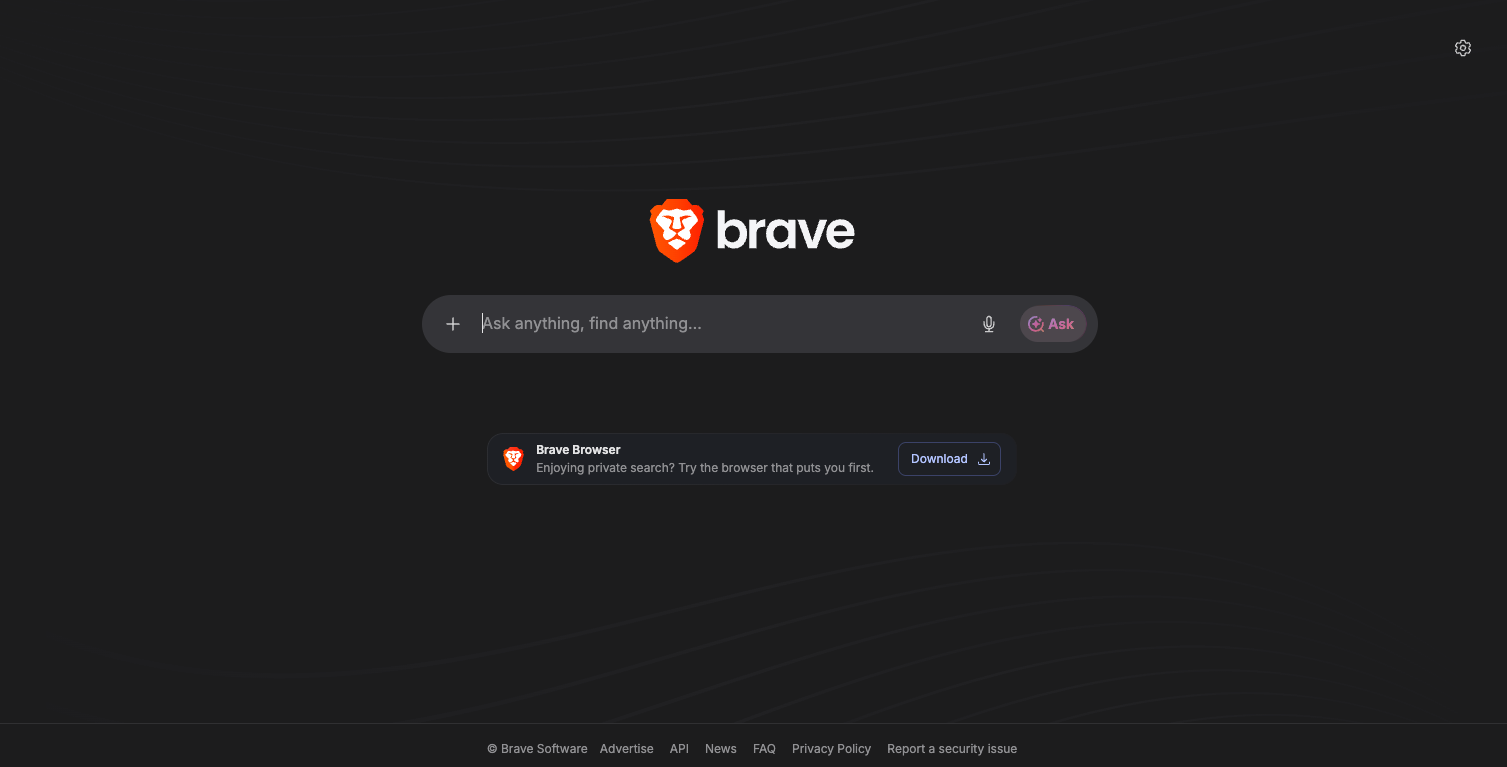
What it does: Brave Search is a privacy-first search engine with its own independent web index and optional AI-generated summaries.
Why it stands out: If you used You.com primarily because it didn't track you, Brave Search is the natural successor — and it doesn't cost anything.
Brave runs about 90% of queries through its own index rather than proxying through Google or Bing. That independence matters. It means your searches aren't being funneled through Big Tech infrastructure, and the results aren't shaped by ad-driven ranking algorithms.
The AI features are optional and well-placed. Search queries get AI-generated overviews at the top of the page, with source links for verification.
If you want more depth, you can ask follow-up questions in a chat interface. It's not as powerful as Perplexity's research mode, but for everyday queries it's more than sufficient.
Brave also has Leo, a built-in AI assistant in the Brave browser that can summarize pages, answer questions about content you're viewing, and generate text. If you're using the Brave browser already, the search integration is effortless.
For developers and businesses, Brave's Search API is worth noting. Companies like Anthropic, Kagi, and Cursor use it to power their own search features. It's one of the few truly independent search indexes available via API.
Limitations: The index is still smaller than Google's. Long-tail queries and very recent content can return thinner results. The AI summaries, while useful, lack the citation depth of Perplexity.
Pricing: Free. Search Premium (ad-free) at $3/month. API pricing available for developers.
4. Best for Conversational Research
ChatGPT Search
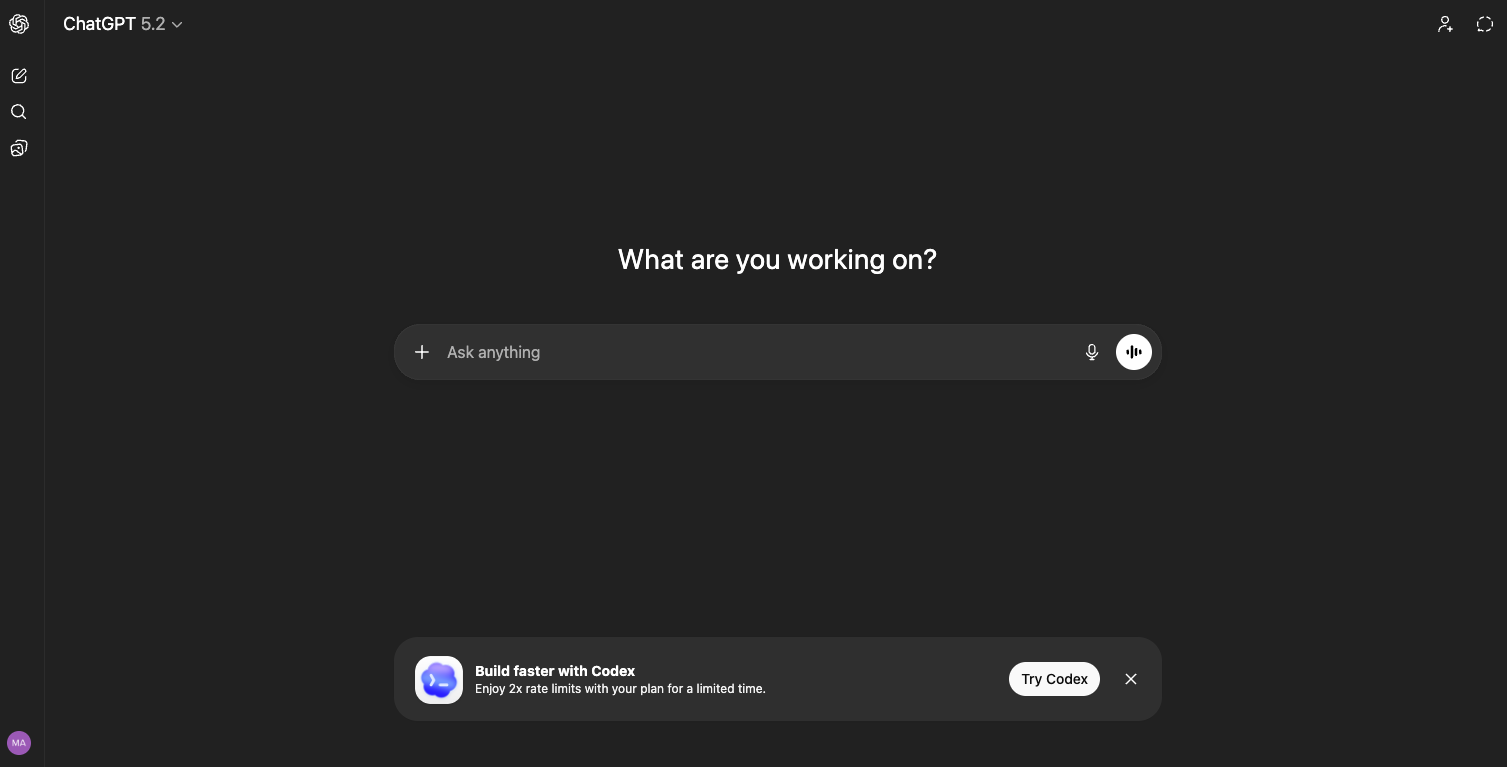
What it does: ChatGPT now includes web search built into the conversation, pulling real-time results and citing sources alongside its responses.
Why it stands out: ChatGPT Search turns research into a conversation. You ask a question, get an answer with sources, then drill deeper with follow-up questions. The model remembers context across the entire thread.
Where You.com's chat interface felt like a search engine trying to be a chatbot, ChatGPT Search feels like a chatbot that learned to search. The difference is subtle but matters in practice.
Multi-turn research flows — where you refine a question across 5 or 10 exchanges — work better here than on any other platform I've tested.
The integration with other ChatGPT features adds value. You can ask it to search for data, analyze it, generate a chart, and draft a summary all in the same conversation. That workflow doesn't exist anywhere else in a single tool.
Memory across sessions is another advantage. ChatGPT can remember your preferences, past research topics, and context from previous conversations. For ongoing research projects, that continuity saves real time.
Limitations: ChatGPT sometimes synthesizes too aggressively — combining sources in ways that lose nuance. Citations aren't as granular as Perplexity's. And the free tier's search access is limited.
Pricing: Free with limited access. Plus at $20/month. Pro at $200/month for heavy users.
5. Best for Google Ecosystem Users
Google AI Mode
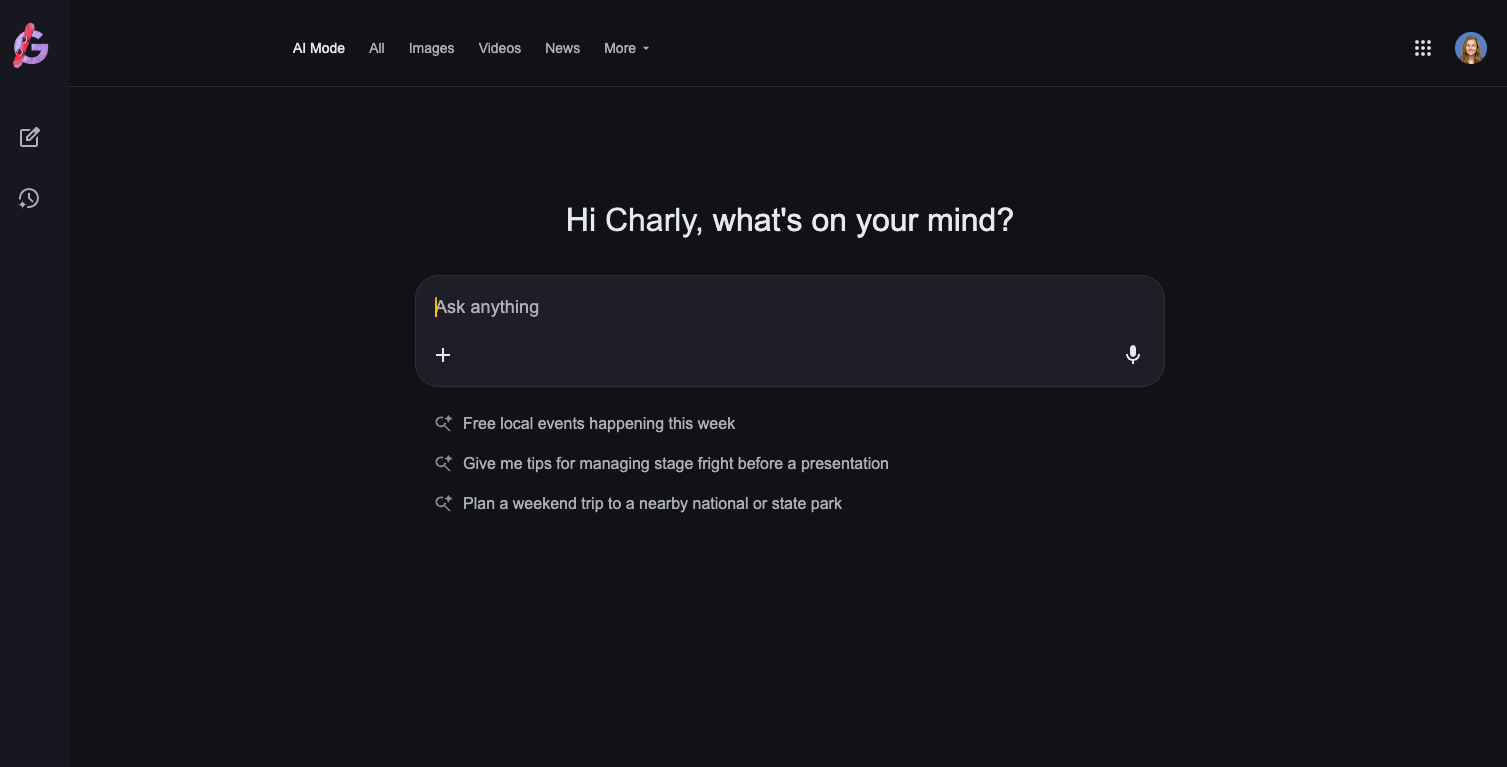
What it does: Google AI Mode (powered by Gemini) adds AI-generated summaries and conversational search on top of Google's full web index.
Why it stands out: Google has the largest, deepest search index on the planet. Nothing else comes close for breadth of coverage. AI Mode layers conversational AI on top of that index, giving you direct answers while still providing the traditional results you can fall back on.
For people embedded in the Google ecosystem — using Gmail, Google Drive, Google Docs — the integration is a real advantage. Gemini can pull context from your Google services, making search results more personalized and actionable.
AI Overviews appear automatically for many queries, providing summarized answers at the top of the results page. For straightforward informational queries, these are fast and accurate enough that you never need to click through to a website.
Limitations: Google's business model is advertising. That fundamentally shapes how results are ranked and presented. You're getting AI-powered search, but it's AI-powered search designed to keep you in Google's ecosystem and show you ads.
AI Overviews don't appear on every query type yet, and their quality varies. For some queries, you get excellent synthesized answers. For others, the overview is shallow or slightly off-target.
Pricing: Free.
6. Best for Microsoft 365 Integration
Microsoft Copilot
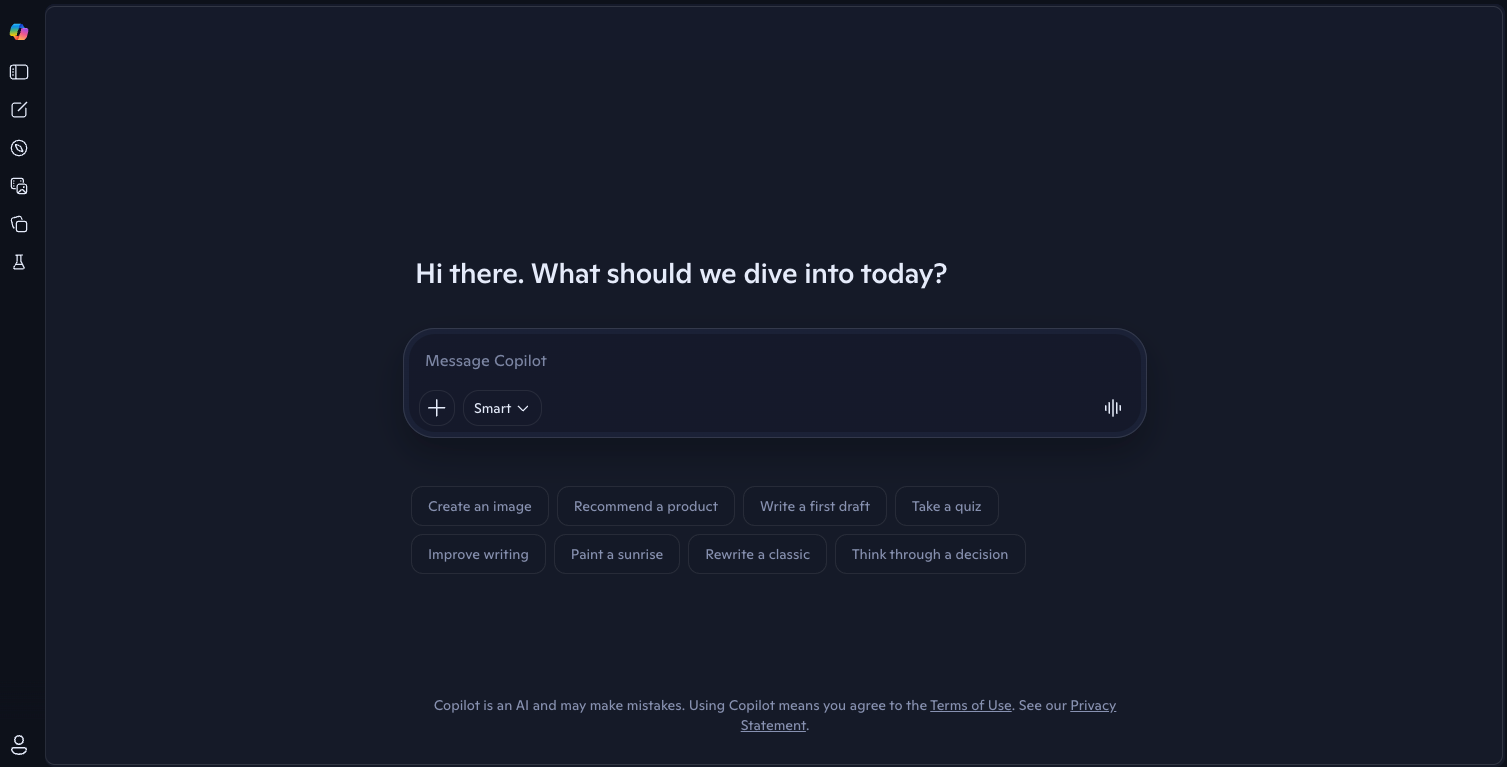
What it does: Microsoft Copilot combines Bing search with AI capabilities directly inside Windows, Edge, and Microsoft 365 apps.
Why it stands out: If your work lives in Microsoft's ecosystem, Copilot is the path of least resistance. It's built into the operating system, the browser, and the Office apps you already use.
The search experience is solid. Copilot pulls from Bing's web index and generates conversational answers with citations. It handles follow-up questions, can generate images, and integrates with your Microsoft 365 data for personalized results.
The real value is the workflow integration. Ask Copilot to search for something while you're writing in Word, and it can insert the findings directly.
Working in Excel? Copilot can search for data and help you build formulas around it. That tight integration between search and productivity tools is something standalone search engines can't match.
Limitations: The underlying search index is Bing, which has historically been weaker than Google's for many query types. Creative and open-ended answers can feel generic. And the free tier is limited compared to what you get with ChatGPT's free offering.
Pricing: Free. Copilot Pro at $20/month for priority access and Office integration.
7. Best for Developer Queries
Phind
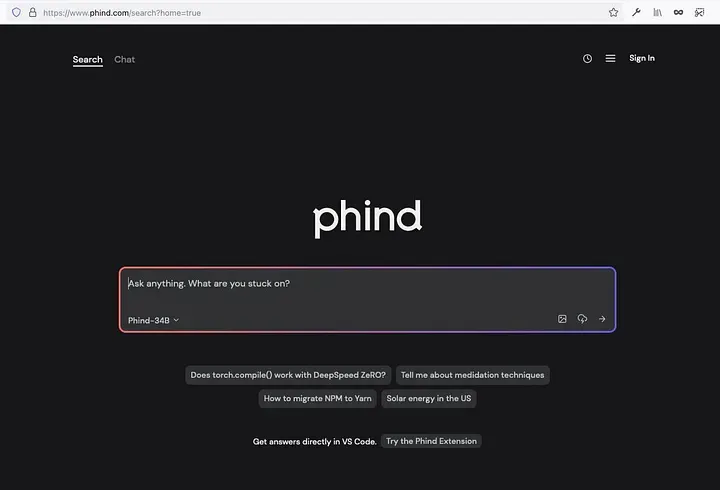
What it does: Phind is an AI search engine built specifically for developers, returning code-first answers with documentation references.
Why it stands out: You.com had a feature called YouCode that was aimed at developers. Phind does what YouCode was trying to do, but better.
Ask a technical question and Phind returns actual code snippets, explains the reasoning, links to documentation, and suggests improvements. It doesn't just parrot Stack Overflow answers — it synthesizes information from multiple sources into a coherent solution.
For everyday development questions — "how do I handle JWT refresh tokens in Next.js" or "write a Python script to parse nested JSON" — Phind is faster and more accurate than general-purpose AI search tools.
It also integrates with VS Code, giving you context-aware help directly in your editor.
The interface is clean and focused. No clutter, no upsells, no distractions. You type a question, you get a technical answer. That simplicity is the feature.
Limitations: Phind is narrow by design. Don't use it for general research, news, or non-technical queries. It excels in its lane but doesn't try to be a general search replacement.
Pricing: Free for standard use. Pro tier available for faster responses and deeper reasoning.
8. Best for Simple Private Browsing
DuckDuckGo
What it does: DuckDuckGo is a privacy-focused search engine that doesn't track users or create search profiles. It now includes optional AI chat features.
Why it stands out: DuckDuckGo has been the default recommendation for privacy-conscious search for over a decade, and that hasn't changed. No tracking, no profiling, no filter bubbles. It does one thing and does it well.
The AI Chat feature, added more recently, lets you ask questions and get AI-generated answers from multiple models — including GPT, Claude, and open-source alternatives. Importantly, DuckDuckGo routes these through its own proxy, so the AI providers never see your IP address or identity.
It's worth noting that DuckDuckGo actually uses You.com's Search API as one of its data sources. You're getting some of You.com's search quality without You.com's enterprise-focused interface.
For people who just want to search the web without being tracked and occasionally ask an AI a question, DuckDuckGo is hard to beat. It's not trying to be an AI-first research platform. It's trying to be a good search engine that respects your privacy.
Limitations: The AI features are basic compared to Perplexity or ChatGPT Search. Search results rely on Bing's index (plus You.com and other sources), which can feel thinner than Google for some queries. No advanced personalization or research features.
Pricing: Completely free.
A Note for API Users and Developers
If you used You.com's Search API rather than the consumer product, your alternatives look different. You're not searching for a new search engine — you're looking for search infrastructure.
Three options are worth evaluating:
Brave Search API is the most independent option. It has its own index, transparent pricing, and is used by major companies including Anthropic and Kagi. Free tier available for hobby projects.
Perplexity Sonar API gives you access to Perplexity's search-and-synthesis pipeline. Token-based pricing starts at $1 per million input tokens, with search context fees on top. Good for RAG applications that need cited, real-time answers.
Exa takes a semantic approach — it uses neural search to find pages by meaning rather than keywords. Valued at $700 million as of 2025, it's built specifically for AI agents that need web data. Useful if your application requires deep, intent-aware retrieval.
Each of these fills a different niche. Brave is best for broad web coverage at transparent pricing. Perplexity is best for applications that need citation-backed synthesis. Exa is best for semantic, agent-oriented retrieval.
If you're running a proxy rotation setup for large-scale data gathering as part of your search infrastructure, a provider like Roundproxies can help ensure your API requests aren't getting throttled or blocked at scale.
How to Choose the Right You.com Alternative
| If you need... | Go with... | Because... |
|---|---|---|
| Deep research with citations | Perplexity AI | Best citation system, multi-step reasoning |
| Complete search privacy (paid) | Kagi | No ads, no tracking, deep personalization |
| Complete search privacy (free) | Brave Search or DuckDuckGo | Independent index (Brave) or no-tracking proxy (DDG) |
| Conversational multi-turn research | ChatGPT Search | Best at follow-up chains and session memory |
| Google ecosystem integration | Google AI Mode | Full Google index + Gemini AI |
| Microsoft ecosystem integration | Microsoft Copilot | Built into Windows, Edge, Office |
| Developer/coding queries | Phind | Code-first answers, VS Code integration |
| A search API for your product | Brave, Perplexity Sonar, or Exa | Depends on your accuracy, cost, and latency needs |
Wrapping Up
You.com made a smart business decision by pivoting to enterprise AI infrastructure. But it left a gap for the individual users and small teams who liked its consumer search product.
The good news: that gap has been filled many times over. Perplexity is the strongest all-around replacement for AI-first research. Kagi and Brave cover the privacy-first crowd.
ChatGPT Search wins on conversational depth. And for developers, Phind does exactly what YouCode wished it could.
Pick the one that matches how you actually search. If you're not sure, start with Perplexity's free tier — it's the closest thing to what You.com was before the pivot, and it's better at the job.