Playwright has become the go-to tool for browser automation and testing. But it's not always the right fit for every project.
Maybe you need something lighter for quick scraping jobs. Perhaps your team prefers Python over JavaScript. Or you're hitting walls with anti-bot detection and need a tool that handles that out of the box.
Whatever brought you here, this guide covers the best Playwright alternatives for developers. We'll look at tools for both testing and web scraping, with honest pros and cons for each.
The Main Difference Between Playwright and Its Alternatives
The main difference between Playwright and its alternatives comes down to focus and complexity. Playwright excels at cross-browser testing with a powerful API but requires significant setup and coding knowledge. Alternatives like Puppeteer offer simpler Chrome-focused automation, while Selenium provides broader language support. For web scraping specifically, tools like Scrapy handle static content faster, and no-code options like BugBug let non-developers run tests without writing code.
The 9 Best Playwright Alternatives at a Glance
| Tool | Best For | Language Support | Pricing |
|---|---|---|---|
| Puppeteer | Chrome automation & scraping | JavaScript/Node.js | Free (Open Source) |
| Selenium | Multi-language teams | Java, Python, C#, Ruby, JS | Free (Open Source) |
| Cypress | JavaScript front-end testing | JavaScript/TypeScript | Free; Cloud from $75/mo |
| Scrapy | Large-scale data extraction | Python | Free (Open Source) |
| BugBug | No-code browser testing | No code required | Free tier; Paid from $49/mo |
| WebDriverIO | Node.js mobile + web testing | JavaScript/TypeScript | Free (Open Source) |
| TestCafe | Cross-browser testing without WebDriver | JavaScript/TypeScript | Free (Open Source) |
| Katalon | Teams with mixed skill levels | Groovy, Java | Free tier; Enterprise custom |
| Cheerio | Fast HTML parsing | JavaScript/Node.js | Free (Open Source) |
What is Playwright?
Playwright is an open-source automation framework developed by Microsoft. It controls Chromium, Firefox, and WebKit browsers through a single API.
The tool handles both testing and web scraping tasks. It can wait for elements automatically, intercept network requests, and emulate mobile devices.
Playwright supports JavaScript, TypeScript, Python, Java, and C#. This flexibility makes it popular among development teams with varied language preferences.
Why Look for Playwright Alternatives?
Playwright is powerful, but it comes with trade-offs that push developers toward other options.
Steep learning curve. Getting started takes time. You need to understand async/await patterns, browser contexts, and the testing framework structure before writing useful tests. The documentation assumes familiarity with modern JavaScript patterns, which can frustrate developers coming from simpler tools.
Resource intensive. Running headless browsers consumes memory and CPU. Each browser instance can use 200-500MB of RAM. Scaling to hundreds of concurrent scraping jobs gets expensive fast without proper infrastructure planning. Cloud costs add up quickly when you're spinning up browser instances at scale.
Limited legacy browser support. If you need to test on Internet Explorer or older browser versions, Playwright won't help. It only supports modern rendering engines — Chromium, Firefox, and WebKit. Organizations with legacy application support requirements need to look elsewhere.
Overkill for simple tasks. Scraping a static page doesn't need a full browser. Loading entire browser instances for basic HTML parsing wastes resources and time. A simple HTTP request with HTML parsing completes in milliseconds; a browser launch takes seconds.
Anti-bot detection issues. Websites increasingly detect and block Playwright. The default fingerprint signals automation immediately. Without proper fingerprinting, proxy rotation, and header management, you'll hit walls quickly. Modern bot detection from Cloudflare, PerimeterX, and DataDome identifies Playwright out of the box.
Configuration complexity. Setting up Playwright for different environments requires configuration. CI/CD integration, Docker containers, and cross-platform builds all need specific handling. Simpler tools let you start testing faster without DevOps overhead.
For large-scale scraping projects requiring proxy rotation to avoid IP bans, you'll want to pair any browser automation tool with residential or datacenter proxies from providers like Roundproxies.com to maintain consistent access.
1. Puppeteer — Best for Chrome-Focused Automation
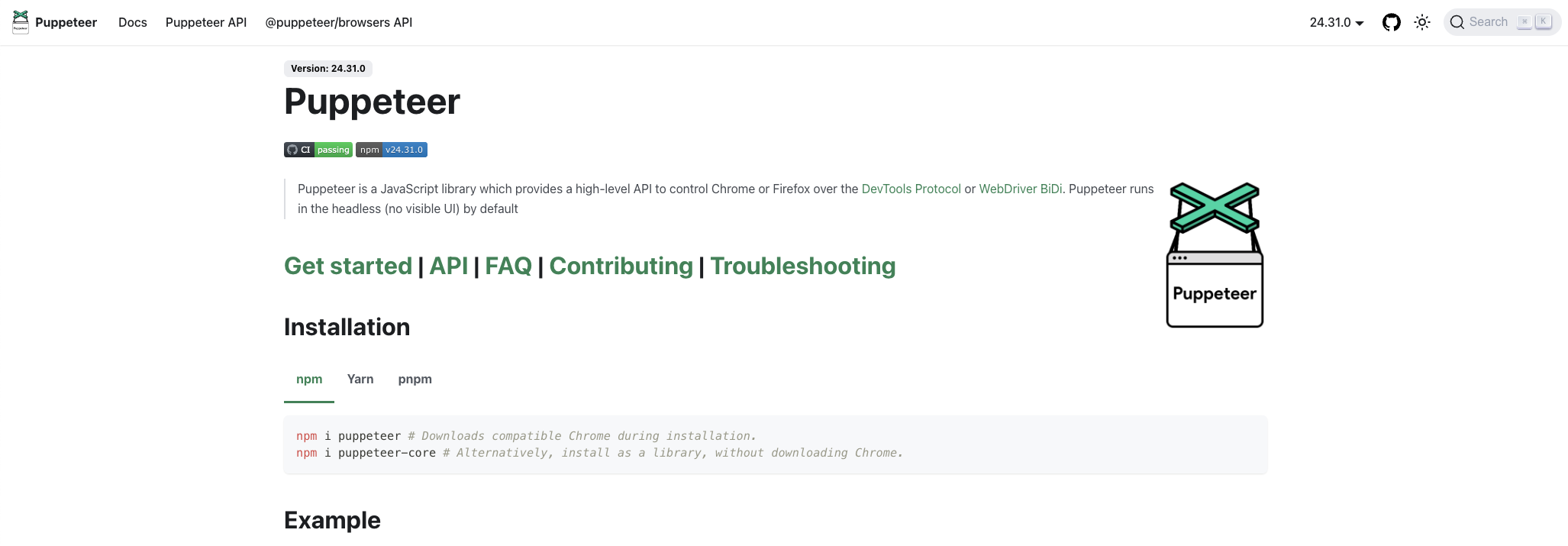
Puppeteer is a Node.js library maintained by Google's Chrome team. It provides high-level control over Chrome and Chromium browsers.
Many developers who worked on Puppeteer later created Playwright. The APIs share similarities, making migration between them straightforward.
Puppeteer Pros:
- No separate browser installation needed — downloads Chromium automatically
- Excellent documentation backed by Google
- Mature ecosystem with plugins like puppeteer-extra for stealth
- Lighter footprint than Playwright for Chrome-only tasks
- Strong community support with 89k+ GitHub stars
Puppeteer Cons:
- Limited to Chrome and Firefox (no Safari/WebKit support)
- JavaScript/Node.js only — no Python or Java bindings
- Slower test execution compared to Playwright in some scenarios
- Requires manual handling of certain race conditions
When to choose Puppeteer: You're building Chrome-only scrapers or tests and want Google's backing with excellent documentation. The puppeteer-extra-plugin-stealth package also makes it a solid choice for scraping sites with bot detection.
// Basic Puppeteer scraping example
const puppeteer = require('puppeteer');

(async () => {
  const browser = await puppeteer.launch({ headless: true });
  const page = await browser.newPage();
  await page.goto('https://example.com');

  const title = await page.title();
  console.log('Page title:', title);

  await browser.close();
})();
2. Selenium — Best for Multi-Language Teams
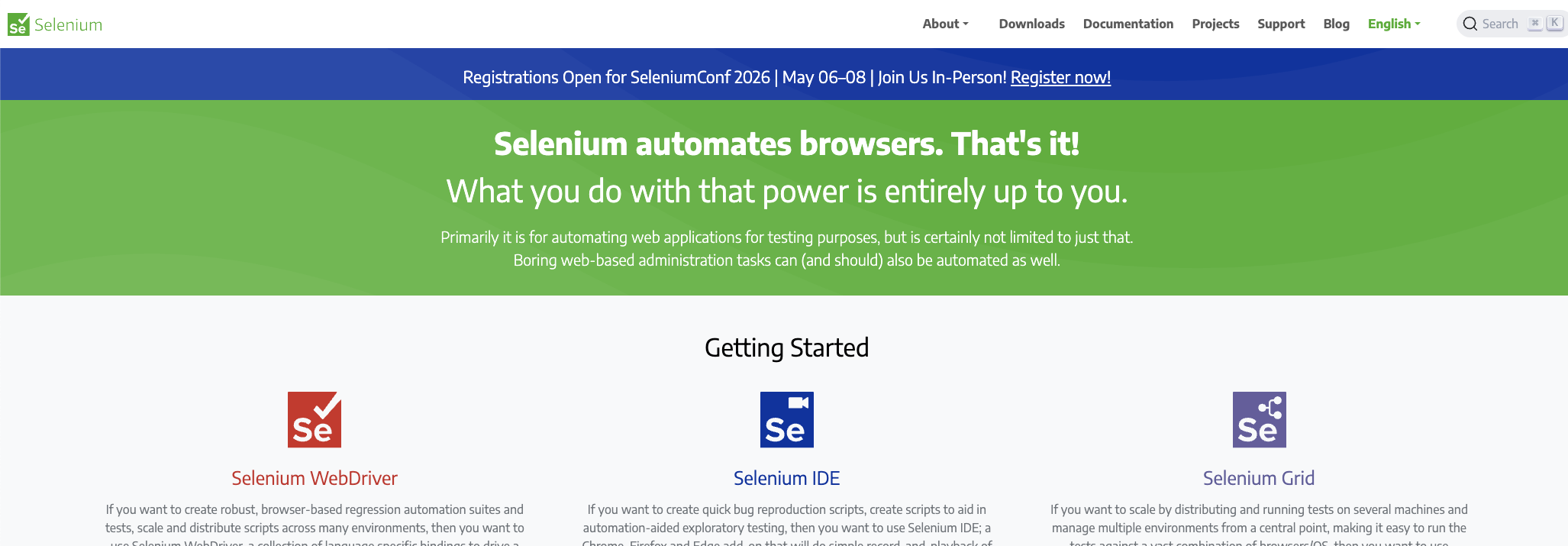
Selenium has been the browser automation standard for over a decade. It supports more programming languages than any other option on this list.
The tool consists of WebDriver for browser control, IDE for recording tests, and Grid for distributed testing across multiple machines. This modular architecture lets teams pick the components they need.
Selenium's maturity means you'll find answers to almost any problem. Stack Overflow has over 100,000 questions tagged with Selenium. Any edge case you encounter has likely been solved before.
Selenium Pros:
- Works with Java, Python, C#, Ruby, JavaScript, Kotlin, and more
- Massive community with extensive tutorials and Stack Overflow answers
- Selenium Grid enables parallel testing at scale across many machines
- Supports real device testing through cloud services like BrowserStack
- Battle-tested in enterprise environments for over 15 years
- Extensive plugin ecosystem for reports, screenshots, and integrations
Selenium Cons:
- Slower execution speed compared to Playwright and Puppeteer
- Requires separate WebDriver installations per browser version
- More boilerplate code for basic operations like waiting
- No built-in auto-waiting — you manage explicit and implicit waits manually
- Test flakiness is more common without careful synchronization
- Browser driver version management can be painful
When to choose Selenium: Your team uses multiple programming languages, or you need real device testing through BrowserStack or SauceLabs. It's also the safer choice for enterprise projects where long-term support and hiring skilled engineers matters. The Python and Java communities particularly favor Selenium.
# Basic Selenium scraping example in Python
from selenium import webdriver
from selenium.webdriver.common.by import By

driver = webdriver.Chrome()
driver.get('https://example.com')

title = driver.title
print(f'Page title: {title}')

driver.quit()
3. Cypress — Best for JavaScript Front-End Testing
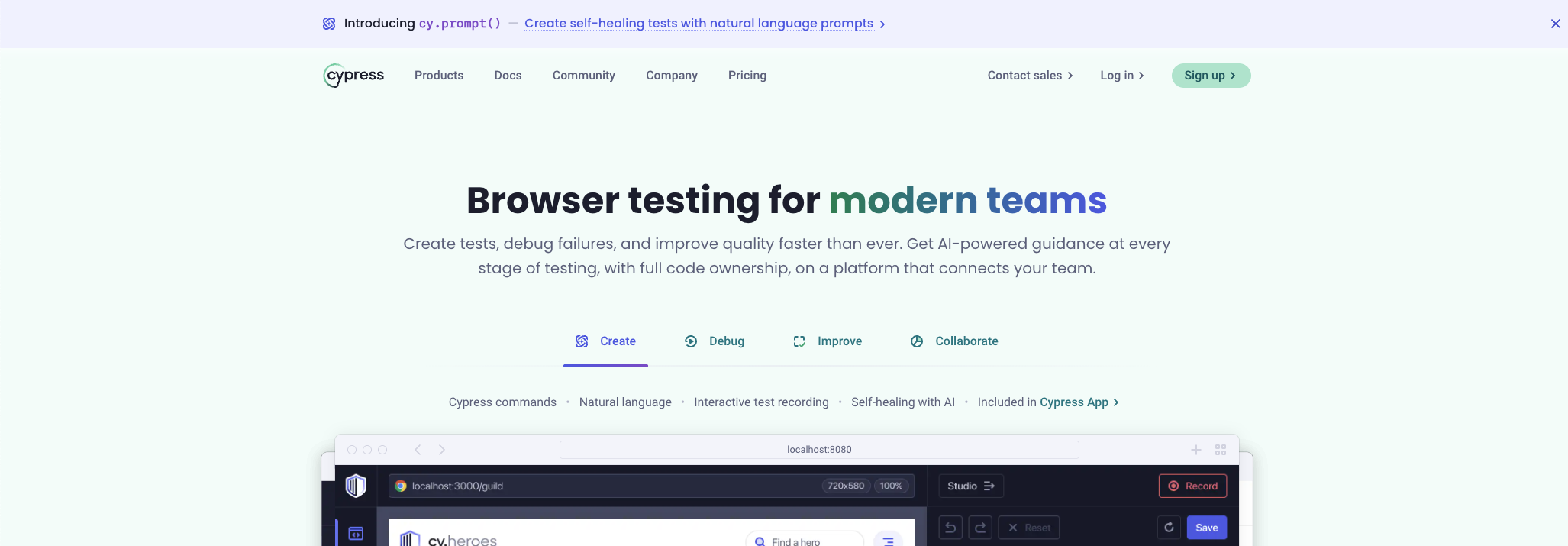
Cypress runs tests directly inside the browser, giving it unique debugging capabilities. You can time-travel through test steps and inspect the DOM at each point.
The tool focuses exclusively on front-end testing. It's not designed for web scraping or general browser automation.
Cypress Pros:
- Real-time test execution with visual feedback
- Automatic waiting for elements — no manual waits needed
- Excellent debugging with snapshots at each step
- Fast execution for single-browser tests
- Active development with regular updates
Cypress Cons:
- JavaScript/TypeScript only — no other language support
- Limited cross-browser support (improving but still behind Playwright)
- Can't test multiple browser tabs or windows
- Not suitable for web scraping tasks
- Requires more workarounds for iframes
When to choose Cypress: You're testing JavaScript applications and want the best debugging experience. It's ideal for teams already working in the JavaScript ecosystem who prioritize developer experience over flexibility.
4. Scrapy — Best for Large-Scale Data Extraction
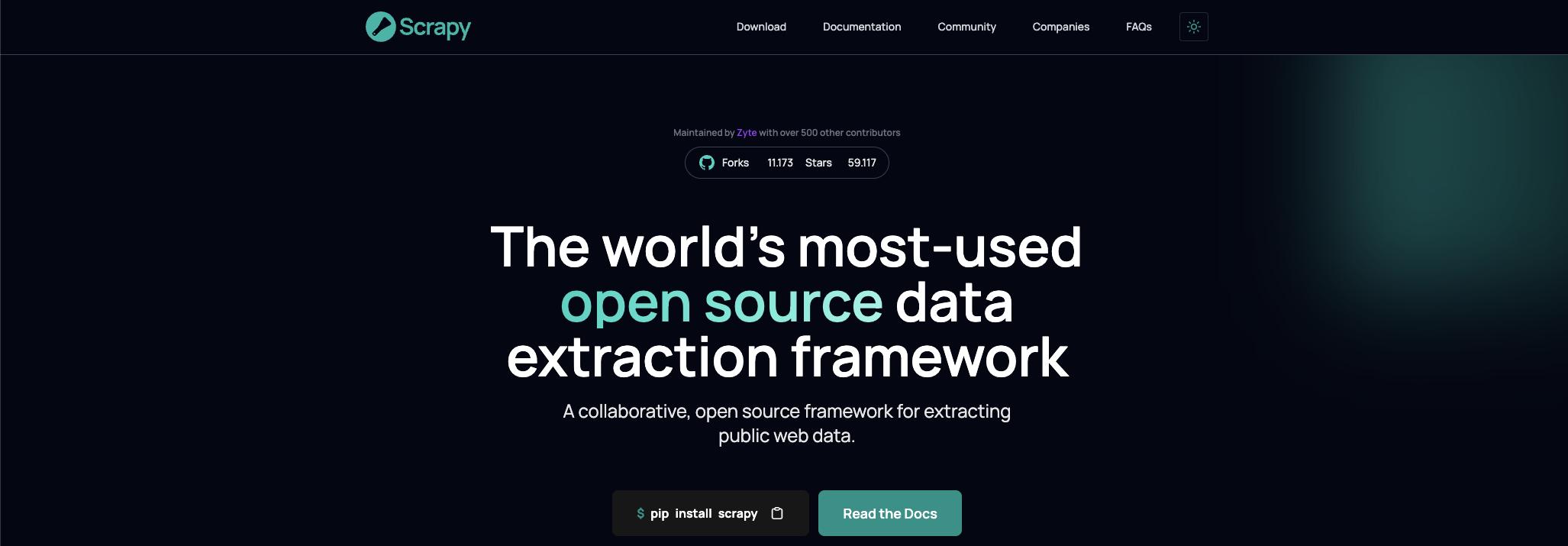
Scrapy is a Python framework built specifically for web scraping. Unlike browser automation tools, it works at the HTTP level without rendering pages.
This approach makes Scrapy significantly faster and more resource-efficient for scraping static content. You can scrape thousands of pages in the time it takes Playwright to process dozens.
Scrapy includes everything you need for production scraping out of the box. Request scheduling, retry handling, response caching, and data export pipelines are all built in. The architecture encourages clean, maintainable spider code.
Scrapy Pros:
- 10-100x faster than browser-based scraping for static sites
- Built-in support for proxy rotation and request throttling
- Handles pagination, following links, and data pipelines automatically
- Extensible middleware system for custom functionality
- Lower resource usage — no browser overhead means cheap scaling
- Item pipelines for processing and storing extracted data
- Excellent logging and debugging tools built in
Scrapy Cons:
- Can't handle JavaScript-rendered content natively
- Steeper learning curve than simple request libraries
- Python only — no JavaScript or other language versions
- Requires integration with Splash or Playwright for dynamic content
- Not suitable for browser testing or UI automation
- Overkill for simple one-off scraping tasks
When to choose Scrapy: You're extracting data from static websites at scale. The combination of speed and built-in proxy support makes it ideal for large crawling projects. Pair it with Playwright only when you encounter JavaScript-heavy pages that require actual browser rendering.
Scrapy integrates well with proxy providers for IP rotation. Configure your middleware to route requests through residential proxies when scraping sites with strict rate limiting.
# Basic Scrapy spider example
import scrapy

class ExampleSpider(scrapy.Spider):
    name = 'example'
    start_urls = ['https://example.com']

    def parse(self, response):
        title = response.css('title::text').get()
        yield {'title': title}
5. BugBug — Best for No-Code Browser Testing
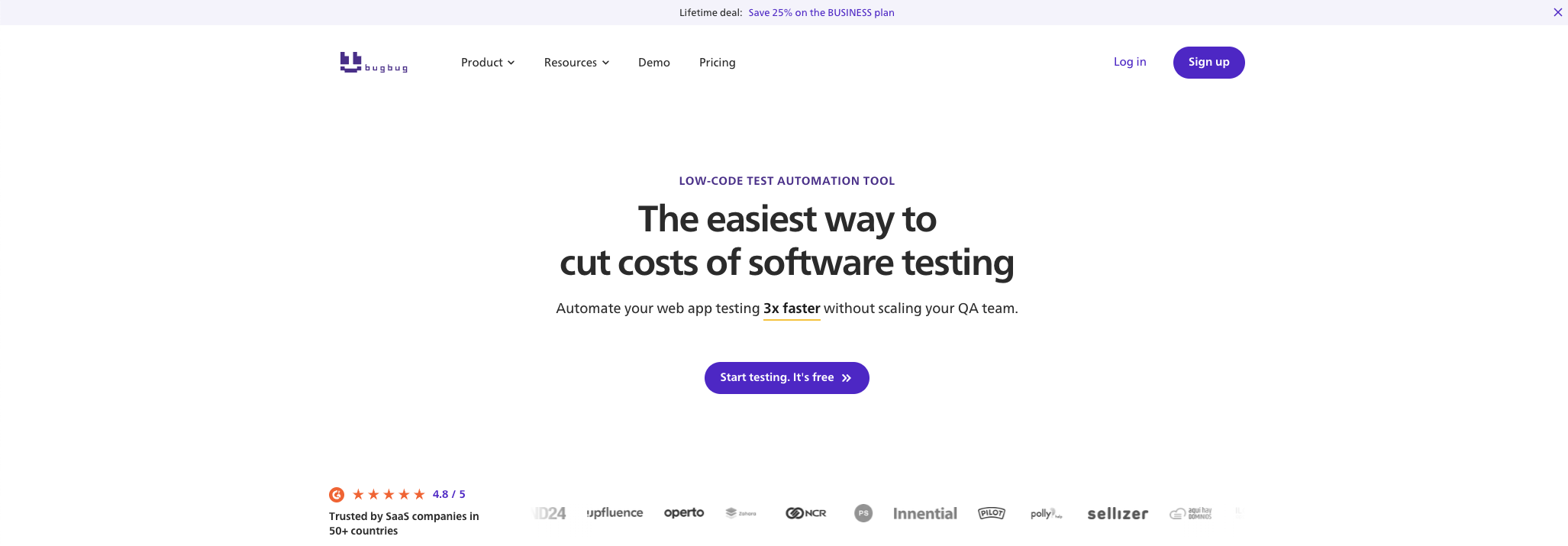
BugBug lets you create automated browser tests without writing code. You record actions by clicking through your application, and the tool generates tests automatically.
This approach makes browser testing accessible to QA teams without programming backgrounds.
BugBug Pros:
- No coding required — record tests visually
- Cloud execution eliminates local infrastructure needs
- Built-in email testing for signup flows
- Easy maintenance with visual test editing
- Integrates with CI/CD pipelines
BugBug Cons:
- Limited flexibility compared to coded solutions
- Not suitable for web scraping
- Advanced scenarios may require JavaScript workarounds
- Smaller community than open-source alternatives
- Paid plans required for serious usage
When to choose BugBug: Your QA team includes non-developers who need to create and maintain browser tests. It's also useful for quickly validating user flows without investing in test infrastructure.
6. WebDriverIO — Best for Combined Mobile and Web Testing
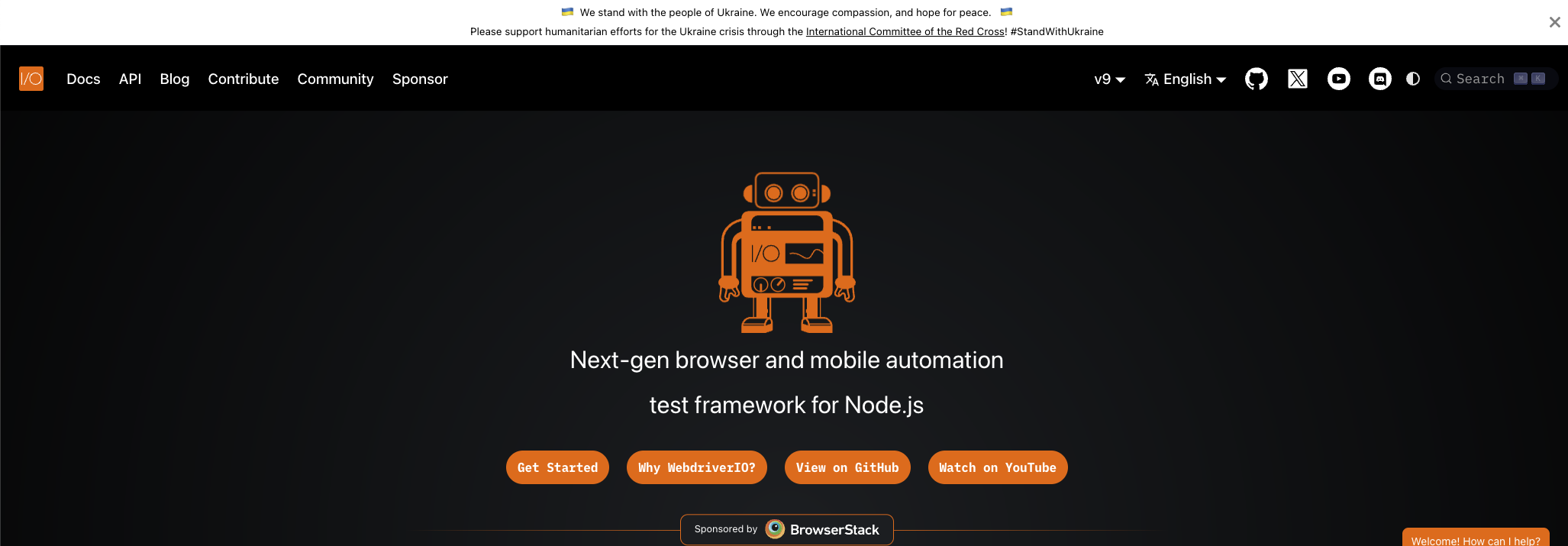
WebDriverIO extends the WebDriver protocol with additional features for modern testing needs. It supports both web browsers and mobile applications through Appium integration.
The framework provides a clean async/await API that feels more modern than raw Selenium.
WebDriverIO Pros:
- Unified API for web and mobile testing
- Built-in support for React, Vue, and Svelte component testing
- Flexible configuration with various test runners
- Strong TypeScript support
- Active community with good documentation
WebDriverIO Cons:
- JavaScript/TypeScript only
- Requires understanding of WebDriver concepts
- Mobile testing setup can be complex
- Less intuitive than Cypress for pure front-end testing
- Debugging experience not as polished as Cypress
When to choose WebDriverIO: You need to test both web applications and native mobile apps from the same codebase. The combined web and mobile support is its main advantage over Playwright alternatives focused only on browsers.
7. TestCafe — Best for Simple Cross-Browser Testing
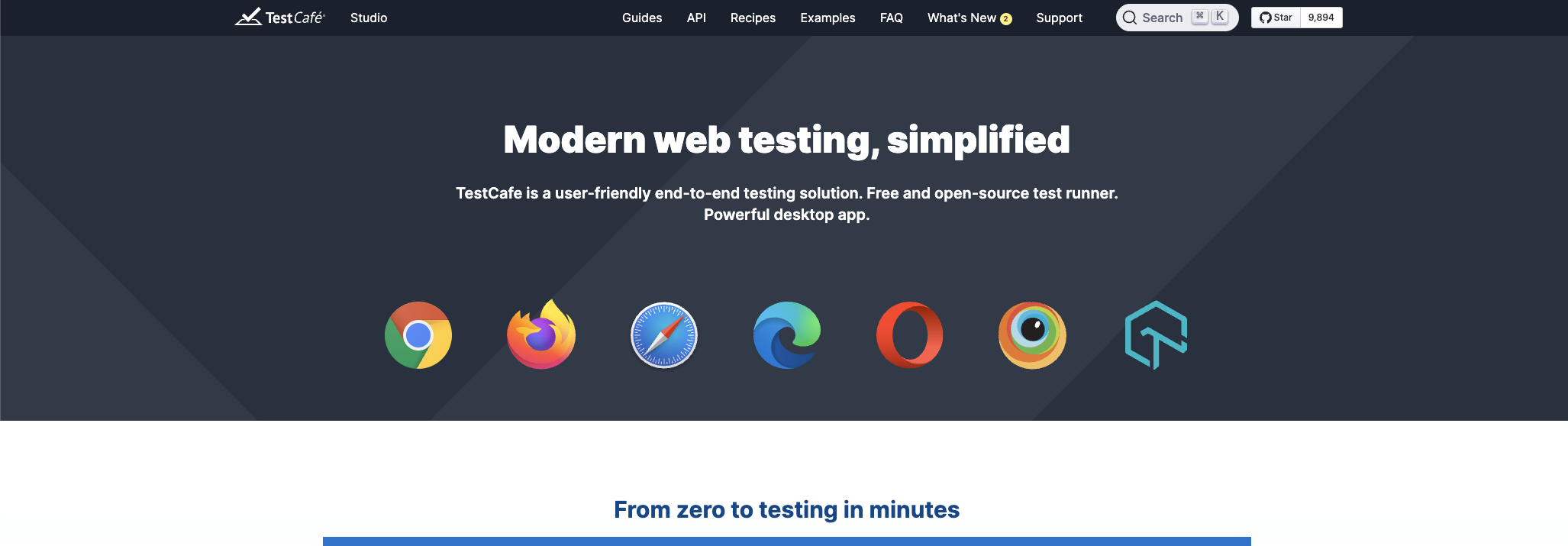
TestCafe runs tests without WebDriver dependencies. It injects scripts directly into the browser, simplifying setup significantly.
The tool requires no additional installations beyond Node.js — just install and start testing.
TestCafe Pros:
- Zero WebDriver setup — works immediately
- Concurrent testing across multiple browsers
- Automatic waiting mechanism reduces flakiness
- Works with any browser that supports JavaScript
- Simple API that's easy to learn
TestCafe Cons:
- JavaScript/TypeScript only
- Fewer advanced features than Playwright
- Smaller community than Selenium or Cypress
- Not designed for web scraping
- Some complex scenarios require workarounds
When to choose TestCafe: You want cross-browser testing without the WebDriver complexity. It's great for teams that need to quickly validate applications across Chrome, Firefox, Safari, and Edge without maintaining driver installations.
8. Katalon — Best for Teams with Mixed Skill Levels
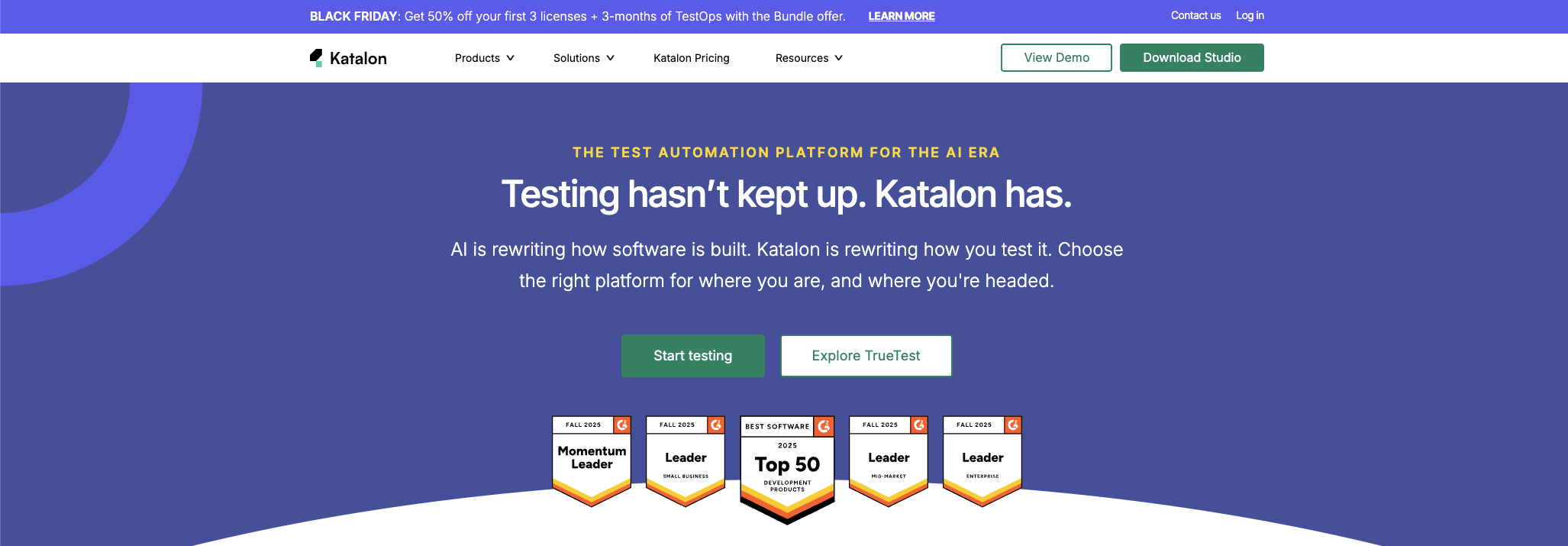
Katalon combines visual test recording with scripting capabilities. It bridges the gap between no-code testing tools and full programming frameworks.
The platform includes test management, execution, and reporting in a single package.
Katalon Pros:
- Both visual and coded test creation
- Built-in test runner with reporting
- Supports web, mobile, API, and desktop testing
- Active development with AI features
- Free tier available for smaller teams
Katalon Cons:
- Groovy/Java scripting can feel dated
- Enterprise features require paid plans
- Heavier than open-source alternatives
- Some users report performance issues with large suites
- Vendor lock-in concerns for test assets
When to choose Katalon: Your team includes both developers and non-technical testers who need to collaborate on test automation. The unified platform reduces tool fragmentation.
9. Cheerio — Best for Fast HTML Parsing
Cheerio isn't a browser automation tool. It's a lightweight library for parsing and manipulating HTML using jQuery syntax.
For scraping static pages, Cheerio with a simple HTTP request is dramatically faster than spinning up a browser.
Cheerio Pros:
- Extremely fast — no browser overhead
- Familiar jQuery-like syntax
- Minimal memory footprint
- Easy to integrate with request libraries
- Perfect for static content scraping
Cheerio Cons:
- Can't execute JavaScript — static HTML only
- No browser automation capabilities
- Not suitable for testing
- Requires separate HTTP client for requests
- Limited to parsing, not interacting with pages
When to choose Cheerio: You're scraping static websites and want maximum speed. Combine it with axios or node-fetch for requests, and you'll outperform any browser-based approach by a wide margin.
// Basic Cheerio scraping example
const axios = require('axios');
const cheerio = require('cheerio');

async function scrape() {
  const { data } = await axios.get('https://example.com');
  const $ = cheerio.load(data);

  const title = $('title').text();
  console.log('Page title:', title);
}

scrape();
How to Choose the Right Playwright Alternative
Your choice depends on what you're building and who will maintain it.
For testing JavaScript applications: Cypress offers the best developer experience with real-time debugging and automatic waiting. The visual test runner shows exactly what's happening at each step.
For multi-language teams: Selenium's broad language support makes it the safest choice for teams with varied programming backgrounds. You can write tests in whatever language your developers already know.
For web scraping at scale: Start with Scrapy for static content. Add Playwright or Puppeteer only for JavaScript-rendered pages that require browser execution. Most websites still serve content that can be scraped without a full browser.
For non-developer testers: BugBug or Katalon let QA teams create tests without writing code. The visual recorders capture user actions and convert them into automated tests.
For Chrome-focused automation: Puppeteer remains excellent for Chrome-only tasks, especially with stealth plugins for scraping. If you don't need cross-browser support, Puppeteer's simplicity wins.
For combined mobile and web: WebDriverIO provides a unified API that handles both platforms through a single test framework. You maintain one codebase for testing apps across web, Android, and iOS.
Consider your team's existing skills. Adopting a tool that matches your team's language preferences reduces ramp-up time significantly. A Python team will be productive faster with Selenium or Scrapy than with JavaScript-only options.
Handling Anti-Bot Detection
Whatever tool you choose, you'll likely encounter bot detection on modern websites. Cloudflare, DataDome, PerimeterX, and similar services block obvious automation signatures.
Proxy rotation is essential. Sending all requests from a single IP address triggers rate limits and blocks. Rotating through residential proxies from providers like Roundproxies.com mimics real user connections. Your requests become harder to distinguish from legitimate traffic.
Fingerprint evasion matters. Browser automation tools leave detectable traces. WebDriver flags, automation-specific JavaScript properties, and consistent viewport sizes all signal automation. Tools like puppeteer-extra-plugin-stealth or playwright-stealth patch these obvious signals.
Request patterns matter too. Bots often request pages faster than humans can click. Adding random delays between requests, randomizing user agents, and mimicking realistic browsing patterns reduces detection risk.
For serious scraping operations at scale, consider whether building anti-detection infrastructure in-house makes sense. Managing proxies, fingerprint rotation, and CAPTCHA solving consumes significant engineering time.
Performance Comparison
Speed varies dramatically between tools depending on the task.
For static HTML scraping, Cheerio with raw HTTP requests completes in milliseconds. Scrapy adds minimal overhead while providing structure for larger projects.
For JavaScript-rendered pages, Puppeteer and Playwright perform similarly. Both take 2-5 seconds per page depending on content complexity and network conditions.
For parallel execution, Playwright's browser contexts are more efficient than launching separate browser instances. You can run many contexts in a single browser process.
For large test suites, execution time differences compound. Cypress's test isolation adds overhead. Selenium's synchronization waits accumulate. Choose based on your typical test count and CI/CD time budgets.
Final Thoughts
Playwright is powerful, but it's not the only option worth considering.
For quick browser automation, Puppeteer's simplicity wins. For enterprise testing with language flexibility, Selenium remains unmatched. For front-end testing with excellent developer experience, Cypress leads the pack.
And for web scraping specifically, you often don't need a browser at all. Scrapy and Cheerio handle most static content faster and cheaper than any browser-based solution.
The best approach often combines multiple tools. Use Scrapy for the bulk of static content, Playwright for JavaScript-heavy pages, and dedicated proxy infrastructure for scale.
Pick the tool that matches your actual requirements. The best Playwright alternative is the one that solves your specific problem without unnecessary complexity. Start simple, and add sophistication only when the simpler approach fails.