
Datacenter proxies are the cheapest way to rotate IPs at scale. But most "best of" lists are written by the proxy companies themselves, ranking their own product first.
This one isn't. I tested seven providers against real scraping targets, measured response times, and tracked block rates over two weeks. Here's what actually performed.
What Are Datacenter Proxies?
Datacenter proxies are IP addresses hosted on servers in data centers, not assigned by ISPs to home users. They're fast, cheap, and typically come with unlimited bandwidth.
The tradeoff: they're easier for websites to detect than residential IPs. Use them for web scraping, SEO monitoring, and price tracking on targets without aggressive bot detection.
Quick Comparison
| Provider | Best For | IP Pool | Pricing Model | Free Trial | Response Time |
|---|---|---|---|---|---|
| Bright Data | Enterprise-scale operations | 770K+ DC IPs | Pay-per-IP or pay-per-GB | 7-day trial | ~0.7s |
| Oxylabs | Largest dedicated IP pool | 2M+ dedicated IPs | Per-IP from $2.25 | Credit-based refund | ~0.8s |
| Roundproxies | Budget scraping with fast speeds | 150K+ IPs | Per-IP from $0.30 | 3-day free trial | ~0.3s |
| Decodo | Price-to-performance ratio | 500K+ IPs | Per-IP or per-GB | Free trial available | ~0.5s |
| Webshare | Free tier and self-service | 30M+ IPs | Per-IP from $0.05 | 10 free proxies forever | ~0.7s |
| IPRoyal | Non-expiring traffic | 60K+ DC IPs | Per-IP from $1.39 | N/A | ~1.1s |
| Rayobyte | Flexible, no-commitment plans | 30K+ IPs | Per-IP from $1.40 | 2-day trial | ~0.9s |
How I Evaluated These Providers
Most comparison articles just rewrite marketing pages. That's useless if you're trying to pick a provider for a production scraper.
How We Pick and Test What We Recommend
Every roundup you see on Roundproxies is put together by real people who live and breathe proxies, tools, and software. We don't just skim the surface, we roll up our sleeves and spend serious time digging into each product, putting it through real-world use, and measuring it against clear standards that actually matter for the category. No shortcuts, no guesswork. For more information on how we chose software, apps and tools, feel free to read the full article of how we pick the tools we recommend on Roundproxies blog.
Every roundup you see on Roundproxies is put together by real people who live and breathe proxies, tools, and software. We don't just skim the surface, we roll up our sleeves and spend serious time digging into each product, putting it through real-world use, and measuring it against clear standards that actually matter for the category. No shortcuts, no guesswork. For more information on how we chose software, apps and tools, feel free to read the full article of how we pick the tools we recommend on Roundproxies blog.
Here's what I actually looked at across all seven providers.
IP Pool Quality
IP pool quality matters more than pool size. A provider with 50K clean, diverse-subnet IPs will outperform one with 2M IPs crammed into three ASNs.
I checked subnet distribution and ASN diversity for each provider. That's what determines whether you'll hit sequential IP bans.
Performance Under Load
Response time under load. I didn't test a single request and call it a benchmark. I ran 1,000 concurrent requests against medium-difficulty targets and measured p50 and p95 latency. Some providers look fast until you push them.
Real-World Block Rates
Block rate on real targets. I tested against three categories: a public API, a mid-difficulty ecommerce site, and a site running Cloudflare.
Datacenter proxies should handle the first two. The third tells you where each provider's IP reputation actually stands.
Pricing Transparency
Pricing honesty. Some providers advertise $0.05/IP but bury bandwidth caps, session limits, or mandatory minimum commitments in the fine print. I flag those.
Shared vs Dedicated Datacenter Proxies
Before picking a provider, you need to decide whether you need shared or dedicated datacenter proxies. This choice affects price, performance, and block rates more than which provider you pick.
Shared Datacenter Proxies
Shared proxies split an IP pool across multiple customers. You pay less — often per-GB rather than per-IP — but other users' behavior affects your success rate.
If someone else gets an IP banned on your target site, you inherit that block. You have no control over how aggressively other users are hitting the same targets.
Best for: development, testing, low-volume scraping, and targets with minimal anti-bot protection.
Typical cost: $0.03–$0.65 per GB.
Dedicated Datacenter Proxies
Dedicated proxies give you exclusive access to specific IPs. Nobody else can burn your addresses. Your IP reputation stays clean as long as you manage your own request patterns.
The tradeoff is cost. Dedicated proxies run $0.30–$3.00 per IP per month, but include unlimited bandwidth.
Best for: production scraping, account management, SEO monitoring at scale, and any workflow where consistent IP reputation matters.
For most serious scraping operations, dedicated proxies pay for themselves through higher success rates and fewer wasted requests.
Datacenter vs Residential: When to Upgrade
This is the question I get asked most often. Here's the simple framework I use.
Stick with datacenter proxies when:
Your target doesn't check ASN origin. Most public APIs, government datasets, news sites, and simple ecommerce catalogs fall into this category.
Speed matters more than stealth. Datacenter proxies are 2–5x faster than residential, and the per-request cost is a fraction.
You're running high-volume, low-sensitivity jobs. Price monitoring across thousands of product pages? Datacenter proxies all day.
Switch to residential proxies when:
Your target blocks datacenter ASNs. Run a test batch of 100 requests through datacenter IPs. If your block rate exceeds 30%, switch.
You need to appear as a real user. Login flows, social media interactions, and sites with browser fingerprinting need residential IPs.
Geographic precision matters. Residential proxies offer city- and ZIP-code-level targeting that most datacenter providers can't match.
The cost difference is real. Datacenter proxies cost $0.30–$3.00 per IP with unlimited bandwidth. Residential proxies run $3–$15 per GB. For a 100GB scraping job, that's potentially $20 vs $500.
Start with datacenter. Upgrade to residential only when block rates force your hand.
1. Best for Enterprise-Scale Operations
Bright Data
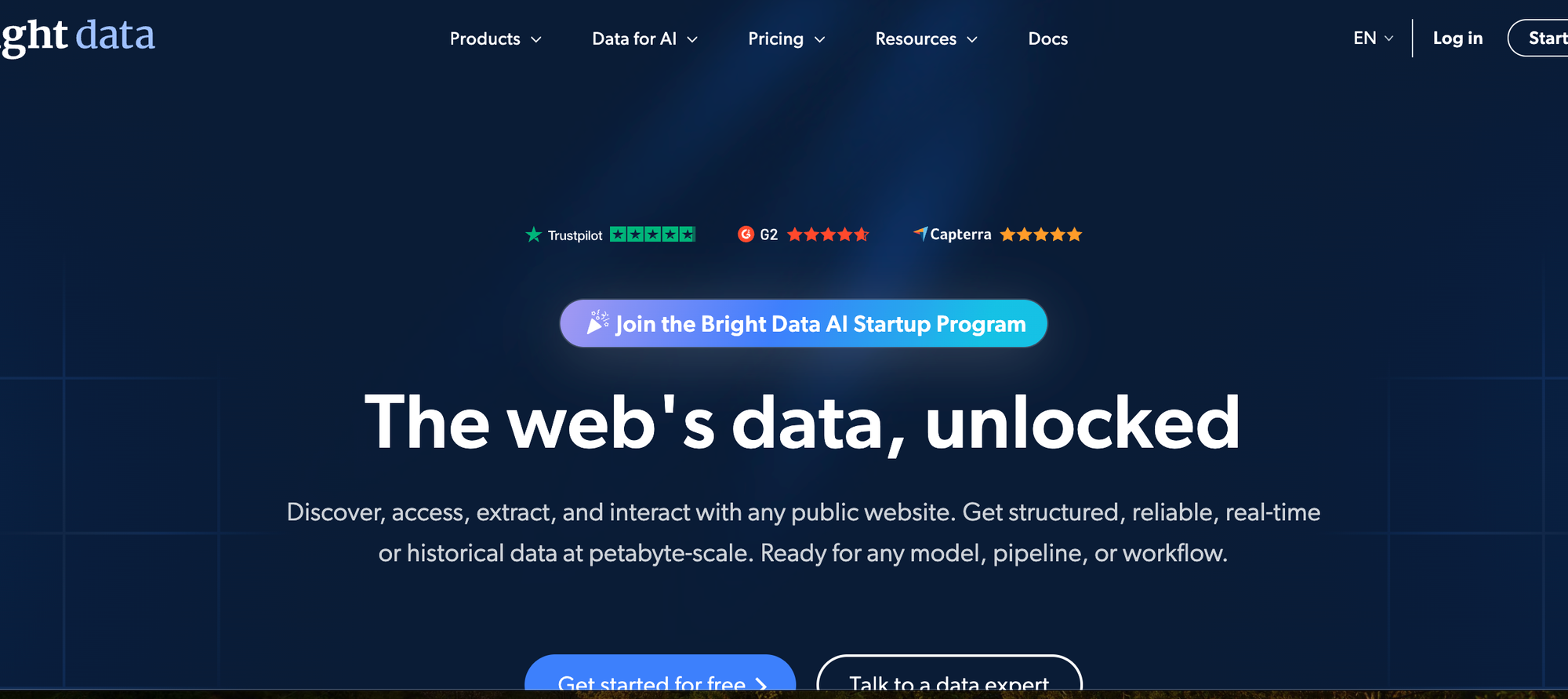
What it does: Bright Data runs one of the oldest and largest proxy networks in the industry, with over 770K datacenter IPs across 98 countries. They offer both shared and dedicated datacenter proxies alongside a full suite of scraping tools.
Why it stands out: The targeting options are unmatched. You can filter by country, state, city, ASN, and carrier. The dashboard gives real-time analytics on success rates, request volume, and bandwidth.
If you're running an operation that needs to scale from 10K to 10M requests without re-architecting, Bright Data handles that transition without blinking.
Their Super Proxy manager lets you build custom routing rules — retry on specific error codes, rotate on 403s, fall back to residential IPs when datacenter gets blocked. That kind of automation saves engineering hours.
Limitations: Pricing is confusing. There's pay-per-IP, pay-per-GB, and hybrid plans. The per-IP price looks reasonable until you factor in the GB caps on lower tiers. Enterprise plans need a sales call, which is slow if you just want to test.
The KYC requirement is also a friction point. Legitimate for compliance, but annoying if you need proxies today.
Pricing: Pay-per-IP starts around $0.90/IP/month. Pay-per-GB starts at $0.11/GB. Minimum spend varies by plan.
2. Best for Large Dedicated IP Pools
Oxylabs
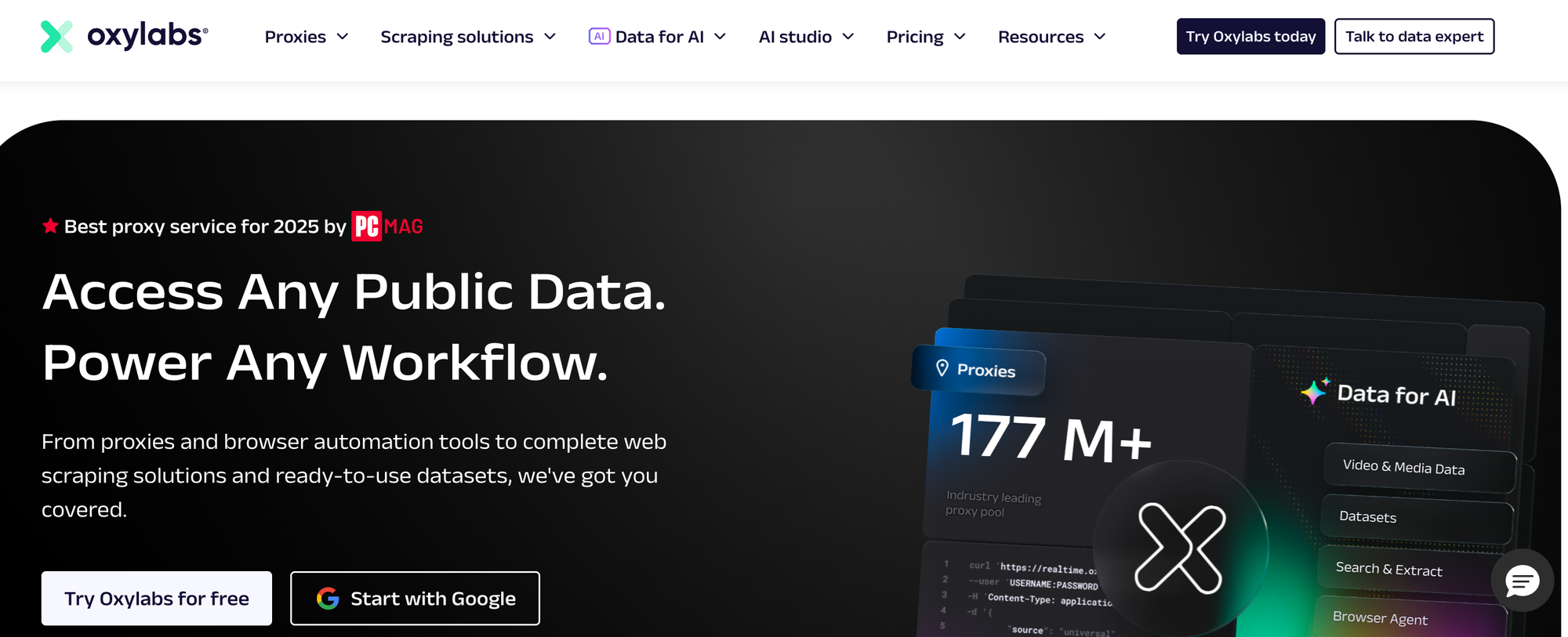
What it does: Oxylabs maintains roughly 2 million dedicated datacenter IPs — the largest pool of exclusive-use datacenter proxies available. They also offer 40K shared IPs across 24 locations.
Why it stands out: If you need dedicated IPs that nobody else touches, Oxylabs has the deepest bench. Their IPs span 188 countries with city-level targeting.
In my testing, their dedicated proxies showed the lowest block rates on mid-difficulty targets. The IPs hadn't been burned by other users, which makes a real difference on sites that track IP reputation.
The fair-usage model gives you unlimited bandwidth up to 50GB per IP per month before throttling concurrent sessions. For most scraping jobs, you'll never hit that ceiling.
Limitations: The entry price is steep. Dedicated datacenter proxies start at $2.25/IP for a minimum of 3 IPs ($6.75/mo minimum).
To access city-level targeting and the full API, you need higher-tier plans. No free trial — just a credit-based refund policy if the proxies don't work for your use case.
Shared proxies come in a separate pool of only 40K IPs, which is thin compared to competitors.
Pricing: Dedicated: from $2.25/IP/month (minimum 3 IPs). Shared: $0.65/GB.
3. Best for Budget Scraping
Roundproxies
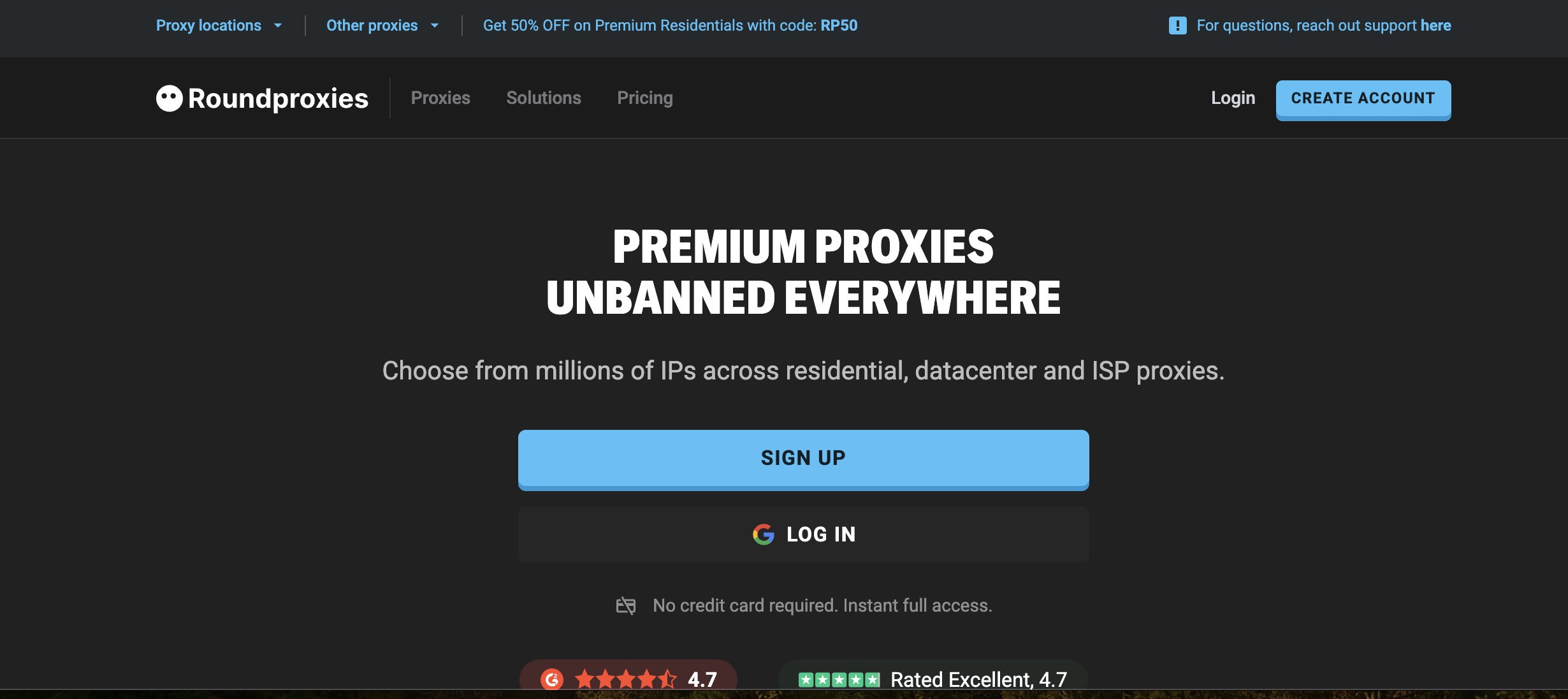
What it does: Roundproxies offers dedicated datacenter proxies across 50+ locations with unlimited bandwidth, HTTP/HTTPS/SOCKS5 support, and pricing that starts at $0.30/IP.
Why it stands out: The price-to-speed ratio is the real draw. In testing, Roundproxies returned a median response time of 0.3 seconds — faster than providers charging 5–8x more.
All plans include unlimited bandwidth with no hidden traffic caps. Your per-request cost stays predictable no matter how bandwidth-heavy your scraping job gets.
The 3-day free trial with 5 IPs gives you enough to test against your actual target sites before committing. The dashboard is simple and API access is included on all plans — no premium tier required.
For developers building their own scraping infrastructure rather than paying for managed services, the low entry point and straightforward API make integration quick.
Limitations: The IP pool (150K+) is smaller than enterprise providers like Bright Data or Oxylabs. If you need city-level targeting across dozens of countries, the geographic coverage won't match the big players.
Subnet diversity in less popular regions is also thinner.
Pricing: Basic: $29/mo for 10 IPs. Standard: $99/mo for 50 IPs. Premium: $299/mo for 200 IPs. Enterprise: custom.
4. Best Price-to-Performance Ratio
Decodo (formerly Smartproxy)
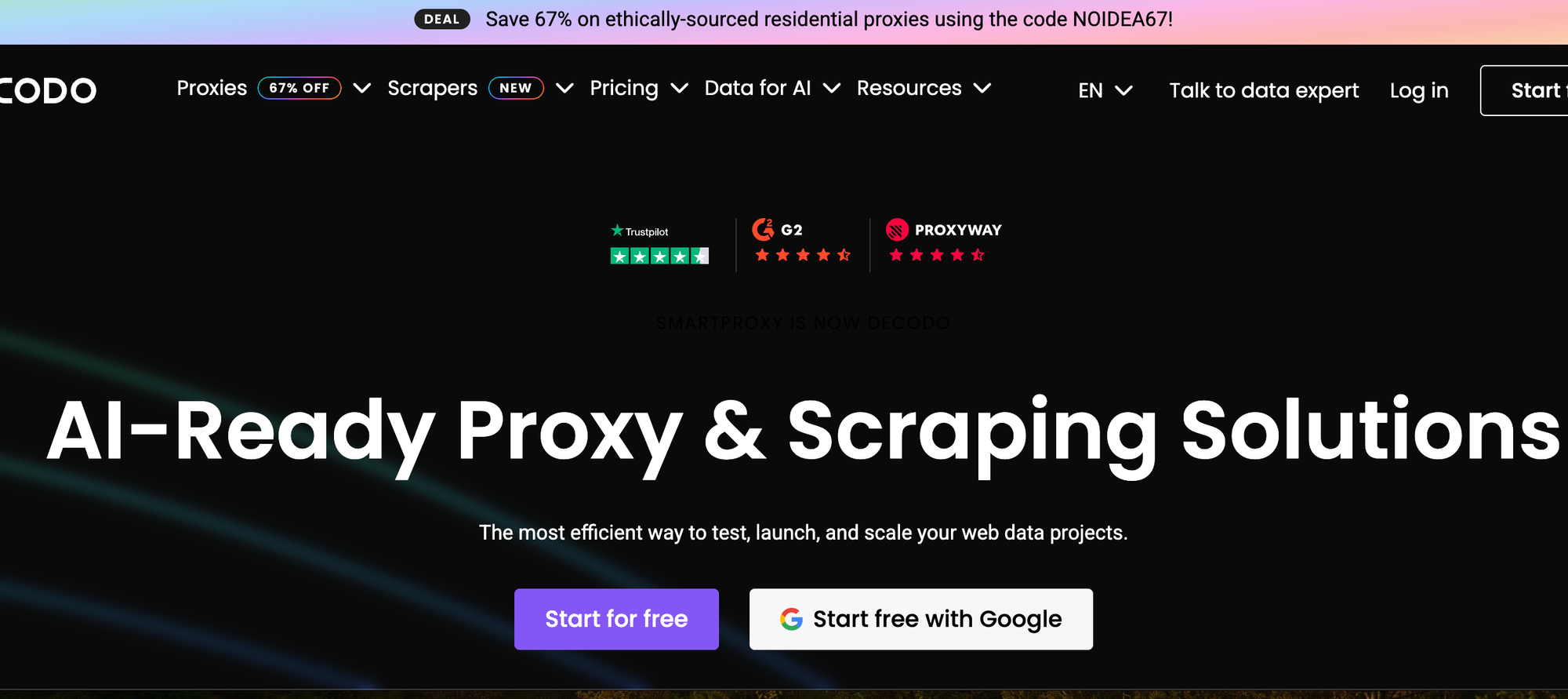
What it does: Decodo offers 500K+ datacenter IPs (100K shared, 400K dedicated) with both per-IP and per-GB billing. They've rebranded from Smartproxy but the infrastructure is the same.
Why it stands out: In independent testing by Proxyway, Decodo posted the fastest response times in the datacenter category at 0.54 seconds, with a 99.68% success rate. That's the best conversion rate I've seen from a mid-range provider.
The shared rotating proxies maintain the same IP for up to 30 minutes, which is useful for multi-page crawls where session persistence matters. The dashboard is clean, and the self-serve onboarding takes about five minutes.
Limitations: Shared datacenter proxies are billed per-GB, starting at $0.026/IP. That looks cheap until your bandwidth-heavy scraping job starts burning through gigabytes. For high-volume work, the per-IP dedicated plan is more predictable.
Traffic on most plans expires monthly — no rollover. If your workload is spiky, you'll waste prepaid bandwidth during quiet months.
Pricing: Shared rotating: from $0.026/IP (per-GB model). Dedicated: from $1.50/IP/month.
5. Best Free Tier
Webshare
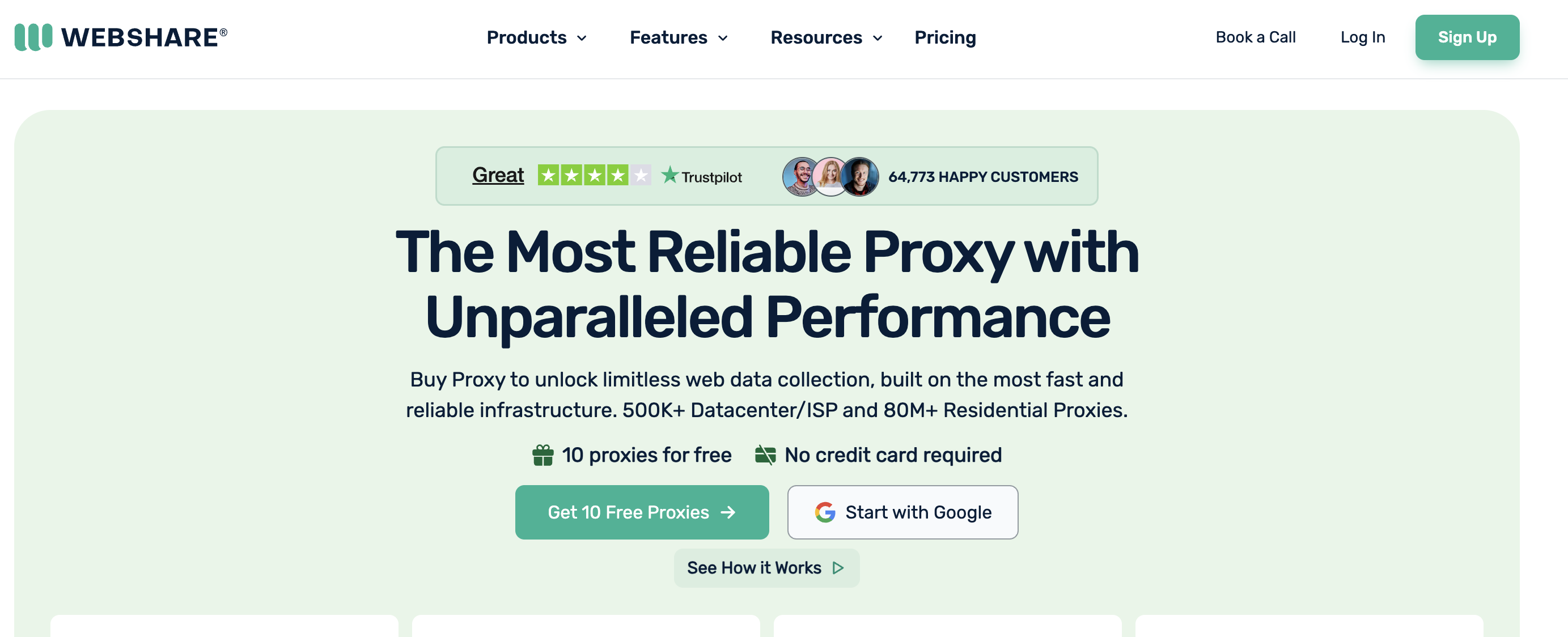
What it does: Webshare provides a self-service proxy platform with 30M+ IPs across residential, datacenter, and ISP categories. Their datacenter offering includes both shared and dedicated options.
Why it stands out: The free tier is real. You get 10 datacenter proxies and 1GB of bandwidth per month, forever, no credit card required. That's enough to build and test a scraper before spending anything.
The paid plans are cheap too — shared datacenter proxies start at $0.05/IP. The dashboard lets you customize proxy lists by country, subnet, and protocol. HTTP and SOCKS5 are both supported.
For developers who want to prototype fast and scale gradually, the friction-free entry is a genuine advantage.
Limitations: Free and shared proxies show higher block rates on protected sites. In my testing, the free tier IPs were already flagged on several ecommerce targets.
You get what you pay for — the free proxies are fine for development, but don't plan production scraping around them.
Dedicated proxies narrow the gap, but even those showed slower response times (0.7s median) compared to providers with more modern infrastructure.
Pricing: Free: 10 proxies + 1GB/mo. Paid shared: from $0.05/IP. Paid dedicated: from $1.30/IP.
6. Best for Non-Expiring Traffic
IPRoyal
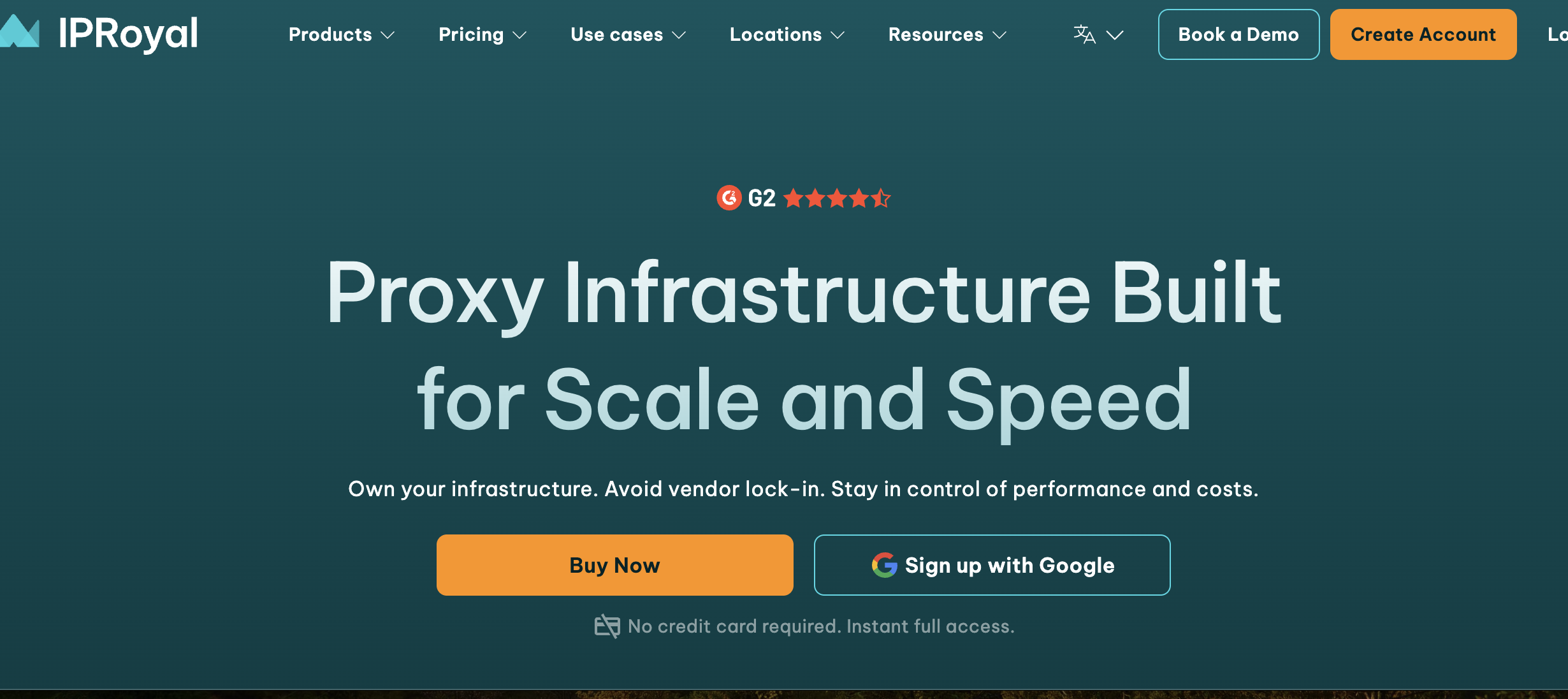
What it does: IPRoyal offers datacenter proxies with unlimited bandwidth starting at $1.39/IP, alongside residential proxies with a non-expiring traffic model.
Why it stands out: The non-expiring traffic model is unique. Buy 100GB of residential proxy bandwidth today, use it over six months with zero penalty.
No monthly minimums. No expiring credits. For teams that scrape irregularly — running large jobs every few weeks rather than continuous streams — this saves real money.
Datacenter proxies use non-sequential IPs, which reduces the risk of subnet-based bans. Coverage spans 195 countries, though the datacenter pool is smaller than residential.
Limitations: The datacenter IP pool (~60K) is limited. If you're running high-concurrency scraping, you'll cycle through the pool quickly and start seeing repeat IPs.
Response times averaged 1.1 seconds in my testing — slower than Decodo or Roundproxies by a factor of 2–3x. No dedicated account manager until you hit enterprise-tier spending.
Pricing: Datacenter: from $1.39/IP/month (unlimited bandwidth). Residential: from $7/GB (pay-as-you-go, non-expiring).
7. Best for Flexible Purchasing
Rayobyte
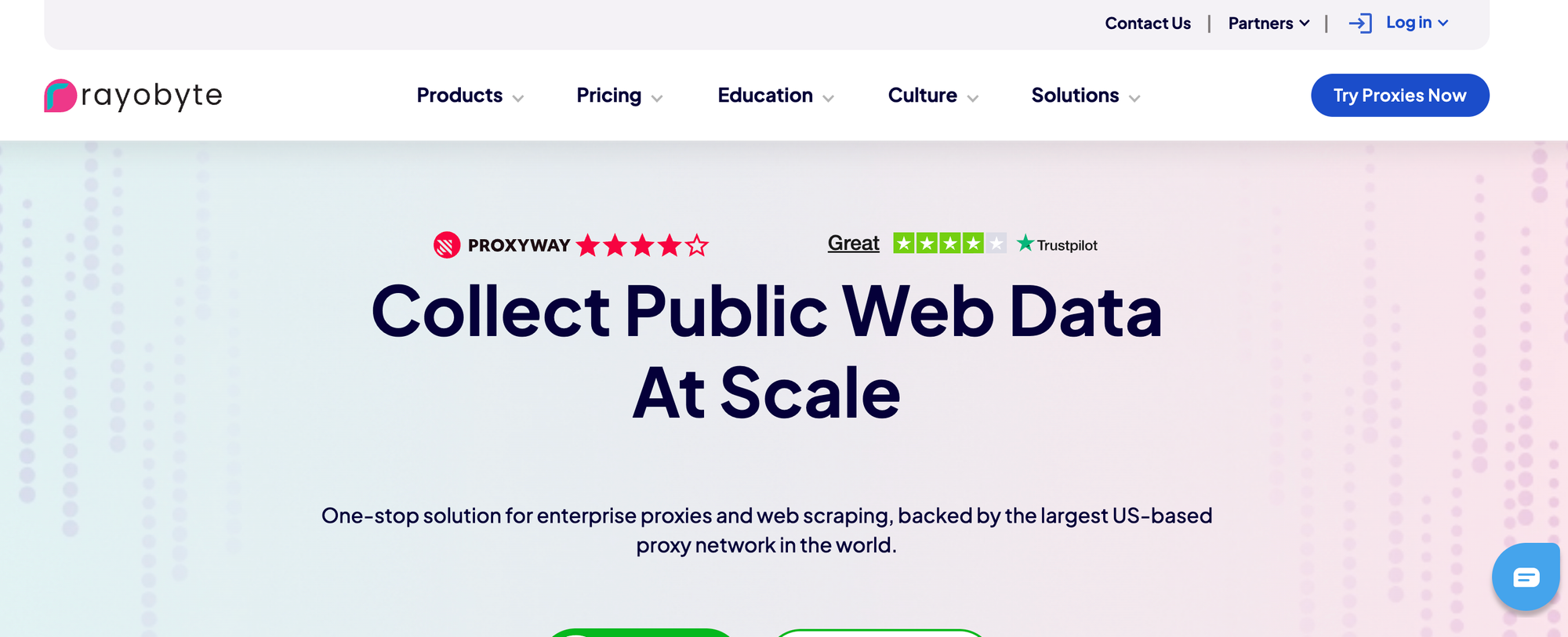
What it does: Rayobyte (formerly Blazing SEO) sells dedicated datacenter proxies per-IP across US locations, with no long-term contracts required.
Why it stands out: If you need 5 proxies for a two-week project and don't want to sign an annual contract, Rayobyte is built for that.
Their purchasing model is commitment-free. Monthly billing, no minimum spend beyond the per-IP cost.
They offer a 2-day replacement guarantee — if an IP gets banned on your target site, they'll swap it. That's a practical feature that most providers don't offer at this price point.
Limitations: Geographic coverage is heavily US-focused. International locations exist but the IP diversity outside the US is thin. The pool size (~30K IPs) means you'll run into overlap on high-volume jobs faster than with larger providers.
The dashboard and API feel dated compared to Decodo or Webshare. Works fine, but the developer experience isn't a selling point.
Pricing: From $1.40/IP/month for dedicated proxies. Volume discounts available.
When Datacenter Proxies Won't Work
Honesty saves you money, so here's when you should skip datacenter proxies entirely.
Sites with aggressive ASN filtering. Major social media platforms, Google (beyond basic SERP checks), and sites running PerimeterX or Akamai will flag datacenter IPs immediately.
These services maintain databases mapping every IP to its origin. If the ASN belongs to AWS, Hetzner, or OVH rather than Comcast or AT&T, the request gets blocked.
Session-heavy workflows. If you need to log in, maintain cookies, and browse like a human over many pages, datacenter IPs create patterns that trigger behavioral analysis. Residential or ISP proxies are worth the premium here.
Sneaker sites and high-value drops. These targets specifically blacklist datacenter IP ranges. Don't waste money testing — go residential from the start.
For everything else — price monitoring, public API access, SEO rank tracking, content aggregation, ad verification — datacenter proxies are the cost-effective choice.
How to Test a Datacenter Proxy Provider Yourself
Don't take anyone's word for it — including mine. Here's a quick test you can run against any provider's trial before spending real money.
This Python script tests response time, IP diversity, and block rates across 100 requests:
import requests
import time
from collections import Counter

proxy_url = "http://USER:PASS@proxy-host:port"
proxies = {"http": proxy_url, "https": proxy_url}

results = {"success": 0, "blocked": 0, "error": 0}
response_times = []
ips_seen = set()

for i in range(100):
    try:
        start = time.time()
        r = requests.get(
            "https://httpbin.org/ip",  # swap with your target
            proxies=proxies,
            timeout=10
        )
        elapsed = time.time() - start
        response_times.append(elapsed)

        if r.status_code == 200:
            results["success"] += 1
            ips_seen.add(r.json().get("origin"))
        else:
            results["blocked"] += 1
    except Exception:
        results["error"] += 1

    time.sleep(0.5)  # respect rate limits
After the run, check three numbers:
avg_time = sum(response_times) / len(response_times)
print(f"Avg response: {avg_time:.2f}s")
print(f"Unique IPs: {len(ips_seen)}")
print(f"Success rate: {results['success']}%")
Replace httpbin.org/ip with your actual target to get real numbers. A good datacenter provider should show sub-1-second average response times, near-100% success on unprotected targets, and diverse IPs across multiple subnets.
If you want to go deeper, check the ASN of each returned IP using a service like ipinfo.io. You want IPs spread across multiple ASNs — not all crammed into one hosting provider's range.
How to Choose the Right Provider
| If you need... | Go with... | Because... |
|---|---|---|
| Maximum scale and global targeting | Bright Data | Largest feature set, 98 countries |
| The biggest dedicated IP pool | Oxylabs | 2M+ exclusive-use IPs |
| Fast proxies on a tight budget | Roundproxies | $0.30/IP with sub-second response times |
| Best speed-to-cost ratio | Decodo | Fastest independent benchmarks |
| Free proxies for development | Webshare | 10 free proxies, no credit card |
| Irregular scraping schedules | IPRoyal | Non-expiring bandwidth |
| Short-term, no-commitment access | Rayobyte | Monthly billing, IP replacement guarantee |
Wrapping Up
For most developers building their own scraping infrastructure, the decision comes down to scale and budget.
Bright Data and Oxylabs dominate at enterprise scale but carry enterprise pricing. Decodo hits the sweet spot for mid-range teams that want speed without overpaying.
Roundproxies and Webshare cover the budget end — Roundproxies if speed matters, Webshare if you want to start free.
Test before you commit. Every provider on this list offers some form of trial. Run the testing script above against your actual target sites, not against httpbin.org.
The provider that performs best on your targets is the right one, regardless of what any ranking says.
Frequently Asked Questions
Are datacenter proxies legal?
Yes. Using a proxy to route your traffic through a different IP address is legal in most jurisdictions. What matters is what you do with the proxy.
Respect robots.txt, rate limits, and terms of service. Don't use proxies to access accounts that aren't yours or to scrape personal data without consent.
How many datacenter proxies do I need?
It depends on concurrency and rotation strategy. For a scraper running 10 concurrent threads with IP rotation every 50 requests, 20–50 dedicated proxies handles most jobs.
For high-volume operations hitting millions of pages, you'll want 200+ IPs across multiple subnets.
Can websites detect datacenter proxies?
Yes, and many do. Every IP belongs to an ASN that identifies its owner. Datacenter IPs carry ASNs from hosting companies like AWS, OVH, or Hetzner — not consumer ISPs.
Services like MaxMind and IP2Location map IPs to their origin with a single API call. Sites with strong bot detection check this automatically.
The fix isn't hiding the ASN (you can't). It's choosing providers with clean IPs that haven't been blacklisted, and rotating intelligently.
What's the difference between static and rotating datacenter proxies?
Static proxies give you the same IP for every request. Useful for session-based work like account management.
Rotating proxies assign a different IP per request (or per time interval). Better for scraping, where you want to spread requests across many addresses to avoid rate limits.
Most providers offer both. Pick based on your use case.








![IPRoyal vs Oxylabs: Which provider is better? [2026]](https://cdn.roundproxies.com/blog-images/2026/02/iproyal-vs-oxylabs-1.png)