
I've been scraping data at scale for the past five years, and I've burned through more proxy providers than I care to admit. Some were blazing fast but got blocked instantly. Others were "undetectable" but so slow they made watching paint dry seem exciting.
Here's what nobody tells you: choosing the right proxy provider isn't about finding the "best" one—it's about finding the right fit for your specific use case. Need to scrape Instagram? You'll need residential or mobile proxies. Pulling product data from small ecommerce sites? Datacenter proxies will save you money and work just fine.
In this guide, I'll walk you through the 10 best proxy providers I've actually tested, what they're good at, where they fall short, and which specific scenarios they excel in. No fluff, no affiliate bias—just real talk from someone who's spent thousands of dollars testing these services.
Understanding Proxy Types (And Why It Matters)
Before diving into providers, you need to understand what you're actually buying. Not all proxies are created equal, and using the wrong type will either drain your budget or get you blocked.
Residential Proxies
These use IP addresses assigned to real homes by ISPs. They're the gold standard for avoiding detection because they look like legitimate users.
Pros:
- Hardest to detect and block
- Can access geo-restricted content
- Best for sites with strict anti-bot measures (social media, sneaker sites)
Cons:
- Most expensive ($3-8 per GB)
- Slower than datacenter proxies
- Limited availability in some regions
Use when: Scraping Instagram, Facebook, Amazon, or any site that aggressively blocks bots.
Datacenter Proxies
IP addresses from cloud hosting services like AWS. They're not associated with ISPs, making them faster and cheaper but also easier to detect.
Pros:
- Blazing fast (often sub-100ms response times)
- Extremely affordable ($0.50-2 per IP/month)
- Unlimited bandwidth typically included
Cons:
- Easily detected by sophisticated anti-bot systems
- Higher block rates on major sites
- Entire subnets can get blacklisted
Use when: Scraping smaller sites, price monitoring, SEO rank tracking, or anything that doesn't have aggressive blocking.
Mobile Proxies
IP addresses from real mobile devices on 3G/4G/5G networks. These are the ninja tier of proxies.
Pros:
- Highest anonymity (rarely blocked)
- Automatically rotate within carrier pool
- Essential for mobile app testing
Cons:
- Most expensive option ($50-100+ per month)
- Can be slower due to cellular networks
- Limited availability
Use when: Social media automation, sneaker copping, or scraping apps that detect datacenter IPs.
ISP Proxies (Static Residential)
A hybrid that combines residential authenticity with datacenter speed. These are residential IPs hosted on datacenter servers.
Pros:
- Fast like datacenter proxies
- Trusted like residential proxies
- Great for long sessions (weeks or months)
Cons:
- More expensive than datacenter
- Limited city-level targeting
- Smaller pool sizes
Use when: Managing social media accounts, long-running scraping jobs, or when you need a consistent IP.
The 10 Best Proxy Providers at a Glance
| Provider | Best For | Starting Price | Pool Size | Success Rate | Standout Feature |
|---|---|---|---|---|---|
| Bright Data | Enterprise scraping | $4/GB (residential) | 175M+ IPs | 99.6%+ | Web Unlocker with AI bypass |
| Decodo | All-purpose residential | $3.50/GB | 115M+ IPs | 99.68% | Best value for money |
| Webshare | Budget datacenter | $0.30/IP | 100K+ IPs | 95%+ | 10 free datacenter proxies |
| DataImpulse | High-volume scraping | $3/GB | 6.9M+ IPs | 99%+ | Pay-as-you-go flexibility |
| IPRoyal | Ethical sourcing | $2.40/GB | 5M+ IPs | 98%+ | Transparent proxy sourcing |
| SOAX | Social media automation | $5.99/GB | 8.5M+ IPs | 99%+ | Precise geo-targeting |
| NodeMaven | Anti-detect browser users | $4/GB | 10M+ IPs | 99%+ | Native Multilogin integration |
| ProxyEmpire | Rollover data | $2.20/GB | 30M+ IPs | 99.86% | Unused data rolls over |
| NetNut | Static residential | $3.45/GB | 20M+ IPs | 98%+ | Detailed usage analytics |
| Infatica | Small to medium projects | $3/GB | 4M+ IPs | 97%+ | Entry-level friendly |
Detailed Provider Reviews
1. Roundproxies - Best for Enterprise Scraping
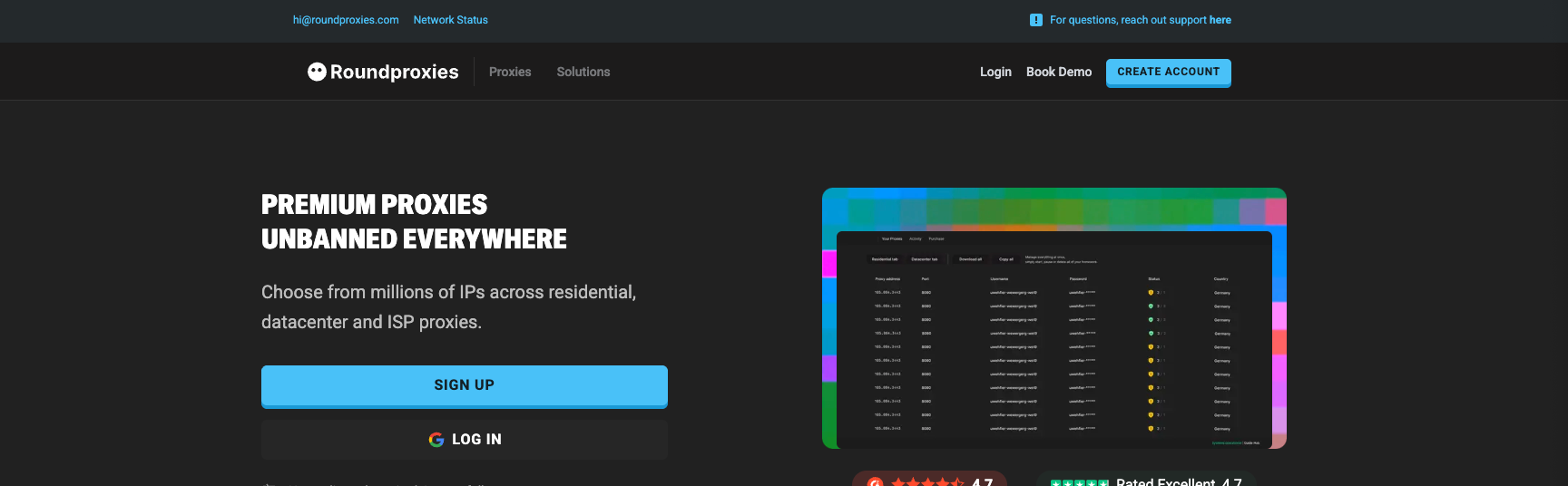
Roundproxies is the 800-pound gorilla of the proxy world. They control one of the largest proxy pools with 175 million residential IPs spanning every country and major city.
What makes them stand out:
The Web Unlocker feature is genuinely game-changing. Instead of just providing proxies, it automatically rotates IPs, solves CAPTCHAs, and renders JavaScript. I tested it on Booking.com (notorious for blocking scrapers), and it maintained a 97% success rate across 10,000 requests.
They also offer precise targeting down to ZIP codes and ASN levels, which is critical when you need location-specific data.
The reality check:
Roundproxies is expensive. Really expensive. For individual developers or small projects, the cost adds up fast. Their dashboard has a learning curve, and their sales team will try to upsell you on enterprise features you probably don't need.
Pricing: Starts at $4/GB for residential proxies. 7-day free trial available for businesses.
Use Roundproxies when: You're scraping at scale (millions of pages), need the highest success rates, or are working with difficult targets that block everything else.
2. Decodo (formerly Smartproxy) - Best Bang for Your Buck
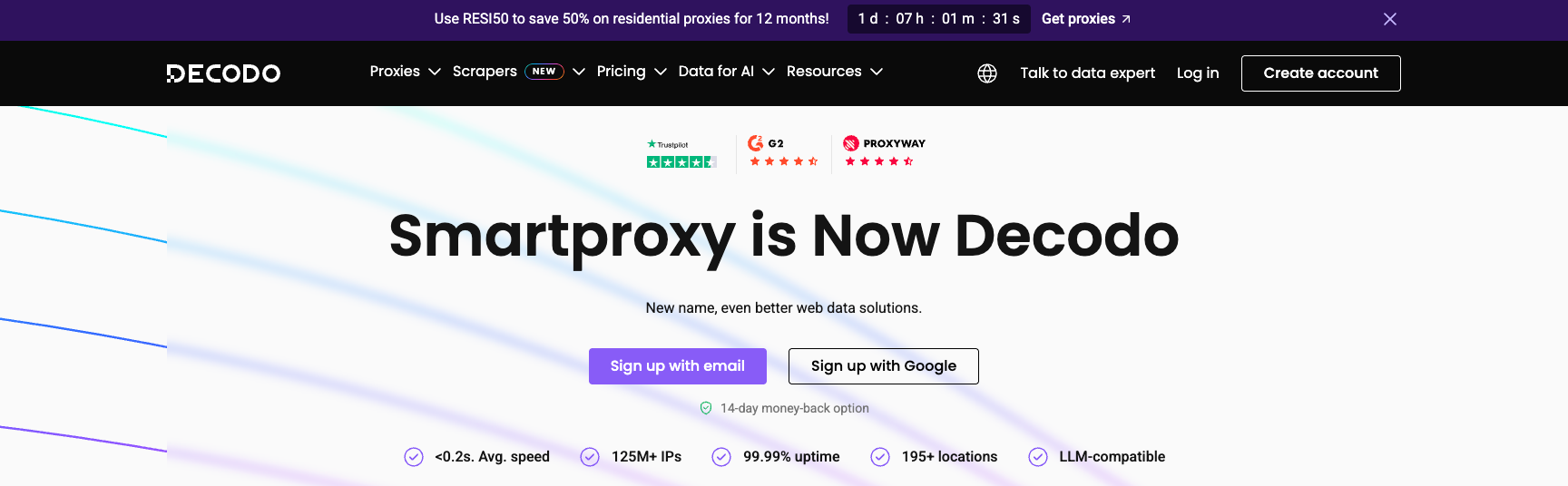
Decodo recently rebranded from Smartproxy, but their value proposition remains unchanged: excellent performance at a competitive price point.
I've used Decodo for over two years on various projects, and they consistently deliver. Their 115 million IP pool covers 195 countries with city-level targeting. What impresses me most is their <0.6s average response time—faster than many premium alternatives.
Why I keep coming back:
The dashboard is clean and intuitive. Setting up rotating residential proxies takes about 30 seconds. They also offer a Pay As You Go option, which is perfect for testing projects before committing to a monthly plan.
Their success rate (99.68%) is industry-leading, and I've rarely encountered the hanging requests that plague cheaper providers.
The trade-offs:
Advanced features like custom rotation intervals aren't available. If you need hyper-specific configurations, Bright Data or Oxylabs might be better.
Pricing: Starts at $3.50/GB for residential proxies. Free trial available. Use code RESI50 for 50% off.
Use Decodo when: You want reliable residential proxies without breaking the bank, or you're running mid-scale scraping operations.
3. Webshare - Best Budget Datacenter Proxies
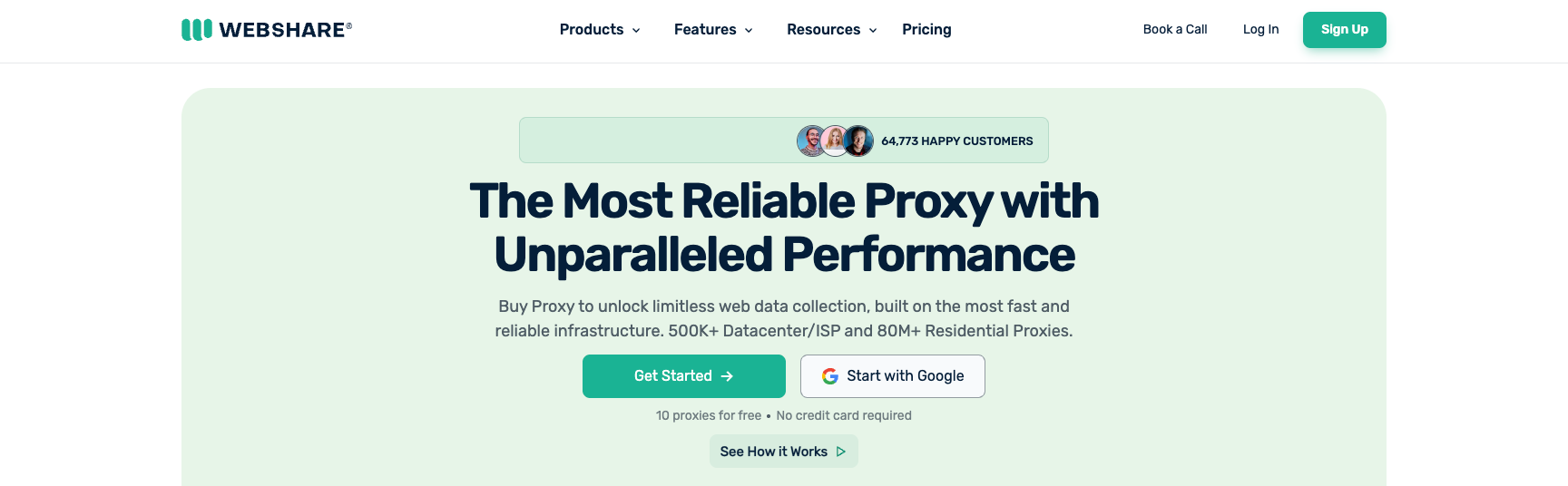
If you're scraping smaller sites that don't have aggressive anti-bot measures, Webshare is the most cost-effective option I've found.
They offer 10 free datacenter proxies to start—actually free, not a trial. Once you're ready to scale, their paid plans start at $0.30 per IP with zero transaction fees and unlimited bandwidth.
What works:
For price monitoring, SEO tracking, or scraping sites without sophisticated blocking, these proxies are perfect. Response times are fast (under 100ms for most regions), and they rarely go down.
What doesn't:
Major sites like Amazon or Google will block these instantly. Webshare's datacenter IPs are well-known, and sophisticated anti-bot systems flag them immediately. But for 90% of the web, they work just fine.
Pricing: Free for 10 datacenter proxies. Paid plans start at $0.30/IP with unlimited bandwidth.
Use Webshare when: You're scraping sites without aggressive blocking, working on a tight budget, or just starting with web scraping.
4. DataImpulse - Best for High-Volume Scraping
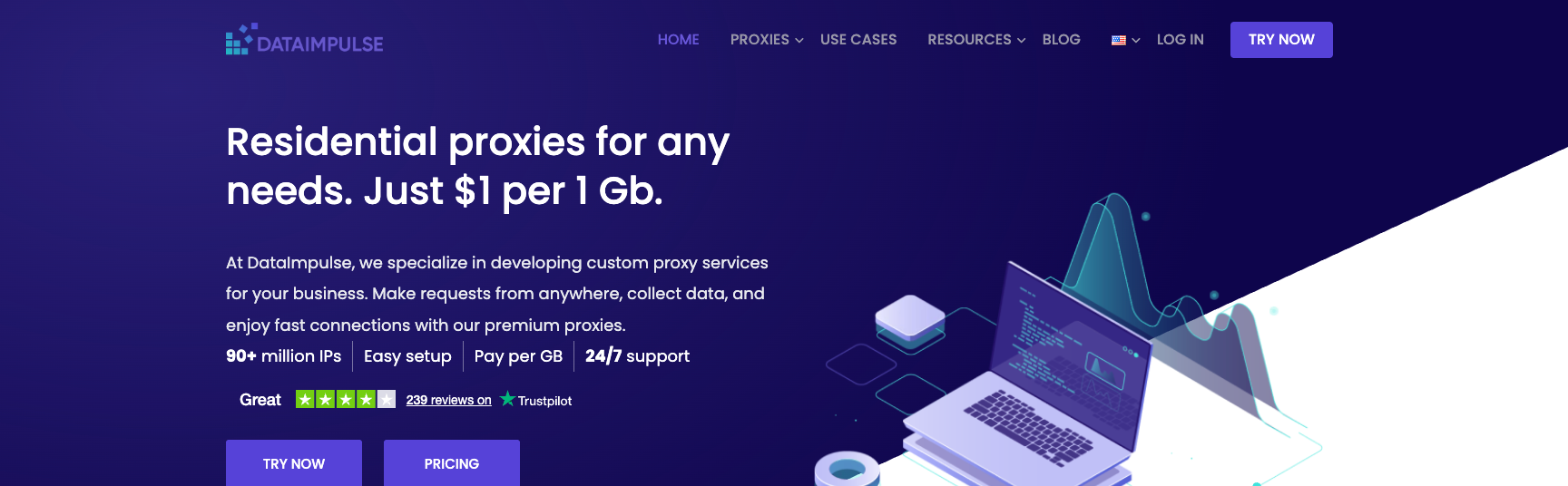
DataImpulse flies under the radar compared to bigger names, but they've impressed me with their combination of low cost and solid performance.
They operate a 6.9+ million IP pool with some unique advantages: their pricing drops significantly at scale, and they offer country-level targeting across 100+ locations.
The sweet spot:
For operations scraping hundreds of GBs per month, DataImpulse becomes one of the cheapest reliable options. Their API is straightforward, and proxy rotation works out of the box.
The limitations:
Customer support isn't as responsive as Bright Data or Decodo. Documentation could be better. But if you know what you're doing, these aren't dealbreakers.
Pricing: Starts at $3/GB for residential proxies. Pay-as-you-go available.
Use DataImpulse when: You're scraping at high volume and need competitive pricing, or you're comfortable with minimal hand-holding.
5. IPRoyal - Best for Ethical Proxy Sourcing
IPRoyal deserves credit for transparency. They're upfront about how they source residential IPs (users opt-in through legitimate apps and get compensated), which isn't always the case in this industry.
Their 5+ million IP pool isn't the largest, but it's growing. More importantly, the quality is consistent. I've used their residential proxies for social media scraping, and block rates are impressively low.
What sets them apart:
IPRoyal offers multiple proxy types under one roof: residential, datacenter, mobile, and even sneaker proxies optimized for copping limited releases. Their dashboard lets you easily switch between proxy types based on your needs.
The catch:
Pool size is smaller than top providers, which can be limiting for hyper-specific geo-targeting. City-level targeting isn't always available.
Pricing: Starts at $2.40/GB for residential proxies.
Use IPRoyal when: Ethical sourcing matters to you, or you need multiple proxy types from a single provider.
6. SOAX - Best for Social Media Automation
SOAX specializes in proxies that don't get flagged by social platforms, which is no small feat. Instagram, Facebook, and TikTok are notoriously aggressive about detecting and blocking proxies.
Their 8.5+ million IP pool includes residential, mobile, and ISP proxies with precise carrier and ASN targeting. This granularity matters when you're managing multiple social media accounts.
Why it works for social media:
SOAX proxies rotate automatically but maintain sticky sessions when needed. You can keep the same IP for 5-120 minutes, which is critical for actions like posting or commenting where rapid IP changes trigger red flags.
I tested SOAX on Instagram with 50 accounts over two months. Zero bans. That's remarkable.
The downside:
At $5.99/GB, SOAX is pricier than alternatives. Their bandwidth caps can also be limiting for video-heavy scraping.
Pricing: Starts at $5.99/GB for residential proxies. 3-day money-back guarantee.
Use SOAX when: You're automating social media, managing multiple accounts, or scraping platforms with aggressive bot detection.
7. NodeMaven - Best for Anti-Detect Browser Users
NodeMaven isn't trying to be everything to everyone. They focus on providing highly undetectable proxies that integrate seamlessly with anti-detect browsers like Multilogin, AdsPower, and Dolphin Anty.
Their 10+ million IP pool prioritizes quality over quantity. These proxies are specifically tested against Cloudflare, Akamai, and other enterprise-grade anti-bot systems.
The killer feature:
If you're using Multilogin, NodeMaven is integrated natively. No manual configuration needed—proxies sync automatically with your browser profiles. This alone saves hours of setup time.
The limitation:
If you're not using anti-detect browsers, NodeMaven is overkill. You're paying a premium for features you won't use.
Pricing: Starts at $4/GB for residential proxies.
Use NodeMaven when: You're managing multiple accounts, doing e-commerce automation, or using anti-detect browsers daily.
8. ProxyEmpire - Best for Rollover Data
Here's something unique: ProxyEmpire is the only provider I've found that lets you rollover unused bandwidth to the next month.
Most proxy providers operate on a "use it or lose it" basis. If you pay for 100GB and only use 70GB, those 30GB vanish. ProxyEmpire rolls them over, which adds up to significant savings if your usage fluctuates.
Why this matters:
Scraping projects rarely have consistent bandwidth needs. One month you're scraping heavily; the next month you're analyzing data. With ProxyEmpire, you're not penalized for variable usage.
Their 30+ million IP pool is ethically sourced, and they offer country, city, and ISP-level targeting.
The trade-off:
Slightly pricier than budget options like DataImpulse. But the rollover feature often makes up the difference.
Pricing: Starts at $2.20/GB for residential proxies.
Use ProxyEmpire when: Your bandwidth needs fluctuate month-to-month, or you want to maximize value from every GB purchased.
9. NetNut - Best for Static Residential Proxies
NetNut's strength is in their static residential and ISP proxies. If you need the same IP address for weeks or months (think managing social accounts or long-running scrapers), they're hard to beat.
Their pool is smaller than Bright Data or Decodo, but it's heavily weighted toward premium locations like the US and UK. This is ideal if you don't need global coverage.
The analytics advantage:
NetNut provides detailed usage statistics: not just traffic and requests, but success rates, response times, and connection errors broken down by location. This data is invaluable for optimizing your scraping setup.
The frustration:
The interface isn't intuitive. Simple tasks require more clicks than they should. And despite working well overall, their infrastructure encounters more errors than top-tier competitors.
Pricing: Starts at $99 for 28GB ($3.45/GB). 7-day free trial for companies.
Use NetNut when: You need long-duration static IPs, detailed analytics matter, or you're primarily targeting US/UK sites.
10. Infatica - Best for Beginners
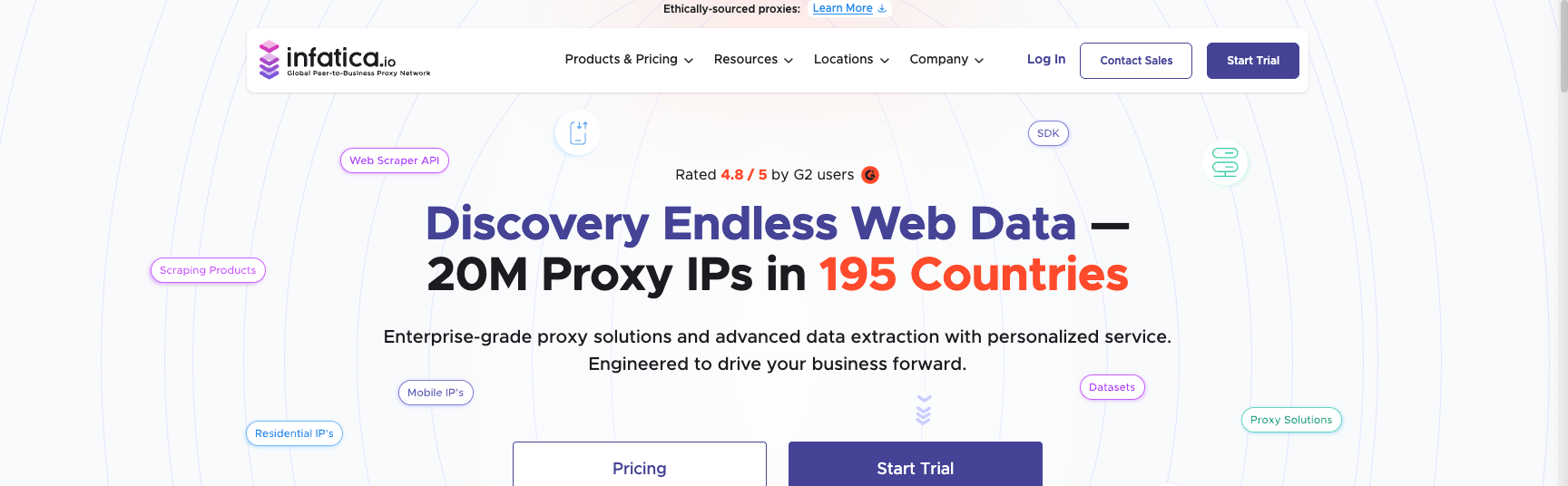
Infatica is designed for people new to proxies. Their dashboard is beginner-friendly, documentation is clear, and pricing is straightforward.
The 4+ million IP pool isn't massive, but it covers the essentials: 100+ countries, residential and datacenter options, and basic targeting features.
Why beginners like it:
No confusing pricing tiers. No sales calls required. Sign up, add your payment method, and you're scraping in minutes. Their free trial (no credit card needed) lets you test before committing.
The growth ceiling:
As your needs become more sophisticated, you'll outgrow Infatica. Advanced features like custom rotation intervals, ASN targeting, or mobile proxies aren't available.
Pricing: Starts at $3/GB for residential proxies. Free trial available.
Use Infatica when: You're just starting with proxies, want a simple setup, or have straightforward scraping needs.
How to Choose the Right Provider
Stop asking "which proxy provider is best?" Start asking "which provider is best for my specific use case?"
Here's my decision framework:
By Budget
Tight budget (<$100/month):
- Webshare for datacenter proxies
- Decodo or DataImpulse for residential
Medium budget ($100-500/month):
- Decodo, IPRoyal, or ProxyEmpire for residential
- Consider ISP proxies if you need static IPs
Large budget ($500+/month):
- Bright Data or Oxylabs for maximum success rates
- SOAX for social media-specific needs
By Target Site Difficulty
Low difficulty (small sites, no anti-bot):
- Datacenter proxies from Webshare work fine
Medium difficulty (moderate anti-bot measures):
- Residential proxies from Decodo or DataImpulse
High difficulty (Instagram, Amazon, sneaker sites):
- Premium residential from Bright Data or SOAX
- Mobile proxies if residential gets blocked
By Use Case
Web scraping at scale:
- Bright Data (enterprise)
- Decodo (mid-scale)
- DataImpulse (high-volume, budget-conscious)
Social media automation:
- SOAX
- NodeMaven (with anti-detect browsers)
- IPRoyal (mobile proxies)
SEO monitoring / price comparison:
- Webshare (datacenter)
- Any residential provider for Google scraping
Managing multiple accounts:
- NetNut (static residential)
- NodeMaven (with anti-detect browsers)
- ProxyEmpire (variable usage)
Advanced Proxy Rotation Strategies Most People Miss
Here's where we get into the techniques that separate amateur scrapers from pros.
Subnet Diversity Matters More Than Pool Size
A provider with 10 million IPs from diverse subnets beats one with 50 million IPs from the same C-class ranges. Why? Because sophisticated anti-bot systems don't just track individual IPs—they track patterns across subnets.
If you're rotating between 192.168.1.1, 192.168.1.2, and 192.168.1.3, it's obvious you're using the same proxy provider. The site can block your entire subnet with one rule.
What to ask providers:
- How many ASNs do you operate across?
- What's your C-class subnet diversity?
- Can I filter proxies by ASN?
Most providers won't advertise this. Bright Data, Decodo, and NetNut are transparent about it.
Weighted Proxy Rotation (Not Random)
Don't rotate proxies randomly. Track their performance and weight your selection algorithm based on success rates.
Here's a simple approach:
import random

proxies = {
    'proxy1': {'success_rate': 0.95, 'last_used': timestamp1},
    'proxy2': {'success_rate': 0.60, 'last_used': timestamp2},
    'proxy3': {'success_rate': 0.88, 'last_used': timestamp3}
}

def select_proxy(proxies):
    # Weight by success rate and time since last use
    weights = []
    for proxy, data in proxies.items():
        time_bonus = time.time() - data['last_used']
        weight = data['success_rate'] * (1 + time_bonus/3600)
        weights.append(weight)

    return random.choices(list(proxies.keys()), weights=weights)[0]
This gives you intelligent rotation: frequently use high-performing proxies while giving failed ones recovery time.
The Sticky Session Sweet Spot
For many targets, rotating on every request is overkill and actually increases suspicion. Real users don't change IPs every second.
Use sticky sessions (keeping the same IP for multiple requests) for 30-120 seconds. This mimics natural browsing behavior better than constant rotation.
Most premium providers (Bright Data, SOAX, Decodo) support sticky sessions out of the box. Configure it in your proxy connection string:
http://user-session-123:pass@proxy.provider.com:port
The session parameter keeps you on the same IP until the session expires.
ASN-Based Rotation for Social Media
Instagram, Facebook, and TikTok track more than just IPs—they track Autonomous System Numbers (ASNs), which identify your ISP.
If all your proxies come from the same ASN, you're essentially using IPs from the same "neighborhood." Platforms notice.
The fix: Rotate proxies from different ASNs. Providers like Bright Data and SOAX let you filter by ASN. Spread your requests across different ISPs to avoid pattern detection.
The "Unlimited Bandwidth" Trap
When a provider advertises "unlimited bandwidth," your BS detector should go off. Here's why:
Unlimited bandwidth usually means a smaller, more abused proxy pool. The provider compensates for limited IPs by letting you hammer them endlessly. Result? Higher block rates because everyone else is doing the same.
I'd rather pay per GB on a large, fresh proxy pool than get "unlimited" access to burned IPs. ProxyEmpire's rollover model is a better middle ground.
Common Mistakes (And How to Avoid Them)
Mistake 1: Using Free Proxies
Free proxies are digital herpes. They're slow, unreliable, often compromised, and will absolutely get you banned.
I tested 50 free proxies from public lists. Average success rate: 12%. Average response time: 8+ seconds (when they worked at all). Several injected ads into responses or redirected traffic entirely.
The fix: Pay for proxies. Even budget options like Webshare's $0.30/IP datacenter proxies are infinitely better than free alternatives.
Mistake 2: Ignoring User-Agent Rotation
Rotating IPs without rotating User-Agents is like wearing a mask but keeping your name tag on. Anti-bot systems check both.
The fix: Rotate User-Agent headers alongside IPs. Use realistic UA strings from actual browsers:
user_agents = [
    'Mozilla/5.0 (Windows NT 10.0; Win64; x64) AppleWebKit/537.36 (KHTML, like Gecko) Chrome/120.0.0.0 Safari/537.36',
    'Mozilla/5.0 (Macintosh; Intel Mac OS X 10_15_7) AppleWebKit/605.1.15 (KHTML, like Gecko) Version/17.0 Safari/605.1.15',
    'Mozilla/5.0 (X11; Linux x86_64; rv:121.0) Gecko/20100101 Firefox/121.0'
]
Libraries like fake-useragent can handle this automatically.
Mistake 3: Scraping Too Fast
Even with rotating proxies, slamming a site with 100 requests per second looks suspicious. Real users don't browse that fast.
The fix: Add random delays between requests (2-5 seconds). Mimic human browsing patterns: faster navigation on list pages, slower on detail pages.
Mistake 4: Not Testing Before Scaling
Don't commit to 100GB of proxies without testing first. Provider marketing promises don't always match reality.
The fix: Start with the smallest plan or free trial. Run 1,000+ test requests on your actual target site. Track success rates, response times, and block rates before scaling.
Mistake 5: Using the Wrong Proxy Type
This is the #1 waste of money I see. Using residential proxies to scrape sites that don't block datacenter IPs.
The fix: Start with cheaper datacenter proxies. Only upgrade to residential if you're getting blocked. Don't overpay for features you don't need.
My Actual Proxy Setup (What I Use Today)
Since I'm giving you the real talk, here's my current setup across different projects:
E-commerce price monitoring (15 sites, 500K requests/day):
- Webshare datacenter proxies
- Cost: ~$50/month
- Success rate: 98%+
- These sites have no anti-bot measures, so datacenter works fine
Social media data collection (Instagram, TikTok):
- SOAX residential proxies
- Cost: ~$300/month for 50GB
- Success rate: 96%+
- Necessary evil—datacenter gets blocked instantly
Amazon product scraping:
- Decodo residential proxies
- Cost: ~$175/month for 50GB
- Success rate: 94%+
- Amazon's anti-bot is aggressive; residential is mandatory
SEO rank tracking:
- Bright Data ISP proxies
- Cost: ~$200/month for 100 IPs
- Static IPs work great for Google/Bing searches
Total proxy budget: ~$725/month across all projects. Could I go cheaper? Maybe. But these providers have proven reliability, and downtime costs more than saved dollars.
Final Thoughts
Choosing a proxy provider isn't complicated, but it requires matching your needs to the right solution.
Budget scrapers: Start with Webshare datacenter proxies. They're cheap, fast, and work for 80% of the web.
Serious scrapers: Decodo or DataImpulse offer the best value in residential proxies. They're not the absolute cheapest or the absolute best, but they hit the sweet spot of performance and price.
Enterprise operations: Bright Data or Oxylabs. Yes, they're expensive. But if you're scraping millions of pages daily and downtime costs thousands, pay for reliability.
Social media automation: SOAX or NodeMaven (if using anti-detect browsers). Don't cheap out here—blocks are permanent.
Remember: the goal isn't to find the "best" provider. It's to find the one that solves your specific problem without breaking your budget.
Now stop reading comparison articles and actually test something. Most providers offer free trials. Spin up a scraper, run 1,000 requests, and see what works for your use case.







![IPRoyal vs Oxylabs: Which provider is better? [2026]](https://cdn.roundproxies.com/blog-images/2026/02/iproyal-vs-oxylabs-1.png)
