If you've been building AI agents that need real-time web access, you've probably come across Parallel.ai. It's a web search and research API specifically designed for AI agents—promising higher accuracy than traditional search engines and structured outputs that LLMs can actually use.
But here's the thing. Parallel.ai isn't cheap at scale. And depending on your use case, you might need something faster, more affordable, or better suited to your specific workflow.
By the end of this guide, you'll understand what makes Parallel.ai tick, where it falls short, and which alternative fits your project best.
The 5 best Parallel.ai alternatives
- Exa AI for semantic search and neural embeddings
- Tavily for budget-friendly AI agent search
- Perplexity Sonar API for citation-rich conversational search
- Linkup for European compliance and predictable pricing
- Serper for raw Google SERP data at scale
What is Parallel.ai?
The main difference between Parallel.ai and traditional search APIs is that Parallel.ai was built from the ground up for AI agents, not humans. It returns token-efficient excerpts instead of URL lists, uses a proprietary web index optimized for LLM consumption, and delivers structured JSON outputs with verifiable citations. Traditional search APIs like Google return links designed for human clicks—Parallel.ai returns the actual information your agent needs to reason effectively.
Parallel.ai (by Parallel Web Systems) launched their Search API in late 2025 with a bold claim: they've built "the web's second user" infrastructure. Their system is optimized for how machines consume information, not how humans browse.
The platform offers several products working together:
Search API delivers ranked URLs and compressed excerpts designed for AI context windows. It costs around $5 per 1,000 requests with 10 results each.
Task API handles deep research with processors ranging from Lite ($5/1K requests) to Ultra8x ($2,400/1K requests). The higher tiers perform multi-step reasoning across scattered sources.
Extract API converts web pages into LLM-ready markdown format, handling JavaScript-rendered sites and complex PDFs.
On benchmarks like BrowseComp (created by OpenAI), Parallel.ai claims 48% accuracy compared to GPT-4's 1% browsing capability. Those are impressive numbers for complex multi-hop research questions.
But Parallel.ai isn't perfect for everyone. Here's why teams look elsewhere:
Pricing complexity. The Task API alone has eight processor tiers with wildly different costs. Figuring out your monthly bill requires spreadsheets.
Latency variability. Deep research tasks can take anywhere from 5 seconds to 30 minutes depending on the processor and query complexity. Real-time applications struggle with that unpredictability.
Overkill for simple queries. If you just need fast facts for a chatbot, paying for enterprise-grade deep research infrastructure feels excessive.
Limited free tier. While they offer up to 16,000 free search requests to start, that burns through quickly when you're prototyping.
So if you need something faster, cheaper, or more predictable, these alternatives deserve your attention.
The best Parallel.ai alternatives at a glance
| Platform | Best for | Standout feature | Pricing |
|---|---|---|---|
| Exa AI | Semantic search and neural embeddings | Meaning-based search that understands query intent | From $5/1K searches; $49/month Websets starter |
| Tavily | Budget-friendly AI agent search | 1,000 free credits/month; simple credit-based model | $0.008/credit after free tier |
| Perplexity Sonar | Citation-rich conversational search | Built-in citations and tiered search context | From $5/1K requests + token costs |
| Linkup | European compliance and predictable pricing | Flat €5/1K standard queries; GDPR compliant | €5-€50/1K queries |
| Serper | Raw Google SERP data at scale | Lightning-fast results at $0.30/1K queries | From $0.30/1K queries |
Best Parallel.ai alternative for semantic search
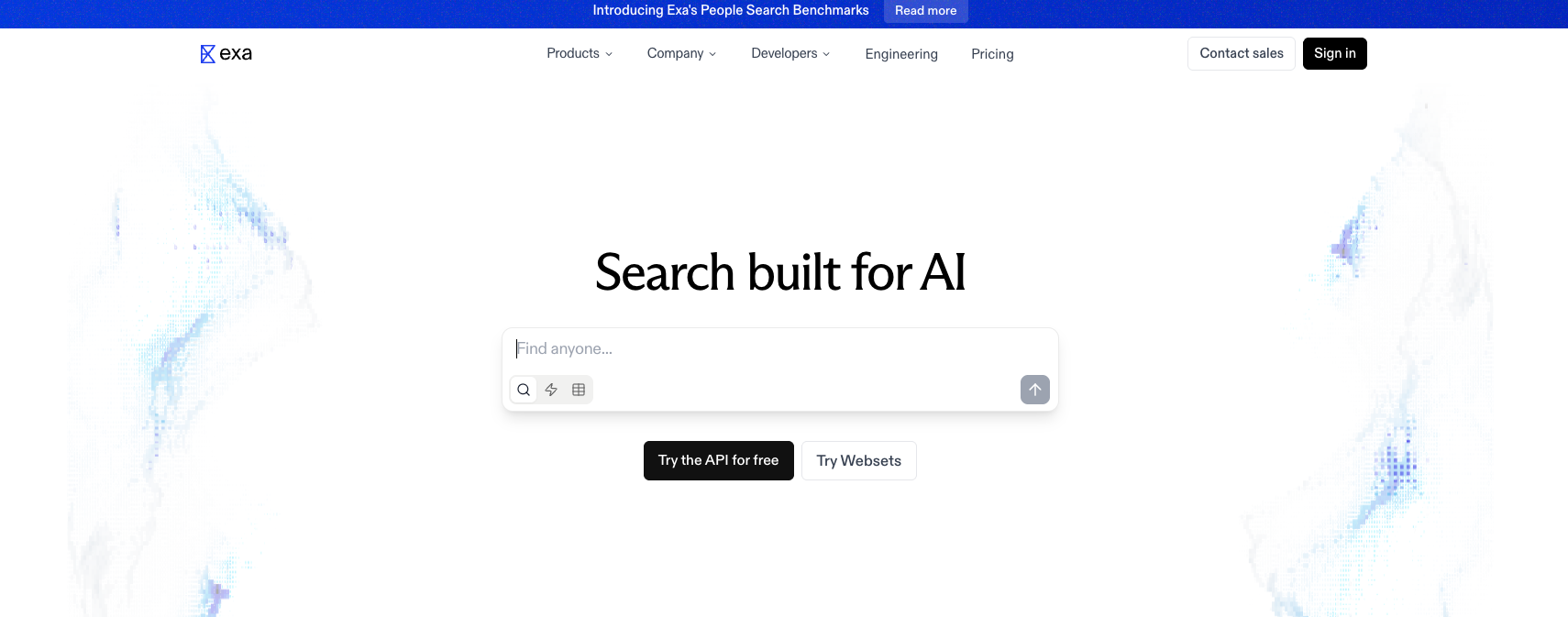
Exa AI
Exa AI pros:
- Neural embeddings understand query meaning, not just keywords
- Powerful filters for date, category, and domain
- Returns 1 to 1,000+ results per search
- Strong academic and research paper coverage
Exa AI cons:
- Pricing varies by output type and depth
- Less focused on structured JSON outputs than Parallel.ai
Exa takes a fundamentally different approach to web search. Instead of matching keywords, it uses embeddings to understand what you actually mean. Ask for "latest developments in ML" and it finds semantically relevant results even if they don't contain those exact words.
That semantic understanding makes Exa particularly powerful for research applications. Scientists trust it for finding relevant papers. Sales teams use it for company research that traditional keyword search misses entirely.
The platform offers flexibility other APIs lack. You can request just links, full parsed text content, key highlights, or customizable summaries per URL. That adaptability lets you balance token usage against information depth.
from exa_py import Exa

exa = Exa("EXA_API_KEY")

results = exa.search_and_contents(
    "space companies based in the US",
    category="company",
    num_results=10,
    text=True
)

for result in results.results:
    print(f"{result.title}: {result.url}")
    print(f"Snippet: {result.text[:200]}...")
This code demonstrates Exa's semantic search capabilities. The search_and_contents method combines search with content extraction in one call. The category parameter filters results to company pages specifically, while text=True returns full page content for each result.
Exa also offers "Websets"—a feature for building and enriching datasets about people, companies, or any entity type. That's useful for sales prospecting or market research at scale.
Exa AI pricing: Free tier with $10 in credits; API starts at $5/1K neural searches (1-25 results). Websets plans start at $49/month for 8,000 credits.
Best Parallel.ai alternative for budget-conscious teams
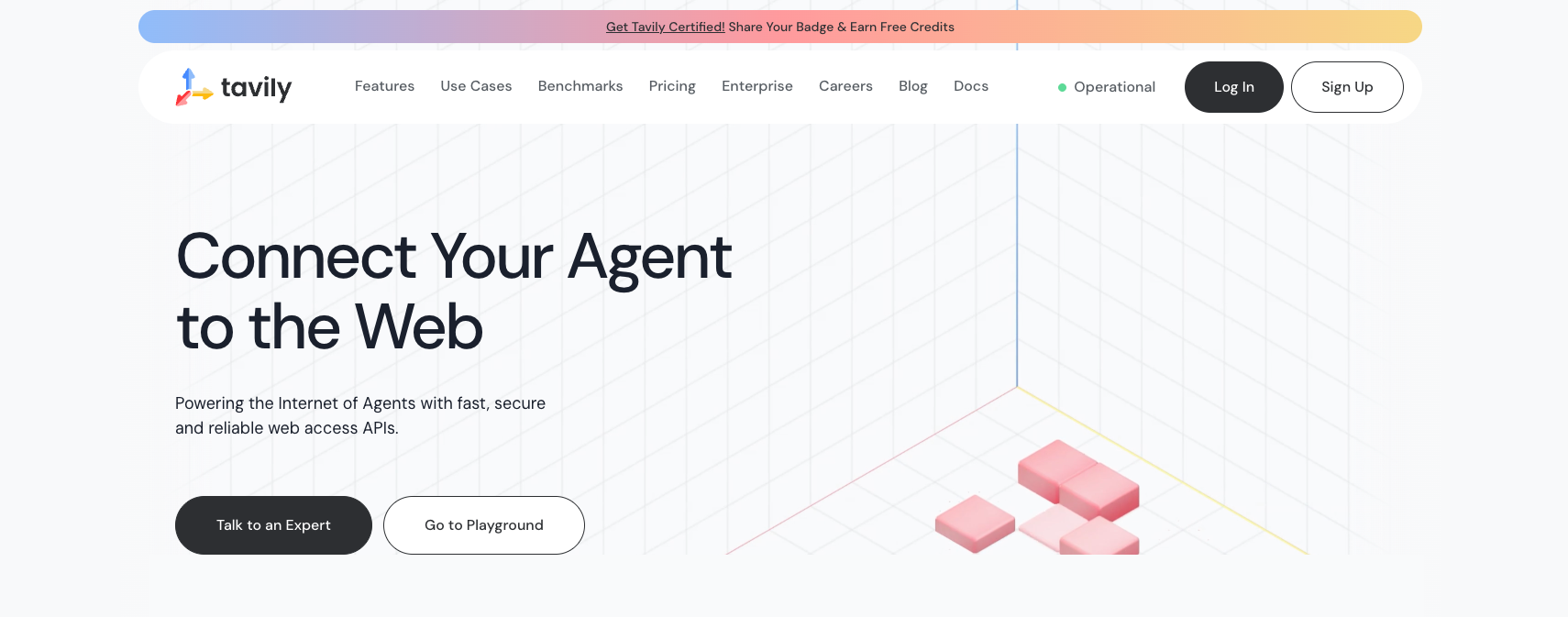
Tavily
Tavily pros:
- 1,000 free API credits every month
- Simple, predictable credit-based pricing
- Native integrations with LangChain and LlamaIndex
- SOC 2 certified with zero data retention
Tavily cons:
- Less sophisticated for complex multi-hop research
- Basic search returns fewer rich excerpts than Parallel.ai
Tavily built its reputation as the affordable option for AI agent search. Trusted by over 800,000 developers, it powers search in tools from LangChain to Zoom's AI assistant.
The pricing model couldn't be simpler. Basic searches cost 1 credit. Advanced searches cost 2 credits. You get 1,000 free credits monthly, and pay-as-you-go charges $0.008 per credit. No complicated tier calculations.
What makes Tavily particularly developer-friendly is its ecosystem integrations. It works out of the box with LangChain, LlamaIndex, and Vercel AI SDK. The MCP server lets you add web search to Claude Desktop with minimal configuration.
from tavily import TavilyClient

client = TavilyClient(api_key="tvly-YOUR_API_KEY")

response = client.search(
    query="What are the latest AI regulations in the EU?",
    search_depth="advanced",
    include_domains=["europa.eu", "reuters.com"],
    max_results=5
)

for result in response['results']:
    print(f"Title: {result['title']}")
    print(f"URL: {result['url']}")
    print(f"Content: {result['content'][:150]}...")
This example shows Tavily's domain filtering capability. The include_domains parameter restricts results to specific authoritative sources—useful for ensuring your AI agent cites trustworthy information. The search_depth="advanced" option uses the more thorough 2-credit search.
Tavily also offers Extract (for webpage content extraction), Map (for sitemap discovery), and Crawl (for multi-page crawling) APIs. These complement the core search functionality for more complex data gathering workflows.
Tavily pricing: 1,000 free credits monthly; $0.008/credit for pay-as-you-go. Enterprise plans available with custom pricing.
Best Parallel.ai alternative for conversational AI
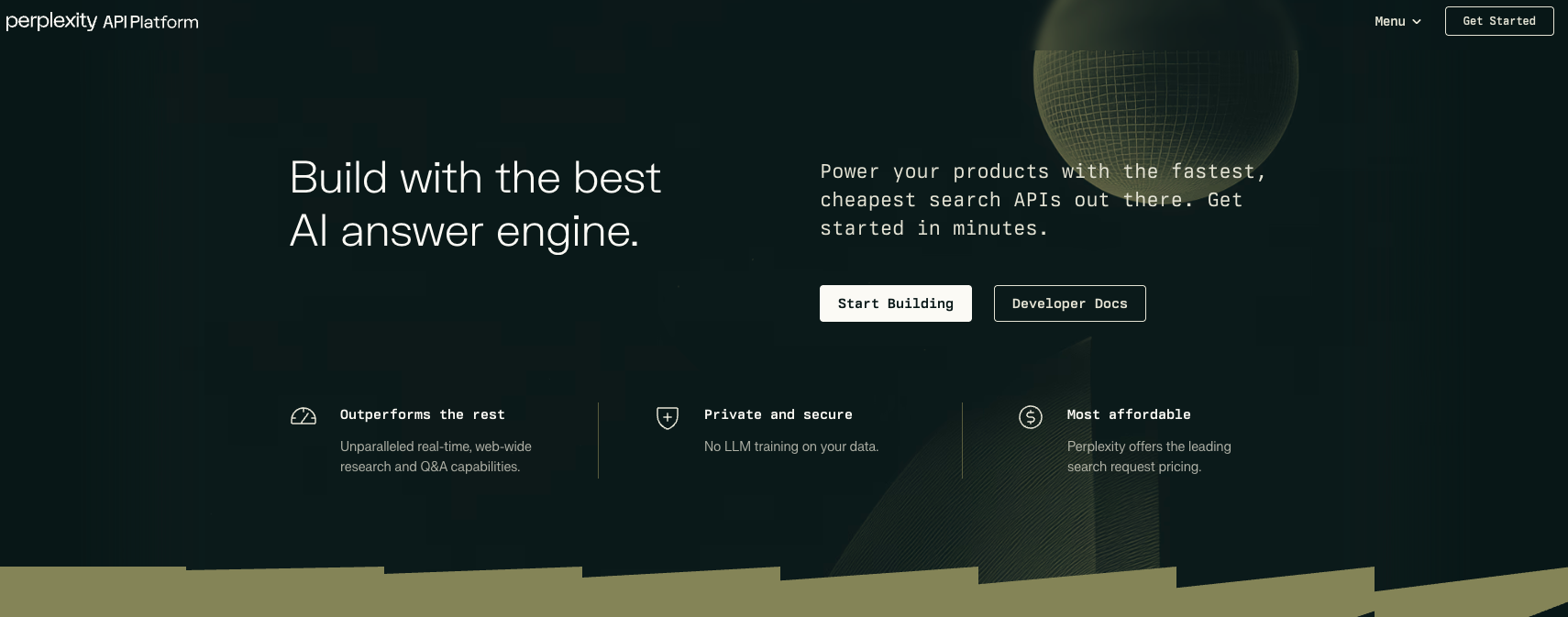
Perplexity Sonar API
Perplexity Sonar pros:
- Built-in citations on every response
- Three search context tiers (Low/Medium/High)
- Pro Search mode with multi-step reasoning
- Powers Perplexity's consumer product
Perplexity Sonar cons:
- Complex pricing with tokens plus request fees
- Higher latency than simpler search APIs
Perplexity made its name as a consumer search engine. The Sonar API brings that same citation-focused approach to developers building AI applications.
What sets Sonar apart is how it handles citations. Every response includes source URLs and specific excerpts that support each claim. For applications where users need to verify information—healthcare, finance, legal research—that built-in provenance matters.
The API offers two main tiers. Sonar handles straightforward queries with speed and efficiency. Sonar Pro tackles complex, multi-step research questions with deeper analysis and twice as many citations on average.
Both support tiered search context sizes. Low optimizes for cost on simple questions. Medium balances depth and speed. High pulls maximum web context for complex queries. This flexibility lets you match costs to query complexity.
import requests

response = requests.post(
    "https://api.perplexity.ai/chat/completions",
    headers={
        "Authorization": "Bearer YOUR_API_KEY",
        "Content-Type": "application/json"
    },
    json={
        "model": "sonar-pro",
        "messages": [
            {
                "role": "user",
                "content": "What are the key differences between GPT-4 and Claude 3?"
            }
        ],
        "web_search_options": {
            "search_context_size": "high"
        }
    }
)

data = response.json()
print(data['choices'][0]['message']['content'])
print("Citations:", data.get('citations', []))
This code demonstrates Sonar Pro with high search context. The response includes both the answer and a citations array with URLs and excerpts. That citation data integrates directly into UI components that show users where information came from.
Perplexity Sonar pricing: $5/1K requests + $1/1M input tokens + $1/1M output tokens (Sonar). Sonar Pro costs $5/1K requests + $3/1M input + $15/1M output. Pro Search mode adds $18/1K requests.
Best Parallel.ai alternative for European teams
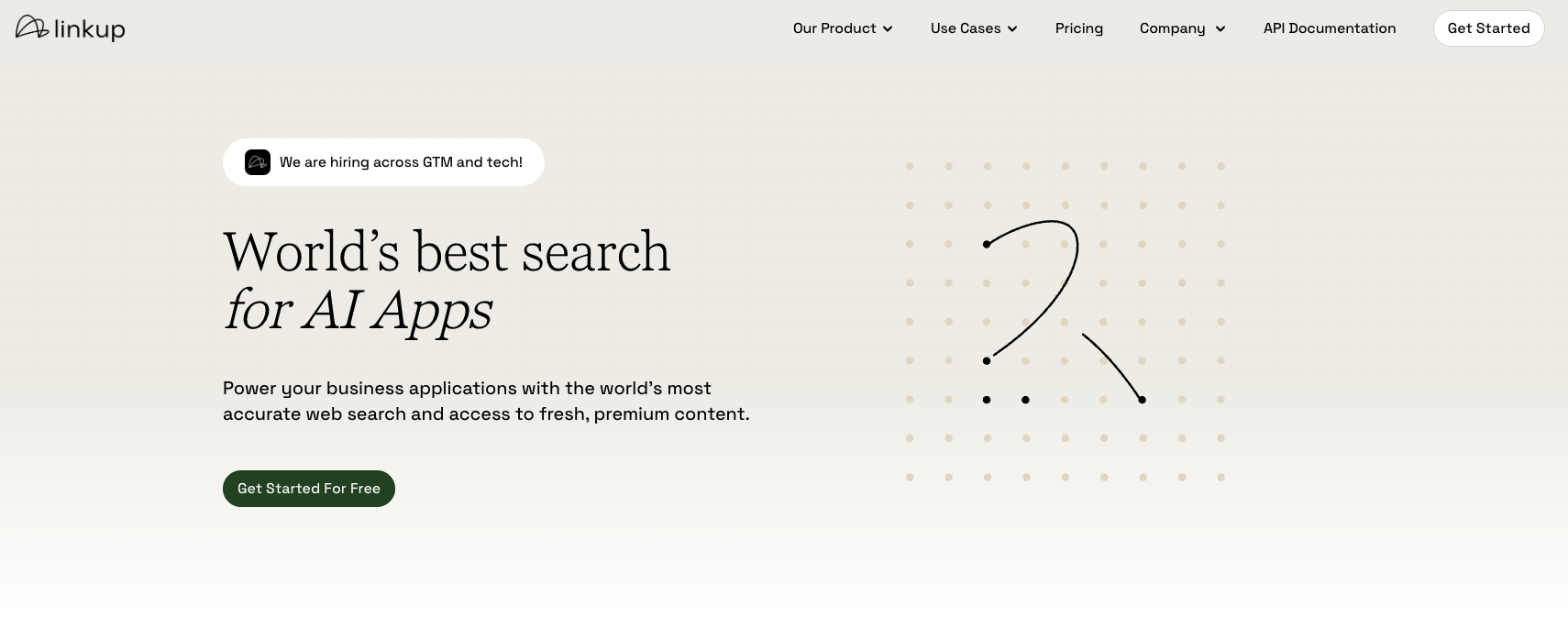
Linkup
Linkup pros:
- Flat, predictable pricing (no token calculations)
- GDPR and CCPA compliant with SOC2 Type II
- Deep mode with chain-of-thought reasoning
- Zero data retention option
Linkup cons:
- Smaller ecosystem than established US competitors
- Deep search at €50/1K queries gets expensive
Linkup positions itself as the European answer to American search APIs. For teams subject to GDPR or preferring EU-based infrastructure, that matters.
The pricing model emphasizes predictability. Standard search costs €5 per 1,000 queries. Deep search costs €50 per 1,000 queries. No token calculations, no surprise bills. You know exactly what you'll pay before making a call.
Linkup's Deep mode performs chain-of-thought reasoning across multiple sources. It's designed for business intelligence, competitive analysis, and complex research queries that require synthesizing information from scattered sources.
import requests

response = requests.post(
    "https://api.linkup.so/v1/search",
    headers={
        "Authorization": "Bearer YOUR_API_KEY",
        "Content-Type": "application/json"
    },
    json={
        "q": "Find the latest funding rounds for AI startups in Berlin",
        "depth": "deep",
        "output_type": "sourcedAnswer"
    }
)

result = response.json()
print(f"Answer: {result['answer']}")
print(f"Sources: {result['sources']}")
The depth="deep" parameter activates Linkup's multi-step reasoning. The output_type="sourcedAnswer" returns both a synthesized answer and the underlying sources for verification. This is particularly useful for research applications where citation quality matters.
Linkup pricing: €5/1K standard queries; €50/1K deep queries. Enterprise plans include priority support, lower latency, and custom rate limits.
Best Parallel.ai alternative for raw SERP data
Serper
Serper pros:
- Lightning-fast (1-2 second responses)
- Incredibly affordable at $0.30/1K queries
- Returns structured Google SERP data
- 2,500 free queries to start
Serper cons:
- Returns raw SERP data, not AI-ready content
- No built-in content extraction or summarization
Serper takes a completely different approach than Parallel.ai. Instead of AI-optimized excerpts, it gives you raw Google search results as structured JSON—fast and cheap.
That simplicity is actually a feature for certain use cases. SEO tools need SERP positions and featured snippets. Market research needs result counts and top domains. Price comparison needs shopping results. Serper delivers all of that at a fraction of what AI-native APIs charge.
The speed is remarkable. Most queries return in 1-2 seconds. For applications that need to check multiple searches quickly—like monitoring brand mentions or tracking keyword rankings—that responsiveness matters.
import requests

response = requests.post(
    "https://google.serper.dev/search",
    headers={
        "X-API-KEY": "YOUR_API_KEY",
        "Content-Type": "application/json"
    },
    json={
        "q": "best AI search APIs 2025",
        "num": 10
    }
)

data = response.json()
for result in data.get('organic', []):
    print(f"Position {result['position']}: {result['title']}")
    print(f"URL: {result['link']}")
    print(f"Snippet: {result['snippet']}")
Serper returns the same data Google shows humans—organic results, featured snippets, People Also Ask boxes, knowledge panels, and more. The difference is that it's structured JSON instead of HTML, ready for programmatic processing.
For teams that want to combine cheap SERP data with their own content extraction and AI summarization, Serper provides the raw materials at unbeatable prices.
Serper pricing: 2,500 free queries; then $0.30/1K queries. Volume discounts available.
Building your own search solution
If none of these alternatives fit your needs exactly, you can build a custom search pipeline. This approach works well when you need specific control over content extraction, filtering, or processing.
Here's a basic implementation using Python's requests library with BeautifulSoup for parsing:
import requests
from bs4 import BeautifulSoup
from typing import Dict, List
import time

class SimpleSearchClient:
    def __init__(self):
        self.headers = {
            'User-Agent': 'Mozilla/5.0 (Windows NT 10.0; Win64; x64) AppleWebKit/537.36'
        }

    def extract_content(self, url: str) -> Dict:
        """Extract main content from a URL."""
        try:
            response = requests.get(url, headers=self.headers, timeout=10)
            response.raise_for_status()

            soup = BeautifulSoup(response.content, 'html.parser')

            # Remove script and style elements
            for element in soup(['script', 'style', 'nav', 'footer']):
                element.decompose()

            # Extract text content
            text = soup.get_text(separator=' ', strip=True)

            # Get title
            title = soup.find('title')
            title_text = title.get_text(strip=True) if title else url

            return {
                'url': url,
                'title': title_text,
                'content': text[:2000],  # Limit content length
                'success': True
            }

        except Exception as e:
            return {
                'url': url,
                'error': str(e),
                'success': False
            }

    def batch_extract(self, urls: List[str], delay: float = 1.0) -> List[Dict]:
        """Extract content from multiple URLs with rate limiting."""
        results = []
        for url in urls:
            result = self.extract_content(url)
            results.append(result)
            time.sleep(delay)  # Respect rate limits
        return results
This client provides basic content extraction. The extract_content method fetches a page, removes navigation and scripts, and returns clean text. The batch_extract method processes multiple URLs with built-in rate limiting to avoid IP blocks.
For production use, you'd want to add:
- Proxy rotation for large-scale extraction
- JavaScript rendering for dynamic sites
- Better content extraction using readability algorithms
- Caching to avoid re-fetching unchanged pages
If you need reliable proxy infrastructure for large-scale web data collection, services like Roundproxies.com offer residential and datacenter proxies that help avoid blocks during high-volume extraction.
Which Parallel.ai alternative should you choose?
The right choice depends on what you're actually building.
Choose Exa AI if your application benefits from semantic understanding. Research tools, academic search, and discovery applications where "meaning matters more than keywords" play to Exa's strengths.
Choose Tavily if you want simplicity and affordability. The free tier is generous, the pricing is predictable, and the LangChain integration makes prototyping fast. Perfect for chatbots and basic RAG applications.
Choose Perplexity Sonar if citation quality is critical. Healthcare, legal, and financial applications where users need to verify information benefit from Sonar's built-in provenance tracking.
Choose Linkup if you operate under European regulations or simply want predictable costs without token math. The GDPR compliance and flat pricing appeal to enterprise buyers who hate billing surprises.
Choose Serper if you need raw SERP data for SEO tools, market research, or building your own extraction pipeline. Nothing beats it on price for high-volume Google result scraping.
Build your own if you need complete control over the extraction and processing pipeline, have specific requirements none of these services meet, or want to avoid ongoing API costs for stable, predictable workloads.
Frequently asked questions
What's the main difference between Parallel.ai and Tavily?
Parallel.ai focuses on deep research with multi-hop reasoning and high accuracy on complex queries, but costs more and has variable latency. Tavily prioritizes simplicity and affordability with straightforward credit-based pricing, making it better for basic search needs.
Can I use these APIs with LangChain?
Yes. Tavily has official LangChain integration. Exa, Perplexity Sonar, and Serper all have community-maintained LangChain tools. Linkup integrates with major AI orchestration platforms including LangChain.
Which alternative is best for RAG applications?
For simple RAG with fast responses, Tavily offers the best balance of speed and cost. For semantic retrieval where finding conceptually related content matters, Exa's neural search excels. For research-heavy RAG requiring deep synthesis, Perplexity Sonar Pro provides the most thorough results.
Are there free tiers available?
Tavily offers 1,000 free credits monthly (ongoing). Exa provides $10 in free credits to start. Serper gives 2,500 free queries. Linkup includes €5 worth of queries free each month. Parallel.ai offers up to 16,000 free search requests initially.
Which option works best for real-time chatbots?
Serper is fastest at 1-2 seconds per query. Tavily's basic search is also quick and affordable. Both work well for chatbots needing fast responses. Avoid Parallel.ai's Task API and Perplexity's Pro Search for real-time use—their multi-step reasoning adds significant latency.






![Web Scraping with Gologin tutorial [2026]](https://cdn.roundproxies.com/blog-images/2026/01/gologin-1.png)