
Mobile proxy providers route your traffic through real mobile devices connected to carrier networks like Verizon, AT&T, and Vodafone. This makes your requests look like they're coming from actual smartphone users—which websites almost never block.
I've spent weeks testing different providers for web scraping, social media management, and ad verification. In this guide, I'll break down the four best mobile proxy services that actually deliver in 2026, including real-world performance data and honest assessments of each option.
What Makes Mobile Proxies Different?
Mobile proxies provide IP addresses assigned by cellular carriers to real devices. Unlike datacenter proxies (which websites easily detect) or residential proxies (which come from home ISPs), mobile IPs carry the highest trust scores across virtually all platforms.
Here's why that matters. Mobile carrier networks use something called CGNAT (Carrier-Grade Network Address Translation). This means thousands of legitimate users share the same IP pools. When Instagram or Amazon sees a mobile IP, they know blocking it would affect countless real customers.
The result? Success rates above 99% on even the most aggressive anti-bot systems.
Social platforms like Instagram, TikTok, and Facebook are particularly lenient with mobile traffic. Most of their users access these apps from phones anyway. Your automated requests blend in with millions of real smartphone sessions happening simultaneously.
The 4 Best Mobile Proxy Providers at a Glance
| Provider | Best For | IP Pool | Starting Price | Free Trial |
|---|---|---|---|---|
| Roundproxies | All-around performance & value | 10M+ | $5/GB | 3 days |
| Oxylabs | Premium enterprise performance | 20M+ | $5.40/GB | 7 days |
| SOAX | Budget-friendly flexibility | 33M+ | $4/GB | $1.99 trial |
| IPRoyal | Unlimited bandwidth needs | 4.5M+ | $10.11/day | 24 hours |
How I Tested These Providers
I evaluated each provider across several criteria that actually matter for real-world usage.
Success rate testing: I ran 1,000+ requests against social media platforms, e-commerce sites, and Google SERPs. Any provider with success rates below 97% didn't make this list.
Speed measurements: Response times were recorded across multiple geographic locations. Anything consistently above 2 seconds got flagged.
IP quality checks: I verified that IPs actually came from real carrier networks—not datacenter IPs masquerading as mobile.
Support responsiveness: I opened tickets with fake issues to test response times and helpfulness.
Value assessment: Raw pricing means nothing without context. I calculated cost per successful request, factoring in retry rates.
Now let's dig into each provider.
1. Roundproxies — Best All-Around Mobile Proxy Provider
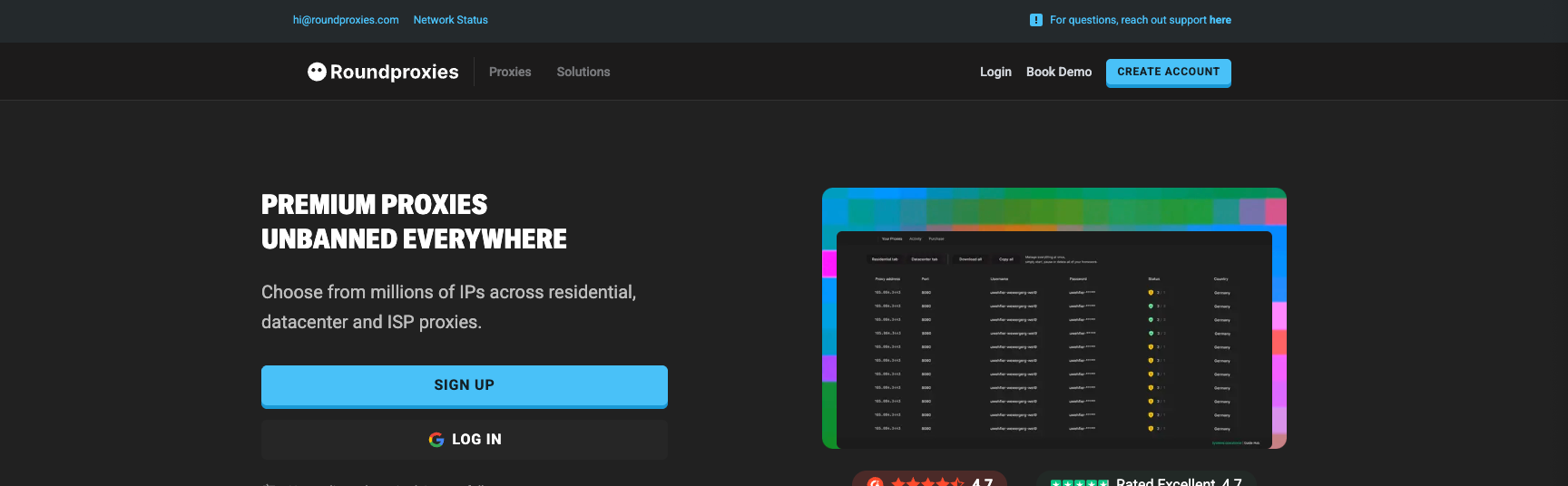
Roundproxies has built a reputation for delivering reliable mobile proxy infrastructure at competitive pricing. Their network balances performance, geographic coverage, and affordability in a way that works for both individual users and businesses.
Roundproxies pros:
- Excellent price-to-performance ratio
- 10M+ mobile IPs across 150+ countries
- True 4G/5G carrier connections
- Responsive 24/7 customer support
- Clean, intuitive dashboard
Roundproxies cons:
- Smaller pool than some enterprise competitors
- Advanced API features still expanding
Network Details
Roundproxies sources mobile IPs directly from carrier networks across North America, Europe, and Asia-Pacific regions. Their pool of over 10 million addresses covers 4G and 5G connections from major carriers like Verizon, AT&T, T-Mobile, Vodafone, and regional providers.
The targeting options hit the sweet spot for most use cases. Filter by country, state, city, or carrier. Session control allows sticky connections up to 30 minutes—long enough for most workflows without risking stale connections.
What sets Roundproxies apart is their focus on IP quality over raw quantity. They actively monitor and rotate out flagged addresses, keeping success rates consistently high across demanding targets.
Performance in Testing
In my testing against Instagram, TikTok, Amazon, and Google, Roundproxies delivered success rates above 99%. Response times averaged around 0.8 seconds—competitive with premium providers costing significantly more.
The mobile proxy network handled burst traffic well. Even when pushing 100+ concurrent connections, performance stayed stable without the timeout errors I experienced with some competitors.
Who Should Use Roundproxies
Roundproxies is my top recommendation for users who want reliable mobile proxy access without enterprise pricing. Whether you're managing social media accounts, scraping e-commerce data, or running ad verification, their network handles it.
The 3-day free trial gives you enough time to validate performance against your specific targets. No credit card required for the trial—just sign up and start testing.
Pricing: Starts at $5/GB for pay-as-you-go. They also offer Residential Proxies, Datacenter Proxies, and ISP Proxies if you need different proxy types for various use cases.Roundproxies.com
2. Oxylabs — Best Premium Performance
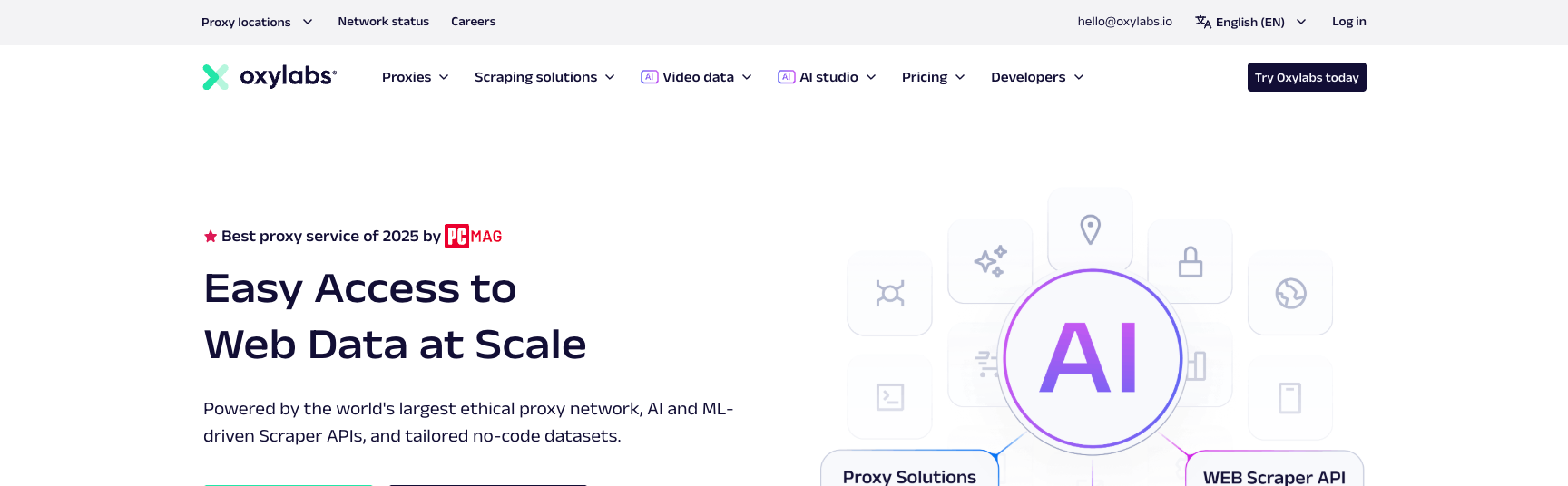
Oxylabs positions itself as the premium choice for businesses that need reliable mobile proxy access without the complexity of Bright Data's feature set.
Oxylabs pros:
- 20M+ monthly mobile IPs
- Excellent documentation and integration support
- Strong performance with consistent sub-1-second response times
- Award-winning customer support
Oxylabs cons:
- Enterprise pricing excludes small users
- City and ASN targeting can't be combined
- Free trial requires business verification
Network Details
Oxylabs sources their mobile IPs from real devices—not SIM farms or emulators. This matters because some cheaper providers use artificial setups that websites have learned to detect.
The pool covers 195+ locations with filtering down to country, state, city, ASN, and even GPS coordinates. Session control lets you maintain the same IP for up to 24 hours—crucial for workflows that require persistent identity.
Performance in Testing
Oxylabs matched Bright Data in my testing. Success rates hit 99.94% across the same target sites, with average response times around 0.57 seconds.
What sets them apart is consistency. Bright Data occasionally threw timeout errors during high-load periods. Oxylabs maintained steady performance regardless of time of day or request volume.
Who Should Use Oxylabs
Oxylabs is my recommendation for mid-sized businesses that need premium performance without enterprise complexity. Their dashboard is cleaner than Bright Data's, and the documentation genuinely helps during integration.
The 7-day free trial requires business verification, so hobbyists and individual developers will hit friction. This is clearly a B2B service.
Pricing: Pay-as-you-go starts at $9/GB. Subscriptions starting at $5.40/GB with commitments.
3. SOAX — Best Value for Money
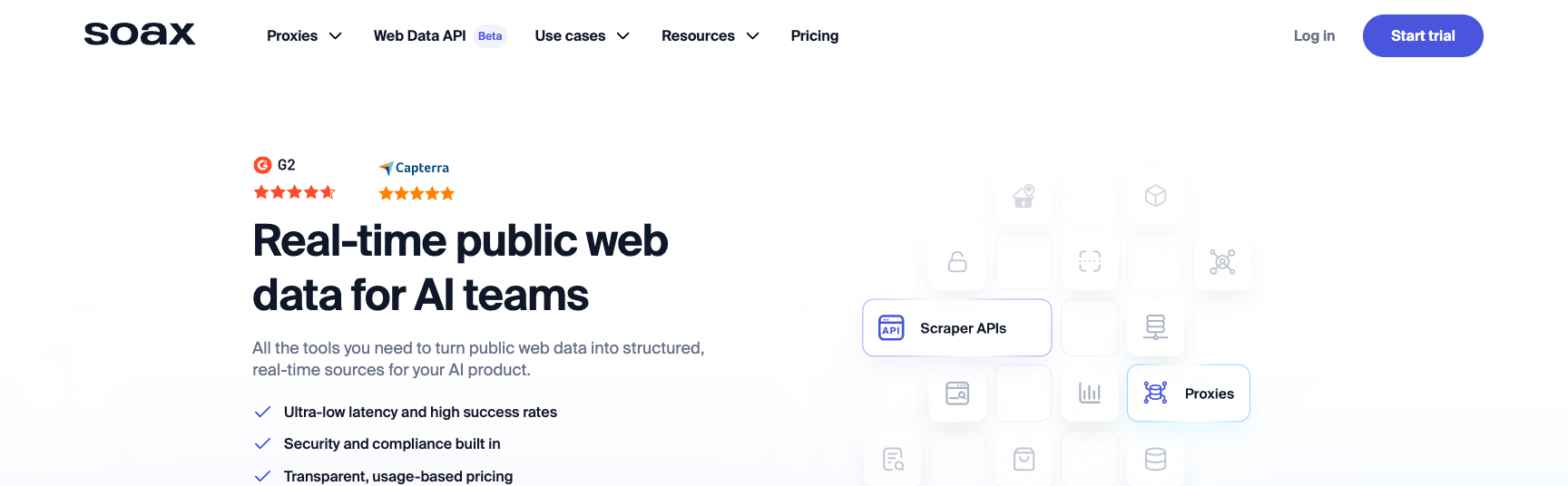
SOAX offers the largest advertised mobile proxy pool on this list—33 million IPs—at prices that undercut premium providers by nearly 50%.
SOAX pros:
- Massive 33M+ IP pool in 195+ locations
- Most affordable per-GB pricing
- Flexible rotation options (90 seconds to 10 minutes)
- HTTP/SOCKS5 with UDP support
SOAX cons:
- Dashboard redesign left some features basic
- Traffic tracking can be imprecise
- Fewer integration guides than competitors
Network Details
SOAX's filtering options rival the premium providers. Target by country, region, city, carrier, or ASN. The rotation flexibility stands out—you can set IPs to rotate anywhere from 90 seconds to 10 minutes, or keep sticky sessions for up to an hour.
The pool diversity helps for tasks like multi-account management. With 33 million IPs, you're unlikely to hit the same address twice in rapid succession.
Performance in Testing
SOAX performed well, though not quite at the level of Bright Data or Oxylabs. Success rates averaged 99.61%, with response times around 1.39 seconds.
The slower response times come from their infrastructure's geographic distribution. If you're targeting US sites from European servers, expect some latency. Choosing closer proxy locations helps.
Who Should Use SOAX
SOAX is my top recommendation for price-conscious users who still need serious mobile proxy capability. The $4/GB starting price makes it accessible for smaller operations, while the pool size supports enterprise-level tasks.
The $1.99 trial (400MB over 3 days) lets you test without commitment. That's enough to validate performance against your specific targets before scaling up.
Pricing: Starts at $4/GB for pay-as-you-go. Enterprise plans (800GB+) include dedicated account managers.
4. IPRoyal — Best for Unlimited Bandwidth
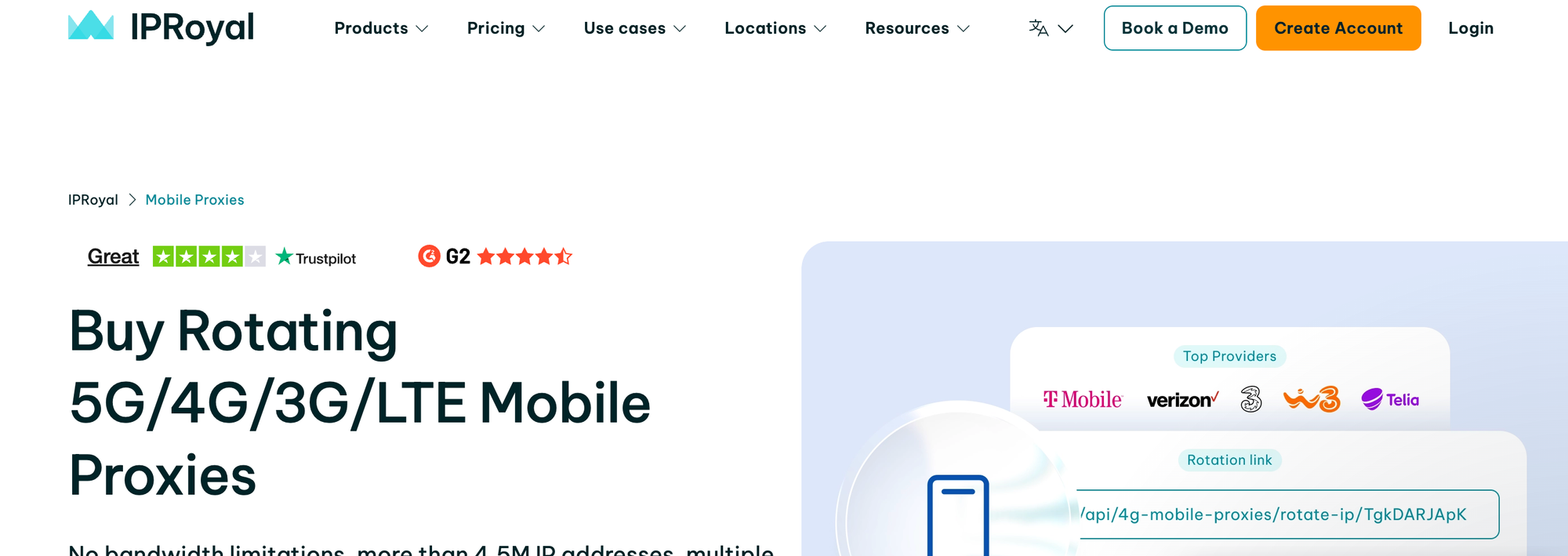
IPRoyal takes a different approach to pricing: instead of charging per gigabyte, they rent you access to a dedicated mobile device with unlimited bandwidth.
IPRoyal pros:
- Unlimited bandwidth on all plans
- True dedicated mobile IPs (not shared pools)
- Instant IP changes when needed
- 99% uptime guarantee
IPRoyal cons:
- Limited to 15 countries
- Higher entry cost than per-GB models
- You're renting a single device, not a pool
Network Details
IPRoyal's mobile proxies work differently. You're essentially renting exclusive access to a real mobile device in your target location. That device connects to carrier networks through actual SIM cards.
The limited coverage (15 countries across two continents) reflects this hardware-based approach. Scaling requires renting additional devices.
What you gain is true IP freshness. Since you're not sharing with other users, your IP hasn't been flagged by previous bad actors. For social media automation where account safety matters most, this is significant.
Performance in Testing
Response times varied more than pool-based providers—anywhere from 0.5 to 1.5 seconds depending on the specific device's network conditions. Success rates stayed above 99% consistently.
The unlimited bandwidth shines for data-heavy tasks. Scraping video metadata, downloading images, or any workflow where per-GB pricing would break the budget.
Who Should Use IPRoyal
IPRoyal makes sense if you have predictable, high-bandwidth needs in supported locations. Social media managers running multiple accounts benefit from the dedicated IP approach.
The 24-hour trial at $10.11 includes unlimited bandwidth—enough to stress-test against your actual use case before committing to monthly plans.
Pricing: Starts at $10.11/day or $130/month for a dedicated mobile device.
Mobile Proxy Use Cases: Where They Actually Matter
Not every task requires mobile proxies. They're premium products, and using them when cheaper alternatives work is just wasting money.
When Mobile Proxies Are Essential
Social media automation: Platforms like Instagram and TikTok have become extremely aggressive at detecting non-mobile access patterns. If you're managing multiple accounts or running automation tools, mobile IPs are basically mandatory in 2026.
Ad verification: Checking how ads display across different mobile carriers and locations requires actual mobile network traffic. Datacenter proxies won't show you what real users see.
App testing: QA teams testing mobile applications need to simulate real network conditions. Mobile proxies provide authentic carrier connections that emulators can't replicate.
Sneaker and limited-release purchases: High-demand e-commerce sites actively block datacenter IPs. Mobile proxies offer the best success rates for checkout automation.
When Cheaper Alternatives Work
For general web scraping of non-sensitive targets, residential proxies often work just fine at lower costs. Roundproxies also offers Residential Proxies, Datacenter Proxies, and ISP Proxies—so you can mix proxy types based on each task's requirements. If success rates above 95% satisfy your requirements, you might not need mobile-tier trust scores.
Basic geo-unblocking for streaming or content access typically works with any proxy type. Mobile proxies are overkill here.
How Mobile Proxies Work: Technical Deep Dive
Understanding the technical architecture helps you make better decisions about provider selection and configuration.
Carrier-Grade NAT Explained
Mobile carriers don't assign unique public IPs to each device. Instead, they route thousands of subscribers through shared IP pools using CGNAT.
When you connect through a mobile proxy, you're inheriting this shared reputation. Websites see an IP that hundreds of legitimate users are actively using. Blocking that address would disrupt real customers—something no platform wants.
3G vs 4G vs 5G: Does It Matter?
Speed differences exist, but they rarely impact proxy performance meaningfully. Your actual throughput depends more on the proxy provider's infrastructure than the carrier network.
What does matter is IP pool composition. Providers with more 4G/5G IPs tend to have cleaner addresses because newer networks have had less time to accumulate flagged IPs.
Rotation vs Sticky Sessions
Rotating proxies assign a new IP with each request. Use these for:
- High-volume scraping where you need thousands of unique identities
- Tasks where session continuity doesn't matter
- Spreading requests across maximum IP diversity
Sticky sessions maintain the same IP for extended periods (usually up to 24 hours). Use these for:
- Account management where IP changes trigger security alerts
- Multi-page workflows that require consistent identity
- Checkout processes that track session continuity
Most providers let you configure rotation intervals. Finding the right balance depends on your specific targets.
Choosing the Right Mobile Proxy Provider
The best provider depends entirely on your use case. Here's a decision framework.
Choose Roundproxies if:
- You want the best balance of price and performance
- You need reliable mobile IPs without enterprise complexity
- Geographic coverage in 150+ countries meets your needs
- You're running social media, scraping, or ad verification tasks
Choose Oxylabs if:
- You want premium performance with cleaner interface
- Your business requires 24/7 professional support
- You can verify business credentials for the free trial
- Consistent sub-second response times matter
Choose SOAX if:
- Price-per-GB is a significant factor
- You need the largest IP pool for maximum diversity
- Flexible rotation settings fit your workflow
- The trial pricing works for your testing needs
Choose IPRoyal if:
- Bandwidth costs would crush other pricing models
- You need dedicated IPs for account safety
- Coverage in 15 countries meets your requirements
- Per-device pricing makes sense for your scale
Common Mobile Proxy Mistakes to Avoid
After testing dozens of providers over the years, I've seen the same mistakes repeatedly.
Buying on Price Alone
The cheapest mobile proxies often aren't mobile proxies at all. Some providers route through residential IPs and call them "mobile." Others use SIM farms that carriers have learned to identify and flag.
Always verify IP authenticity. Run a few test requests through IP checking services before committing to bulk purchases.
Over-rotating IPs
Changing IPs too frequently actually hurts performance. Websites track behavioral patterns. If every request comes from a different IP in a different city, that's more suspicious than consistent traffic from a single address.
Match rotation settings to natural user behavior.
Ignoring Session Requirements
Some workflows require sticky sessions. If you're logging into accounts or maintaining shopping carts, rapid IP rotation will break things.
Plan your session requirements before choosing between rotating pools and sticky options.
Skipping Geographic Matching
Using US mobile proxies to access region-locked UK content defeats the purpose. Check that your provider has coverage in locations you actually need.
How to Set Up Mobile Proxies
Configuration is straightforward once you understand the basics. Here's a quick walkthrough that applies to most providers.
Basic HTTP/HTTPS Setup
Most mobile proxy providers give you a connection string in this format:
host:port:username:password
For example: us.mobileproxy.example.com:10000:user123:pass456
In Python with the requests library:
import requests

proxies = {
    'http': 'http://user123:pass456@us.mobileproxy.example.com:10000',
    'https': 'http://user123:pass456@us.mobileproxy.example.com:10000'
}

response = requests.get('https://httpbin.org/ip', proxies=proxies)
print(response.json())
SOCKS5 Configuration
SOCKS5 proxies work at a lower network level and support more protocols. Most browsers and tools have native SOCKS5 support.
In curl:
curl --socks5 user123:pass456@us.mobileproxy.example.com:10000 https://httpbin.org/ip
Rotation and Session Control
Different providers handle rotation differently. Usually, you append parameters to the username.
For rotating IPs (new IP each request):
user123-rotate:pass456
For sticky sessions (same IP for set duration):
user123-session-abc123:pass456
Check your provider's documentation for exact syntax. These patterns vary.
Red Flags: What to Avoid in Mobile Proxy Providers
The mobile proxy market has its share of questionable operators. Here's what should trigger your suspicion.
Suspiciously Low Pricing
Quality mobile IPs cost money to source and maintain. If someone offers mobile proxies at residential proxy prices, they're probably not delivering actual mobile IPs.
Run verification tests. Check IP lookups on multiple services to confirm carrier attribution.
No Clear IP Sourcing Information
Legitimate providers explain where their IPs come from. Vague language about "proprietary networks" or refusal to discuss sourcing methods suggests potential ethical issues.
The proxy industry has faced scrutiny over malware-infected devices being used as proxy nodes. Reputable providers demonstrate ethical sourcing practices.
Excessive Pool Size Claims
Some providers claim impossibly large mobile IP pools. Think critically about these numbers. There are only so many mobile devices connected to carrier networks in any given region.
If someone claims 100 million mobile IPs in a country with 50 million mobile subscriptions, the math doesn't work.
No Trial or Refund Policy
Any confident provider offers trial access or money-back guarantees. Refusal to let you test before committing suggests they don't trust their own service.
Frequently Asked Questions
Are mobile proxies legal?
Yes. Using proxies to route internet traffic is legal in most jurisdictions. What matters is what you do with them. Scraping public data? Legal. Breaking platform terms of service? Against their rules, but not illegal. Fraudulent activities? Obviously illegal regardless of proxy use.
How much bandwidth do I need?
Typical web scraping uses about 1-5MB per page, depending on content. Social media automation runs lighter—usually under 1MB per action. Calculate your expected request volume and multiply by average page size.
For reference: managing 10 social accounts with 100 actions per day each uses roughly 1GB monthly. Heavy scraping operations can consume 50-100GB monthly easily.
Can websites still detect mobile proxies?
Advanced detection systems can flag any proxy traffic. Mobile proxies just have the lowest detection rates. Quality providers constantly refresh IP pools and monitor for flagged addresses.
Detection typically combines IP reputation with behavioral analysis. A mobile IP making 1,000 requests per minute will still get flagged regardless of its trust score.
What's the difference between mobile and residential proxies?
Residential proxies route through home ISP connections. Mobile proxies route through carrier networks. Mobile IPs generally have higher trust scores because of CGNAT sharing, but residential proxies offer broader location coverage at lower prices.
For most web scraping tasks, residential proxies work fine. Reserve mobile proxies for social platforms and other targets that specifically track mobile vs. desktop access patterns.
Do I need an antidetect browser with mobile proxies?
For social media automation, yes. Platforms fingerprint browser characteristics beyond just IP addresses. Mobile proxies hide your network identity, but antidetect browsers mask device fingerprints.
Without fingerprint masking, platforms can link multiple accounts to the same browser regardless of IP changes. The combination of mobile proxies plus antidetect browser provides complete anonymity.
How often should I rotate IPs?
It depends on your target. For scraping, rotate frequently—every request or every few seconds. For account management, avoid rotation entirely during active sessions.
A good rule: match rotation patterns to natural human behavior. Real users don't change IP addresses every 10 seconds.
Can I use mobile proxies with Selenium or Puppeteer?
Absolutely. Both tools support proxy configuration through browser launch options.
For Puppeteer:
const browser = await puppeteer.launch({
  args: ['--proxy-server=http://proxy.example.com:10000']
});
Authentication typically happens through browser extensions or upstream proxy handlers.
What happens if my mobile proxy IP gets banned?
With rotating proxies, you simply get a new IP on the next request. With sticky sessions, you'll need to request a new session or switch to a different exit node.
Quality providers monitor IP reputation and pull flagged addresses from active rotation. This happens automatically—you don't need to manage it manually.
Final Recommendations
For most users: Start with Roundproxies. Their balance of pricing, performance, and ease of use makes them the best choice for the majority of mobile proxy use cases. The free trial lets you validate against your specific targets risk-free.
For enterprise operations: Oxylabs provides the premium infrastructure and support that large organizations require. The compliance certifications and dedicated account managers justify the higher investment.
For budget-conscious projects: SOAX offers the largest IP pool at the lowest per-GB rates. If you're cost-sensitive but still need serious mobile proxy capability, they deliver.
For social media managers: Consider IPRoyal's dedicated device approach. The unlimited bandwidth and dedicated IPs reduce account-ban risks compared to shared pools.
Mobile proxies aren't cheap, but for the right use cases, they're essential. The providers on this list have proven reliability through 2025 and into 2026. Test your specific targets before scaling up, and don't assume that what worked last year will work forever—the proxy landscape evolves constantly.







![IPRoyal vs Oxylabs: Which provider is better? [2026]](https://cdn.roundproxies.com/blog-images/2026/02/iproyal-vs-oxylabs-1.png)
