
Lade Daten...
What information
can an IP address reveal?
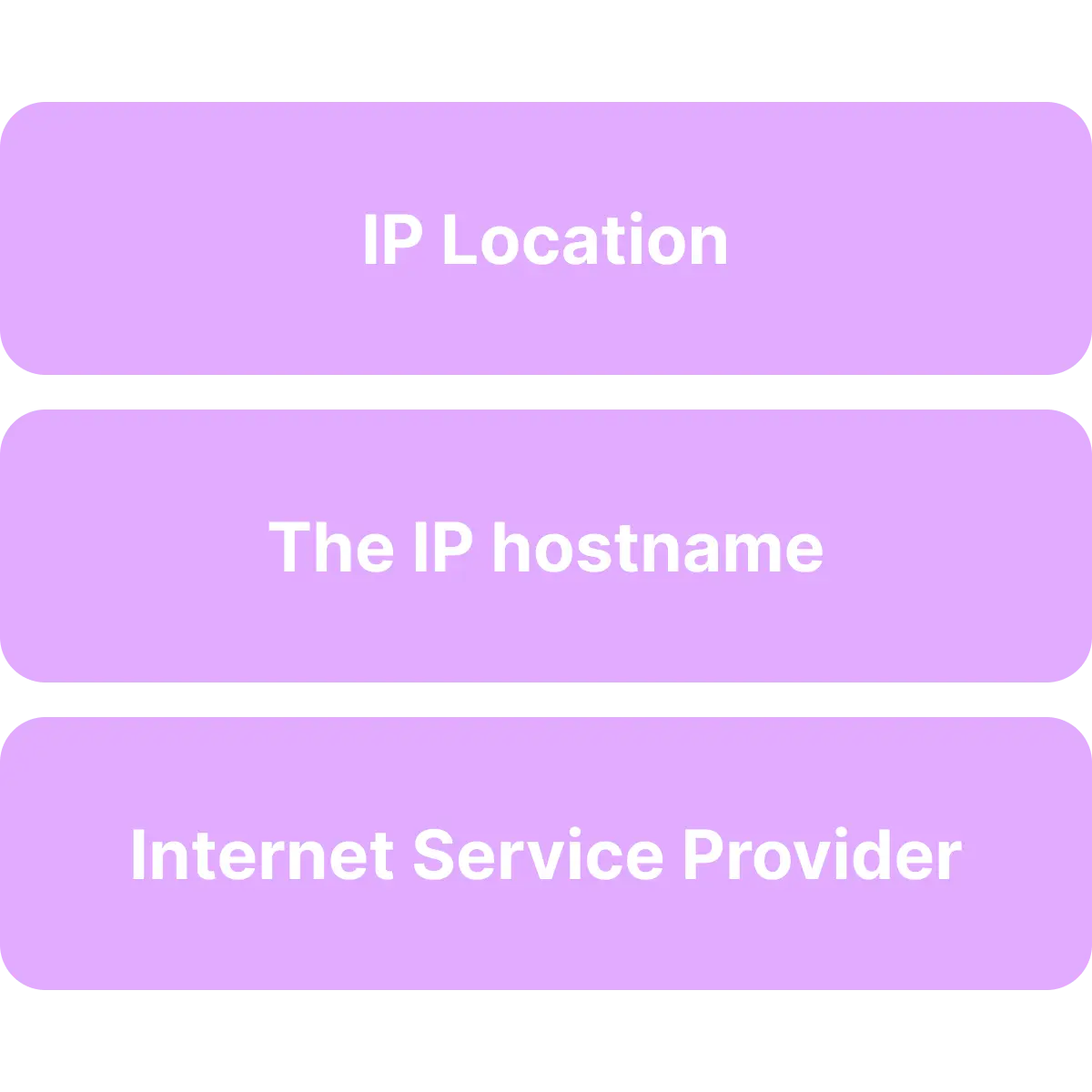
Looking up an IP address can provide a lot of information about the device and network associated with that IP address. Here's what you can find out by looking up someone's IP.
IP Lookup Tool
IP geolocation
Looking up an IP address shows you the geolocation of that IP address, including the country, state, city, and zip code.
Internet service provider (ISP)
Your public IP is given to you by your ISP (internet service provider). Looking up someone's IP address also reveals their ISP.
The IP's hostname
NordVPN's IP lookup tool also shows you the IP's hostname (its unique name on the network).
IP Lookup Tool
Looking up an IP address shows you the geolocation of that IP address, including the country, state, city, and zip code. Our tool also reveals the ISP and hostname information.

How accurate is Roundproxies's
IP lookup tool?
No IP lookup tool is 100% accurate. Like other tools, roundproxies' IP location finder looks up the IP address you enter using an IP database. While IP databases are generally accurate, they typically take time to update, so may occasionally contain discrepancies.
IP lookup results can also be influenced by factors such as proxy and VPN usage. For instance, if a user is connected to a VPN, you'll see the VPN server's IP address rather than their actual one. By connecting to a VPN server, users instantly enhance their privacy — preventing others from seeing their real approximate location or ISP information.
What can you use the IP address lookup tool for?
Verify devices on your network
If a device you don't recognize remotely joins your computer network, its IP address can be helpful in verifying this device. Looking up the device's IP address may help you understand where the device is located and help you decide if you should block it from your network for security reasons.
Check suspicious behavior
If you own a website and see suspicious traffic, looking up an IP address may provide more information and help you decide what to do next. For example, if you notice repeated failed login attempts from different IP addresses, you may use an IP lookup tool to find out more about where these attempts are coming from.
Protect yourself from scams
Checking an IP address may also help detect potential scams. For example, if you get an email from someone claiming they're your distant cousin, you can use their IP address to check their approximate location. If they say they're in the U.S., but the IP address tells a different story — you'll know it may be a scam.
Enter an IP address and Roundproxies checks it against comprehensive IP databases. The tool displays the IP address's ISP, geolocation, hostname, and network details. Our IP lookup service is as accurate as other professional tools, though small discrepancies may occur due to database update delays.
ICANN maintains and distributes IP addresses globally to Regional Internet Registries (RIRs). These registries allocate IP blocks to ISPs and hosting companies, who then assign them to customers while retaining ownership of the original blocks.
No, IP address lookup is legal when used responsibly. IP addresses are publicly available and don't reveal personal information like names or exact addresses. Always use IP geolocation information in compliance with applicable laws and terms of service.
There's no difference between these terms. IP lookup, IP checker, IP locator, IP tracker, and IP geolocation tool all refer to the same functionality — retrieving and displaying information associated with a specific IP address, including location data and ISP details.
Use command line tools: On Windows, open Command Prompt and type 'nslookup [IP_ADDRESS]'. On Mac/Linux, open Terminal and use the same command. Alternatively, use our IP lookup tool for comprehensive geolocation, ISP details, and network information in an easy-to-read format.
Reverse IP lookup finds all domains and websites associated with a specific IP address. It's useful for checking server neighbors, investigating security threats, and competitive research. Our tool provides reverse IP lookup capabilities alongside standard IP geolocation data.
Yes, Roundproxies' IP address lookup tool is completely free with no usage limits or registration required. Use it as an IP location finder to check geolocation information for any IP address and get comprehensive data including location, ISP, and network details.
IP geolocation accuracy varies by address type. Residential IPs have 75-90% city-level accuracy and 95%+ country-level accuracy. Datacenter and business IPs often provide more precise location data. VPN/proxy services may show masked locations. We use multiple databases for maximum accuracy.
Our IP lookup tool provides: geographical location (country, region, city, coordinates), Internet Service Provider (ISP) and organization details, hostname and domain information, network details (ASN), connection type (residential, business, hosting, mobile), and time zone information.
Yes, IP addresses can appear to change location due to: dynamic IP reassignment by ISPs, mobile devices switching networks, VPN/proxy services routing through different servers, and IP block reassignment between organizations causing database location updates.
IP location inaccuracies occur due to: database update delays, VPN/proxy usage showing server locations, ISP routing through central hubs, and mobile networks displaying infrastructure locations rather than user locations.
IP location databases update monthly or quarterly for major changes. New IP assignments may take weeks to appear across all databases. Our tool aggregates data from multiple reliable sources to provide the most current and accurate IP geolocation information available.

Enterprise proxies that scale.
Unmatched performance.
Trusted by fast-growing teams and data professionals worldwide