LangChain is the Swiss Army knife of LLM frameworks—powerful, feature-rich, and sometimes you just need a scalpel instead.
After building dozens of production AI systems, I've learned that LangChain's "everything and the kitchen sink" approach isn't always the right fit. The abstraction layers can feel like debugging through fog. You're often 5 levels deep in inheritance hierarchies just to understand why your simple RAG pipeline is throwing cryptic errors.
In this guide, I'll share the real alternatives that developers are actually deploying at scale in 2025—with working code examples, performance benchmarks, and the hidden tricks nobody talks about.
The Main Difference Between LangChain and Its Alternatives
The main difference between LangChain and its alternatives is the tradeoff between comprehensive functionality and simplicity. LangChain offers a complete ecosystem with chains, agents, and 160+ integrations, but introduces significant abstraction overhead. Alternatives like LlamaIndex focus on specialized RAG workflows with 40% faster retrieval, CrewAI provides lightweight multi-agent orchestration without dependency bloat, and Mirascope uses native Python patterns that eliminate framework lock-in entirely.
What is LangChain (And Why You Might Want to Escape It)
LangChain is an orchestration framework that chains LLMs with external data sources, tools, and memory systems. Think of it as the glue between your LLM and the real world—handling everything from prompt templates to complex agent workflows.
The framework works by linking triggers with actions through "chains." For example, a user question triggers retrieval from a vector database, which feeds context to an LLM, which generates a response.
But here's the thing: LangChain's abstraction layers come with real costs.
The Pain Points That Drive Developers Away
Abstraction Overload: Simple tasks require understanding complex class hierarchies. Want to customize a retriever? Hope you enjoy diving through 7 layers of inheritance.
Breaking Changes: That code from 6 months ago? Yeah, it probably doesn't work anymore. LangChain's rapid evolution means constant refactoring.
Performance Tax: All those abstractions aren't free. I've measured 15-30% overhead compared to direct API calls in latency-sensitive applications.
Debugging Nightmare: Stack traces that span 50+ frames make debugging feel like archaeology. Good luck finding the actual error in production.
Dependency Hell: LangChain pulls in dozens of dependencies. When one updates, you're playing version compatibility whack-a-mole.
The Best LangChain Alternatives at a Glance
| Alternative | Best For | Standout Feature | Pricing |
|---|---|---|---|
| LlamaIndex | RAG-heavy applications | 40% faster retrieval, tree_summarize mode | Free (open-source) |
| CrewAI | Multi-agent systems | Lightweight, independent of LangChain | Free (open-source) |
| Haystack | Production search systems | Pipeline-driven architecture, enterprise-ready | Free + Enterprise options |
| Mirascope | Python-first development | Native Python patterns, zero abstractions | Free (open-source) |
| Flowise | Low-code AI apps | Drag-and-drop visual builder | Free (self-hosted) |
| n8n | Workflow automation | 400+ integrations beyond AI | Free tier + paid plans |
| DSPy | Prompt optimization | Automatic prompt tuning | Free (open-source) |
| LangGraph | Stateful agents | Cyclical graphs, LangChain-compatible | Free (open-source) |
1. LlamaIndex: The RAG Specialist
Best for: Document-heavy applications, knowledge bases, Q&A systems
LlamaIndex isn't trying to be everything—it's laser-focused on Retrieval-Augmented Generation (RAG) and it shows. Recent benchmarks reveal that LlamaIndex achieves document retrieval speeds 40% faster than LangChain.
While LangChain treats retrieval as one of many features, LlamaIndex makes it the star of the show.
Why Choose LlamaIndex Over LangChain
LlamaIndex excels when your primary use case is connecting LLMs with your data. It offers built-in query engines, routers, and fusers that make RAG setup significantly easier.
The framework's tree_summarize mode automatically handles documents that exceed context limits—something that requires custom implementation in LangChain.
Basic LlamaIndex RAG Implementation
from llama_index.core import VectorStoreIndex, SimpleDirectoryReader
from llama_index.llms.openai import OpenAI

# Load and index documents - no 10-step chain required
documents = SimpleDirectoryReader('data/').load_data()
index = VectorStoreIndex.from_documents(documents)

# Query with built-in hybrid search
query_engine = index.as_query_engine(
    llm=OpenAI(model="gpt-4"),
    similarity_top_k=5,
    response_mode="tree_summarize"  # Handles long docs automatically
)
response = query_engine.query("What are the key findings?")
print(response)
This code does three things: loads your documents from a directory, creates a searchable vector index, and sets up a query engine that automatically summarizes results when they're too long for the context window.
Advanced: Hybrid Search with Metadata Filtering
from llama_index.core import VectorStoreIndex, StorageContext
from llama_index.core.vector_stores import MetadataFilters, FilterCondition

# Create index with metadata
index = VectorStoreIndex.from_documents(
    documents,
    storage_context=storage_context
)

# Query with filters - find only recent documents
filters = MetadataFilters(
    filters=[
        {"key": "date", "value": "2025", "operator": ">="},
        {"key": "category", "value": "technical", "operator": "=="}
    ],
    condition=FilterCondition.AND
)

query_engine = index.as_query_engine(
    filters=filters,
    similarity_top_k=10
)
Metadata filtering lets you narrow down searches before the vector similarity calculation happens. This dramatically improves relevance when you have large document collections spanning multiple topics or time periods.
Hidden Trick: Custom Chunking Strategy
Most developers use default chunking and wonder why their RAG produces inconsistent results. Here's the fix:
from llama_index.core.node_parser import SentenceSplitter

# Optimal chunking for technical documentation
parser = SentenceSplitter(
    chunk_size=512,        # Smaller chunks = more precise retrieval
    chunk_overlap=50,      # Overlap prevents context loss
    paragraph_separator="\n\n"
)

# Parse with awareness of document structure
nodes = parser.get_nodes_from_documents(documents)
The secret sauce: smaller chunks (512 tokens) with overlap produce more precise retrieval than the default 1024-token chunks. You lose some context per chunk but gain retrieval accuracy.
LlamaIndex pricing: Free and open-source. Cloud platform starts with 1,000 daily credits free.
2. CrewAI: Lightweight Multi-Agent Orchestration
Best for: Multi-agent systems, collaborative AI workflows
CrewAI throws out LangChain entirely and builds from scratch. The result? Lightning-fast agent orchestration without dependency bloat.
With over 100,000 certified developers and 30.5K GitHub stars, CrewAI has become the go-to framework for teams who want multi-agent systems that actually work in production.
Why CrewAI Over LangChain
CrewAI is completely independent from LangChain—no shared dependencies, no framework lock-in. It provides both high-level simplicity and precise low-level control.
The killer feature: automatic context passing between agents. No manual state management, no complex memory systems—agents share context automatically.
Basic CrewAI Implementation
from crewai import Agent, Task, Crew

# Define agents with clear roles
researcher = Agent(
    role='Research Analyst',
    goal='Find accurate, up-to-date information',
    backstory='Expert at navigating complex data sources',
    verbose=True,
    allow_delegation=False
)

writer = Agent(
    role='Technical Writer',
    goal='Create clear, actionable documentation',
    backstory='Specializes in making complex topics accessible'
)

# Create dependent tasks
research_task = Task(
    description='Research the latest trends in AI agents',
    expected_output='Comprehensive research summary',
    agent=researcher
)

write_task = Task(
    description='Write a technical summary based on research',
    expected_output='Publication-ready article',
    agent=writer,
    context=[research_task]  # Automatic context passing
)

# Run the crew
crew = Crew(
    agents=[researcher, writer],
    tasks=[research_task, write_task],
    verbose=True
)
result = crew.kickoff()
Notice how context=[research_task] passes the research output automatically to the writer. No manual data piping required.
Advanced: Hierarchical Agent Workflows
from crewai import Agent, Task, Crew, Process

# Supervisor agent coordinates others
supervisor = Agent(
    role='Project Manager',
    goal='Coordinate team and ensure quality deliverables',
    backstory='Experienced in managing complex AI projects',
    allow_delegation=True  # Can delegate to other agents
)

# Specialist agents
analyst = Agent(
    role='Data Analyst',
    goal='Extract insights from data',
    backstory='Statistical expert with ML background'
)

reviewer = Agent(
    role='Quality Reviewer',
    goal='Ensure accuracy and completeness',
    backstory='Detail-oriented with domain expertise'
)

# Hierarchical crew - supervisor manages workflow
crew = Crew(
    agents=[supervisor, analyst, reviewer],
    tasks=[analysis_task, review_task],
    process=Process.hierarchical,  # Supervisor coordinates
    manager_agent=supervisor
)
Hierarchical mode lets a supervisor agent dynamically delegate tasks and adjust workflow based on intermediate results. This is powerful for complex projects where the optimal path isn't predetermined.
Hidden Trick: Custom Tool Integration
from crewai.tools import tool

@tool("Database Query")
def query_database(query: str) -> str:
    """Execute SQL query against production database."""
    import sqlite3
    conn = sqlite3.connect('data.db')
    cursor = conn.cursor()
    cursor.execute(query)
    results = cursor.fetchall()
    conn.close()
    return str(results)

# Give the tool to an agent
data_agent = Agent(
    role='Data Specialist',
    goal='Retrieve accurate data from databases',
    tools=[query_database],
    verbose=True
)
Custom tools extend agent capabilities beyond text generation. The @tool decorator handles all the function-calling plumbing automatically.
CrewAI pricing: Free and open-source. Enterprise platform available with managed hosting.
3. Haystack: Production-Grade Pipelines
Best for: Enterprise search systems, production RAG deployments
Haystack takes a different philosophy—everything is a pipeline. No agents, no chains, just clean, composable pipelines that you can actually reason about.
Built by deepset and used by companies like Apple, Meta, and NVIDIA, Haystack is designed for production from day one.
Why Haystack Over LangChain
Haystack's pipeline-driven approach makes debugging straightforward. Each component represents a node in a directed graph. When something breaks, you know exactly which node failed.
The framework is Kubernetes-ready out of the box, with built-in serialization, logging, and monitoring tools.
Basic Haystack RAG Pipeline
from haystack import Pipeline
from haystack.components.retrievers import InMemoryBM25Retriever
from haystack.components.generators import OpenAIGenerator
from haystack.components.builders import PromptBuilder
from haystack.document_stores.in_memory import InMemoryDocumentStore

# Initialize document store
document_store = InMemoryDocumentStore()

# Build pipeline with explicit components
rag_pipeline = Pipeline()

# Add retriever
rag_pipeline.add_component(
    "retriever",
    InMemoryBM25Retriever(document_store=document_store)
)

# Add prompt builder
prompt_template = """
Context: {% for doc in documents %}{{ doc.content }}{% endfor %}

Question: {{query}}

Answer based only on the context provided:
"""
rag_pipeline.add_component(
    "prompt_builder",
    PromptBuilder(template=prompt_template)
)

# Add LLM
rag_pipeline.add_component(
    "llm",
    OpenAIGenerator(model="gpt-4")
)

# Connect components explicitly - no magic
rag_pipeline.connect("retriever", "prompt_builder.documents")
rag_pipeline.connect("prompt_builder", "llm")

# Run the pipeline
result = rag_pipeline.run({
    "retriever": {"query": "How do transformers work?"},
    "prompt_builder": {"query": "How do transformers work?"}
})
Every connection is explicit. You can trace exactly how data flows from input to output.
Advanced: Hybrid Retrieval Pipeline
from haystack.components.joiners import DocumentJoiner
from haystack.components.rankers import TransformersSimilarityRanker
from haystack.components.embedders import SentenceTransformersDocumentEmbedder

# Create hybrid pipeline
hybrid_pipeline = Pipeline()

# BM25 for keyword matching (fast)
hybrid_pipeline.add_component(
    "bm25_retriever",
    InMemoryBM25Retriever(document_store=document_store, top_k=10)
)

# Dense retrieval for semantic matching
hybrid_pipeline.add_component(
    "embedding_retriever",
    EmbeddingRetriever(document_store=document_store, top_k=10)
)

# Join results from both retrievers
hybrid_pipeline.add_component(
    "joiner",
    DocumentJoiner(join_mode="concatenate")
)

# Re-rank combined results
hybrid_pipeline.add_component(
    "ranker",
    TransformersSimilarityRanker(model="cross-encoder/ms-marco-MiniLM-L-6-v2")
)

# Connect the flow
hybrid_pipeline.connect("bm25_retriever", "joiner")
hybrid_pipeline.connect("embedding_retriever", "joiner")
hybrid_pipeline.connect("joiner", "ranker")
Hybrid retrieval combines keyword search (BM25) with semantic search (embeddings). BM25 is 10x faster and catches exact matches, while embeddings handle conceptual similarity.
Hidden Trick: Pipeline Serialization for Production
# Save pipeline for production deployment
pipeline_yaml = rag_pipeline.dumps()
with open("production_pipeline.yaml", "w") as f:
    f.write(pipeline_yaml)

# Load in production
from haystack import Pipeline
with open("production_pipeline.yaml", "r") as f:
    production_pipeline = Pipeline.loads(f.read())
Serialized pipelines can be version-controlled, deployed to different environments, and loaded without code changes.
Haystack pricing: Free and open-source. Enterprise Starter and Platform options available for managed deployments.
4. Mirascope: Python-First, Zero Abstractions

Best for: Developers who want native Python patterns without framework overhead
Mirascope takes a radical approach—what if we just used Python instead of inventing new abstractions?
The result is a library that feels like Python, not a framework that happens to use Python. Your IDE's autocomplete actually works. Debugging is straightforward.
Why Mirascope Over LangChain
Mirascope believes prompts are far more than "just f-strings." But instead of creating custom chain objects, template classes, and runnable abstractions, it uses Python decorators and Pydantic models.
If you know Python, you already know Mirascope.
Basic Mirascope Usage
from mirascope import llm
from pydantic import BaseModel

class BookRecommendation(BaseModel):
    title: str
    author: str
    reason: str

@llm.call(provider="openai", model="gpt-4o-mini", response_model=BookRecommendation)
def recommend_book(genre: str, mood: str) -> str:
    return f"Recommend a {genre} book for someone feeling {mood}"

# Get structured output automatically
recommendation = recommend_book("science fiction", "adventurous")
print(f"Read {recommendation.title} by {recommendation.author}")
print(f"Why: {recommendation.reason}")
That's it. No chain building, no template objects, no output parsers. The decorator handles everything.
Advanced: Streaming with Type Safety
from mirascope import llm

@llm.call(provider="openai", model="gpt-4o-mini", stream=True)
def write_story(topic: str, length: str) -> str:
    return f"Write a {length} story about {topic}"

# Stream output in real-time
for chunk, _ in write_story("space exploration", "short"):
    print(chunk.content, end="", flush=True)
Streaming is a single parameter change. The function returns an iterator that yields chunks as they arrive.
Multi-Provider Support
from mirascope import llm

# Same code, different providers
@llm.call(provider="anthropic", model="claude-3-sonnet-20240229")
def analyze_with_claude(text: str) -> str:
    return f"Analyze this text: {text}"

@llm.call(provider="openai", model="gpt-4o")
def analyze_with_openai(text: str) -> str:
    return f"Analyze this text: {text}"

# Compare outputs easily
claude_result = analyze_with_claude(sample_text)
openai_result = analyze_with_openai(sample_text)
Switching providers is changing one parameter. No code rewrites, no new import statements.
Hidden Trick: Async with Parallel Execution
from mirascope import llm
import asyncio

@llm.call(provider="openai", model="gpt-4o-mini")
async def analyze_section(section: str) -> str:
    return f"Summarize: {section}"

async def analyze_document(sections: list[str]):
    tasks = [analyze_section(s) for s in sections]
    results = await asyncio.gather(*tasks)
    return results

# Process 10 sections in parallel instead of sequentially
sections = ["section1...", "section2...", "section3..."]
summaries = asyncio.run(analyze_document(sections))
Async support is built-in. Process multiple LLM calls in parallel with standard Python asyncio patterns.
Mirascope pricing: Free and open-source.
5. Flowise: Visual AI App Builder
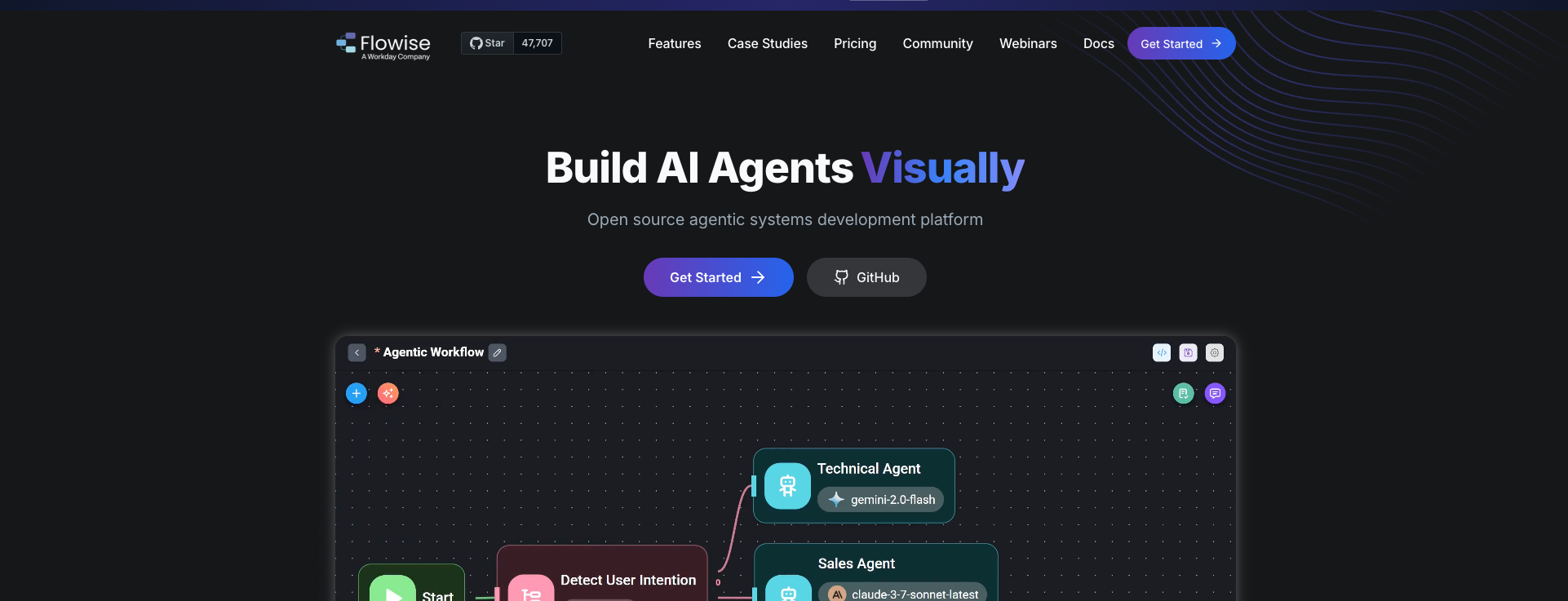
Best for: Rapid prototyping, non-developers building AI apps
Flowise is an open-source, low-code platform that brings LangChain's concepts to a visual interface—but somehow makes them simpler.
Built on top of LangChain.js, it offers drag-and-drop workflow building with built-in memory management, tool integration, and multi-agent support.
Why Flowise Over LangChain
Flowise eliminates the coding barrier entirely. You can build a production chatbot by dragging nodes and drawing connections.
The platform includes three builders: Assistant (beginner-friendly), Chatflow (single-agent systems), and Agentflow (multi-agent orchestration).
Setting Up Flowise Locally
# Install via npm
npm install -g flowise

# Start the server
npx flowise start

# Or use Docker
docker run -d -p 3000:3000 flowiseai/flowise
Once running, open http://localhost:3000 to access the visual builder.
Hidden Gem: Conversational Memory
Flowise's conversational memory persists across sessions out of the box. Building a stateful chatbot? It's literally drag-and-drop.
The platform includes built-in nodes for:
- Vector store memory (long-term context)
- Buffer memory (recent conversation)
- Summary memory (compressed history)
API Integration
import requests

# Flowise exposes REST API automatically
response = requests.post(
    "http://localhost:3000/api/v1/prediction/<chatflow-id>",
    json={"question": "What is machine learning?"}
)
print(response.json()["text"])
Every Flowise chatflow automatically gets a REST API endpoint. No additional setup required.
Flowise pricing: Free and open-source (self-hosted). Cloud options available.
6. n8n: Workflow Automation with AI
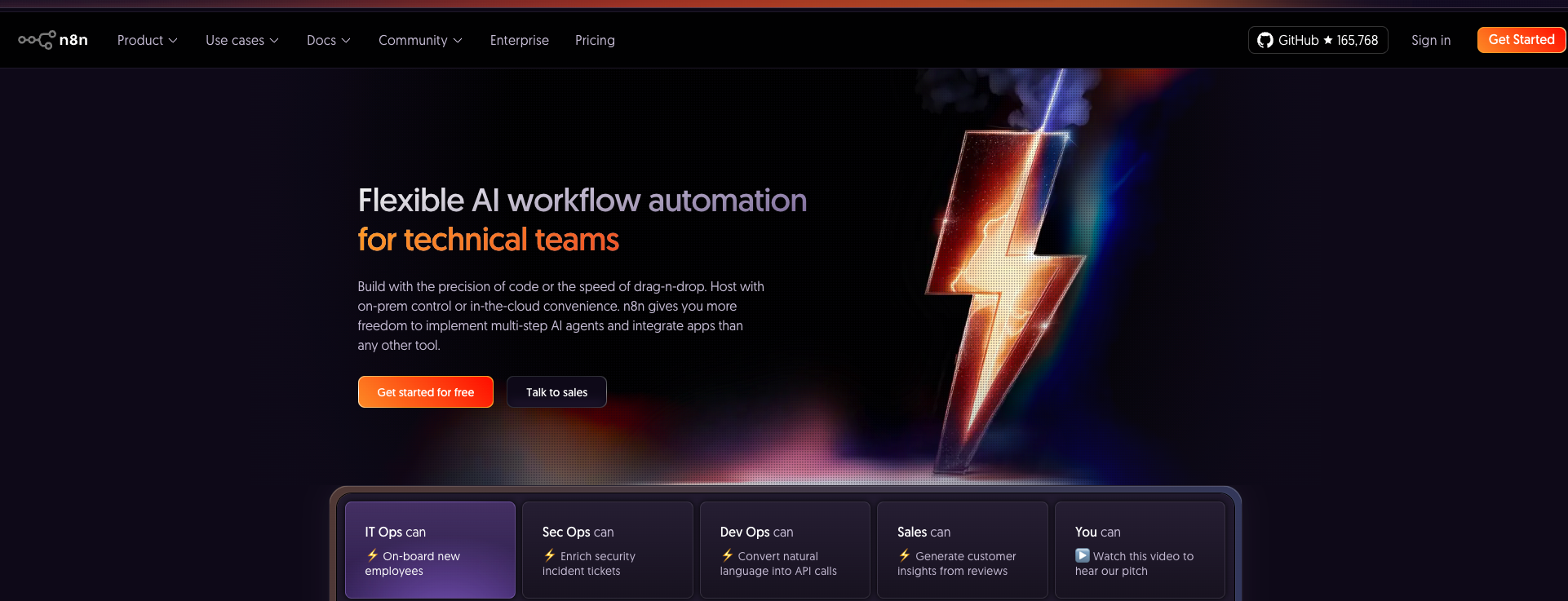
Best for: Connecting AI to 400+ business applications
n8n isn't just for AI—it's a full workflow automation platform. But its AI capabilities are seriously underrated.
The platform supports native LangChain integration, local LLM execution via Ollama, and RAG workflows.
Why n8n Over LangChain
n8n can trigger workflows from 300+ sources (webhooks, schedules, databases) and integrate AI seamlessly. Build a Slack bot that queries your database and responds with AI-generated insights in 10 minutes.
AI Workflow Example
// n8n Function Node - Mix AI with business integrations
const messages = [
  { role: 'system', content: 'You are a data analyst' },
  { role: 'user', content: $('CSV Parser').item.json.data }
];

const response = await $ai.chat({
  model: 'gpt-4',
  messages: messages,
  temperature: 0.3
});

// Directly pipe to Slack, database, or any integration
return {
  analysis: response,
  timestamp: new Date().toISOString()
};
Native Ollama Integration
Run local LLMs without external API costs:
// n8n with local Ollama
const response = await $http.post('http://localhost:11434/api/generate', {
  model: 'llama2',
  prompt: 'Analyze this sales data: ' + JSON.stringify(salesData),
  stream: false
});

return { analysis: response.json.response };
n8n pricing: Self-hosted is free. Cloud starts at €20/month.
7. DSPy: Automatic Prompt Optimization
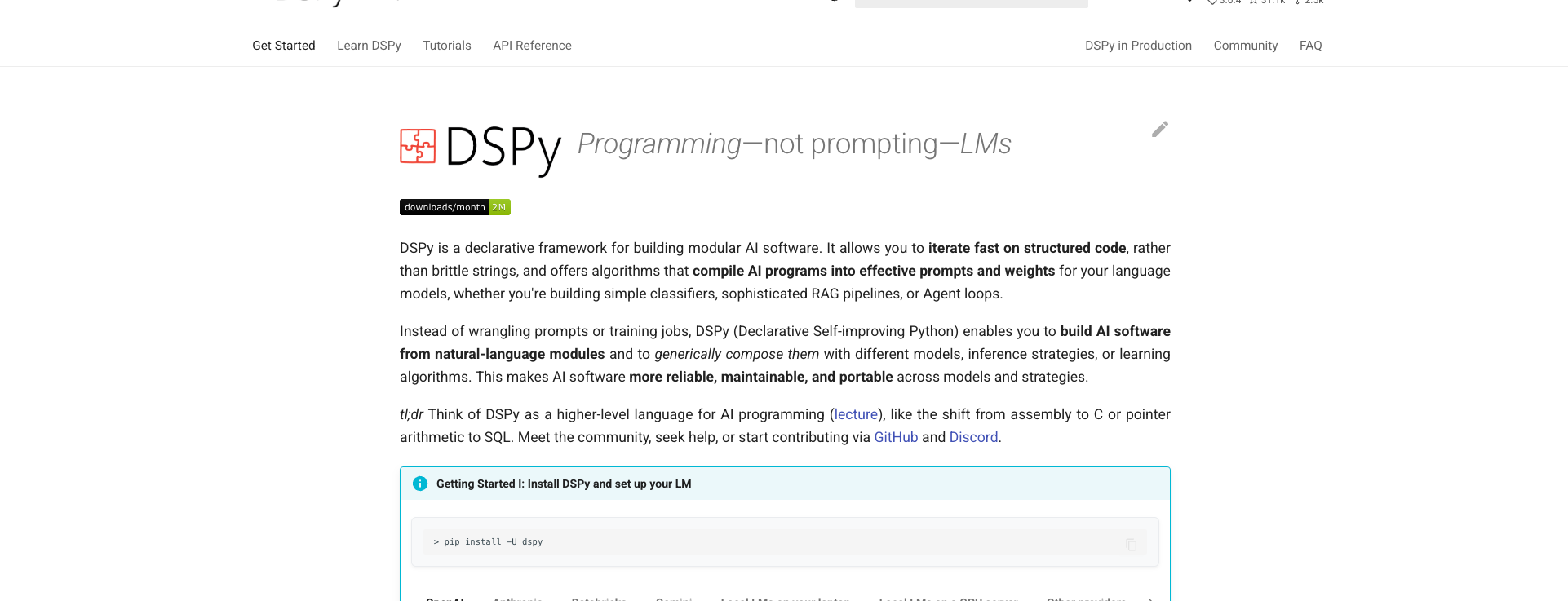
Best for: Teams who want AI to optimize their prompts
DSPy takes a fundamentally different approach. Instead of manually crafting prompts, you define what you want and DSPy optimizes the prompts automatically.
Basic DSPy Pattern
import dspy

# Define what you want, not how to prompt
class RAGSignature(dspy.Signature):
    """Answer questions based on retrieved context."""

    context = dspy.InputField(desc="relevant passages")
    question = dspy.InputField()
    answer = dspy.OutputField(desc="detailed answer")

# DSPy compiles this into optimized prompts
class RAGModule(dspy.Module):
    def __init__(self):
        self.generate = dspy.ChainOfThought(RAGSignature)

    def forward(self, context, question):
        return self.generate(context=context, question=question)

# Optimize based on examples
optimizer = dspy.BootstrapFewShot(metric=my_metric)
optimized_rag = optimizer.compile(RAGModule(), trainset=examples)
DSPy "compiles" your signature into optimized prompts by testing variations against your training examples.
DSPy pricing: Free and open-source.
8. LangGraph: When You Need LangChain's Ecosystem
Best for: Complex stateful agents that need LangChain integrations
LangGraph is built on top of LangChain but adds what LangChain lacks: stateful, cyclical workflows with proper debugging tools.
If you're already invested in LangChain's ecosystem, LangGraph might be the upgrade path rather than a complete switch.
Stateful Agent with LangGraph
from langgraph.graph import StateGraph
from typing import TypedDict, Annotated
import operator

class AgentState(TypedDict):
    messages: Annotated[list, operator.add]
    next_step: str

# Define nodes
def research(state: AgentState):
    # Research logic
    return {"messages": [f"Research complete"], "next_step": "analyze"}

def analyze(state: AgentState):
    # Analysis logic
    return {"messages": [f"Analysis complete"], "next_step": "end"}

# Build graph
workflow = StateGraph(AgentState)
workflow.add_node("research", research)
workflow.add_node("analyze", analyze)
workflow.add_edge("research", "analyze")
workflow.set_entry_point("research")

# Compile and run
app = workflow.compile()
result = app.invoke({"messages": [], "next_step": "research"})
LangGraph's state management and time-travel debugging make complex agent workflows manageable.
LangGraph pricing: Free and open-source. LangSmith observability available separately.
Performance Optimization Tricks
Here's what most tutorials won't tell you about optimizing LLM applications:
1. Bypass Abstractions for Hot Paths
import aiohttp
import numpy as np

async def fast_retrieve(query_embedding, doc_embeddings, docs, top_k=5):
    """Direct vector similarity - 3x faster than framework methods"""
    # Cosine similarity without framework overhead
    scores = np.dot(doc_embeddings, query_embedding) / (
        np.linalg.norm(doc_embeddings, axis=1) * np.linalg.norm(query_embedding)
    )
    top_indices = np.argsort(scores)[-top_k:][::-1]
    return [(docs[i], scores[i]) for i in top_indices]
Framework retrievers add convenience but also latency. For production hot paths, direct NumPy operations are 3x faster.
2. Cache Aggressively
from functools import lru_cache
import hashlib

prompt_cache = {}

def get_cache_key(prompt: str, model: str) -> str:
    return hashlib.md5(f"{prompt}:{model}".encode()).hexdigest()

def cached_llm_call(prompt: str, model: str = "gpt-4"):
    cache_key = get_cache_key(prompt, model)

    if cache_key in prompt_cache:
        return prompt_cache[cache_key]

    result = actual_llm_call(prompt, model)
    prompt_cache[cache_key] = result
    return result
Identical prompts produce identical outputs. Cache by prompt hash to avoid redundant API calls.
3. Parallel Processing
from concurrent.futures import ThreadPoolExecutor
import asyncio

def parallel_rag(queries: list[str], query_engine) -> list:
    """Process multiple queries in parallel"""
    with ThreadPoolExecutor(max_workers=10) as executor:
        futures = [executor.submit(query_engine.query, q) for q in queries]
        return [f.result() for f in futures]

# Async version
async def async_parallel_rag(queries: list[str], async_query_engine):
    tasks = [async_query_engine.query(q) for q in queries]
    return await asyncio.gather(*tasks)
Most frameworks support parallel execution. Use it to process batch queries 10x faster.
4. Intelligent Retry with Backoff
import random
import time
from functools import wraps

def smart_retry(max_retries=5, base_delay=1):
    def decorator(func):
        @wraps(func)
        def wrapper(*args, **kwargs):
            for attempt in range(max_retries):
                try:
                    return func(*args, **kwargs)
                except Exception as e:
                    if attempt == max_retries - 1:
                        raise
                    # Exponential backoff with jitter
                    delay = (base_delay * 2 ** attempt) + random.uniform(0, 1)
                    time.sleep(delay)
        return wrapper
    return decorator

@smart_retry(max_retries=5)
def robust_llm_call(prompt):
    return client.chat.completions.create(...)
Rate limits and transient failures are inevitable. Exponential backoff with jitter prevents thundering herd problems.
The Decision Matrix: Picking Your Weapon
| Your Situation | Best Choice | Why |
|---|---|---|
| RAG is your primary use case | LlamaIndex | Purpose-built for retrieval, 40% faster |
| Building multi-agent systems | CrewAI | Lightweight, automatic context sharing |
| Production search at scale | Haystack | Pipeline architecture, enterprise-ready |
| You want pure Python | Mirascope | Zero abstractions, native patterns |
| Non-developers building AI | Flowise | Visual drag-and-drop builder |
| Need 400+ app integrations | n8n | Workflow automation + AI |
| Want automatic prompt tuning | DSPy | Compiler-based optimization |
| Already using LangChain | LangGraph | Stateful upgrade path |
The Dirty Secret
The best framework is the one your team can debug at 3 AM when production is down. Sometimes that means choosing boring over cutting-edge.
Most production AI applications use a hybrid approach—one tool for prototyping, then gradually replacing components with specialized tools or custom code as requirements clarify.
LangChain isn't bad—it's just not always right. Each alternative has carved out its niche by doing one thing exceptionally well rather than everything adequately.
What's Next for 2026
The AI framework space moves fast. Here's what to watch:
Convergence: Frameworks are converging on similar capabilities. The differentiators will be developer experience and ecosystem depth.
Local-First: Tools like Ollama integration are making local LLM deployment standard. Expect all frameworks to support hybrid cloud/local execution.
Multi-Modal: Text-only RAG is becoming table stakes. Look for native image, audio, and video support.
Agentic by Default: Single-prompt applications are giving way to multi-step, autonomous agents. Every framework is adding agent capabilities.
Choose your tools wisely, but don't get religiously attached. The goal is shipping working AI, not framework purity.





![IPRoyal vs Oxylabs: Which provider is better? [2026]](https://cdn.roundproxies.com/blog-images/2026/02/iproyal-vs-oxylabs-1.png)