




Cloudscraper served its purpose, but Cloudflare's defenses have evolved far beyond what it can handle. If you're seeing endless 403 errors, Turnstile CAPTCHAs, and Error 1020 "Access Denied" messages, you need tools built for 2026's reality.
This guide covers five Cloudscraper alternatives that actually work against modern anti-bot systems. You'll get working code examples, hidden configuration tricks, and practical advice for choosing the right tool for your scraping needs.
Ethics note: Only scrape data you're authorized to access. Respect robots.txt, rate limits, and regional privacy laws.
What is Cloudscraper and Why It Fails in 2026
Cloudscraper is a Python library built on top of requests that attempts to pass Cloudflare's JavaScript challenges by mimicking browser behavior without actually running a browser.
The approach worked when Cloudflare relied primarily on simple JS challenges. It no longer does.
Where Cloudscraper Falls Short
Stale maintenance: The library can't keep pace with Cloudflare's weekly updates to Bot Management v2.
No real JavaScript execution: Modern sites require actual browser rendering. Cloudscraper fakes it, and anti-bot systems detect the difference.
Missing behavioral signals: Real browsers produce mouse movements, scroll patterns, and timing variations. Cloudscraper produces none of these.
CAPTCHA blindness: When Cloudflare throws Turnstile, reCAPTCHA, or hCAPTCHA, Cloudscraper has no answer.
Fingerprint exposure: Advanced fingerprinting techniques (Canvas, WebGL, AudioContext) expose Cloudscraper immediately.
If your scraper worked six months ago but fails today, the problem isn't your code. Cloudflare evolved. Your tools need to catch up.
The 5 Best Cloudscraper Alternatives
| Alternative | Best For | Difficulty | Cost |
|---|---|---|---|
| Playwright + Stealth | JS-heavy sites, modern SPAs | Medium | Free |
| Undetected ChromeDriver | Selenium users, legacy code | Easy | Free |
| Camoufox | Maximum stealth, advanced anti-bots | Medium | Free |
| FlareSolverr | Cookie extraction, Docker setups | Easy | Free |
| Residential Proxies | IP rotation, all tools | Easy | Paid |
1. Playwright with Stealth Plugin
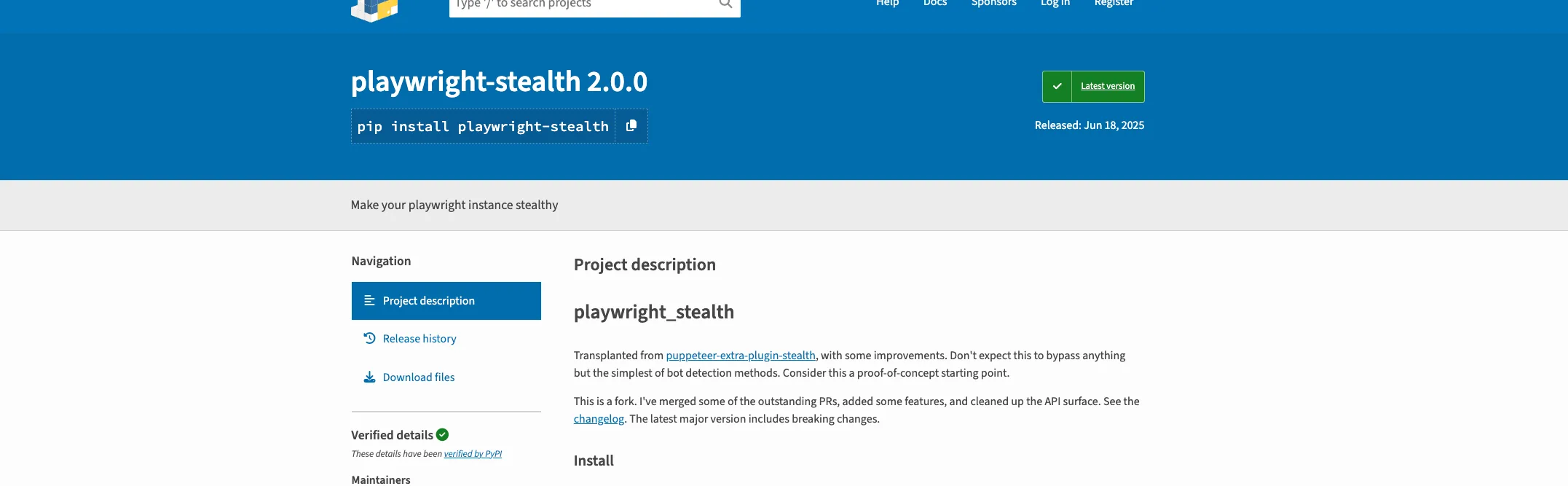
Playwright is the most widely used browser automation library in 2026. Built by Microsoft, it controls Chromium, Firefox, and WebKit with a clean API and excellent documentation.
The base library gets detected easily. Pair it with stealth plugins to mask automation signals.
Why Playwright Works
Playwright executes real JavaScript in real browsers. It handles single-page apps, dynamic content, and complex user interactions that HTTP-based scrapers can't touch.
The stealth plugin patches telltale automation properties like navigator.webdriver, headless browser flags, and WebGL fingerprints.
Installation
pip install playwright playwright-stealth
playwright install chromium
Basic Stealth Setup
from playwright.sync_api import sync_playwright
from playwright_stealth import stealth_sync

def scrape_with_stealth(url):
    with sync_playwright() as p:
        browser = p.chromium.launch(
            headless=True,
            args=[
                '--disable-blink-features=AutomationControlled',
                '--disable-dev-shm-usage',
                '--no-sandbox'
            ]
        )

        context = browser.new_context(
            viewport={'width': 1920, 'height': 1080},
            user_agent='Mozilla/5.0 (Windows NT 10.0; Win64; x64) AppleWebKit/537.36'
        )

        page = context.new_page()
        stealth_sync(page)

        page.goto(url, wait_until='networkidle')
        content = page.content()

        browser.close()
        return content
The code launches a headless Chromium browser with arguments that disable automation detection flags. The stealth_sync function patches the page to hide Playwright's fingerprints.
Advanced: Adding Proxy Support
Residential proxies improve success rates. Here's how to integrate them:
from playwright.sync_api import sync_playwright
from playwright_stealth import stealth_sync

def scrape_with_proxy(url, proxy_url):
    with sync_playwright() as p:
        browser = p.chromium.launch(
            headless=True,
            proxy={
                'server': proxy_url,
                # Add authentication if needed:
                # 'username': 'user',
                # 'password': 'pass'
            }
        )

        context = browser.new_context(
            viewport={'width': 1920, 'height': 1080}
        )

        page = context.new_page()
        stealth_sync(page)

        # Add random delay to mimic human behavior
        import random
        page.wait_for_timeout(random.randint(1000, 3000))

        page.goto(url, wait_until='networkidle')
        return page.content()
The proxy configuration routes all traffic through your proxy server. Random delays between requests reduce detection by making your scraper's timing pattern less predictable.
Hidden Trick: Persistent Sessions
Save Cloudflare cookies and reuse them across requests:
import os
from playwright.sync_api import sync_playwright
from playwright_stealth import stealth_sync

def scrape_with_persistent_session(url, session_dir='./browser_data'):
    with sync_playwright() as p:
        # Create persistent context that saves cookies/storage
        context = p.chromium.launch_persistent_context(
            session_dir,
            headless=True,
            args=['--disable-blink-features=AutomationControlled']
        )

        page = context.pages[0] if context.pages else context.new_page()
        stealth_sync(page)

        page.goto(url, wait_until='networkidle')
        content = page.content()

        context.close()
        return content
Persistent contexts store cookies between sessions. Once you pass Cloudflare's initial challenge, subsequent requests reuse that clearance.
Pros and Cons
Pros:
- Full JavaScript rendering
- Multi-browser support
- Excellent async capabilities
- Active development by Microsoft
Cons:
- Higher memory usage than HTTP clients
- Requires browser binaries
- Still detectable by advanced anti-bots without additional work
2. Undetected ChromeDriver
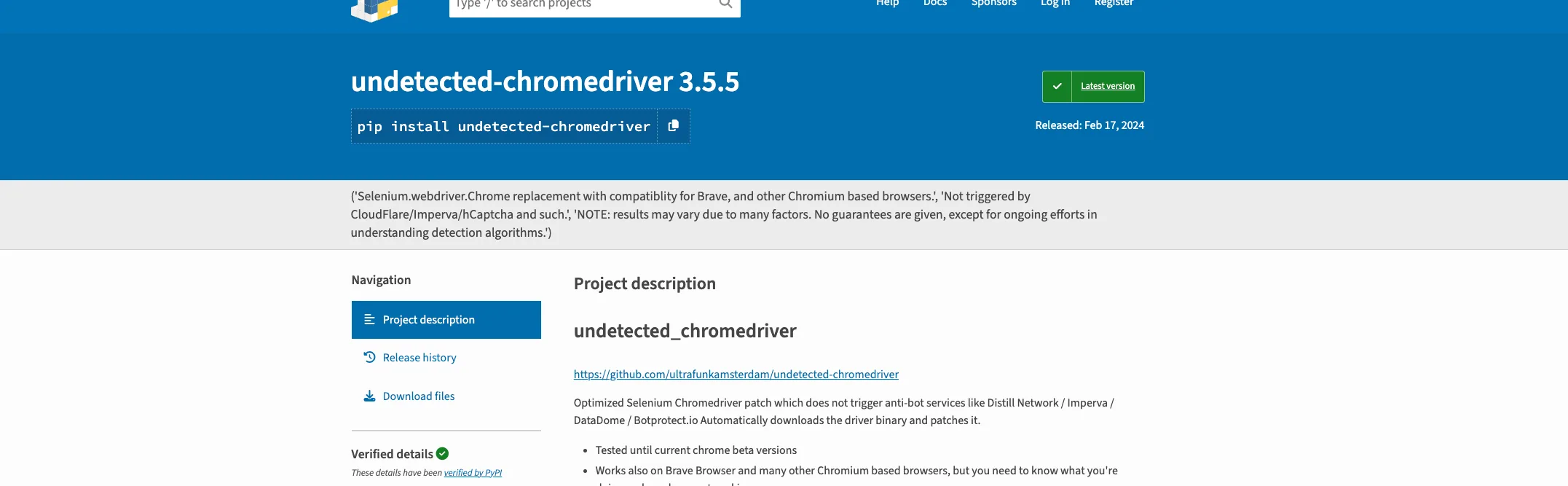
Undetected ChromeDriver patches Selenium's ChromeDriver to remove automation markers. If you have existing Selenium code, this is the fastest upgrade path.
Why It Works
Standard ChromeDriver exposes dozens of automation signals. Undetected ChromeDriver patches these at runtime:
- Removes
navigator.webdriverflag - Randomizes User-Agent strings
- Patches Chrome DevTools Protocol leaks
- Modifies browser fingerprints
Installation
pip install undetected-chromedriver
The library auto-downloads a compatible ChromeDriver binary. No manual driver management required.
Basic Usage
import undetected_chromedriver as uc

def scrape_undetected(url):
    options = uc.ChromeOptions()
    options.add_argument('--disable-gpu')
    options.add_argument('--no-sandbox')

    driver = uc.Chrome(
        options=options,
        use_subprocess=False,
        headless=True
    )

    driver.get(url)
    content = driver.page_source

    driver.quit()
    return content
The use_subprocess=False parameter runs ChromeDriver in the main process, reducing memory overhead and improving stealth.
Advanced: Human-Like Behavior Simulation
Anti-bot systems analyze interaction patterns. Add realistic behavior:
import undetected_chromedriver as uc
import random
import time

def scrape_with_human_behavior(url):
    options = uc.ChromeOptions()
    options.add_argument('--window-size=1920,1080')

    driver = uc.Chrome(options=options, headless=True)

    try:
        driver.get(url)

        # Wait for page load with random timing
        time.sleep(random.uniform(2, 4))

        # Simulate scrolling
        scroll_height = driver.execute_script(
            "return document.body.scrollHeight"
        )

        current_position = 0
        while current_position < scroll_height:
            scroll_amount = random.randint(200, 500)
            driver.execute_script(
                f"window.scrollBy(0, {scroll_amount});"
            )
            current_position += scroll_amount
            time.sleep(random.uniform(0.5, 1.5))

        # Scroll back to top
        driver.execute_script("window.scrollTo(0, 0);")
        time.sleep(random.uniform(1, 2))

        return driver.page_source

    finally:
        driver.quit()
This script mimics how humans actually browse: variable scroll distances, pauses between actions, and natural timing variations.
Adding Proxy Rotation
import undetected_chromedriver as uc

def scrape_with_rotating_proxy(url, proxy):
    options = uc.ChromeOptions()
    options.add_argument(f'--proxy-server={proxy}')

    driver = uc.Chrome(options=options, headless=True)

    try:
        driver.get(url)
        return driver.page_source
    finally:
        driver.quit()

# Usage with proxy rotation
proxies = [
    'http://proxy1.example.com:8080',
    'http://proxy2.example.com:8080',
    'http://proxy3.example.com:8080'
]

import random
proxy = random.choice(proxies)
html = scrape_with_rotating_proxy('https://example.com', proxy)
Rotate through your proxy pool to distribute requests across different IP addresses.
Critical Limitation
Undetected ChromeDriver does not hide your IP address. The library's GitHub page states this explicitly. Datacenter IPs will still get blocked.
Pair it with residential or ISP proxies for production scraping.
Pros and Cons
Pros:
- Drop-in Selenium replacement
- Automatic driver management
- Active community maintenance
- Works with existing Selenium code
Cons:
- Chrome-only (no Firefox/Safari)
- Heavy resource usage
- IP reputation still matters
- Can lag behind Cloudflare updates
3. Camoufox
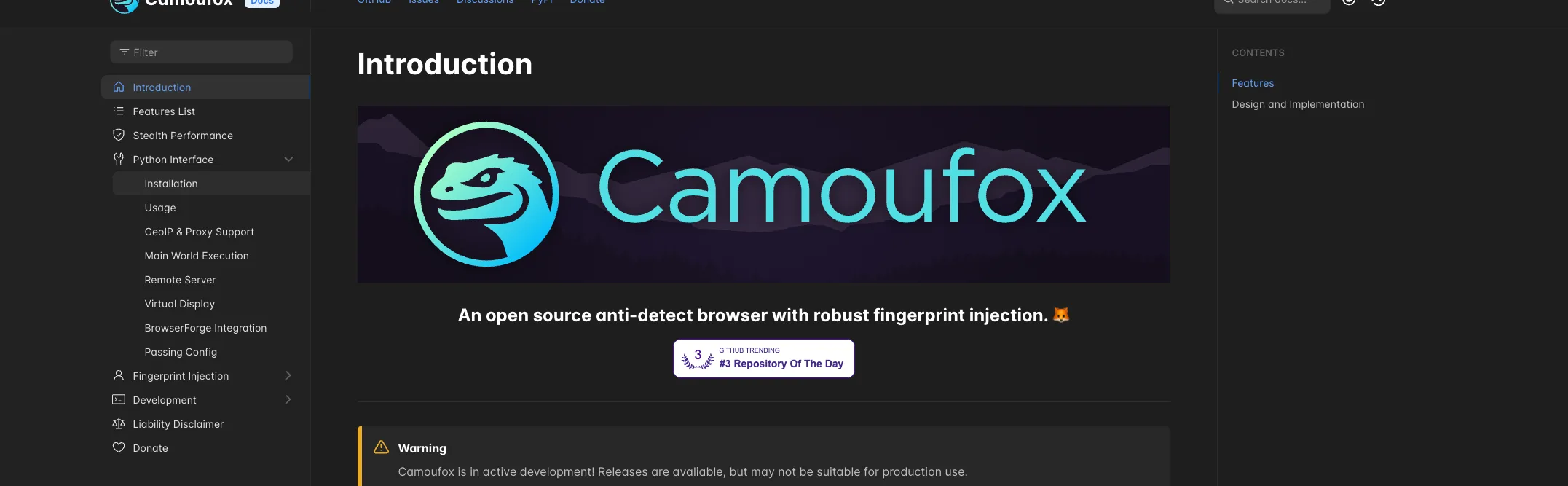
Camoufox goes further than JavaScript patching. Instead of patching JavaScript properties after page load, it modifies Firefox's C++ source code to inject fingerprints at the engine level.
Anti-bot systems can't detect JavaScript patches that don't exist.
Why Camoufox Stands Out
Most stealth tools inject JavaScript to override navigator.webdriver and similar properties. Sophisticated anti-bots detect this injection.
Camoufox modifies browser behavior at the C++ implementation layer. The fingerprint spoofing happens before JavaScript ever executes.
It passes CreepJS, BrowserScan, Fingerprint.com, and most commercial WAFs.
Installation
pip install camoufox[geoip]
python -m camoufox fetch
The geoip extra enables automatic geolocation matching with your proxy's location.
Basic Usage
from camoufox.sync_api import Camoufox

def scrape_with_camoufox(url):
    with Camoufox(headless=True) as browser:
        page = browser.new_page()
        page.goto(url)
        content = page.content()
        return content

html = scrape_with_camoufox('https://example.com')
Camoufox wraps Playwright's API. Your existing Playwright code needs minimal changes.
Advanced: Full Stealth Configuration
from camoufox.sync_api import Camoufox

def scrape_maximum_stealth(url, proxy_url=None):
    config = {
        'headless': True,
        'humanize': True,  # Enable human-like cursor movement
        'os': 'windows',   # Spoof Windows fingerprints
    }

    if proxy_url:
        config['proxy'] = {
            'server': proxy_url
        }

    with Camoufox(**config) as browser:
        page = browser.new_page()

        # Camoufox auto-matches timezone to proxy location
        page.goto(url, wait_until='networkidle')

        return page.content()
The humanize=True setting enables built-in cursor movement simulation that mimics natural mouse trajectories.
Async Mode for High Throughput
from camoufox.async_api import AsyncCamoufox
import asyncio

async def scrape_multiple_urls(urls):
    async with AsyncCamoufox(headless=True) as browser:
        tasks = []

        for url in urls:
            task = scrape_single_page(browser, url)
            tasks.append(task)

        results = await asyncio.gather(*tasks)
        return results

async def scrape_single_page(browser, url):
    page = await browser.new_page()
    await page.goto(url)
    content = await page.content()
    await page.close()
    return content

# Run it
urls = ['https://example1.com', 'https://example2.com']
results = asyncio.run(scrape_multiple_urls(urls))
Async mode handles concurrent pages efficiently. The browser shares resources across pages instead of launching separate instances.
Hidden Trick: Font Fingerprint Evasion
Font enumeration is a powerful fingerprinting vector. Camoufox randomizes font metrics:
from camoufox.sync_api import Camoufox

with Camoufox(
    headless=True,
    fonts=['Arial', 'Helvetica', 'Times New Roman']  # Specify common fonts
) as browser:
    page = browser.new_page()
    # Each session gets slightly different font rendering
By controlling the font list and randomizing rendering, you avoid font-based fingerprint correlation across sessions.
Pros and Cons
Pros:
- Engine-level fingerprint injection
- Passes most advanced detection
- Human-like cursor movement built-in
- Playwright API compatibility
Cons:
- Firefox-only
- Larger download size
- Active development (may have gaps during maintainer availability)
- WebGL disabled by default
4. FlareSolverr
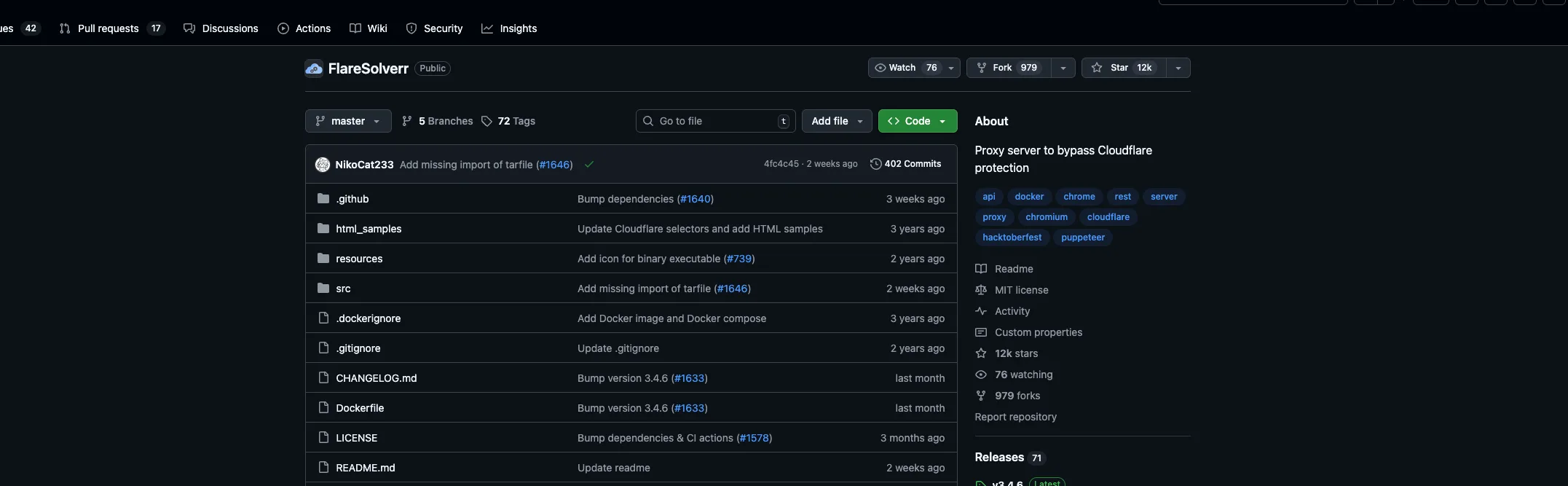
FlareSolverr takes a different approach. Instead of being a library you import, it's a proxy server that handles Cloudflare challenges for you.
Send requests to FlareSolverr. It opens a browser, solves the challenge, and returns HTML plus cookies.
Why Use FlareSolverr
FlareSolverr shines when you need Cloudflare cookies but want to make subsequent requests with lightweight HTTP clients.
Solve the challenge once, reuse cookies for dozens of requests.
Docker Installation
docker pull ghcr.io/flaresolverr/flaresolverr:latest

docker run -d \
  --name flaresolverr \
  -p 8191:8191 \
  -e LOG_LEVEL=info \
  ghcr.io/flaresolverr/flaresolverr:latest
FlareSolverr runs as a service on port 8191.
Basic Request
import requests

def solve_cloudflare(url):
    payload = {
        'cmd': 'request.get',
        'url': url,
        'maxTimeout': 60000
    }

    response = requests.post(
        'http://localhost:8191/v1',
        json=payload
    )

    result = response.json()

    if result['status'] == 'ok':
        return {
            'html': result['solution']['response'],
            'cookies': result['solution']['cookies'],
            'user_agent': result['solution']['userAgent']
        }

    raise Exception(f"FlareSolverr failed: {result['message']}")

data = solve_cloudflare('https://cloudflare-protected-site.com')
print(data['html'][:500])
The response includes the page HTML, Cloudflare clearance cookies, and the User-Agent string used.
Advanced: Reusing Cookies with Requests
Extract cookies from FlareSolverr and use them with the requests library:
import requests

def get_cloudflare_session(url):
    # Get cookies from FlareSolverr
    payload = {
        'cmd': 'request.get',
        'url': url,
        'maxTimeout': 60000
    }

    response = requests.post(
        'http://localhost:8191/v1',
        json=payload
    )

    result = response.json()

    if result['status'] != 'ok':
        raise Exception('Challenge failed')

    # Build session with extracted cookies
    session = requests.Session()

    for cookie in result['solution']['cookies']:
        session.cookies.set(
            cookie['name'],
            cookie['value'],
            domain=cookie.get('domain', ''),
            path=cookie.get('path', '/')
        )

    session.headers.update({
        'User-Agent': result['solution']['userAgent']
    })

    return session

# Create session once
session = get_cloudflare_session('https://target-site.com')

# Make multiple fast requests
for page in range(1, 10):
    response = session.get(f'https://target-site.com/page/{page}')
    print(f"Page {page}: {response.status_code}")
One FlareSolverr call gives you cookies that work for many subsequent requests. This approach is faster and uses fewer resources than launching a browser for every page.
Session Management
FlareSolverr supports persistent sessions:
import requests

FLARE_URL = 'http://localhost:8191/v1'

def create_session(session_id):
    payload = {
        'cmd': 'sessions.create',
        'session': session_id
    }
    return requests.post(FLARE_URL, json=payload).json()

def use_session(session_id, url):
    payload = {
        'cmd': 'request.get',
        'url': url,
        'session': session_id
    }
    return requests.post(FLARE_URL, json=payload).json()

def destroy_session(session_id):
    payload = {
        'cmd': 'sessions.destroy',
        'session': session_id
    }
    return requests.post(FLARE_URL, json=payload).json()

# Usage
session_id = 'my_scraper_session'
create_session(session_id)

for url in urls_to_scrape:
    result = use_session(session_id, url)
    # Process result...

destroy_session(session_id)
Sessions maintain browser state across requests. Create once, use many times, clean up when done.
Proxy Configuration
payload = {
    'cmd': 'request.get',
    'url': 'https://target.com',
    'proxy': {
        'url': 'http://proxy.example.com:8080'
    }
}
Add proxy configuration to route FlareSolverr's browser through your proxy.
Pros and Cons
Pros:
- Language-agnostic (HTTP API)
- Cookie extraction for lightweight clients
- Docker deployment simplifies setup
- Session management
Cons:
- Extra service to maintain
- Each browser instance uses 100-200MB RAM
- Can lag behind Cloudflare updates
- Turnstile CAPTCHA support is limited
5. Residential Proxies
Every tool in this guide works better with quality proxies. Residential and ISP proxies route traffic through real user IP addresses, making your requests harder for anti-bot systems to separate from organic traffic.
Why Proxies Matter
Anti-bot systems evaluate IP reputation heavily. Datacenter IPs are flagged immediately. Residential IPs from real ISPs pass scrutiny.
Integration with Requests
import requests

proxies = {
    'http': 'http://user:[email protected]:8000',
    'https': 'http://user:[email protected]:8000'
}

response = requests.get(
    'https://example.com',
    proxies=proxies,
    timeout=30
)
Sticky Sessions for Login Flows
Some scraping requires maintaining the same IP across multiple requests:
import requests

# Sticky session proxy URL (syntax varies by provider)
sticky_proxy = 'http://user:[email protected]:8000'

session = requests.Session()
session.proxies = {
    'http': sticky_proxy,
    'https': sticky_proxy
}

# All requests use the same IP
session.get('https://site.com/login')
session.post('https://site.com/login', data={'user': 'x', 'pass': 'y'})
session.get('https://site.com/protected-page')
Sticky sessions maintain the same exit IP for the session duration. Essential for authenticated scraping.
Proxy Rotation Pattern
import requests
import random
from itertools import cycle

class ProxyRotator:
    def __init__(self, proxy_list):
        self.proxies = cycle(proxy_list)
        self.current = next(self.proxies)

    def get_next(self):
        self.current = next(self.proxies)
        return {
            'http': self.current,
            'https': self.current
        }

    def request(self, url, max_retries=3):
        for attempt in range(max_retries):
            try:
                proxy = self.get_next()
                response = requests.get(url, proxies=proxy, timeout=30)
                response.raise_for_status()
                return response
            except requests.RequestException:
                continue
        raise Exception(f"Failed after {max_retries} attempts")

# Usage
proxy_list = [
    'http://user:[email protected]:8000',
    'http://user:[email protected]:8000',
    'http://user:[email protected]:8000'
]

rotator = ProxyRotator(proxy_list)
response = rotator.request('https://example.com')
Rotation distributes requests across IPs, reducing the chance any single IP gets flagged.
Proxy Types Comparison
| Type | Trust Level | Speed | Cost | Best For |
|---|---|---|---|---|
| Datacenter | Low | Fast | Cheap | Testing, non-protected sites |
| Residential | High | Medium | Expensive | Protected sites, sneaker sites |
| ISP | Very High | Fast | Expensive | Banking, high-security targets |
| Mobile | Highest | Slow | Very Expensive | Most aggressive anti-bots |
Residential and ISP proxies from providers like Roundproxies offer the trust level needed for Cloudflare-protected sites.
Choosing the Right Alternative
If you need the fastest setup: Use FlareSolverr. Docker installation takes minutes, and the HTTP API works from any language.
If you have existing Selenium code: Drop in Undetected ChromeDriver. Minimal code changes required.
If you're scraping JavaScript-heavy SPAs: Playwright with Stealth gives you the best combination of capability and maintainability.
If you're facing the toughest anti-bots: Camoufox's engine-level fingerprint injection beats most commercial solutions.
If you're getting blocked despite good code: Upgrade your proxies. Residential or ISP proxies solve most IP reputation issues.
Quick Reference: Code Snippets
Requests + Proxy + Timeout
import requests

def fetch(url, proxy_url):
    proxies = {'http': proxy_url, 'https': proxy_url}

    response = requests.get(
        url,
        proxies=proxies,
        timeout=30,
        headers={
            'User-Agent': 'Mozilla/5.0 (Windows NT 10.0; Win64; x64) AppleWebKit/537.36',
            'Accept-Language': 'en-US,en;q=0.9'
        }
    )
    response.raise_for_status()
    return response.text
Playwright + Wait for Selector
from playwright.sync_api import sync_playwright
from playwright_stealth import stealth_sync

with sync_playwright() as p:
    browser = p.chromium.launch(headless=True)
    page = browser.new_page()
    stealth_sync(page)

    page.goto('https://example.com')
    page.wait_for_selector('main, #app, .content', timeout=30000)

    print(page.title())
    browser.close()
Undetected ChromeDriver + Screenshot
import undetected_chromedriver as uc

driver = uc.Chrome(headless=True, use_subprocess=False)
driver.get('https://example.com')
driver.save_screenshot('page.png')
driver.quit()
Camoufox + Async Batch
from camoufox.async_api import AsyncCamoufox
import asyncio

async def batch_scrape(urls):
    async with AsyncCamoufox(headless=True, humanize=True) as browser:
        results = []
        for url in urls:
            page = await browser.new_page()
            await page.goto(url)
            results.append(await page.content())
            await page.close()
        return results

asyncio.run(batch_scrape(['https://site1.com', 'https://site2.com']))
Conclusion
Cloudscraper's time has passed. Cloudflare's Bot Management v2 requires tools that execute real JavaScript, produce behavioral signals, and manage browser fingerprints at a deeper level.
For 2026 scraping projects:
- Playwright + Stealth handles most modern sites with excellent developer experience
- Undetected ChromeDriver lets you keep existing Selenium code while improving stealth
- Camoufox beats advanced detection with engine-level fingerprint injection
- FlareSolverr extracts Cloudflare cookies for use with lightweight clients
- Residential proxies from quality providers make every tool work better
Start with Playwright for new projects. Add Camoufox when you hit walls. Upgrade your proxies when IP reputation becomes the bottleneck.
The tools exist. Pick the right one for your target.